Free trial
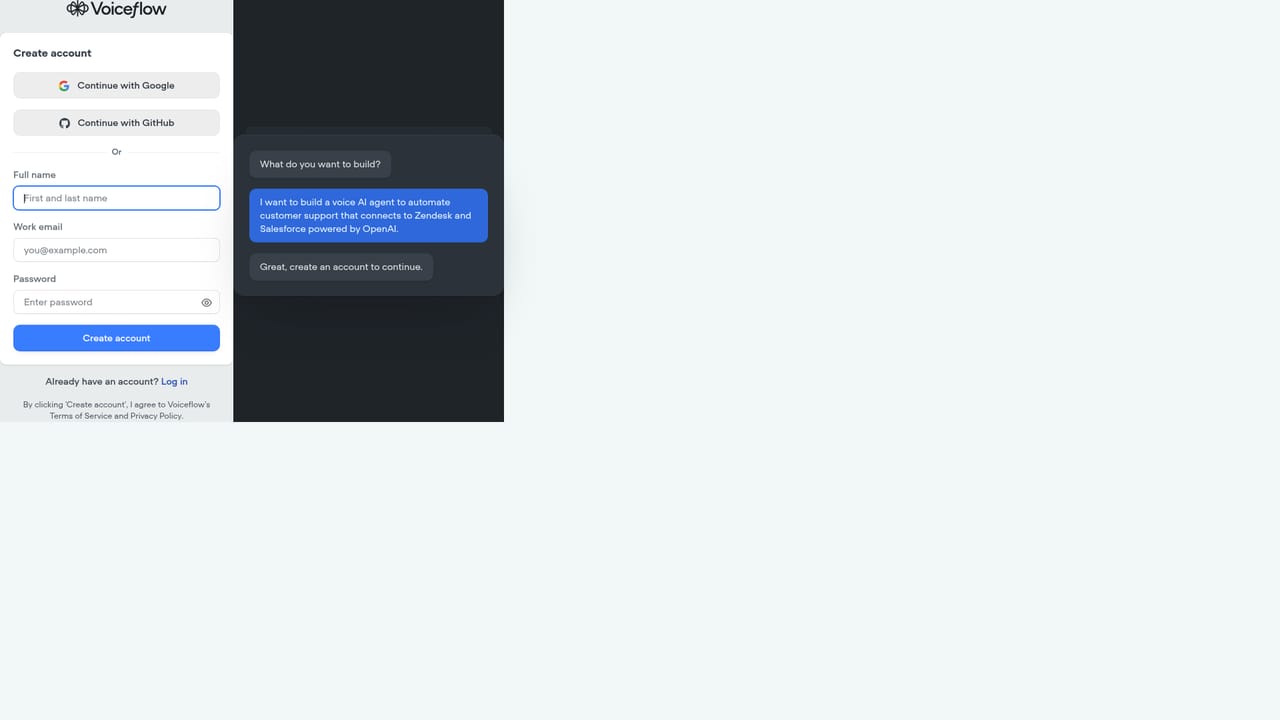
A free trial can be started from the signup page using a work email, which moves into the full editor rather than a limited demo.
Learn moreBuild, deploy and measure customer-facing chat and voice agents

Voiceflow is an AI chat bot tool that builds deploy and measure customer-facing chat and voice agents. Enterprise conversational AI platform for building, launching and measuring chat and voice agents across web, app, WhatsApp, SMS and voice, with playbooks, workflows, knowledge sources, tools, transcripts, analytics and split testing for customer support teams.
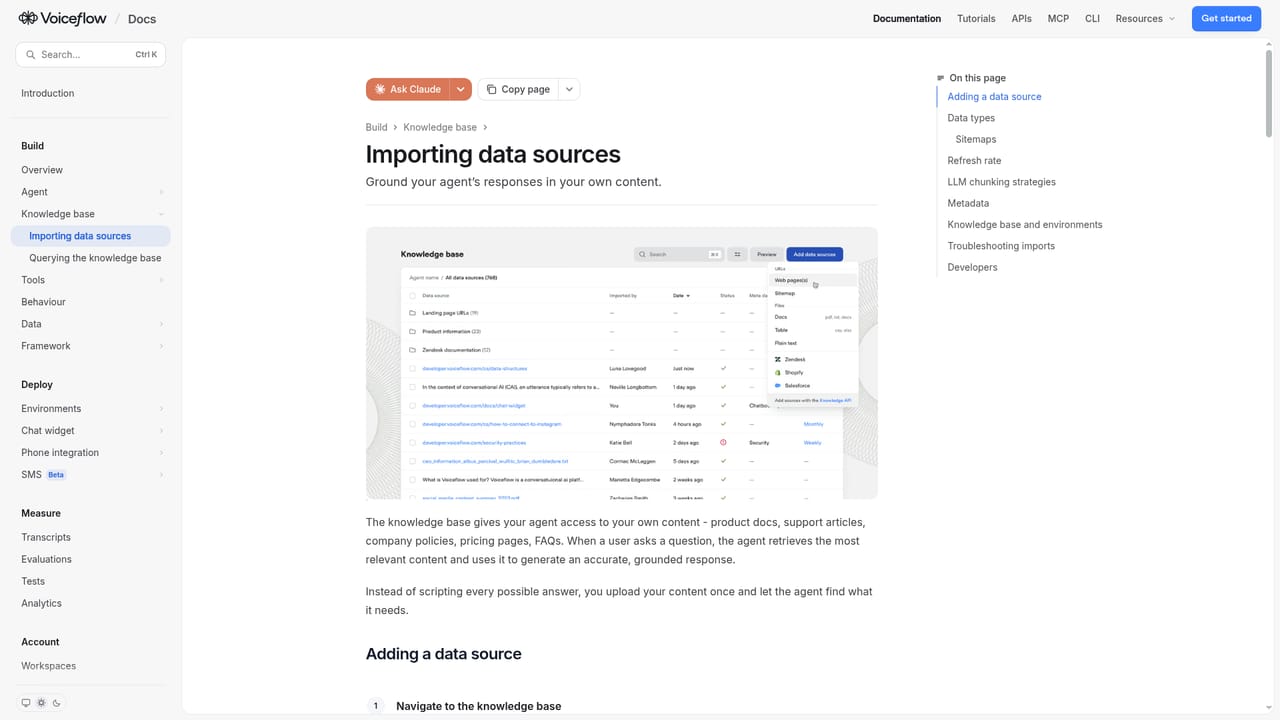
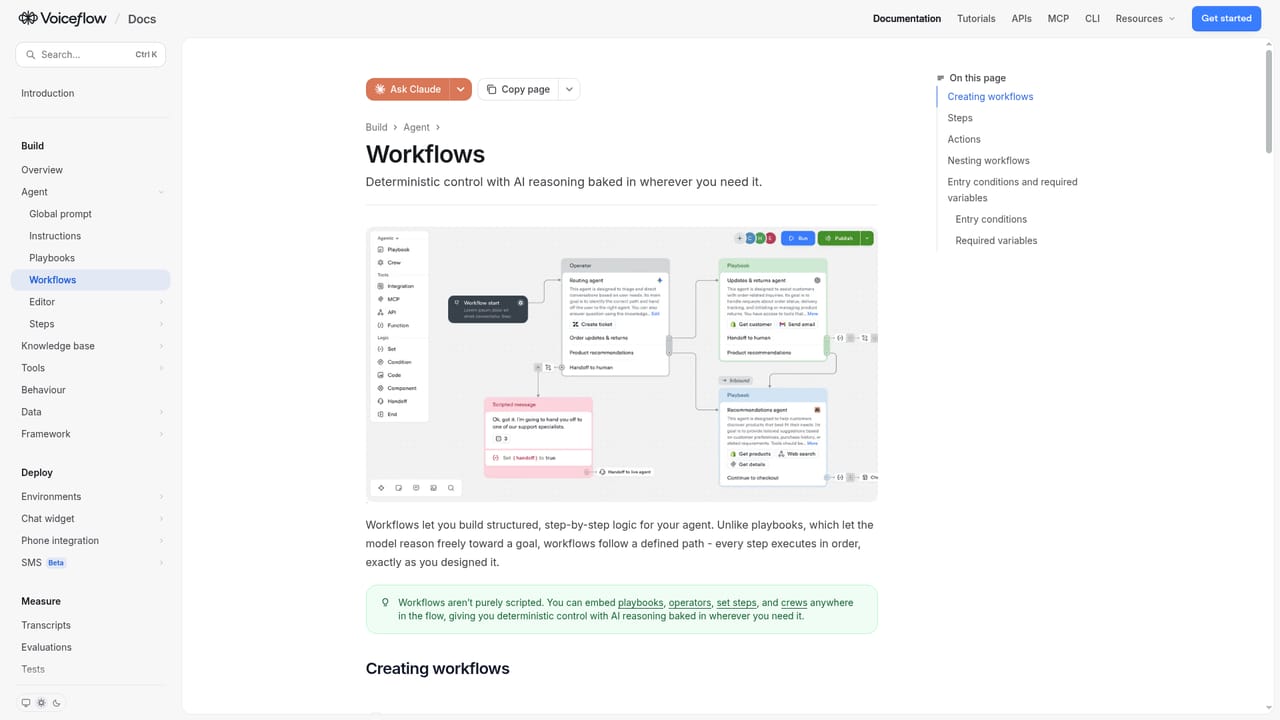
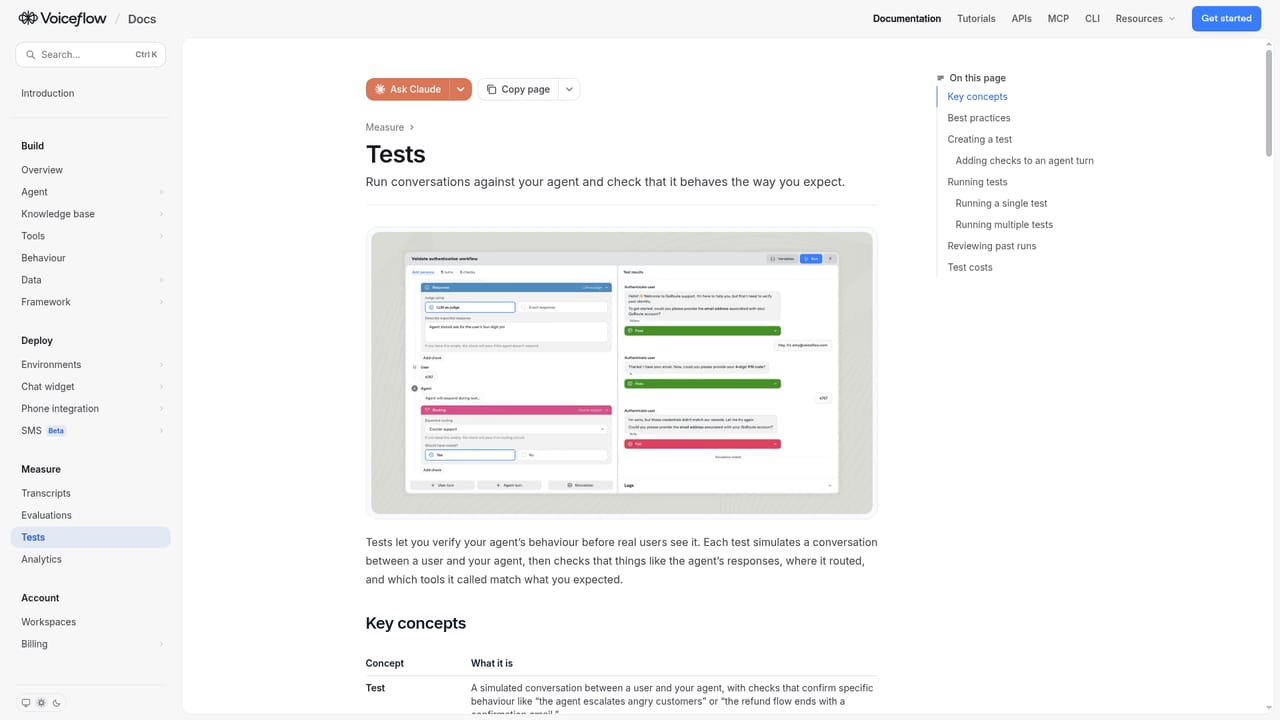
Voiceflow is an enterprise platform for building conversational AI agents that handle customer experiences across web, app, WhatsApp, SMS and voice. The company reports more than 3,000 customers, over 10,000 live agents and more than a billion messages processed, which places it firmly in the customer support and CX automation camp rather than the hobbyist chatbot space. The product is organized around a few connected parts. Agent Studio holds the persona, tone and instructions that shape how the agent behaves. Playbooks capture support policies and domain expertise so the agent resolves requests consistently. Workflows let teams encode business processes with branches for things like policy exceptions, refund approval and specialist escalation. Knowledge imports sources such as help centre articles, policy PDFs, Notion pages, documents and spreadsheets, while Tools connect the agent to systems it needs to act on, including Salesforce, Zendesk, Shopify, HubSpot, Twilio, Intercom and ServiceNow. An assistant named Atlas investigates conversations, finds where customers get stuck and helps refine playbooks and validate improvements. The measurement layer is unusually complete for this category. Transcripts show what customers said and how the agent responded, with evaluations for resolution, quality and policy compliance. Analytics tracks outcomes such as resolution rate and handoffs to human teams. Agent logs explain each action the agent took, and tests with simulations catch problems before launch. Split testing moves a percentage of production traffic to a new version, and a CLI plus function tools let engineering teams work in their own editors and pipelines. It suits CX, support, product and engineering teams that need a governed, collaborative way to ship agents, and the cited stories show deployments in the range of 12 weeks from concept to live. Smaller teams wanting a simple FAQ bot may find the surface area heavy, and the platform competes with support suites that bundle native bot builders rather than sitting alongside them.
A free trial can be started from the signup page using a work email, which moves into the full editor rather than a limited demo.
Learn moreTools connect agents to systems including Salesforce, Zendesk, Shopify, HubSpot, Airtable, Gmail, Google Sheets, Make, Twilio, Intercom, Freshdesk, ServiceNow, NICE, Genesys, Five9 and Amazon Connect.
Learn moreAgent Studio for persona and instructions, playbooks for policies, workflows with branching logic, knowledge imports from documents and help centres, tools for actions in external systems, custom function code, Atlas analysis, transcripts, analytics, agent logs, tests and simulations, split testing and a CLI.
Learn more AI Angels400+ customizable AI girlfriends for NSFW chat, voice calls, and roleplay
 Candy AIExperience the future of companionship with AI friends who chat, role-play, and connect with you on a human level.
 ourdream.aiA vast AI roleplay platform with millions of characters for chat, images, video and voiceAI Angels400+ customizable AI girlfriends for NSFW chat, voice calls, and roleplayCandy AIExperience the future of companionship with AI friends who chat, role-play, and connect with you on a human level.ourdream.aiA vast AI roleplay platform with millions of characters for chat, images, video and voice


