Free trial
The site invites visitors to start for free, but the homepage does not state trial length, usage caps or what the free tier includes.
Learn moreAI notetaker that records, transcribes and summarises meetings without a bot
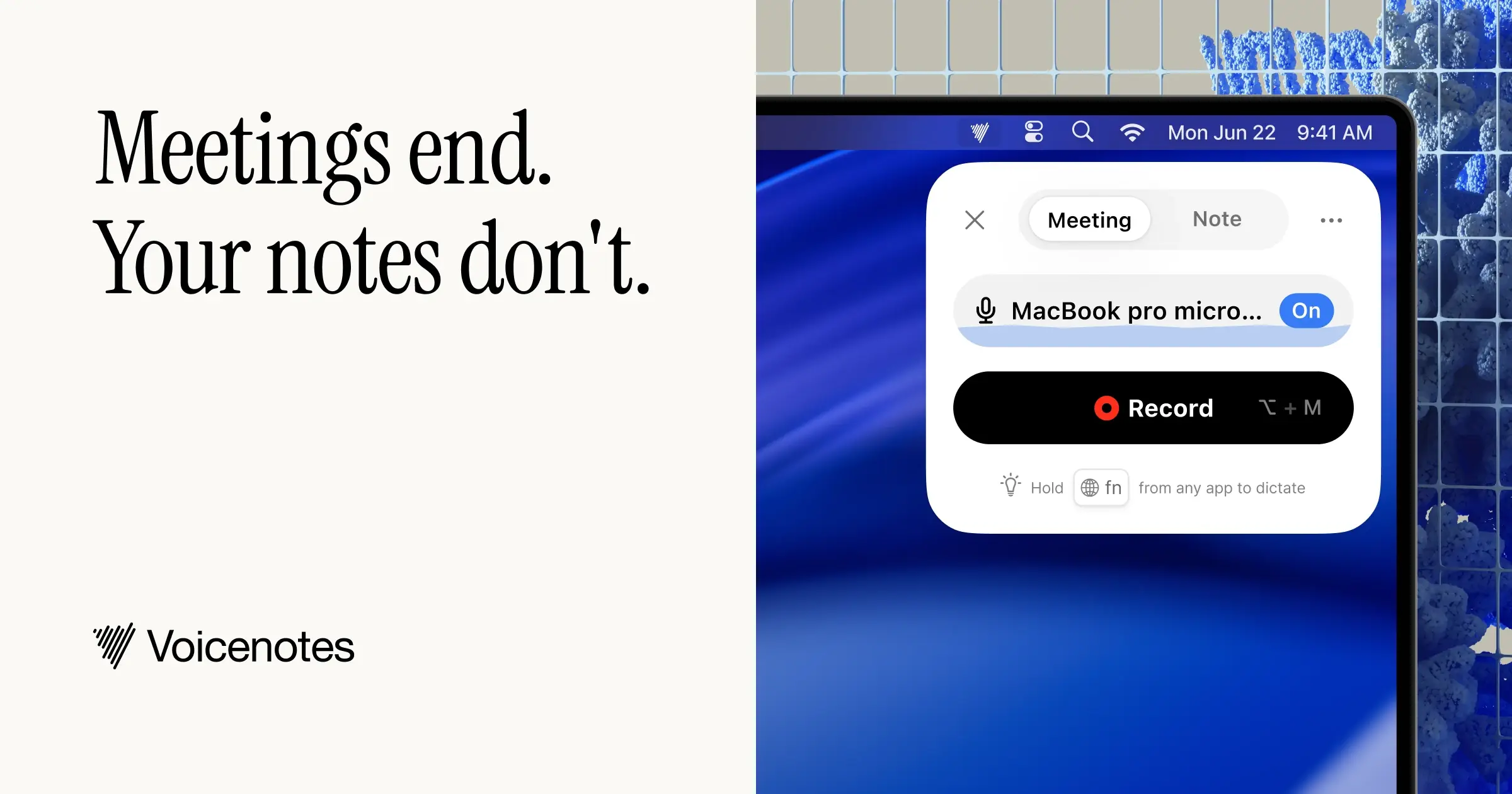
Voicenotes records meetings and dictation, then produces transcripts, summaries and action items without sending a bot into the call. Supports 60+ languages, offers ask AI search over past notes, and runs on desktop, mobile, web and watch, with a stated focus on privacy and confidential conversations.
Voicenotes is an AI notetaker built around a single idea: press record, stay in the conversation, and leave with notes you can act on. It captures both online and in person conversations, then produces a transcript, a summary, action items and next steps that are ready the moment the call ends. Rather than sending a bot into the meeting room, the app records from the device itself, which is why the company markets it for confidential discussions. The workflow is deliberately plain. A recording, its transcript and the extracted key points sit together on one note, so a question about what was decided can be answered by going back to the source. Extra context can be typed onto the note while recording. After the meeting, output can be sent to a team, exported as a PDF or shared as a link, and the same material can be reshaped into follow-up emails, reports, to-do lists or a team wide recap. Beyond meetings, the product covers the dictation case: spoken thoughts become written notes that the assistant can search and query later. An ask AI layer answers questions across the archive of past recordings, so the value compounds as the library grows. Language support covers more than 60 languages with automatic detection, including switching language mid sentence, which suits distributed teams and heavy accents. It is aimed at people who live in meetings and already take rough notes by hand: founders, sales teams, engineers, consultants and anyone who types up recaps afterwards. Developers and technically minded users can wire it into external assistants through MCP. As a privacy first option it sits against bot based notetakers such as those that join Zoom or Meet as a participant, though buyers should weigh that positioning against the feature set of bigger meeting suites. Apps exist for macOS, iOS, Windows, Android, web and watch platforms, plus a Chrome extension. The company states SOC 2 Type II and GDPR compliance, encryption, and a commitment not to train models on user data.
The site invites visitors to start for free, but the homepage does not state trial length, usage caps or what the free tier includes.
Learn moreSupport runs through a help centre with a FAQ, a feedback form, an issue reporting form and a direct support email. There is also a blog and an active community the team points to.
Learn moreThe homepage shows logos for Slack, Zoom, Microsoft Teams, Google Meet and Webex, and states it works with meeting apps without a bot; it also references an MCP route for connecting to outside assistants. Specific integration behaviour is not described.
Recording for online and in person meetings, transcripts with key points, AI summaries with action items and next steps, ask AI search across past notes, dictation to written notes, 60+ languages with automatic detection and mid sentence switching, exports including PDF, sharing links, and MCP for connecting external assistants.
 AI Angels400+ customizable AI girlfriends for NSFW chat, voice calls, and roleplay
 Candy AIExperience the future of companionship with AI friends who chat, role-play, and connect with you on a human level.
 ourdream.aiA vast AI roleplay platform with millions of characters for chat, images, video and voiceAI Angels400+ customizable AI girlfriends for NSFW chat, voice calls, and roleplayCandy AIExperience the future of companionship with AI friends who chat, role-play, and connect with you on a human level.ourdream.aiA vast AI roleplay platform with millions of characters for chat, images, video and voice





