Free trial
Free account with one voice clone and up to 3,000 characters, no credit card needed. The homepage also offers three free previews of up to 500 characters without sign-up.
Learn moreClone your voice from a short sample and speak in 24 languages
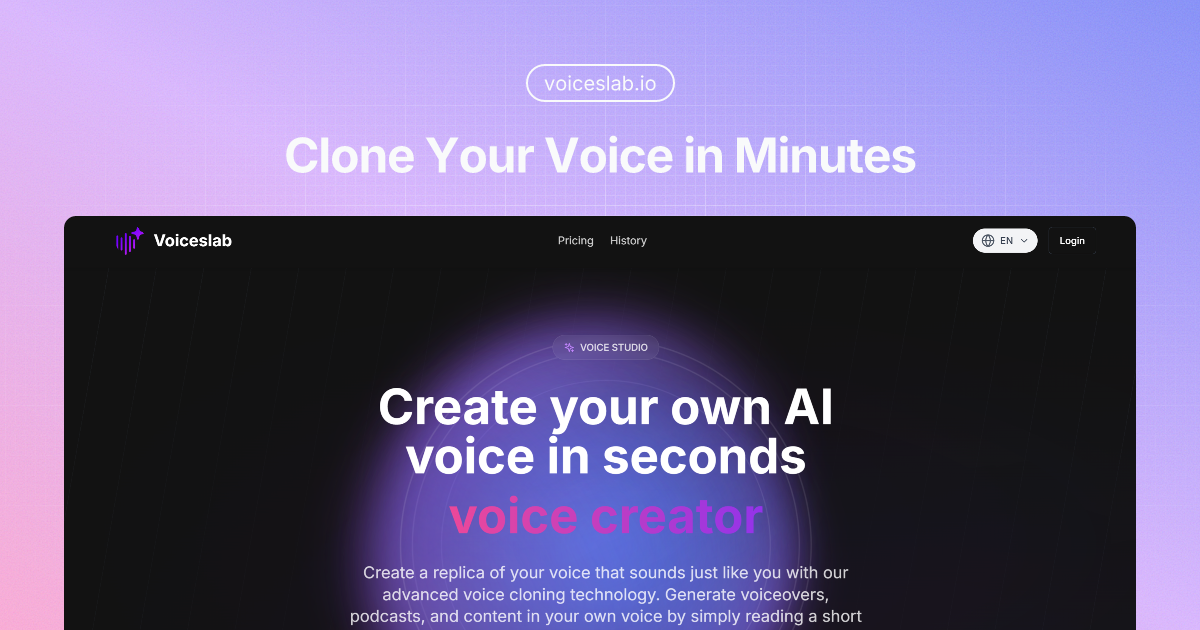
Voiceslab is a generate similar music tool that clones your voice from a short sample and speak in 24 languages. Voiceslab is a web voice cloning studio that turns a 10 to 60 second sample into a reusable synthetic voice for text-to-speech in 24 languages.
Voiceslab is a web-based voice cloning studio that builds a synthetic copy of a person's voice from a short recording. The user uploads or records a clear sample of roughly 10 to 60 seconds, names the clone, picks its language, and the system learns tone, accent and speaking style. Afterwards, any typed text can be turned into speech in that voice through the Text-to-Speech page by choosing the cloned voice option. The product is aimed at people who produce spoken content regularly and do not want to sit in front of a microphone for every update. Podcasters can revise intros and outros without returning to a studio, authors can narrate audiobooks in their own voice, marketers can voice video ads, and internal communications teams can deliver training or leadership messages in a consistent voice. The site also promotes multilingual reach: 24 languages are supported, including Arabic, Cantonese, Hindi, Japanese, Korean and Ukrainian, with the claim that accent and cadence carry across languages. In practice the workflow is short. A free account includes one voice clone and up to 3,000 characters of generation without a credit card, and the homepage offers a few short previews of stock voices before sign-up. A voice library lists ready-made voices alongside personal clones. Each generation is capped at 10,000 characters, so longer scripts must be split into segments. Pauses and speech rate cannot be controlled directly on cloned voices; punctuation is the only lever for pacing. The site states end-to-end encryption, SOC2 compliance and roughly half a second of latency for real-time use, though these are vendor claims. Among alternatives, Voiceslab sits in the focused, low-friction tier of cloning tools. It lacks the editing timelines, dubbing suites or fine prosody controls of larger voice platforms, but it keeps the path from sample to finished audio short, which suits creators and small teams who mainly need a believable copy of one voice.
Free account with one voice clone and up to 3,000 characters, no credit card needed. The homepage also offers three free previews of up to 500 characters without sign-up.
Learn moreA free account includes one voice clone and up to 3,000 characters of generation, with no credit card required. Paid plans add more voice clones and larger character allowances; exact prices are on the pricing page.
Learn moreThe homepage has an FAQ covering sample quality, clone creation, usage and limits, plus a blog. No dedicated support channel is stated.
Voice cloning from a 10 to 60 second sample, text-to-speech with cloned voices, 24 languages, a voice library, free stock voice previews, 10,000 character generations, about 0.5s latency, and stated end-to-end encryption and SOC2 compliance.
 AI Angels400+ customizable AI girlfriends for NSFW chat, voice calls, and roleplay
 Candy AIExperience the future of companionship with AI friends who chat, role-play, and connect with you on a human level.
 ourdream.aiA vast AI roleplay platform with millions of characters for chat, images, video and voiceAI Angels400+ customizable AI girlfriends for NSFW chat, voice calls, and roleplayCandy AIExperience the future of companionship with AI friends who chat, role-play, and connect with you on a human level.ourdream.aiA vast AI roleplay platform with millions of characters for chat, images, video and voice