Support
The FAQ invites visitors to contact the team for further questions, and API documentation is mentioned. No support channels or response times are specified.
Zero-shot voice cloning, text-to-speech and transcription in one web tool
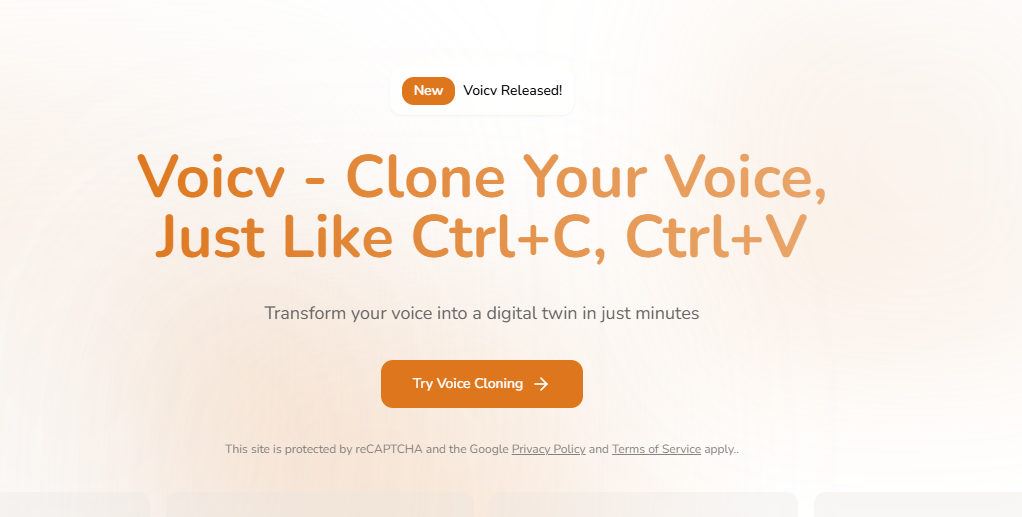
Voicv is a web platform for voice cloning from 10 to 30 second samples, multilingual text-to-speech, speech-to-text transcription and talking avatar videos, aimed at creators, podcasters, businesses and voice professionals.
Voicv is a web-based audio platform that groups three related jobs under one roof: cloning a voice, turning written text into speech, and transcribing recordings back into text. A fourth tool, a talking avatar generator, pairs a still image with either generated or uploaded audio to produce a short video of a speaking figure. The cloning feature is built around zero-shot learning. A sample of roughly 10 to 30 seconds is analyzed for pitch, tone and rhythm, and the resulting voice can then read new text. The site says processing takes a few minutes. Output can be steered with emotion settings and with cues such as pauses, breaths and laughter, and speed and pitch can be adjusted. Supported languages are English, Japanese, Korean, Chinese, French, German, Arabic and Spanish, so a creator can voice content in several languages while keeping one recognizable sound. The intended audience is fairly broad: podcasters localizing episodes, video creators, audiobook and e-learning producers, professional voice actors who want to take on more work, businesses seeking a consistent brand voice, and people who want to preserve or reuse their own voice for accessibility reasons. The speech-to-text side targets meeting notes, content repurposing and searchable archives of spoken material. An API with documentation is mentioned for teams that want to run it inside their own infrastructure. Voicv also states a consent-first policy. Voice owners must explicitly agree to cloning, deceptive uses are prohibited, and watermarking is used to help trace misuse. Commercial use is allowed within its terms of service, provided the user has authorization for the voice being cloned. Among alternatives, Voicv sits closer to all-in-one voice suites than to single-purpose cloners or transcription services. Buyers who need only one function may find specialist products deeper, while those who want cloning, narration, transcription and avatar video from one account will find the bundle convenient. The homepage does not publish pricing, so cost comparison requires visiting the product itself.
The FAQ invites visitors to contact the team for further questions, and API documentation is mentioned. No support channels or response times are specified.
The homepage mentions a production-ready API with documentation for deploying Voicv in your own infrastructure. No third-party integrations are listed.
Zero-shot voice cloning from 10 to 30 seconds of audio, text-to-speech with customizable voices, speech-to-text transcription, talking avatar video, eight languages, emotion, pitch and speed control, pauses, breaths and laughter, plus an API for enterprise deployment.
Learn more AI Angels400+ customizable AI girlfriends for NSFW chat, voice calls, and roleplay
 Candy AIExperience the future of companionship with AI friends who chat, role-play, and connect with you on a human level.
 ourdream.aiA vast AI roleplay platform with millions of characters for chat, images, video and voiceAI Angels400+ customizable AI girlfriends for NSFW chat, voice calls, and roleplayCandy AIExperience the future of companionship with AI friends who chat, role-play, and connect with you on a human level.ourdream.aiA vast AI roleplay platform with millions of characters for chat, images, video and voice


