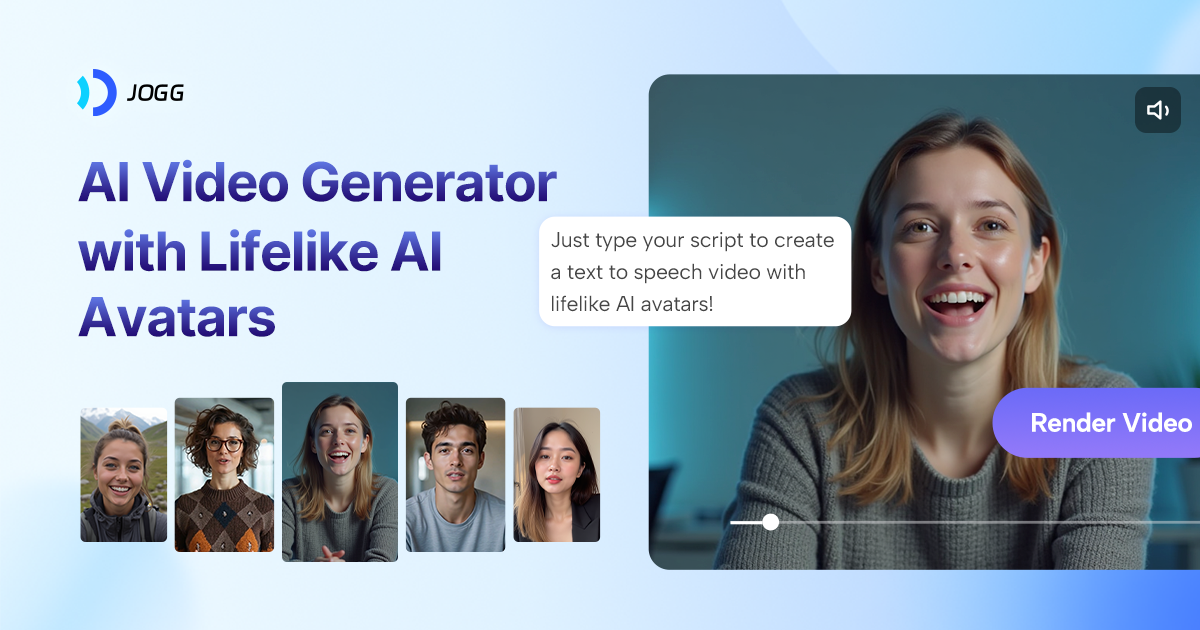
What talking photo tools do
A talking photo tool takes a single still image, usually a face, and turns it into a short video in which the person speaks, sings or reacts. The input is an audio file, a typed script or a voice the tool generates, and the output is a clip with matching mouth movement and facial motion.
The main thing they replace is a filming session. Instead of booking a presenter, setting up a camera and recording retakes, a team can produce a spoken explainer, a product message or a social clip from one photo. Creators use them to build avatars and AI influencers, educators to narrate lessons, and casual users to make singing or novelty clips from family photos.
How to choose a talking photo tool
Start with the input you already have. Some tools work from a photo plus an audio clip or MP3, others from a photo plus a script and a voice, and a few add text prompts for fuller scenes. If the voice recording exists, an audio-driven tool is the shortest path. If only the words exist, pick one that writes the voice for you.
Then check these points:
- Clip length. Many tools produce short clips, while CraftStory advertises talking videos of up to 30 minutes from a single photo.
- Languages. D-ID lists over 120 languages for script-based avatar videos, which matters for localized content.
- Consistency. For a recurring character, look for a tool that locks one face and voice, such as Scenova AI or The Influencer AI.
- Faces per image. LipSyncAI.org supports multiple faces, useful for group photos.
- Pricing model. Options range from pay-as-you-go to subscriptions, free credits and trials, so match the model to how often clips will be made.
- Platform. Nearly all are web apps. xpression camera is the exception, running on Windows, MacOS, iOS and Android.
Notable talking photo tools
- Gaga AI turns a photo and an audio clip into a talking AI avatar video, with free, freemium and paid options.
- D-ID converts scripts and briefs into talking avatar videos in over 120 languages, offered as a free trial and paid plans.
- CraftStory makes photorealistic talking videos from a single photo, with lengths reaching 30 minutes and a freemium plan.
- TalkPix sells pay-as-you-go talking photos, product ads and AI clips from one image.
- Scenova AI locks one AI influencer's face and voice, then produces photos and talking videos of that character.
- xpression camera is a real-time virtual camera that animates any photo with your own face, available on desktop and mobile.
Common questions
What do I need to make a talking photo?
A clear photo of a face and either a recording or a script. Front-facing portraits with the mouth visible generally give the cleanest results. Most tools handle the rest in the browser.
Can a talking photo sing?
Yes. MP3 to MP4 AI turns a photo and an MP3 into an animated singing video, and AIRapDuo.com builds a rap duo video from two photos. Lip sync tools such as LipSyncAI.org also accept music or voice tracks.
Is there a free talking photo tool?
Several offer a way to try before paying. LipSyncAI.org gives daily free credits, Gaga AI and CraftStory have free tiers, and D-ID and MP3 to MP4 AI offer trials. Limits change, so check the current terms on each site.
When to look elsewhere
For a presenter-style spokesperson built from scratch, with stock or custom avatars rather than your own photo, Video Avatars is the closer category. If the goal is to animate a scene with camera movement and action instead of a speaking face, Image to Video covers that ground.