Free trial
A free trial is offered with no credit card requested. The homepage advertises a 300 word trial allowance for humanizing text, which is enough to judge output quality on a short passage.
Learn moreRewrites AI drafts into natural prose and scores how human they read
Own Walter Writes? Verify ownership to get a dofollow link
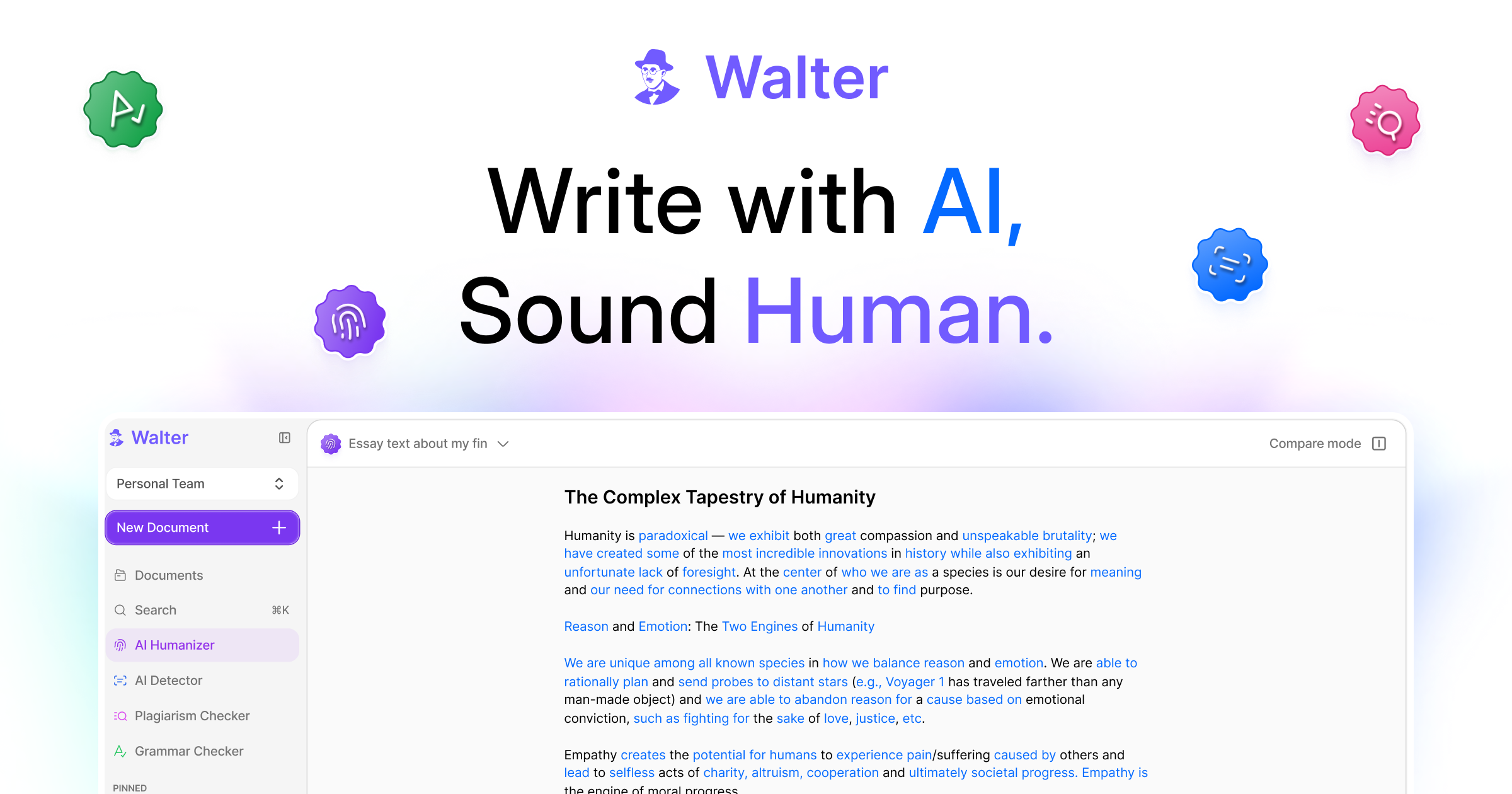
Walter Writes is an AI detection remover tool that rewrites AI drafts into natural prose and scores how human they read. An AI humanizer that rewrites ChatGPT, Claude and Gemini drafts into natural prose, then scores the result with a built-in detector.
Walter Writes is an AI authenticity platform built around two linked jobs: rewriting AI-generated drafts so they read like ordinary human prose, and checking text for AI signals before it goes out. The core tool is a humanizer that takes output from ChatGPT, Claude or Gemini and adjusts fluency, tone and sentence structure while keeping the original meaning intact. A detector runs alongside it, returning an authenticity score on the rewritten text, so the same session covers both the rewrite and the verification step. The homepage advertises support for more than 80 languages. In practice the workflow is a paste and review loop. Text goes into the editor, the rewrite strength is set to Simple, Standard or Enhanced depending on how far the draft should move from its source, and the result comes back with a score. Writers who only need a light polish stay on the simple setting; anyone cleaning up a heavily machine-written draft goes further. The team positions this as more than a paraphraser, since the checker is bundled rather than sold separately. A browser based dashboard holds the work, and there is an API platform for teams that want to call the humanizer, grammar checker, plagiarism checker or AI voice detector programmatically. Walter also advertises a Claude integration for humanizing text inside that chat tool. Audiences named on the homepage are content teams, SEO agencies, marketers, professional writers, educators screening student papers, legal professionals cleaning up contracts and briefs, and academics working under institutional rules. The academic angle has a dedicated page, which suggests the education market is a real target rather than an afterthought. Alternatives fall into two camps: standalone humanizers that do not check their own output, and standalone detectors that only flag problems. Walter's pitch is that keeping both in one place removes a step. Whether that matters depends on how much AI-assisted drafting a team does and how much it trusts a vendor grading its own rewrite.
A free trial is offered with no credit card requested. The homepage advertises a 300 word trial allowance for humanizing text, which is enough to judge output quality on a short passage.
Learn moreThe homepage does not list plan prices or word allowances. It advertises a free trial with no credit card required, a 300 word sample, and a separate API platform with its own sign-up, so subscription figures have to be checked on the pricing page.
Learn moreA help centre and a separate support page are linked from the site. The homepage does not describe response times, support channels or service level commitments.
Learn moreAn API platform provides programmatic access to the humanizer, grammar checker, plagiarism checker and AI voice detector. A dedicated page covers humanizing AI text inside Claude. No other named integrations appear on the homepage.
Learn moreAI humanizer that rewrites ChatGPT, Claude and Gemini drafts for fluency, tone and sentence structure. Adjustable rewrite strength in Simple, Standard and Enhanced modes. Built-in AI detector returning an authenticity score after each rewrite. Separate detector for text, images and deepfakes. Support for more than 80 languages. Grammar checker, plagiarism checker and AI voice detector available through an API platform, plus a Claude integration.
Learn more AI Angels400+ customizable AI girlfriends for NSFW chat, voice calls, and roleplay
 Candy AIExperience the future of companionship with AI friends who chat, role-play, and connect with you on a human level.
 ourdream.aiA vast AI roleplay platform with millions of characters for chat, images, video and voiceAI Angels400+ customizable AI girlfriends for NSFW chat, voice calls, and roleplayCandy AIExperience the future of companionship with AI friends who chat, role-play, and connect with you on a human level.ourdream.aiA vast AI roleplay platform with millions of characters for chat, images, video and voice


