Support
A dedicated help centre page is linked from the site for setup and troubleshooting questions.
Learn moreA WhatsApp assistant that remembers and follows up

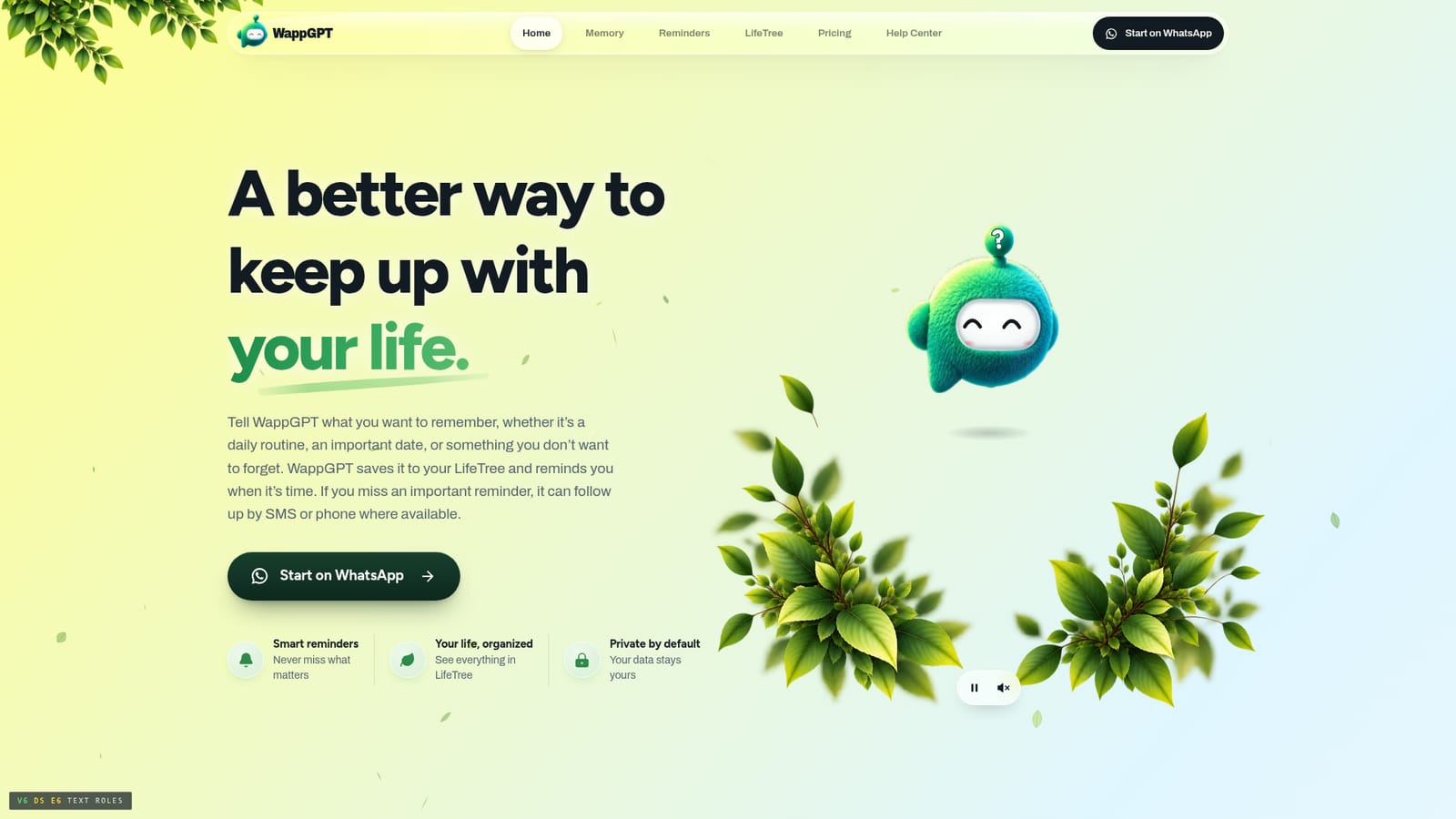
WappGPT is a WhatsApp based personal assistant that saves dates, trips, documents, goals and people to a private LifeTree, then reminds you and escalates to SMS or an automated phone call if you do not confirm.
WappGPT is a personal assistant that lives entirely inside WhatsApp. You message it the way you would message a friend, telling it about a warranty expiry, a flight time, a hotel booking, a school application deadline or a promise you made in a meeting. The assistant stores each detail in a personal space called LifeTree, grouping related information together. Tell it about a Chicago trip, add the flight and the hotel, and those three messages become a single trip card you can ask about later (where am I staying, when do I leave for the airport) without scrolling back through chat history. Reminders are the core of the product, and they do more than fire once. For a reminder that matters, you decide how persistent WappGPT should be. If you do not confirm on WhatsApp, it can escalate to an SMS message, and then to an automated phone call where you press a key or accept the call to confirm. A 5:30 AM airport reminder can carry the flight number, terminal and departure time in the message itself, so the alert contains everything you need at that moment. LifeTree extends the idea into a private dashboard. Opened from a link inside WhatsApp, it shows upcoming dates, renewals (insurance, memberships, warranties), recurring routines, goals with weekly progress, and the people and places attached to your memories. The link is time limited and expires quickly, which keeps the overview out of reach of anyone who finds it later. Goals and routines sit alongside reminders, so exercise or language practice can be tracked in the same chat that handles your calendar. This is not a general purpose chatbot and does not try to be. It competes with basic WhatsApp reminder bots and with standalone to do apps, and it wins where follow-through matters: the persistent escalation path and the connected memory of a trip or a person are things plain reminder tools rarely offer. Anyone already living in WhatsApp and tired of losing details across chats is the obvious audience.
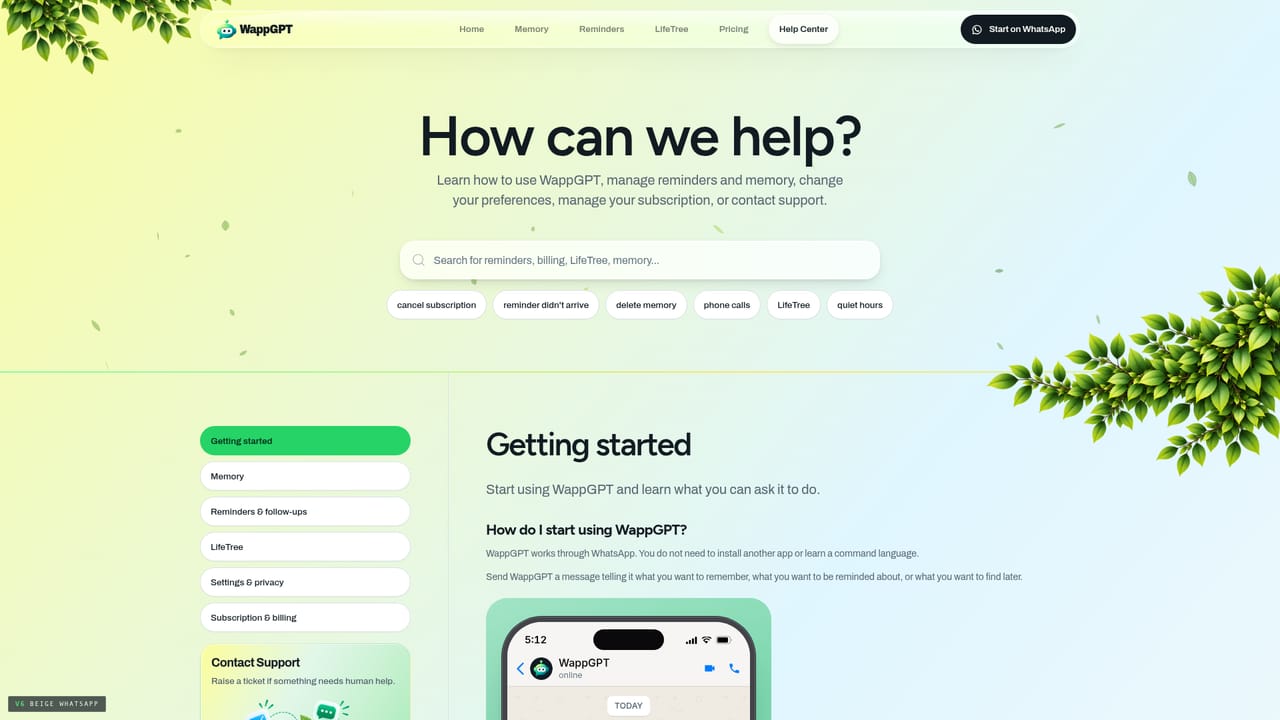
A dedicated help centre page is linked from the site for setup and troubleshooting questions.
Learn moreBuilt on WhatsApp for messaging, with SMS and automated phone calls used as follow-up channels where available.
Memory capture from plain WhatsApp messages and voice notes, organized into a LifeTree of dates, renewals, trips, places, documents, goals, routines and people. Reminders support confirmation plus escalation to SMS and automated phone calls. LifeTree offers a private, time limited overview of upcoming dates and weekly goal progress.
 AI Angels400+ customizable AI girlfriends for NSFW chat, voice calls, and roleplay
 Candy AIExperience the future of companionship with AI friends who chat, role-play, and connect with you on a human level.
 ourdream.aiA vast AI roleplay platform with millions of characters for chat, images, video and voiceAI Angels400+ customizable AI girlfriends for NSFW chat, voice calls, and roleplayCandy AIExperience the future of companionship with AI friends who chat, role-play, and connect with you on a human level.ourdream.aiA vast AI roleplay platform with millions of characters for chat, images, video and voice


