Free trial
The homepage invites visitors to get started free and to create a first AI-powered assessment, but it does not specify a trial length or what the free tier includes.
Learn moreTeacher-first AI that turns any material into quizzes and lessons
Own WayGround (Quizizz AI)? Verify ownership to get a dofollow link

WayGround (Quizizz AI) is a courses tool. Wayground AI, formerly Quizizz, generates standards-aligned quizzes, lessons and interactive videos from text, links or file uploads, then differentiates the same material for individual learners with reading supports and translations. It also analyzes student responses and suggests remediation, all inside the existing Quizizz classroom platform.
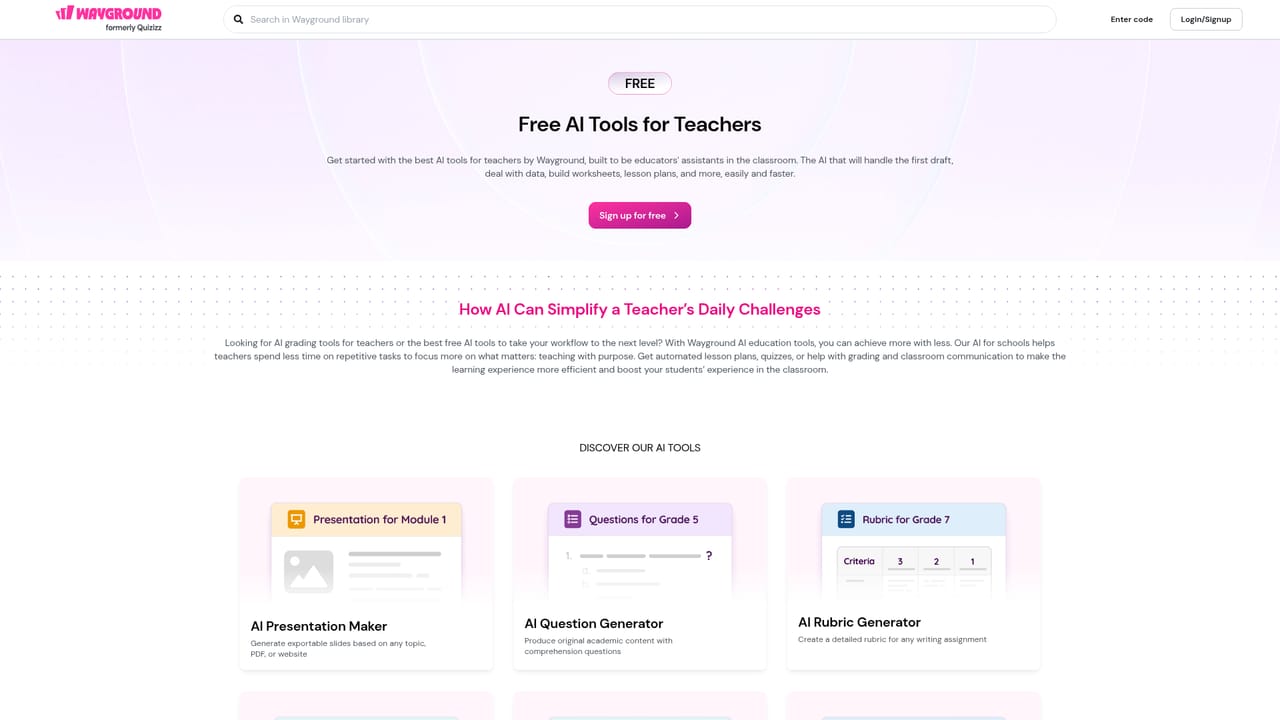
Wayground (formerly Quizizz) layers an AI assistant on top of a classroom platform that teachers already use for quizzes and lessons. The AI builds assessments, lessons and interactive videos from a text prompt, a web link or an uploaded file, and it can also rewrite material a teacher brings in from elsewhere. A PDF, a worksheet or a set of hand-written questions goes in, and standards-aligned questions come back out in a fraction of the usual prep time. The differentiation layer is the part that separates it from a plain question generator. Uploaded content can be adjusted so that reading supports appear for students who need them, translations load without extra setup, and distractors are stripped out for learners who work better with a simpler screen. The point is one source resource that adapts per student, instead of a teacher maintaining several versions of the same worksheet. For English Language Learners in particular, the language-level adjustment is a practical feature rather than a novelty. After students respond, the AI helps interpret the results: why a question was missed, which patterns run across a class, what remediation to try next, and drafted parent updates that read like the teacher wrote them. Those outputs feed back into planning, so the tool sits closer to an instructional workflow than a document generator. Wayground says the system combines GPT-5 with a large body of classroom-tested activities, and it keeps teacher-only access with no student data used in AI training. It competes with general-purpose chatbots and dedicated quiz builders. Wayground's advantage is that generation lands inside a live assessment platform with standards alignment, sharing, live play and reporting already attached. The trade-off is range: this is education tooling, so it is a poor fit for teams outside teaching or training. Teachers already comfortable juggling several AI assistants may find the workflow depth unnecessary, but those spending evenings on differentiation will likely see the value quickly.
The homepage invites visitors to get started free and to create a first AI-powered assessment, but it does not specify a trial length or what the free tier includes.
Learn moreA Chrome extension turns any web page into Wayground AI content. No other integrations are named on the homepage.
Generates quizzes, lessons and interactive videos from text, web links or uploaded files. Enhances existing quizzes by changing question types, correcting grammar and replacing questions. Differentiates one resource per student with reading supports, translations and reduced distractions. Analyzes student responses for missed-question causes, patterns and remediation suggestions, and drafts parent updates.
Learn more AI Angels400+ customizable AI girlfriends for NSFW chat, voice calls, and roleplay
 Candy AIExperience the future of companionship with AI friends who chat, role-play, and connect with you on a human level.
 ourdream.aiA vast AI roleplay platform with millions of characters for chat, images, video and voiceAI Angels400+ customizable AI girlfriends for NSFW chat, voice calls, and roleplayCandy AIExperience the future of companionship with AI friends who chat, role-play, and connect with you on a human level.ourdream.aiA vast AI roleplay platform with millions of characters for chat, images, video and voice


