Free trial
The homepage invites visitors to start a free trial with no credit card required, linking to the registration page.
Learn moreAn always-on AI support agent trained on your own docs and website

WellyOn is an AI chat bot tool. WellyOn deploys an AI support agent trained on your website and docs, answering customers across web chat, WhatsApp, Telegram, SMS, email and more, with human escalation and incident communication built in.
WellyOn is an AI customer service agent built around a single premise: train it once, then let it answer customers wherever they write. You point the agent (named Welly by default) at your website and upload documents, PDFs, FAQs and screenshots. From that material it builds a knowledge base and generates answers to incoming questions rather than replaying scripted replies. The knowledge base is refreshed as you change your content, so answers track your current product rather than a snapshot taken at setup. In practice the agent sits behind a chat widget embedded on your site with a single snippet, and it also reaches customers through Telegram, WhatsApp, Messenger, Instagram, LinkedIn, Viber, SMS, Discord and email. Everything lands in one shared inbox where the AI answers first. When a conversation turns specific or sensitive, it escalates to a human teammate along with the full transcript and customer profile, so the customer does not repeat themselves. The vendor is explicit that this is a hand-off model, not a replacement for a support team. Beyond everyday questions, WellyOn handles incident communication. A team member logs an incident once, the tool updates a public status page, notifies subscribers on their preferred channel, and makes the agent aware of the outage so it can explain what is happening. Monitoring covers live conversations, delivery statistics and alerts. Branding is flexible: run the stock Welly, or swap the name, logo, colors and tone so the agent reads as an in-house build. It suits small and mid-sized support and success teams that field repetitive questions across several channels and lack engineering time for a custom bot. Compared with rule-based chatbots, the promise is generated answers from your own documentation. Compared with enterprise support suites, the emphasis here is fast setup and omnichannel reach rather than deep ticketing depth. Teams needing advanced workflow automation or granular SLA tooling may find it thin.
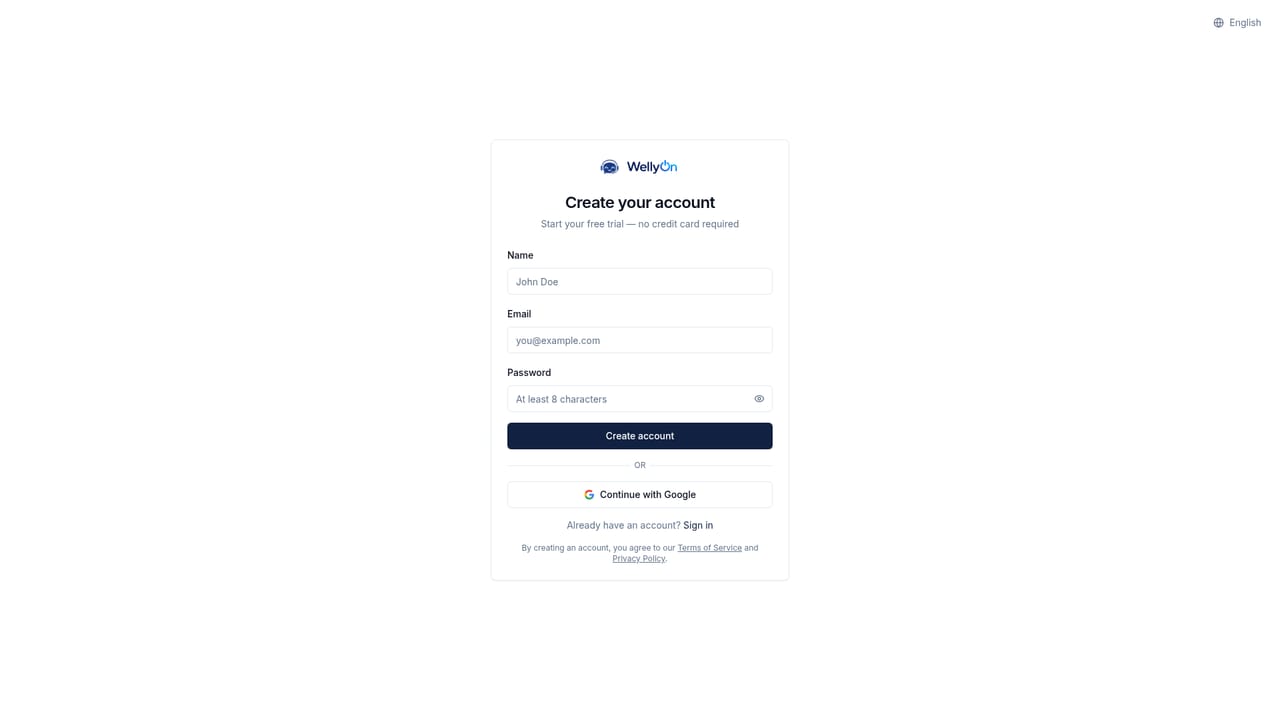
The homepage invites visitors to start a free trial with no credit card required, linking to the registration page.
Learn moreThe homepage lists Twilio, ClickUp, Slack, Messenger, email, Telegram, Instagram, WhatsApp, Viber, Jira, Discord, Mailjet and LinkedIn as connectable channels and tools.
Core features include an omnichannel inbox, a knowledge base trained on your website and uploaded documents that relearns as content changes, real-time live chat with human hand-off, incident management with status page updates and subscriber notifications, branding controls for name, logo, colors and tone of voice, and monitoring with analytics, delivery stats and alerts.
 AI Angels400+ customizable AI girlfriends for NSFW chat, voice calls, and roleplay
 Candy AIExperience the future of companionship with AI friends who chat, role-play, and connect with you on a human level.
 ourdream.aiA vast AI roleplay platform with millions of characters for chat, images, video and voiceAI Angels400+ customizable AI girlfriends for NSFW chat, voice calls, and roleplayCandy AIExperience the future of companionship with AI friends who chat, role-play, and connect with you on a human level.ourdream.aiA vast AI roleplay platform with millions of characters for chat, images, video and voice


