Pricing
The homepage does not publish prices. It states that a premium subscription adds unlimited access, image sending, voice input and multiple chats, and points to the pricing page for details.
Learn moreChatGPT inside WhatsApp and Telegram, with voice and image input.

WhatsGPT is a chat assistant that runs inside WhatsApp and Telegram, letting users ask questions, send voice notes and share images in a familiar messaging thread. A premium tier adds unlimited access and multiple chats.
WhatsGPT puts a GPT style assistant inside the messaging apps people already use, primarily WhatsApp and Telegram with Facebook Messenger also mentioned on the site. Rather than opening a separate dashboard, a user starts a conversation with the bot and types questions the way they would message a contact. The service describes itself as a personalized messaging experience that follows the user across platforms, keeping chat history available wherever the conversation continues. Voice messages and image sending are supported, so questions can be spoken or illustrated instead of typed. The pitch rests on convenience and reach. The homepage claims access to a large body of general and practical knowledge and frames the bot around time savings for professionals, naming customer query responses, contract drafting and report generation as examples of work that can be delegated. It also targets casual users who want quick answers without installing another app. The overall framing positions WhatsGPT as a lightweight layer over a mainstream language model, not as a specialized tool for coding, design or data analysis. In practice the workflow is simple: open WhatsApp or Telegram, send a message to the WhatsGPT bot and continue the thread. Free users get a basic conversational experience, while a premium subscription unlocks unlimited access, image sending, voice input and multiple chats according to the homepage. Because the interface is a chat thread, there is no prompt library, workspace or export tooling to learn, which shortens onboarding but also limits how organized heavy users can be. Compared with the official ChatGPT apps, WhatsGPT trades a fuller feature set for zero install friction and a familiar inbox. It is closest to other messenger based assistants and shared team inbox bots. Buyers who need file handling, project spaces or enterprise controls should look elsewhere; those who want AI answers on the phone with the least possible setup are the natural audience.
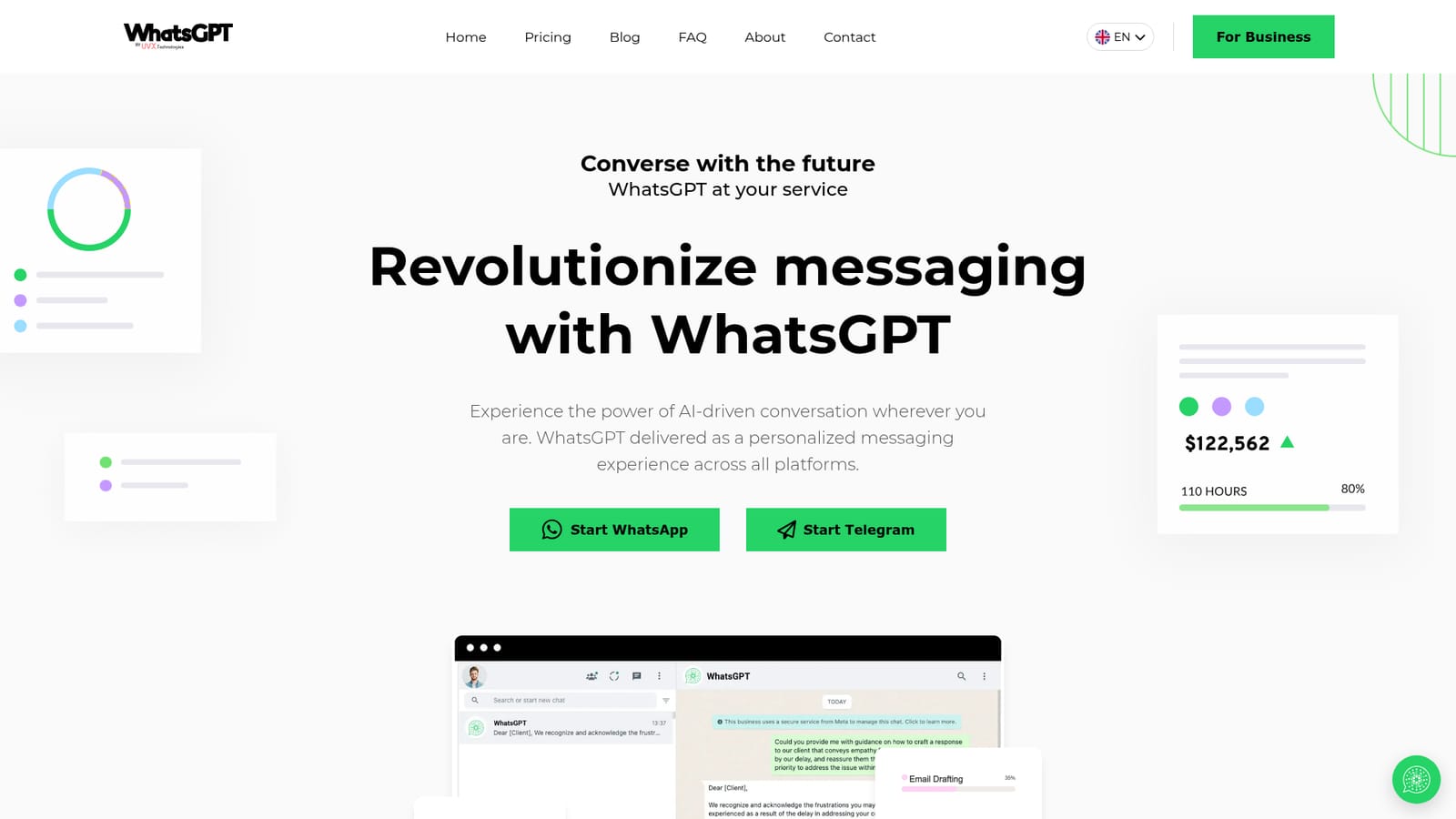
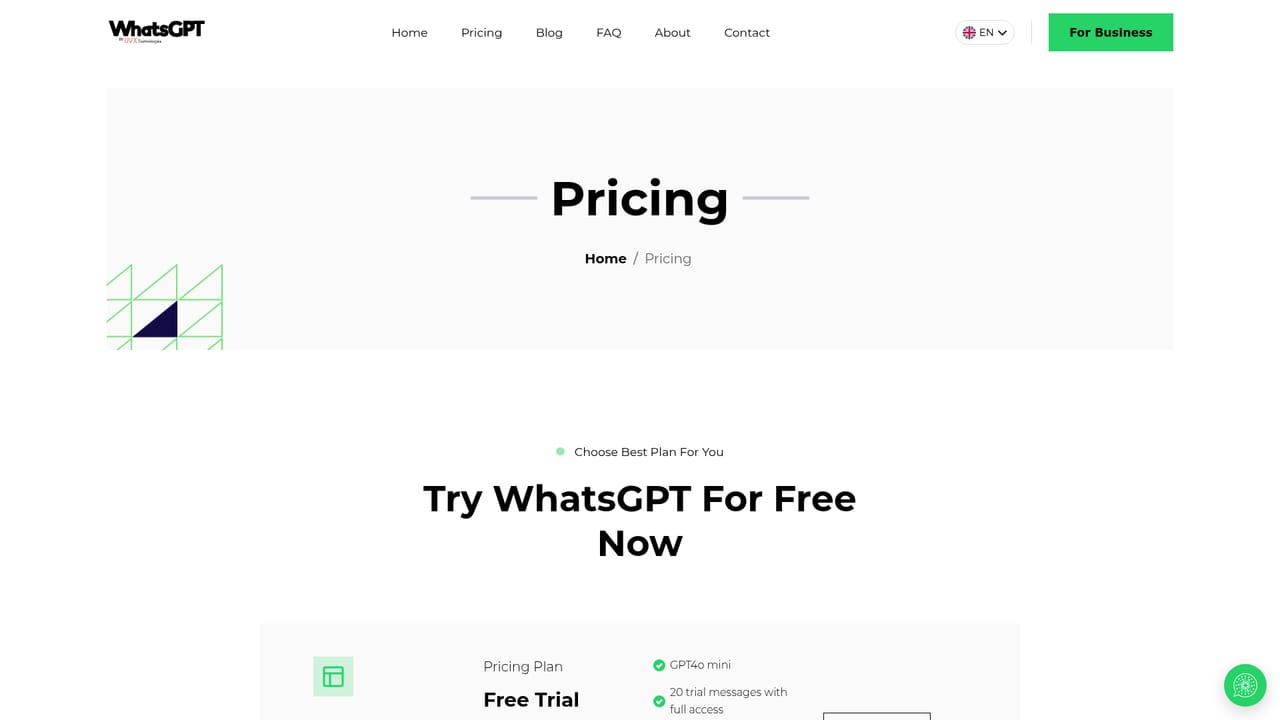
The homepage does not publish prices. It states that a premium subscription adds unlimited access, image sending, voice input and multiple chats, and points to the pricing page for details.
Learn moreRuns inside WhatsApp and Telegram, with Facebook Messenger named in the site meta description. No other integrations are documented on the homepage.
Chat with an AI assistant over WhatsApp and Telegram, with conversation history presented as unified across platforms. Supports voice messages and image sending. The site claims access to broad general and practical knowledge, time savings for professional tasks, unlimited access, and multiple chats on the premium tier.
 AI Angels400+ customizable AI girlfriends for NSFW chat, voice calls, and roleplay
 Candy AIExperience the future of companionship with AI friends who chat, role-play, and connect with you on a human level.
 ourdream.aiA vast AI roleplay platform with millions of characters for chat, images, video and voiceAI Angels400+ customizable AI girlfriends for NSFW chat, voice calls, and roleplayCandy AIExperience the future of companionship with AI friends who chat, role-play, and connect with you on a human level.ourdream.aiA vast AI roleplay platform with millions of characters for chat, images, video and voice


