Free trial
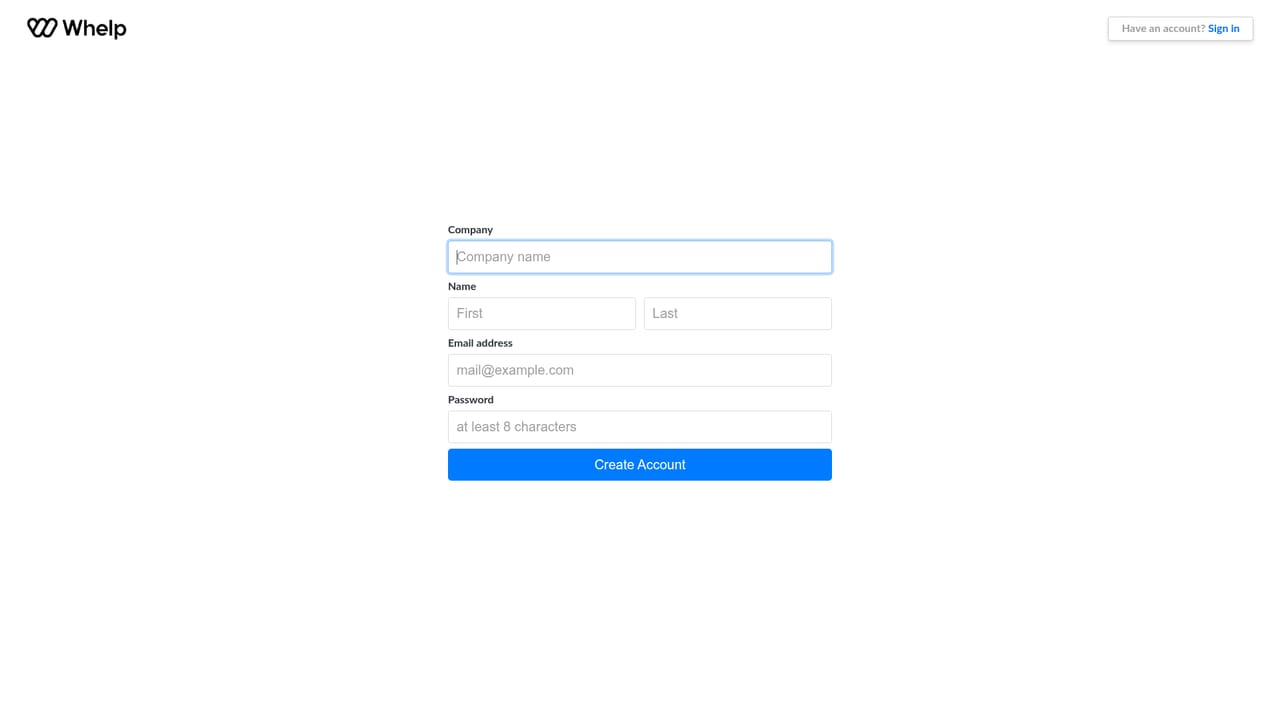
The Standard and Advanced plans offer a free trial through the signup page, and a permanent free plan covers one seat with the chat widget and inbox.
Learn moreAI agents and one shared inbox for every support channel

Whelp is an AI chat bot tool. Whelp combines AI support agents with an omnichannel inbox covering WhatsApp, web chat, SMS, email, voice and social messaging, giving teams one customer view and automatic handoff of complex cases to humans.
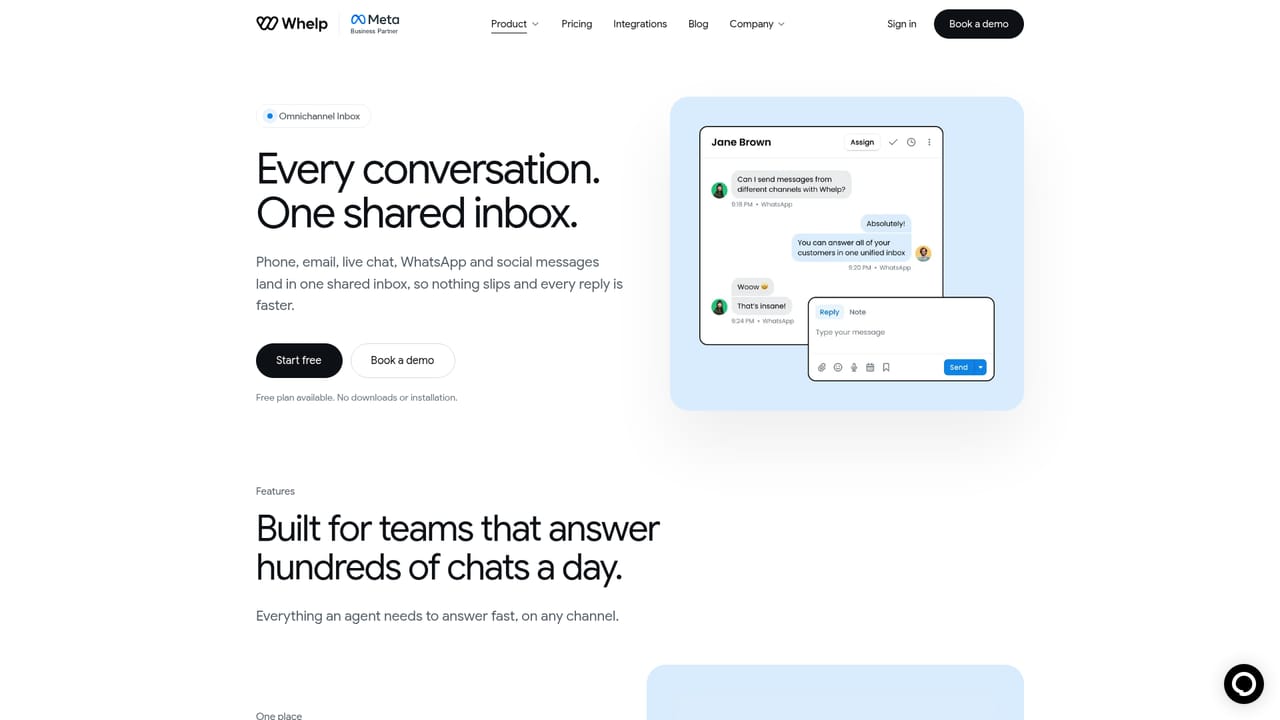
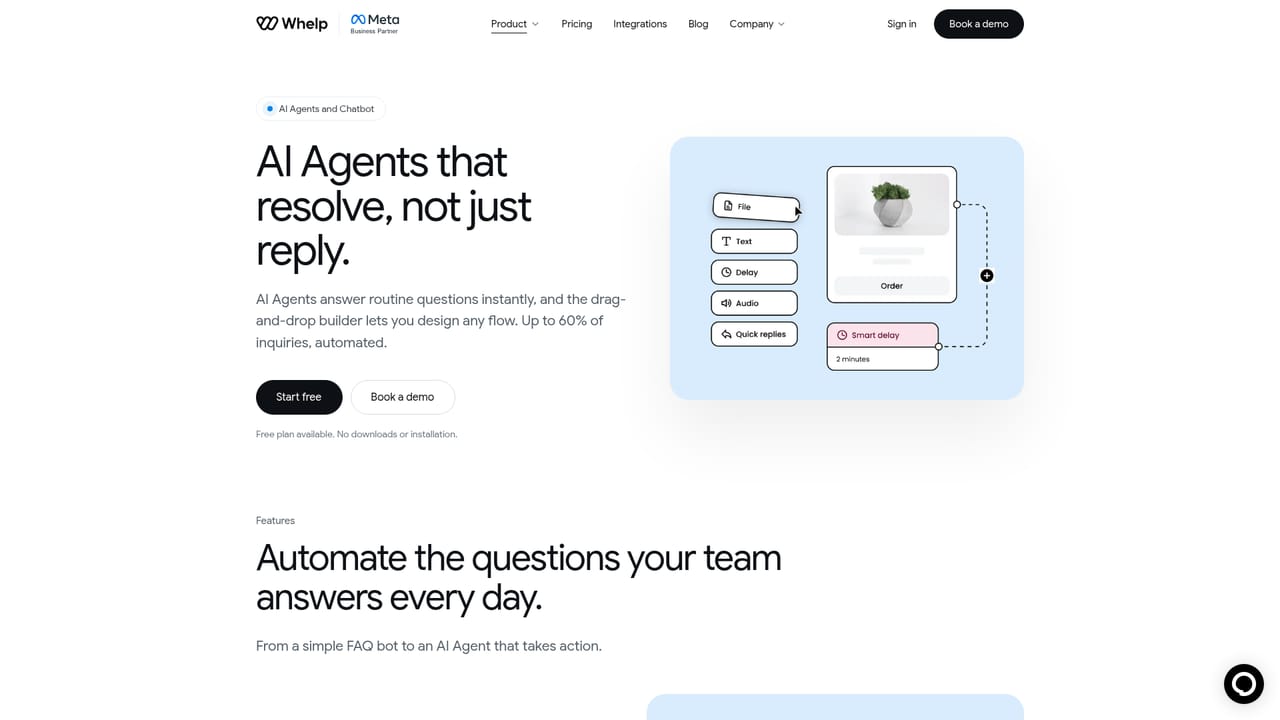
Whelp is a customer support platform built around two connected pieces: AI agents that answer routine questions and an omnichannel inbox that gathers every conversation into a single workspace. The pitch is aimed at teams whose channel count has outgrown their headcount, where the same order status or opening hours question arrives by WhatsApp, web chat, email and SMS on the same morning. The AI agent is trained on your own material, meaning help center articles, policies and product catalog, and it answers in your brand voice around the clock. It does more than return text: it can look up order status, bookings and account details, then take action such as updating a record. When a case is too complex or sensitive, the agent routes it to a human with the conversation history attached, so the customer does not repeat themselves. Whelp claims its AI automates up to 60% of inquiries, with higher figures cited for eCommerce. The inbox side covers WhatsApp, live chat, email, Instagram, Messenger, Telegram, TikTok, LINE, Viber, Twilio SMS and voice, plus Amazon Connect. Agents see a unified customer profile with prior orders and channel history, and can assign, mention colleagues and leave private notes. Native iOS and Android apps keep replies moving away from a desk, and browser access needs no installation. Deeper plans add flow-based and dynamic chatbots, broadcasts, comment moderation and a mobile chat SDK. Fit depends on scale and channel mix. The free tier suits a single seat running a website widget. Standard is the entry point for teams that need WhatsApp Business API, SMS and email together, while AI agents sit on the Advanced plan and above. Organizations with strict data rules can discuss on-prem deployment and whitelabel through Premium. Compared with single-channel chatbot tools, Whelp's advantage is consolidation; the tradeoff is that the AI capability is gated behind a higher tier than the inbox itself.
The Standard and Advanced plans offer a free trial through the signup page, and a permanent free plan covers one seat with the chat widget and inbox.
Learn moreFree at $0 for one seat with live chat, unified inbox, unlimited conversations and mobile apps. Standard is $29 per seat per month, Advanced $79 per seat per month with AI agents, and Premium is custom with on-prem, whitelabel and SLAs. Annual billing saves 20%. Meta charges WhatsApp conversation fees separately.
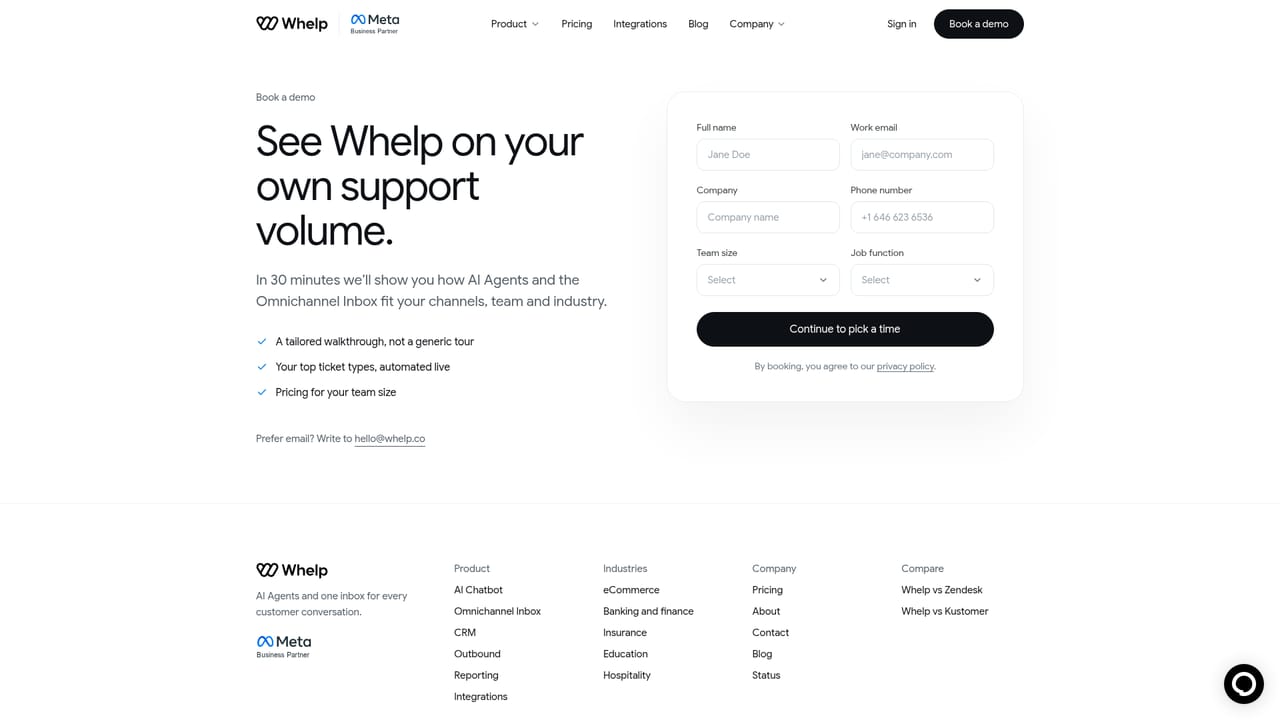
Learn moreAdvanced plans include 24/7 support by live chat and email plus a dedicated account manager, and Premium adds dedicated onboarding and personalized SLAs. Email hello@whelp.co and a public status page is available.
Learn moreShopify and Stripe for order and payment data, Salesforce and Amazon Connect for CRM and contact center, Twilio for SMS and voice, and Meta properties including WhatsApp, Instagram and Messenger.
AI agents trained on your knowledge base that resolve inquiries, look up orders and bookings, and escalate to humans with context. Omnichannel inbox for WhatsApp, live chat, email, SMS, voice and social messaging, with a unified customer profile, team assignment and private notes. Also includes flow-based and dynamic chatbots, broadcasts, comment moderation, reporting, CRM, mobile chat SDKs and iOS and Android apps.
Learn more AI Angels400+ customizable AI girlfriends for NSFW chat, voice calls, and roleplay
 Candy AIExperience the future of companionship with AI friends who chat, role-play, and connect with you on a human level.
 ourdream.aiA vast AI roleplay platform with millions of characters for chat, images, video and voiceAI Angels400+ customizable AI girlfriends for NSFW chat, voice calls, and roleplayCandy AIExperience the future of companionship with AI friends who chat, role-play, and connect with you on a human level.ourdream.aiA vast AI roleplay platform with millions of characters for chat, images, video and voice


