Free trial
A 10,000 token allowance is available to every new user so the roles, voice chat and translation can be tested before any purchase. Details sit in the support FAQ.
Learn moreVoice-first ChatGPT assistant with proofreading keyboard and live translation

WiseTalk is an iOS and Android assistant that pairs ChatGPT with the phone's own speech recognition and synthesis, adding a proofreading keyboard, a live voice translator and adjustable AI roles. Access is token-based after a 10K free allowance.
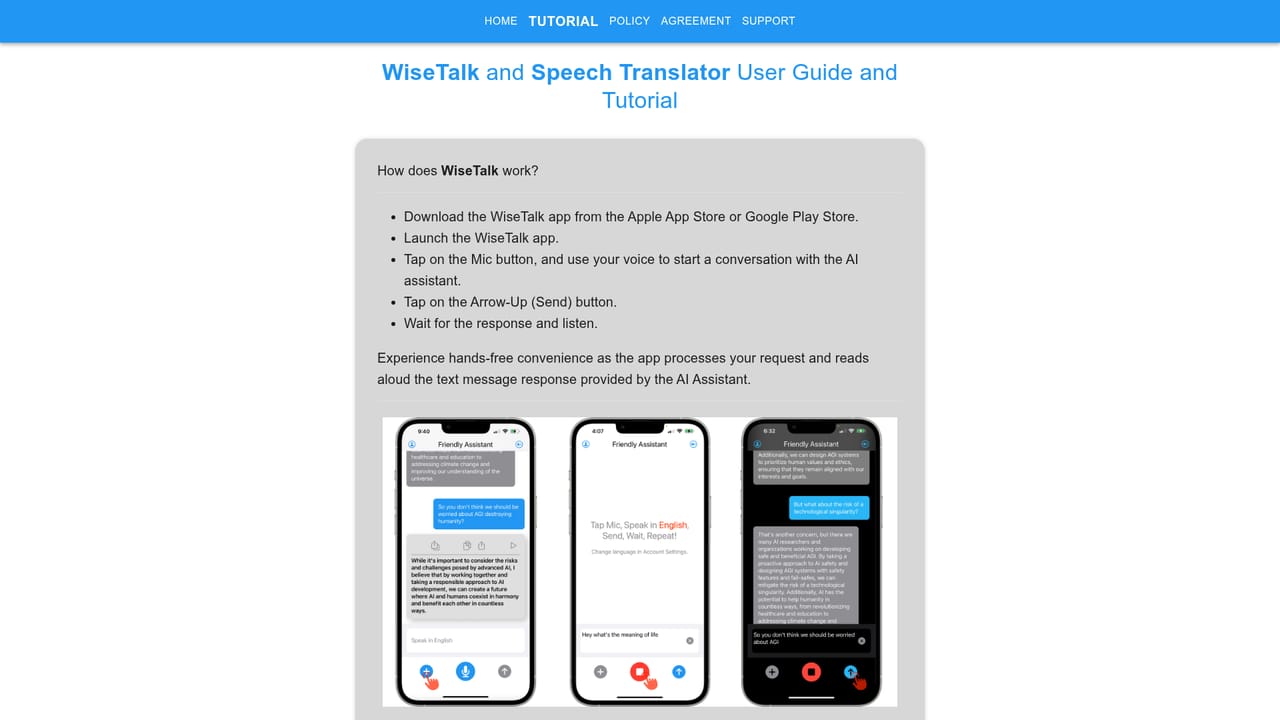
WiseTalk is a mobile app from AnswerSolutions LLC that puts the ChatGPT language model behind a voice interface. Instead of typing prompts, users speak, and the app converts speech to text with the phone's own recognition engine, sends the text to the model, then reads the reply back through the device's speech synthesis. The pitch is conversational help in near real time: a tutor for a chosen subject, a translator for a foreign language, a way to pull up forgotten facts, or a guide that walks through a task step by step. The app is built for people who want an assistant in their pocket without learning prompt craft, and it suits commuters, students and travellers more than teams doing production work. The feature set revolves around predefined roles. A Proofreader role checks dictated or typed text and suggests corrections, and a companion keyboard extension brings the same checking into Mail, Messages, Gmail, LinkedIn, X and Messenger, so text does not have to be copied between apps. A Voice Translator role turns the assistant into a two-way interpreter between languages. Response style is adjustable, from simple explanations to detailed analysis, and a searchable conversation history lets a user resume an earlier thread from the exact point it stopped. Speech recognition and synthesis happen on the device, and only text travels to the server, which the company frames as both a privacy and a low-bandwidth advantage. Access runs on tokens, the units the model consumes to read a question and write an answer. New users get 10,000 tokens to test the app, then buy packs or subscribe, with the subscription doubling the token allowance at the same price and unlocking conversation history and more advanced options. Purchased tokens do not expire. The closest alternatives are ChatGPT's own mobile app and dedicated translation apps; WiseTalk competes on the voice loop, the embedded keyboard and the role presets rather than on model quality.
A 10,000 token allowance is available to every new user so the roles, voice chat and translation can be tested before any purchase. Details sit in the support FAQ.
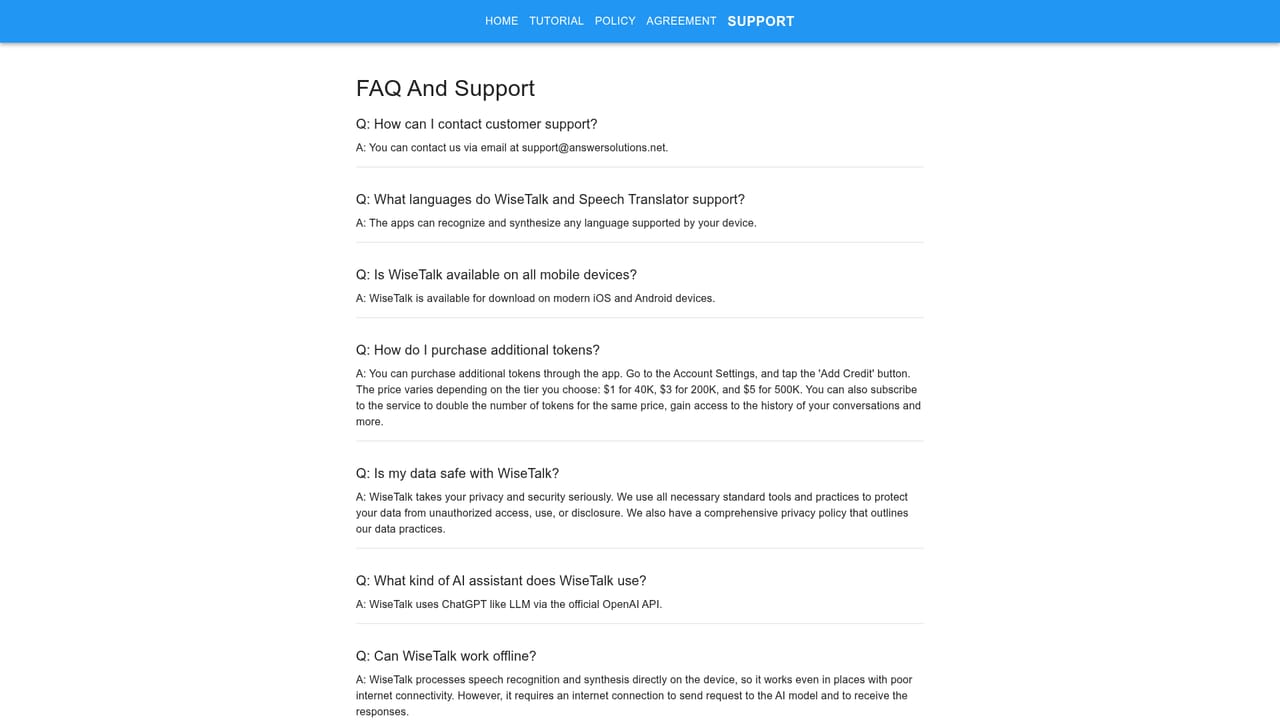
Learn moreNew users start with 10,000 free tokens. After that, packs cost $1 for 40K, $3 for 200K and $6 for 500K tokens, and purchased tokens do not expire. A subscription doubles the token allowance at the same price and adds conversation history and more advanced features. Prices and pack sizes may change.
Learn moreA support page with a token FAQ and a separate tutorial page cover setup and usage questions. No live chat or phone support is described.
Learn moreThe proofreading keyboard extension plugs into Mail, Messenger, Messages, LinkedIn, X and Gmail on the phone. There is no developer API or third-party platform connector.
Learn moreVoice-driven chat with ChatGPT using the phone's own speech-to-text and text-to-speech, a Proofreader role, a Proofreading AI Keyboard that works in Mail, Messages, Gmail, LinkedIn and X, a two-way Voice Translator role, adjustable AI response styles, searchable and resumable conversation history, local speech processing and low-bandwidth text-only exchange.
Learn more AI Angels400+ customizable AI girlfriends for NSFW chat, voice calls, and roleplay
 Candy AIExperience the future of companionship with AI friends who chat, role-play, and connect with you on a human level.
 ourdream.aiA vast AI roleplay platform with millions of characters for chat, images, video and voiceAI Angels400+ customizable AI girlfriends for NSFW chat, voice calls, and roleplayCandy AIExperience the future of companionship with AI friends who chat, role-play, and connect with you on a human level.ourdream.aiA vast AI roleplay platform with millions of characters for chat, images, video and voice


