Integrations
Salesforce, Slack, Zoom, Okta, Google Workspace and more, plus HRIS and HCM connectors, workforce scheduling connectors, SSO and custom API data flows.
AI-first LMS for onboarding, sales readiness and skills tracking

WorkRamp is a courses tool. Learn:Up (formerly WorkRamp) is an AI-first LMS for onboarding, sales enablement and skills-based learning. It combines AI role play simulations, AI-assisted course building, personalized formats and ROI reporting, with connectors for HRIS, SSO and scheduling tools.
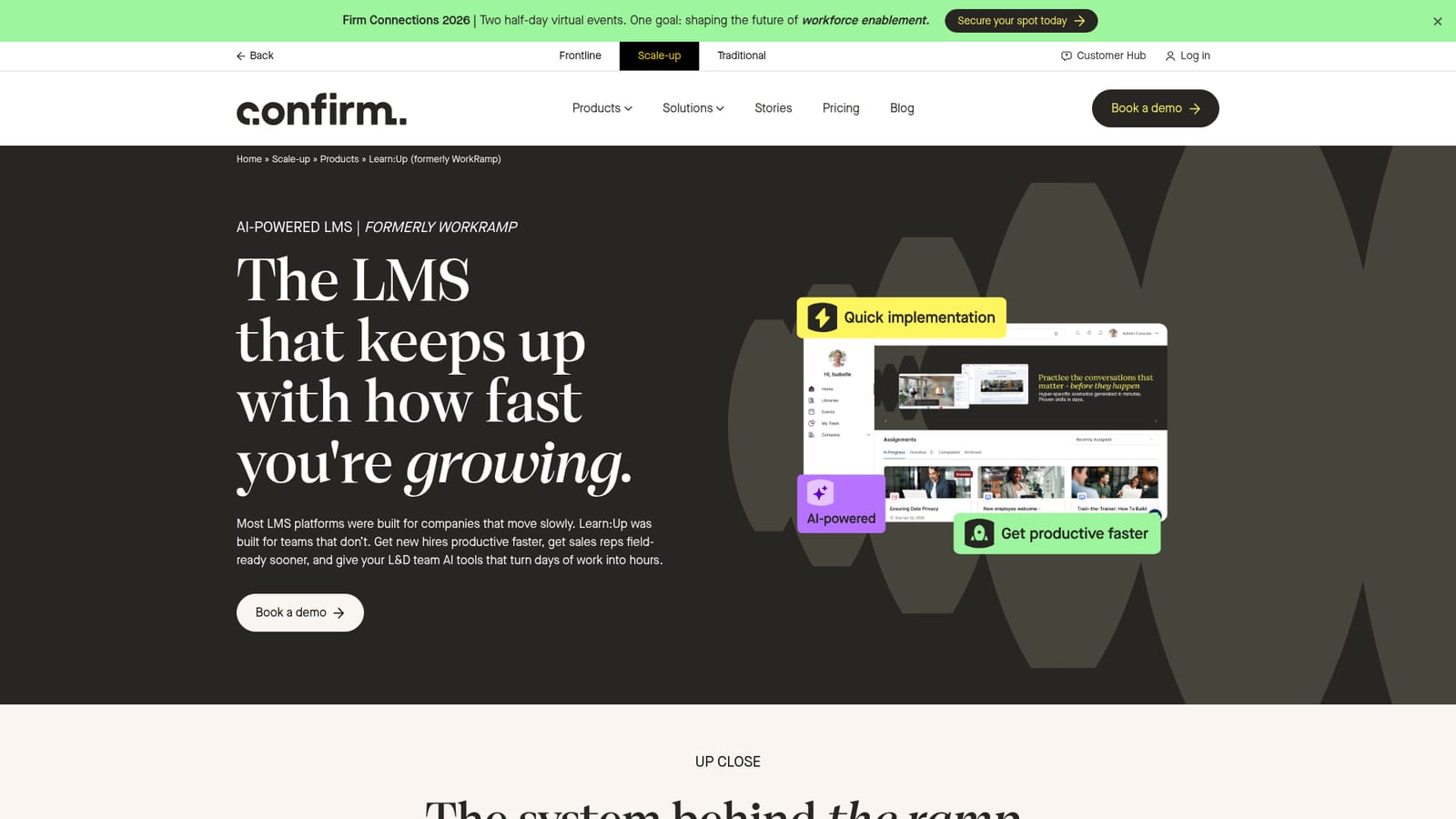
Learn:Up (formerly WorkRamp) is an AI-first learning management system built for companies that need training programs live quickly. It targets the teams responsible for getting people productive: learning and development leads running onboarding, enablement managers preparing sales reps for customer conversations, and program owners who train customers and partners. The pitch is speed, both in how fast content gets built and how fast learners reach competence. The platform rests on a set of AI capabilities rather than a single gimmick. AI simulations let reps rehearse difficult conversations and certify on talk tracks without scheduling live role plays, which the vendor positions as a replacement for script memorization and old recordings. Personalized learning converts existing material into whatever format a learner prefers, whether podcast, narration or reader view. AI Assist drafts courses from uploaded files, generates imagery and Q&A, and automates captioning and translation. On the reporting side, configurable dashboards and AI-prompted visualizations connect learning activity to business outcomes so program owners can present evidence to budget holders. In practice, an L&D team imports existing SCORM packages, videos, PDFs and documents, maps skills to trainings, and assigns paths by role. Learners work through onboarding or certification tracks on a learner homepage, and managers watch progress and completion data in real time. Learn:Up is the Learn engine in a three-part product family alongside Perform (capability and engagement insight) and Academy (customer and partner education), with Practice offered as a standalone simulations product. Each is sold separately, which matters for buyers who want the full stack. The fit is mid-market and enterprise organizations with enough hiring or enablement volume to justify a dedicated LMS. Smaller teams may find the surrounding product structure heavier than needed, and anyone wanting self-serve signup will be pushed toward a sales conversation instead.
Salesforce, Slack, Zoom, Okta, Google Workspace and more, plus HRIS and HCM connectors, workforce scheduling connectors, SSO and custom API data flows.
Five core capabilities: AI simulations for role play and pitch certification, personalized learning that reformats content into podcast, narration or reader, AI Assist for course drafting and asset generation, analytics and reporting with AI-prompted visualizations, and integrations with HRIS, SSO and scheduling systems. Supports video, interactive content, assessments, live training and certifications.
 AI Angels400+ customizable AI girlfriends for NSFW chat, voice calls, and roleplay
 Candy AIExperience the future of companionship with AI friends who chat, role-play, and connect with you on a human level.
 ourdream.aiA vast AI roleplay platform with millions of characters for chat, images, video and voiceAI Angels400+ customizable AI girlfriends for NSFW chat, voice calls, and roleplayCandy AIExperience the future of companionship with AI friends who chat, role-play, and connect with you on a human level.ourdream.aiA vast AI roleplay platform with millions of characters for chat, images, video and voice


