Free trial
A 3-day free trial is offered on the Agency plan, cancellable at any time. A free signup link also appears on the All in One plan.
Learn moreAI article writer that publishes straight to your WordPress blog

WPAutoBlog is an autoblogger tool. An autoblogging tool that writes AI articles from titles, keywords or descriptions, schedules them and publishes them to WordPress automatically. It bundles keyword research, topic clusters, internal linking and a Pabbly Connect webhook for downstream automation.
WPAutoBlog is an autoblogging platform that generates articles with AI and pushes them live on a WordPress site on a schedule the user defines. It is positioned as a replacement for the usual stack of separate keyword tools, AI writers and publishing plugins, wrapping content planning, drafting and delivery into one dashboard. The generator runs on ChatGPT and accepts a title, a keyword or a plain description as the starting point, then builds the piece out with optional elements such as tables, key takeaways, embedded videos and internal links. The practical workflow starts with the connected blog rather than the blank page. WPAutoBlog analyzes the site to propose a content plan matched to its niche, and a topic cluster builder returns a list of related subjects so coverage deepens over time instead of drifting. Keyword research is handled inside the same interface, and the tool reads the site sitemap to place internal links into new articles automatically. Articles can be drafted and scheduled in the editor, with the expected publish date shown for each queued post. Output is available in more than 50 languages, and the same language coverage applies to keyword research. Publishing is the differentiator. Sites connect through the WordPress REST API, which ships enabled on standard installs, and there is no stated cap on the number of blogs one account can manage, so a portfolio of sites can run from a single subscription. A Pabbly Connect hook fires when an article goes live, which is what pushes the tool beyond blogging: the publish event can cascade into social posts, spreadsheets, notes apps, CRMs and messaging tools. The product suits site owners, affiliate publishers and agencies that want steady output without hiring writers for every post, and the Agency tier adds seats for a team. Buyers comparing it against general AI writers should understand that it is a publishing machine first. It assumes WordPress and a live site. Anyone without a WordPress install will find the article editor useful but the automation largely out of reach. A secondary pitch targets AI search: the vendor argues that structured, topical coverage helps a business surface in ChatGPT answers as well as Google results.
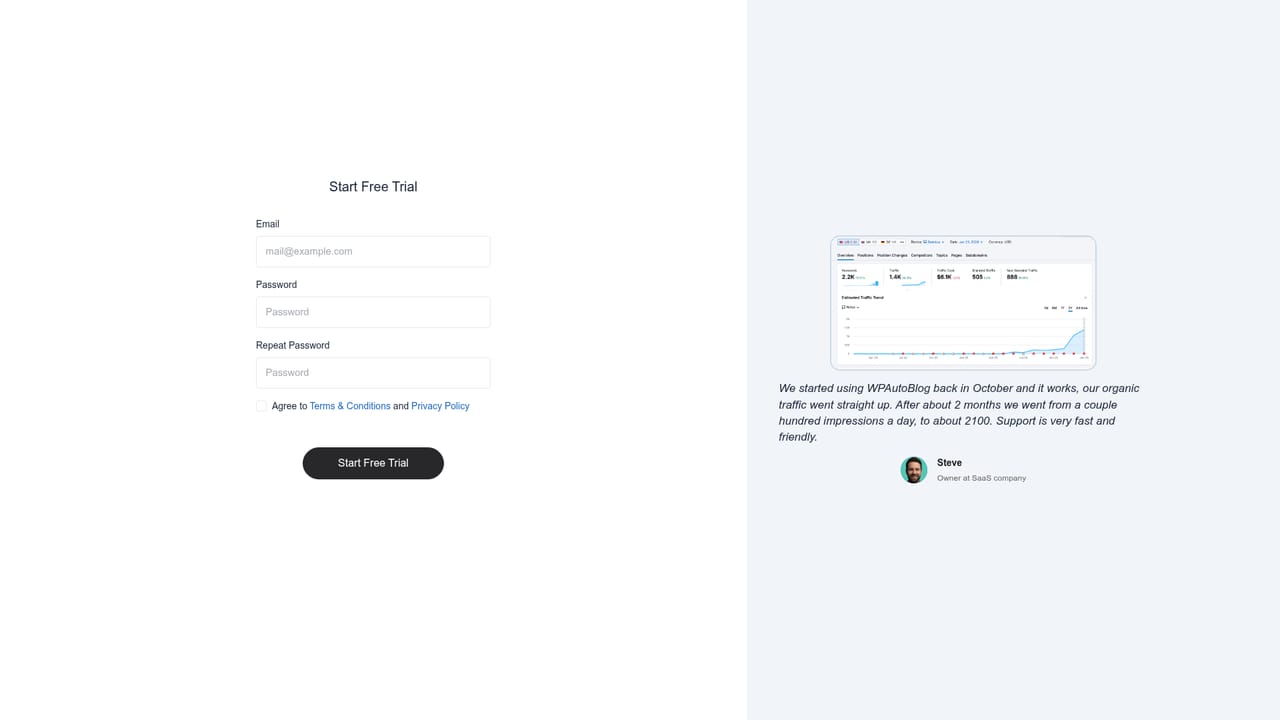
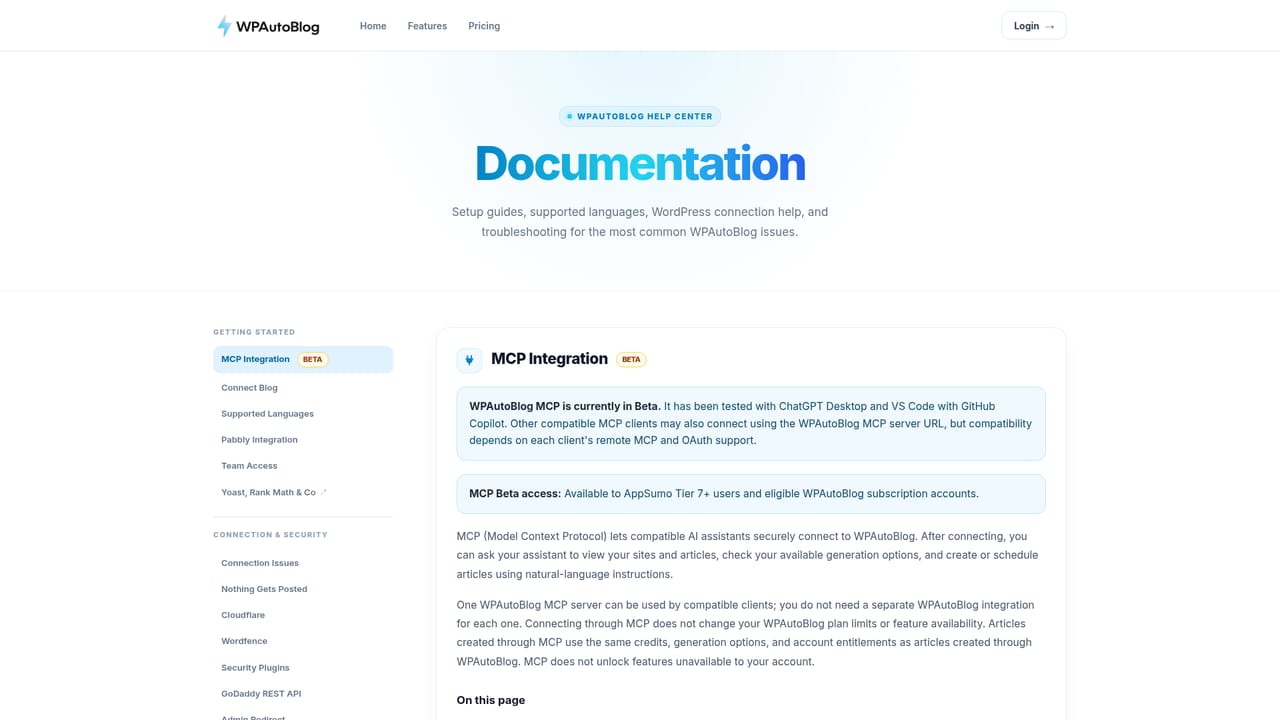
A 3-day free trial is offered on the Agency plan, cancellable at any time. A free signup link also appears on the All in One plan.
Learn moreTwo subscription tiers. All in One is listed at $79 per month (shown against a $199 regular rate) with 100 article credits, unlimited domains, keyword research, topic clusters, AI images and Pabbly. Agency is $290 per month (against $414) with 500 credits and team access for up to 5 members. A separate Team Access add-on costs $199 one time for up to 3 seats.
Learn moreNative WordPress publishing via the REST API, compatibility with Yoast and RankMath, and a Pabbly Connect integration that relays publish events to apps such as Facebook, X, Slack, Notion, Google Sheets, HubSpot and Airtable.
Learn moreAI article generation from titles, keywords or descriptions, with 10 optional content elements including tables, key takeaways, videos and internal links. Automatic keyword research, a topic cluster generator, sitemap-based internal linking, AI images, YouTube embeds, scheduling with predicted publish dates, support for 50+ languages and a Pabbly Connect webhook.
 AI Angels400+ customizable AI girlfriends for NSFW chat, voice calls, and roleplay
 Candy AIExperience the future of companionship with AI friends who chat, role-play, and connect with you on a human level.
 ourdream.aiA vast AI roleplay platform with millions of characters for chat, images, video and voiceAI Angels400+ customizable AI girlfriends for NSFW chat, voice calls, and roleplayCandy AIExperience the future of companionship with AI friends who chat, role-play, and connect with you on a human level.ourdream.aiA vast AI roleplay platform with millions of characters for chat, images, video and voice


