Free trial
The homepage offers a Try Free entry point that leads to the login page, so the trial begins with an account sign-up. Trial length and limits are not stated.
Learn moreAI rewriting and templates tuned for X and LinkedIn posts.

Writastic is a content writing tool. AI writing assistant for X and LinkedIn that rewrites drafts using a library of 264 templates distilled from successful creator posts, with permanent credit packages instead of a monthly plan.
Writastic is a writing assistant aimed squarely at people who publish on X (formerly Twitter) and LinkedIn. It pairs a rewriter with a library of 264 content templates, and the pitch is straightforward: you bring the draft, the tool reshapes it using patterns pulled from posts that already performed well. Templates are described as captured creator patterns, covering hooks, tones and formats, and the library is refreshed as trends move. The workflow is a draft and polish loop rather than a blank-page generator. You write your post, run it through the rewriter, and the output keeps your core message while adjusting structure and phrasing toward what tends to earn engagement on the chosen platform. Templates can be combined rather than applied one at a time, so a single post can borrow a hook style from one format and a closing pattern from another. Paid access runs on permanent credits rather than a recurring subscription, which suits writers who post in bursts. It fits social media managers, founders building a personal audience, and ghostwriters who produce posts in volume and want a second pass before publishing. The FAQ is candid that virality is not guaranteed: the system optimizes for engagement potential, and results build over time. Coverage is currently limited to X and LinkedIn, with Facebook, Threads and Bluesky named as future additions, so teams publishing across other networks will still need separate tools. Against general-purpose writing assistants, Writastic is narrower: it does not pitch itself as a long-form editor or a blog drafting engine, and its value rests on the template library and rewrite quality for short social posts. A free trial entry point is offered on the homepage, and purchases can be refunded within seven days if the templates do not match your voice.
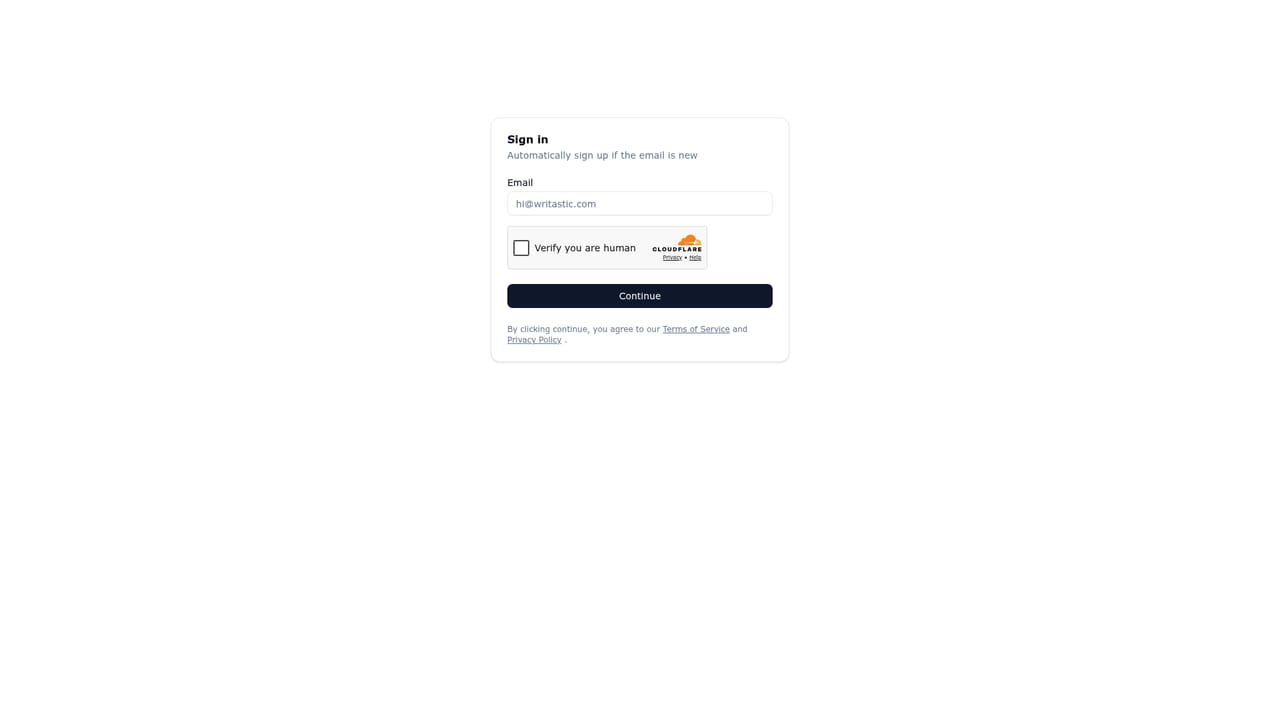
The homepage offers a Try Free entry point that leads to the login page, so the trial begins with an account sign-up. Trial length and limits are not stated.
Learn moreAccess is sold as simple credit packages that you buy when needed, and credits never expire. Exact prices are not listed on the homepage. Refunds are available within 7 days of purchase after contacting support.
Learn moreSupport is reached by contacting the team before requesting a refund, per the FAQ. No help centre, email address or response time is listed on the homepage.
A rewriter that optimizes drafts for engagement while retaining your core message, plus a library of 264 templates captured from successful creators on X and LinkedIn. Templates cover hooks, tones and formats and can be combined. Analysis of creators spans content theme, format, linguistic and semantic traits, and engagement patterns. The library is updated as trends shift.
 AI Angels400+ customizable AI girlfriends for NSFW chat, voice calls, and roleplay
 Candy AIExperience the future of companionship with AI friends who chat, role-play, and connect with you on a human level.
 ourdream.aiA vast AI roleplay platform with millions of characters for chat, images, video and voiceAI Angels400+ customizable AI girlfriends for NSFW chat, voice calls, and roleplayCandy AIExperience the future of companionship with AI friends who chat, role-play, and connect with you on a human level.ourdream.aiA vast AI roleplay platform with millions of characters for chat, images, video and voice


