Free trial
Free to start with no credit card required, according to the homepage. The length and limits of the free tier are not stated, and plan details sit behind the pricing link.
Learn moreTurn prompts, files and voice notes into polished documents

WriteDoc.ai is a content writing tool that turns prompts, files and voice notes into polished documents. An AI document generator that turns prompts, templates, files, links, voice notes and images into formatted business documents, with PDF, DOCX, HTML and share-link exports and a library of more than 290 templates.
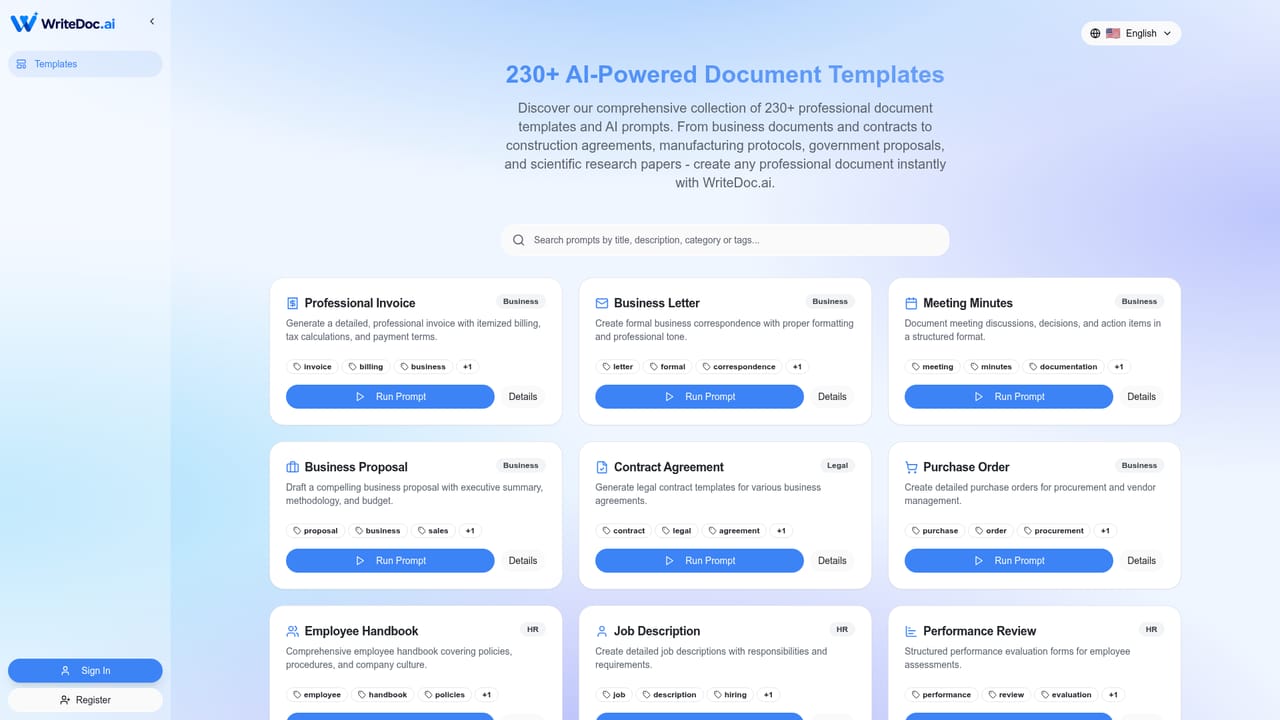
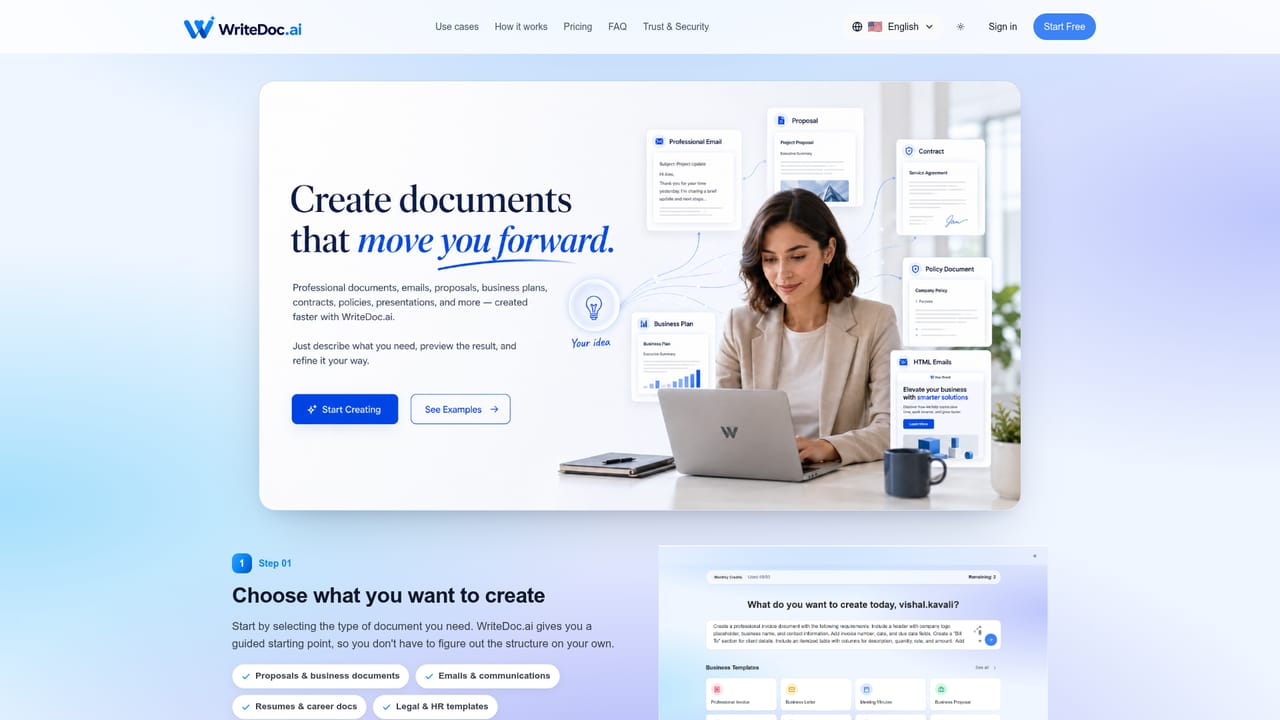
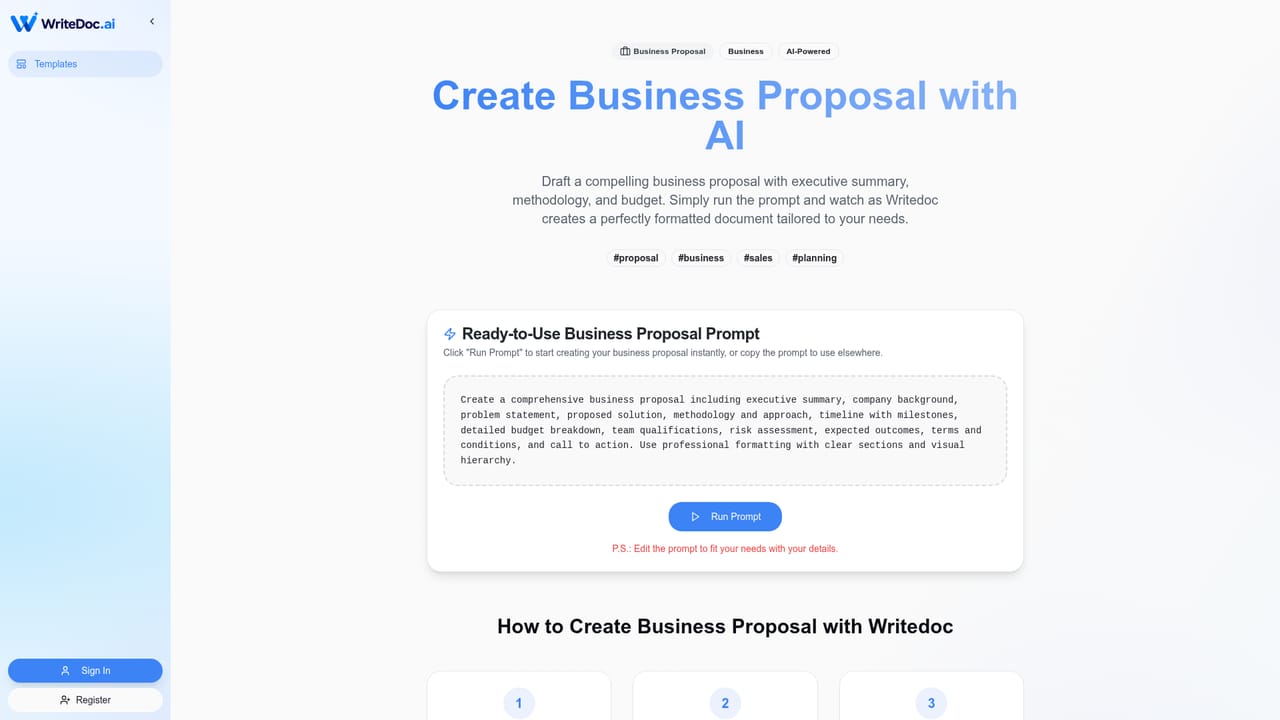
WriteDoc.ai is an AI document generator that turns a short description, an uploaded file, a link, a voice note or an image into a structured, formatted document. The product is built around a template library of more than 290 documents covering business proposals, resumes, cover letters, invoices, contracts, business plans, meeting minutes, job descriptions, performance reviews, marketing plans and financial reports. Users start either by writing a plain language prompt or by picking a template, and the system produces a formatted draft in seconds rather than a blank page. The workflow is conversational after the first draft. A user supplies audience, purpose, tone and key points, reviews the generated structure, then asks for changes in natural language until the wording and details match the intent. Output can be exported as PDF or DOCX for most document types, while email style content is offered as copy-ready HTML. A share link option lets a document be sent without downloading a file. The pitch is aimed at freelancers and consultants writing proposals and invoices, job seekers producing resumes and cover letters, HR teams drafting policies and job descriptions, agencies producing campaign briefs, and educators preparing lesson plans and reports. Against general purpose chatbots, the appeal is structure: WriteDoc.ai frames the task as document creation with predefined document types and brand-ready formatting instead of free text in a chat window. Against traditional template sites, the appeal is that the draft is already written and can be revised by conversation. The homepage advertises a 5.0 rating on Product Hunt and more than 10,000 users worldwide. The free tier is described as free to start with no credit card required, but the homepage does not publish plan prices, so anyone comparing costs will need to check the pricing page before committing. Limitations are worth weighing. The library leans toward common business paperwork, so highly specialised legal, scientific or regulated documents may need substantial manual review. Exports are listed as PDF, DOCX, HTML and share links; deeper integration with office suites or CRMs is not described. Support channels are not documented on the homepage either, which matters for teams that need a guaranteed response path.
Free to start with no credit card required, according to the homepage. The length and limits of the free tier are not stated, and plan details sit behind the pricing link.
Learn morePrompt or template creation from a library of 290+ document types, instant formatted drafts, conversational refinement of tone and wording, input from prompts, files, links, voice notes and images, and export to PDF, DOCX, HTML or a share link.
Learn more AI Angels400+ customizable AI girlfriends for NSFW chat, voice calls, and roleplay
 Candy AIExperience the future of companionship with AI friends who chat, role-play, and connect with you on a human level.
 ourdream.aiA vast AI roleplay platform with millions of characters for chat, images, video and voiceAI Angels400+ customizable AI girlfriends for NSFW chat, voice calls, and roleplayCandy AIExperience the future of companionship with AI friends who chat, role-play, and connect with you on a human level.ourdream.aiA vast AI roleplay platform with millions of characters for chat, images, video and voice


