Free trial
The Essential plan at $45 per month includes a 7 day free trial. A separate lifetime free tier is also offered with 5 pages and 50 conversations.
Learn moreAn always-on website chatbot that answers sales questions and books demos

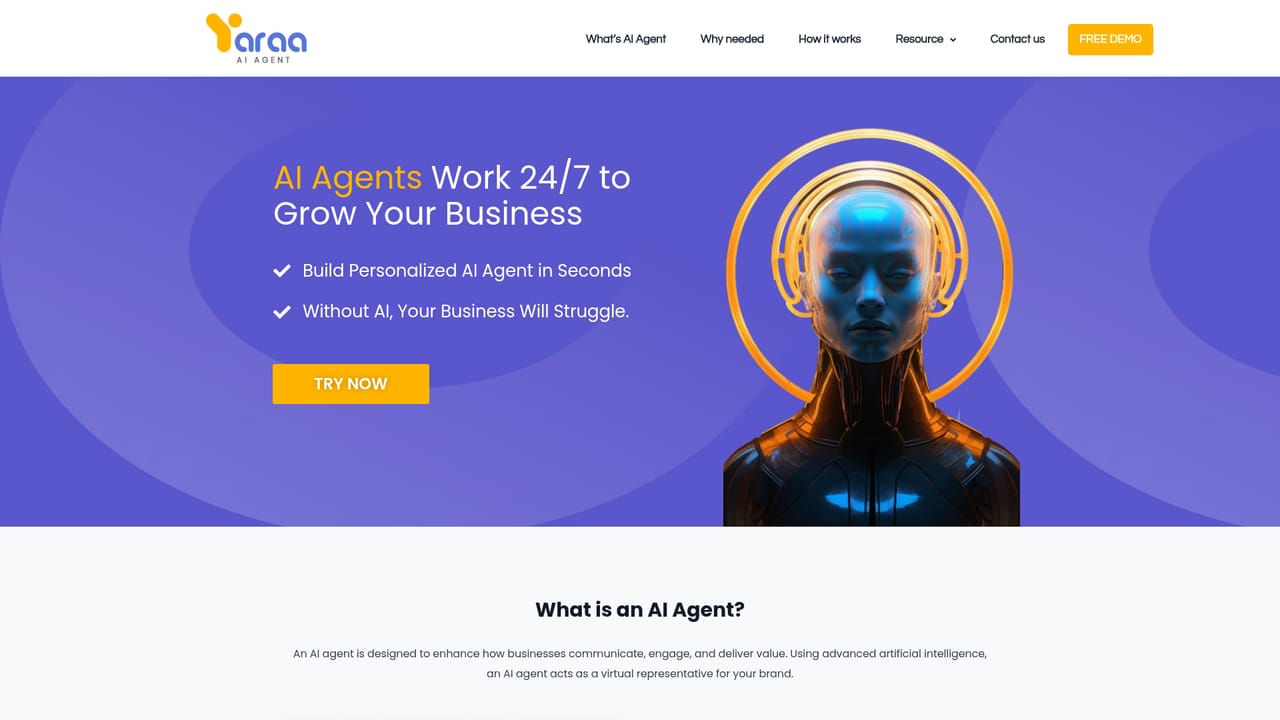
Yaraa is an AI chat bot tool. Yaraa AI Sales Agent is a website chatbot that talks to visitors by text or voice, answers product questions, shares pricing and books demos around the clock. It installs on WordPress, Shopify, Wix and similar platforms with a plugin or a JavaScript snippet and hands complex conversations to a human.
Yaraa AI Sales Agent is a website chatbot built for sales conversations. It sits on a company site as a text and voice assistant, greets visitors, answers questions about products and services, shares pricing or plan details, and can hand off a booking or a buy link without a person stepping in. The pitch is straightforward: a sales presence that stays available after hours, on holidays, and during demand spikes, when no one from the team is at a desk. The product is aimed at small and mid-sized businesses that field repetitive pre-sale questions but cannot staff a live chat around the clock. Storefronts, service providers and agencies are the obvious fit, particularly those already running WordPress, Shopify, Wix, Webflow, Squarespace, Joomla, Magento or OpenCart, since setup is presented as a plugin or a JavaScript snippet with no coding required. The vendor says an agent can be launched in seconds. In practice the flow is a three part script. A visitor speaks or types an opening line, the agent collects basic contact details, then answers questions pulled from current offerings rather than a fixed script. From there it can surface plans, schedule a call or demo, or pass the conversation to a human when a deal needs a closer. Everything runs in the browser, so there is nothing to install for the end customer. Against conventional live chat widgets, Yaraa leans on conversational answers and voice rather than canned replies and a queue. Against general purpose chatbots, it is narrower: the scope is sales qualification, objection handling and booking, not support tickets or internal workflows. Buyers should treat the conversation caps as the real comparison point, since the entry tier allows 50 conversations and the top tier 500 per month, which will not suit every high traffic storefront.
The Essential plan at $45 per month includes a 7 day free trial. A separate lifetime free tier is also offered with 5 pages and 50 conversations.
Learn moreThree tiers. A lifetime free plan covers 5 pages and 50 conversations with the WordPress plugin and JavaScript code. Essential is $45 per month for 25 pages and 100 conversations with a 7 day trial. Professional is $90 per month for 50 pages and 500 conversations. Terms and conditions apply.
Learn moreA contact form and a partnership email address are published on the site. No phone, live chat or help centre is listed, and response times are not stated.
Learn moreInstalls on WordPress through a plugin and elsewhere through a JavaScript snippet. Listed as compatible with Joomla, Wix, Webflow, Squarespace, Shopify, Magento and OpenCart.
Learn moreText and voice conversations with website visitors, instant answers drawn from current offerings, plan and pricing comparison, demo and call scheduling, buy now links, human handoff for complex deals, round the clock availability, and handling of many simultaneous conversations.
Learn more AI Angels400+ customizable AI girlfriends for NSFW chat, voice calls, and roleplay
 Candy AIExperience the future of companionship with AI friends who chat, role-play, and connect with you on a human level.
 ourdream.aiA vast AI roleplay platform with millions of characters for chat, images, video and voiceAI Angels400+ customizable AI girlfriends for NSFW chat, voice calls, and roleplayCandy AIExperience the future of companionship with AI friends who chat, role-play, and connect with you on a human level.ourdream.aiA vast AI roleplay platform with millions of characters for chat, images, video and voice


