Free trial
The homepage promotes a free start through a Get Started Free signup link, and the meta description invites visitors to try the platform free. No time limit or plan inclusions are stated.
Learn moreNo-code AI agents for support, sales and operations

YourGPT is an AI chat bot tool. A no-code AI agent platform for support, sales and operations. Agents train on your websites, documents and FAQs, then take actions through tools like Stripe, Zendesk and Salesforce. Deploys to chat, voice and channels such as WhatsApp, Instagram and Slack, with automatic support for 100+ languages.
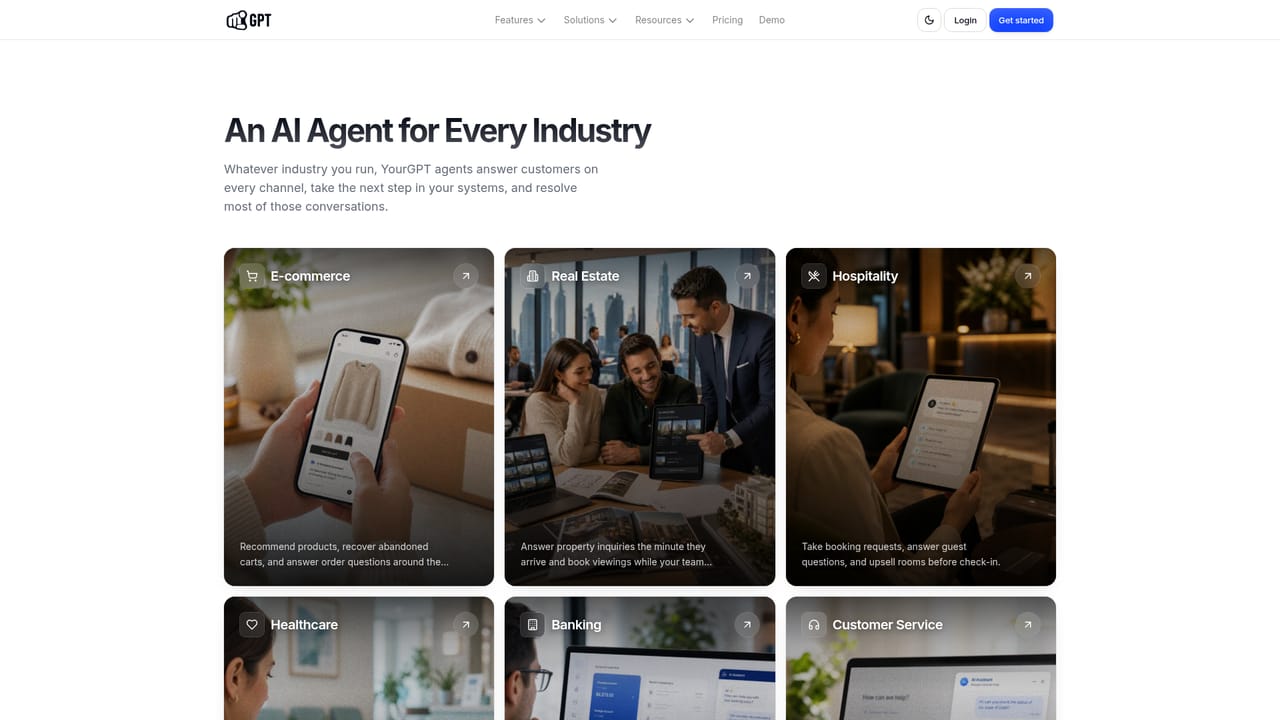
YourGPT is a no-code platform for building AI agents that handle customer conversations and then act on them. Instead of stopping at answering questions, an agent can connect to tools such as Stripe, Google Calendar, Zendesk and Salesforce and complete the task behind the request, whether that means issuing a refund, booking a slot or opening a ticket. The company positions the product around resolution rates, claiming teams can clear up to 90% of repeated queries with agents that learn from ongoing interactions. The build process starts with knowledge. You point the agent at websites, PDFs, Notion, Google Drive, YouTube and manual FAQ entries, and the platform chunks and indexes that material so answers are grounded in your own documentation. From there you define a persona and guardrails that set what the agent may say, do and approve without a human, choose a model (the platform is model agnostic and supports providers such as OpenAI and Anthropic), and deploy across chat, voice and messaging channels including WhatsApp, Instagram, Messenger, Telegram, Slack, Discord and Teams. Language detection is automatic across 100 or more languages, so a single agent can serve a multilingual customer base. The product goes beyond a simple website widget. Separate modules cover an AI Studio for multi step workflows, an AI Copilot, an AI helpdesk for self service, a phone agent for voice support and browser extensions. Prebuilt pages target verticals like ecommerce, banking, hotels, healthcare and SaaS, which helps teams see how the tool maps to their sector before building. YourGPT fits companies with high volumes of repetitive inbound questions that already have documentation and a support stack worth connecting. Smaller teams can start free and stay on chat channels, while larger organizations get an enterprise track. It competes with general chatbot builders on the strength of its action layer and integration list rather than on model quality alone. Buyers should check published pricing and confirm that the specific tools they need sit on a supported plan, since not every connector is guaranteed across tiers.
The homepage promotes a free start through a Get Started Free signup link, and the meta description invites visitors to try the platform free. No time limit or plan inclusions are stated.
Learn moreA public help centre is available at help.yourgpt.ai, and the homepage offers a demo booking link for prospective customers.
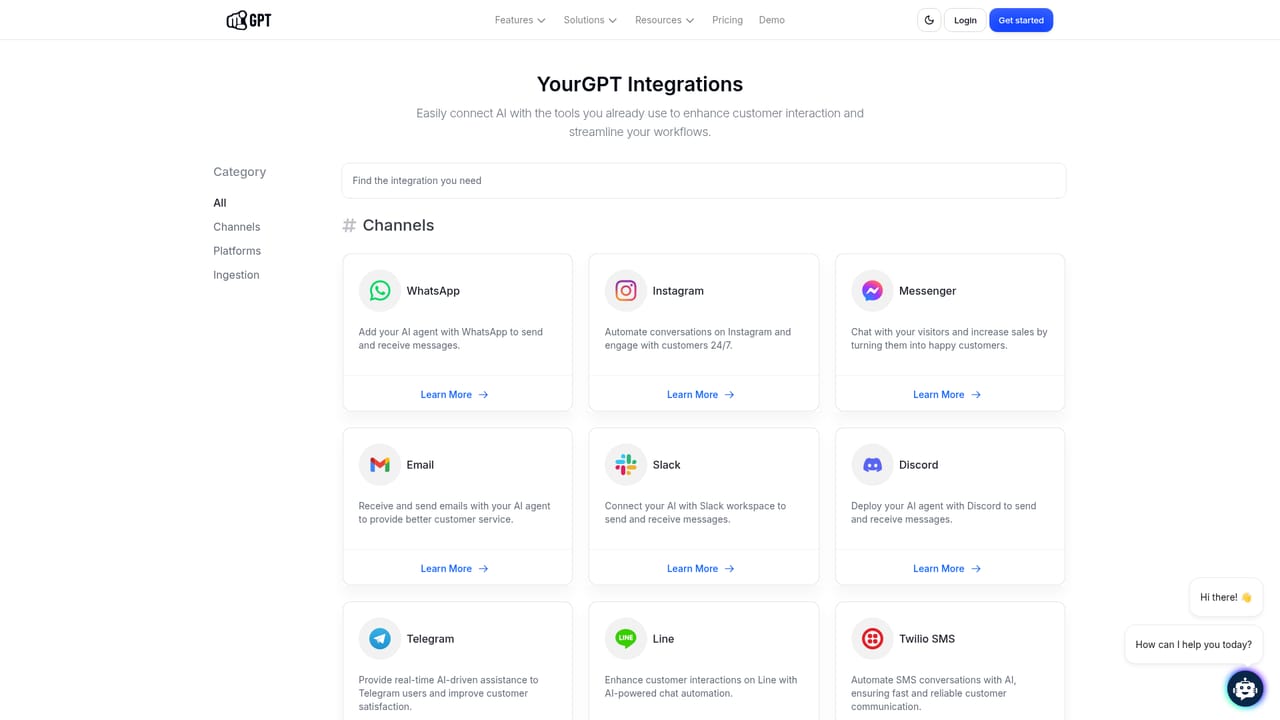
Learn moreChannels and tools listed include WhatsApp, Instagram, Messenger, Telegram, Slack, Discord, Microsoft Teams, Line, Intercom, Crisp, Shopify, WooCommerce, WordPress, Wix, Webflow, Framer, Zapier, Twilio, Notion, Stripe, Google Calendar, Zendesk and Salesforce.
Learn moreCore features include no-code agent building with knowledge trained on websites, documents, Notion, Google Drive, YouTube and manual FAQs; agent tools that connect third party apps so the agent can act; persona and guardrail settings; model agnostic model choice across providers such as OpenAI and Anthropic; multi agent support and self-learning; automatic response in 100+ languages; and additional modules for AI Studio workflows, AI Copilot, AI Helpdesk, phone agents and browser extensions.
Learn more AI Angels400+ customizable AI girlfriends for NSFW chat, voice calls, and roleplay
 Candy AIExperience the future of companionship with AI friends who chat, role-play, and connect with you on a human level.
 ourdream.aiA vast AI roleplay platform with millions of characters for chat, images, video and voiceAI Angels400+ customizable AI girlfriends for NSFW chat, voice calls, and roleplayCandy AIExperience the future of companionship with AI friends who chat, role-play, and connect with you on a human level.ourdream.aiA vast AI roleplay platform with millions of characters for chat, images, video and voice


