Free trial
No separate trial is described. New users get 5 free subtitle downloads on sign up, guests get 3 credits, and free accounts receive 5 daily credits.
Learn morePull YouTube captions, transcripts and AI summaries into clean files

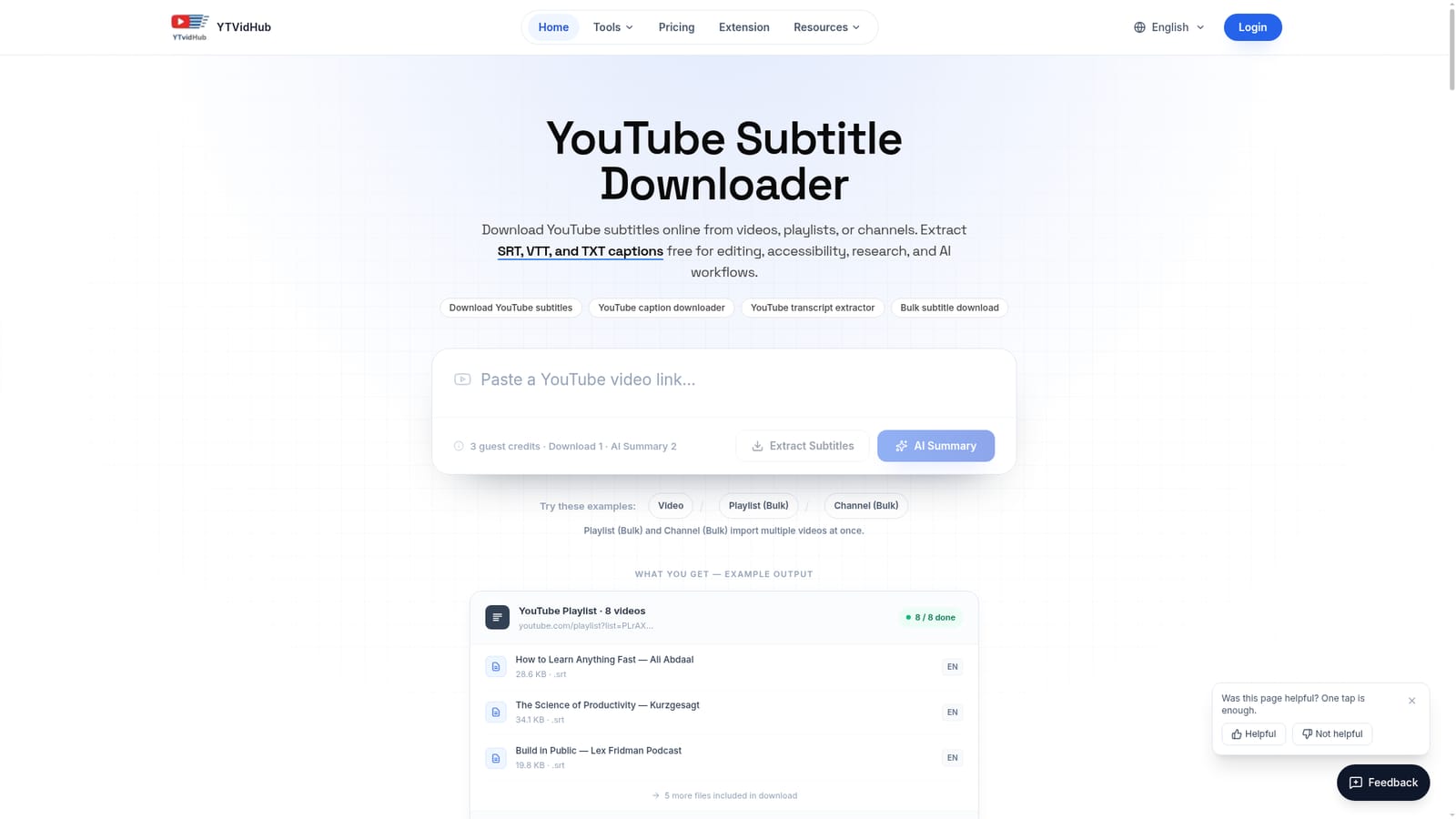
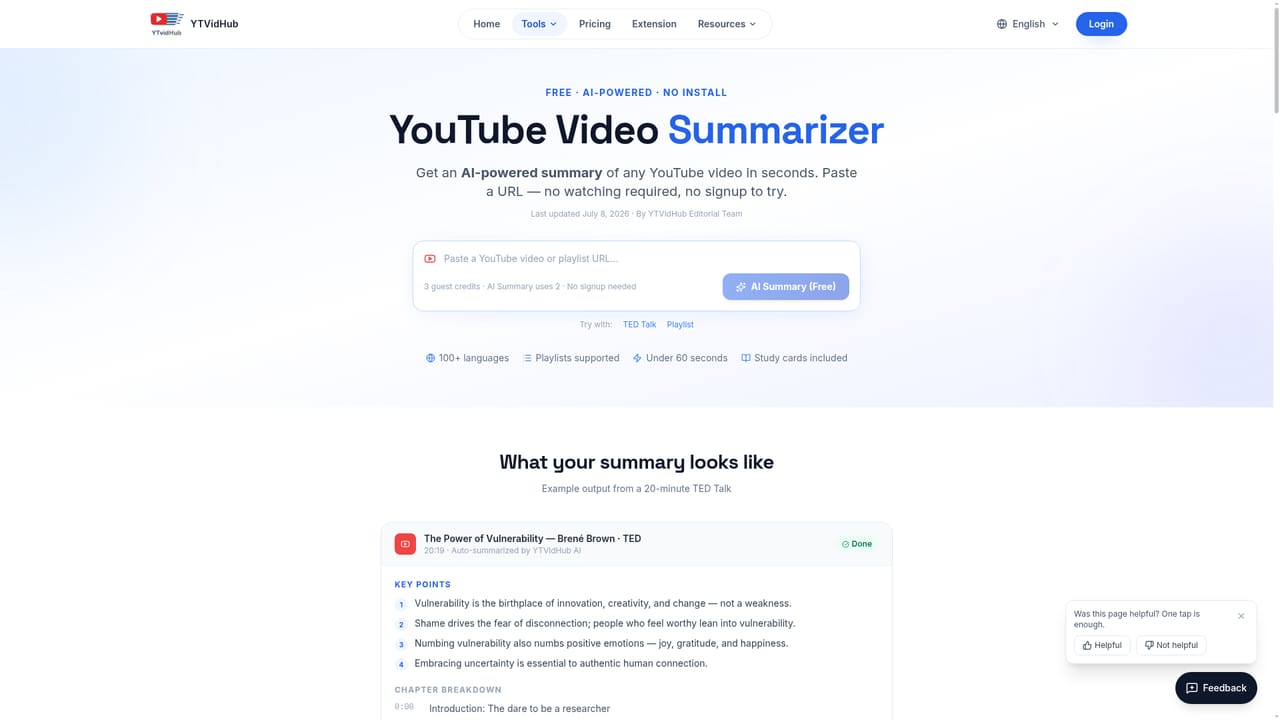
YTVidHub is a video text summary tool. Browser tool that extracts YouTube subtitles and transcripts as SRT, VTT or clean TXT, with playlist and channel batch processing plus AI summaries and mind maps.
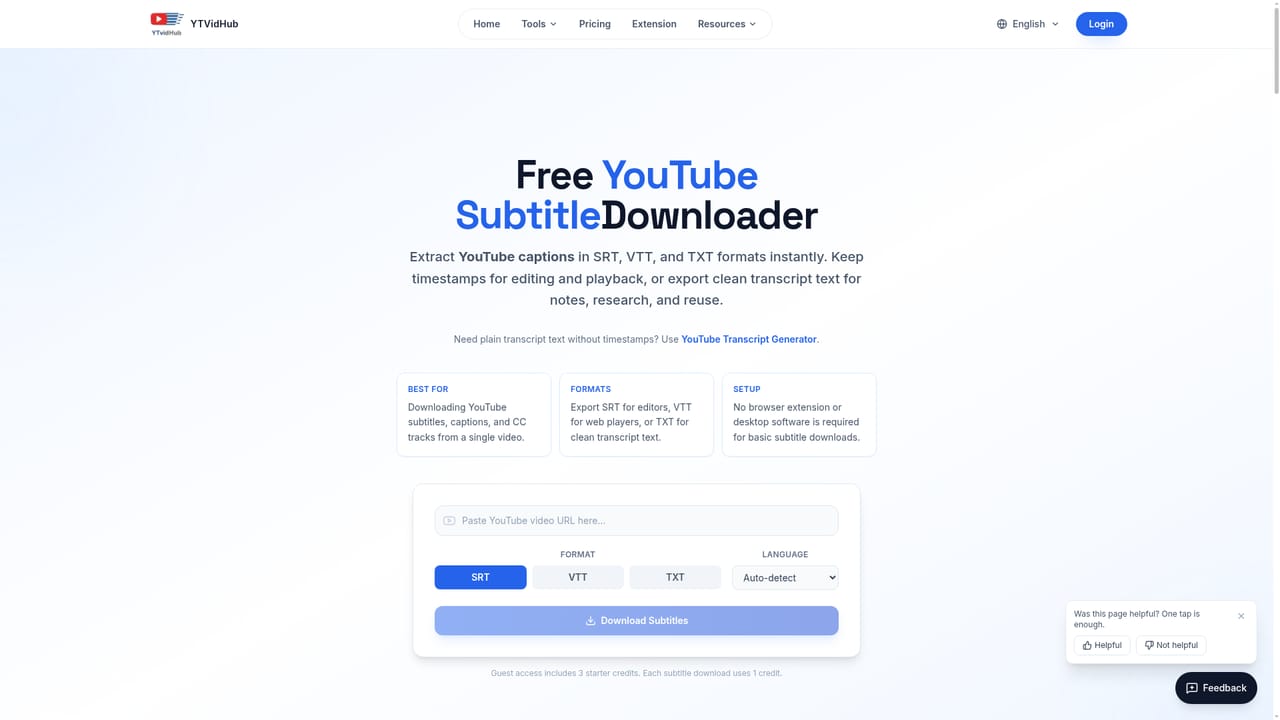
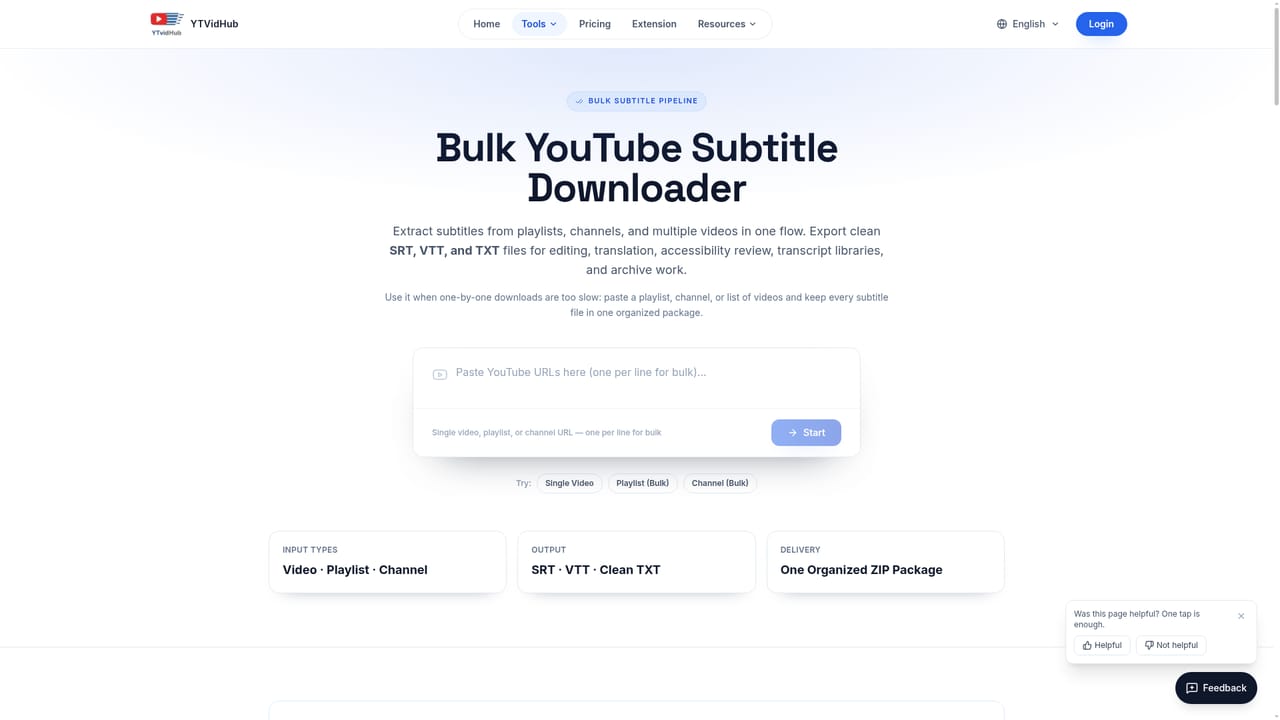
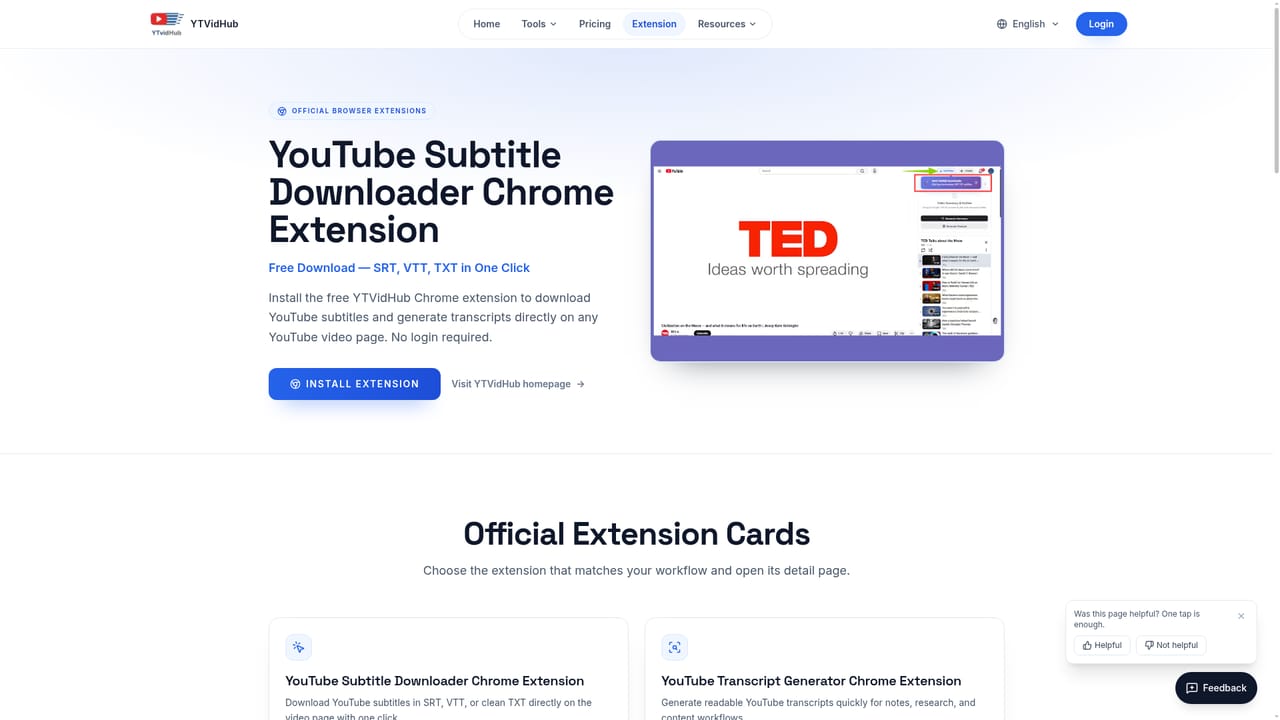
YTVidHub is a browser based tool that pulls subtitles, closed captions and transcripts out of YouTube videos, playlists and channels and hands them back as SRT, VTT or plain TXT files. Beyond the raw extraction, it runs an AI pass over the text to produce summaries and mind maps, which is the part that separates it from the long list of simple caption grabbers. The intended audience is fairly specific. Video editors need timed SRT files that drop into Premiere Pro or VLC without cleanup. Course builders and accessibility teams want WebVTT captions for HTML5 players. Researchers and AI practitioners want timestamp free TXT to feed into language models, and YTVidHub explicitly courts that group with bulk playlist and channel processing plus a separate data prep guide. Journalists, marketers and students who just want the gist of a long video can lean on the summary output instead of the file export. In practice the workflow is link in, format out. A video, playlist or channel URL goes into the homepage, a .txt file of links can be uploaded for larger batches, and the engine returns files under whichever format is selected. The site notes that bulk runs come back as a zipped archive, so an eight video playlist arrives as one download rather than eight separate saves. A Chrome extension handles single video grabs directly on the YouTube page, which the site recommends for quick pulls, while bulk jobs and AI summaries stay on the web app. Where it fits among alternatives comes down to scope and price shape. Many competitors stop at single video transcripts or lock batch work behind higher tiers, whereas YTVidHub puts playlist and channel extraction in the foreground and offers a limited free credit allowance each day. The tradeoffs are a fairly narrow focus on YouTube as the only source and a credit system that throttles heavy use unless a plan is bought.
No separate trial is described. New users get 5 free subtitle downloads on sign up, guests get 3 credits, and free accounts receive 5 daily credits.
Learn moreThe site advertises a free tier with 5 daily credits for subtitle downloads plus guest access, and a Pro tier that unlocks unlimited bulk downloads for large projects and commercial use. Exact prices are not stated on the homepage, so check the pricing page for current figures.
Learn moreA Chrome extension brings downloading into the YouTube interface. No other third party integrations or public API are mentioned on the homepage.
Learn moreCore features cover subtitle and caption extraction from videos, playlists and channels, export to SRT, VTT or clean TXT, batch processing via URL or uploaded link file, AI generated summaries and mind maps, and a Chrome extension for one click downloads on YouTube pages.
 AI Angels400+ customizable AI girlfriends for NSFW chat, voice calls, and roleplay
 Candy AIExperience the future of companionship with AI friends who chat, role-play, and connect with you on a human level.
 ourdream.aiA vast AI roleplay platform with millions of characters for chat, images, video and voiceAI Angels400+ customizable AI girlfriends for NSFW chat, voice calls, and roleplayCandy AIExperience the future of companionship with AI friends who chat, role-play, and connect with you on a human level.ourdream.aiA vast AI roleplay platform with millions of characters for chat, images, video and voice