Free trial
The free plan itself acts as the trial: 2 transcriptions up to 45 minutes, 3 uploads and imports, and 10 AI chats monthly, with no credit card needed.
Learn moreTurns recordings and meetings into transcripts, summaries and searchable notes

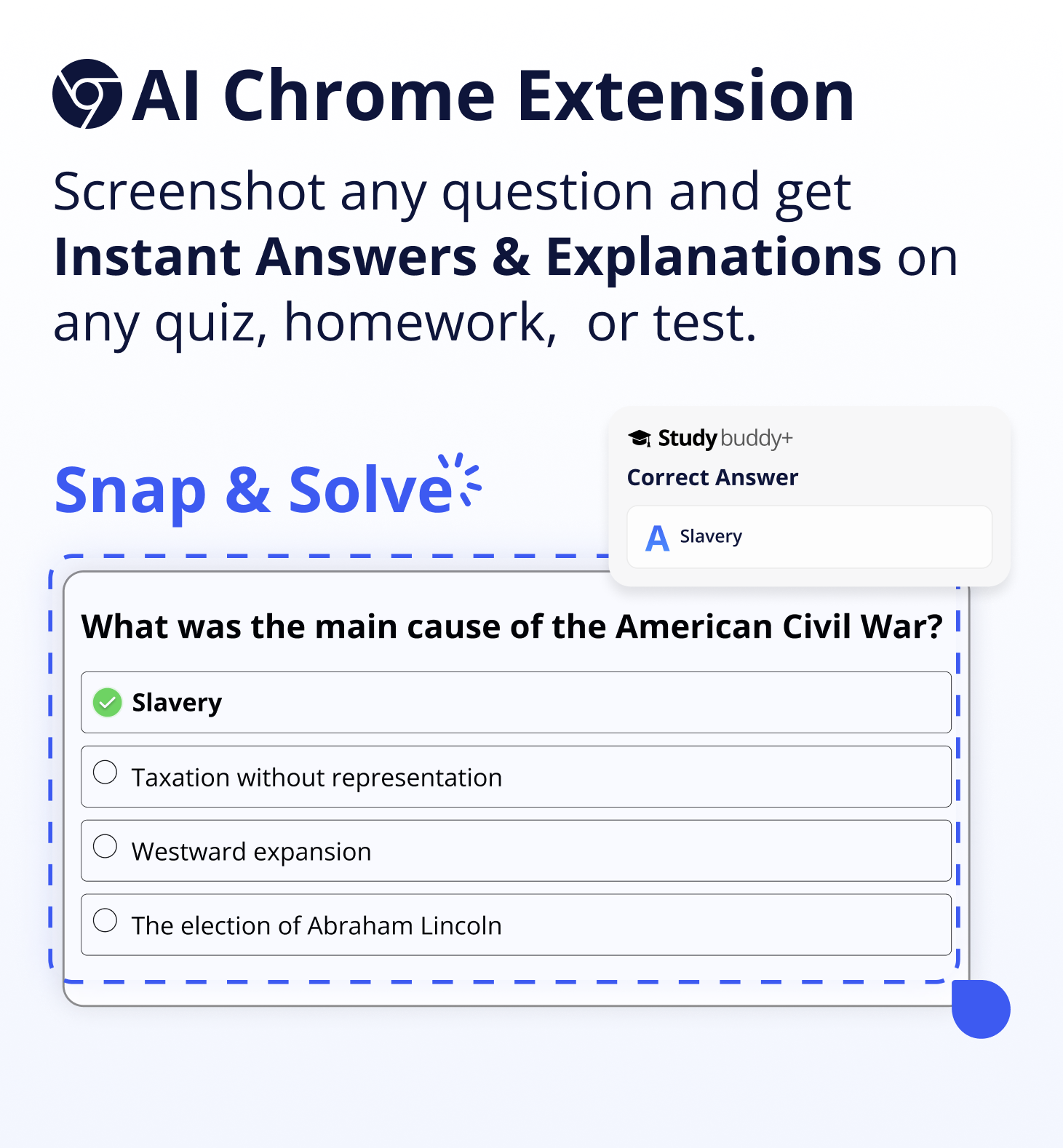
ScreenApp is an AI screen analyzer tool that turns recordings and meetings into transcripts, summaries and searchable notes. Recording, transcription and summarization tool that converts meetings, lectures and uploaded videos into structured notes, searchable transcripts and exportable documents. Works in the browser, on mobile, via Chrome extension and desktop apps, with a no-bot option for Zoom, Meet and Teams calls.
ScreenApp is a recording and transcription workspace built around one idea: a recorded meeting should take seconds to absorb, not an hour to rewatch. Users capture audio or screen activity in the browser, on mobile, through a Chrome extension, or with the Mac and Windows desktop apps, and the service produces a transcript plus structured notes covering key points, action items and decisions. The platform also ingests material filmed elsewhere, either by uploading a file or by pointing it at a YouTube link. Summaries are the core of the product, but the surrounding toolkit goes further. A summarizer condenses long recordings into executive overviews, a video analyzer searches across frames so a specific moment can be located without scrubbing a timeline, and an audio-to-text converter cleans up messy speech into formatted documents, PDFs or plain text using templates. Recordings are held in one library that can be searched and shared, and real-time translation is offered on web and mobile. Anyone who sits through recurring calls is the obvious audience: teams writing meeting minutes, educators working through lectures, researchers handling interviews, and professionals who need a written record they can quote later. It also suits people who dislike sending a bot into a call, since capturing locally in the app or extension is a supported alternative to the meeting-bot route for Zoom, Google Meet and Microsoft Teams. The field is crowded with notetakers that bolt transcription onto a calendar, and ScreenApp's differentiator is breadth: screen recording, file imports, frame-level video search and document export live in the same place as the transcript. Buyers should weigh that against accuracy claims that the company itself qualifies. The vendor's own testing reported up to 95.8% on clear English audio, notes that the underlying provider stack has changed, and warns that noisy or multi-speaker recordings perform worse.
The free plan itself acts as the trial: 2 transcriptions up to 45 minutes, 3 uploads and imports, and 10 AI chats monthly, with no credit card needed.
Learn moreFreemium with a free plan covering 2 transcriptions of up to 45 minutes each, 3 uploads or imports and 10 AI chats per month, with no credit card required. Paid tiers exist and accounts can be cancelled or downgraded at any time; exact paid prices are listed on the pricing page.
Learn moreCaptures Zoom, Google Meet and Microsoft Teams calls either through a meeting bot or by local recording in the web app, extension and desktop or mobile apps. YouTube links and uploaded files can be imported, and a Chrome extension is offered.
AI notetaker that records and transcribes meetings, lectures and conversations, then summarizes them into key points, action items and decisions. Includes a video analyzer for locating moments across frames, audio-to-text conversion into formatted documents and PDFs, transcript templates, a searchable recording library, real-time translation on web and mobile, and imports from uploads or YouTube links.
Learn more AI Angels400+ customizable AI girlfriends for NSFW chat, voice calls, and roleplay
 Candy AIExperience the future of companionship with AI friends who chat, role-play, and connect with you on a human level.
 ourdream.aiA vast AI roleplay platform with millions of characters for chat, images, video and voiceAI Angels400+ customizable AI girlfriends for NSFW chat, voice calls, and roleplayCandy AIExperience the future of companionship with AI friends who chat, role-play, and connect with you on a human level.ourdream.aiA vast AI roleplay platform with millions of characters for chat, images, video and voice