Integrations
Over 9,000 apps with 66,000+ triggers and actions, plus a single MCP connection covering Claude, ChatGPT, Cursor and 230+ other AI tools.
Learn moreConnect 9,000+ apps and run AI workflows that fire on their own
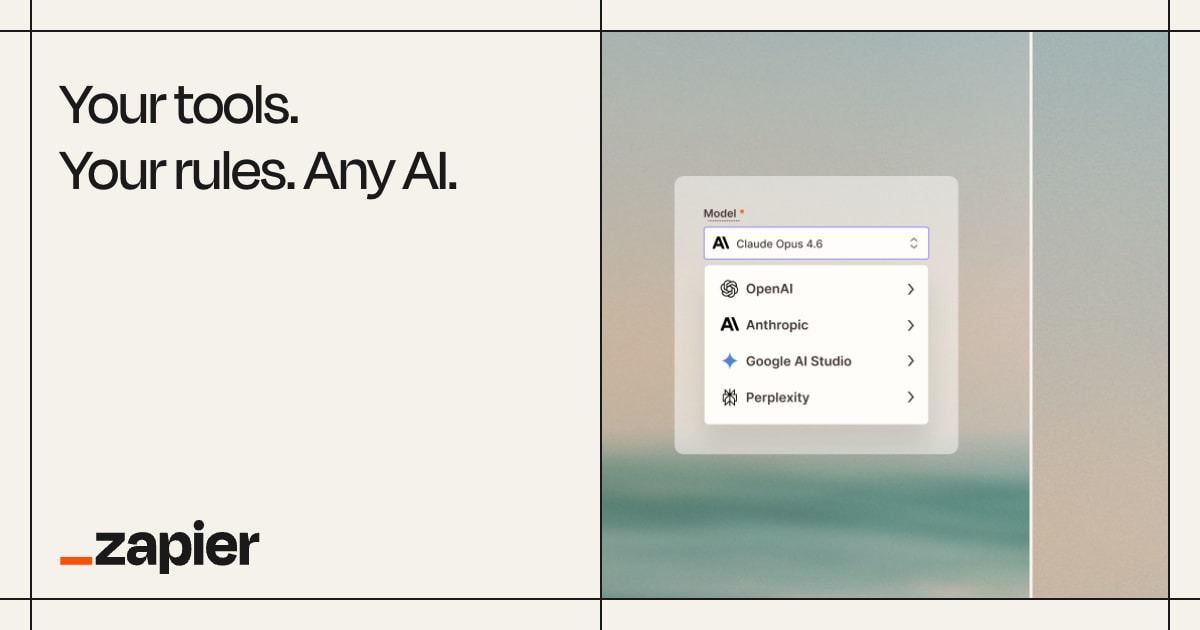
Zapier is an AI chat bot tool. Automation platform connecting 9,000+ apps, with MCP access for AI assistants, self-healing workflows and centralized governance for IT.
Zapier is an automation platform that connects the apps a business already runs on and turns them into workflows that execute without a person prompting them each time. The company positions the product around three layers: building with AI assistants, running the resulting workflows reliably, and governing everything from a single control plane. A workflow, called a Zap, starts from a trigger and then performs actions across connected apps, so a support ticket can get an automatic reply, a draft, or a routing decision every time it arrives rather than only when someone remembers to ask. The current emphasis is on bridging AI tools and business systems. Zapier MCP gives Claude, ChatGPT, Cursor and 230+ other AI tools one secure connection to 9,000+ apps, so the assistant can read context and take action without handing over passwords or API keys. Next Gen Zaps, in early access, add richer logic and an AI manager agent per Zap that detects failures and repairs them, plus deterministic steps that replace repeated AI calls and use fewer tokens over time. Workflows can range from fully rule-based to fully agentic, with embedded agents that hand off to fixed steps. Governance is aimed squarely at IT. Administrators set policies at the app, action and connection level, watch every workflow run and agent action with its owner and systems involved, and disable workflows with one click. The company cites SOC 2 Type II, SOC 3, GDPR and CCPA compliance, SAML SSO and SCIM provisioning, AI model opt-out on Enterprise, and log streaming. It suits operations, support, marketing and IT teams at companies large and small, from Fortune 500 buyers to solo founders. Alternatives include self-hosted automation servers for engineers who want full control and n8n or Make for teams comparing connector depth and pricing.
Over 9,000 apps with 66,000+ triggers and actions, plus a single MCP connection covering Claude, ChatGPT, Cursor and 230+ other AI tools.
Learn moreZap workflows with triggers, actions and advanced logic; Next Gen Zaps with self-healing AI manager agents and deterministic steps; Zapier MCP linking AI assistants to 9,000+ apps; governance with action restrictions, managed connections, AI guardrails, asset history, log streaming and bring-your-own-model; security including SOC 2 Type II, SOC 3, GDPR, CCPA, SAML SSO and SCIM.
Learn more AI Angels400+ customizable AI girlfriends for NSFW chat, voice calls, and roleplay
 Candy AIExperience the future of companionship with AI friends who chat, role-play, and connect with you on a human level.
 ourdream.aiA vast AI roleplay platform with millions of characters for chat, images, video and voiceAI Angels400+ customizable AI girlfriends for NSFW chat, voice calls, and roleplayCandy AIExperience the future of companionship with AI friends who chat, role-play, and connect with you on a human level.ourdream.aiA vast AI roleplay platform with millions of characters for chat, images, video and voice


