
Zeabur

AI DevOps agent that ships your code and rents your servers

Beginner
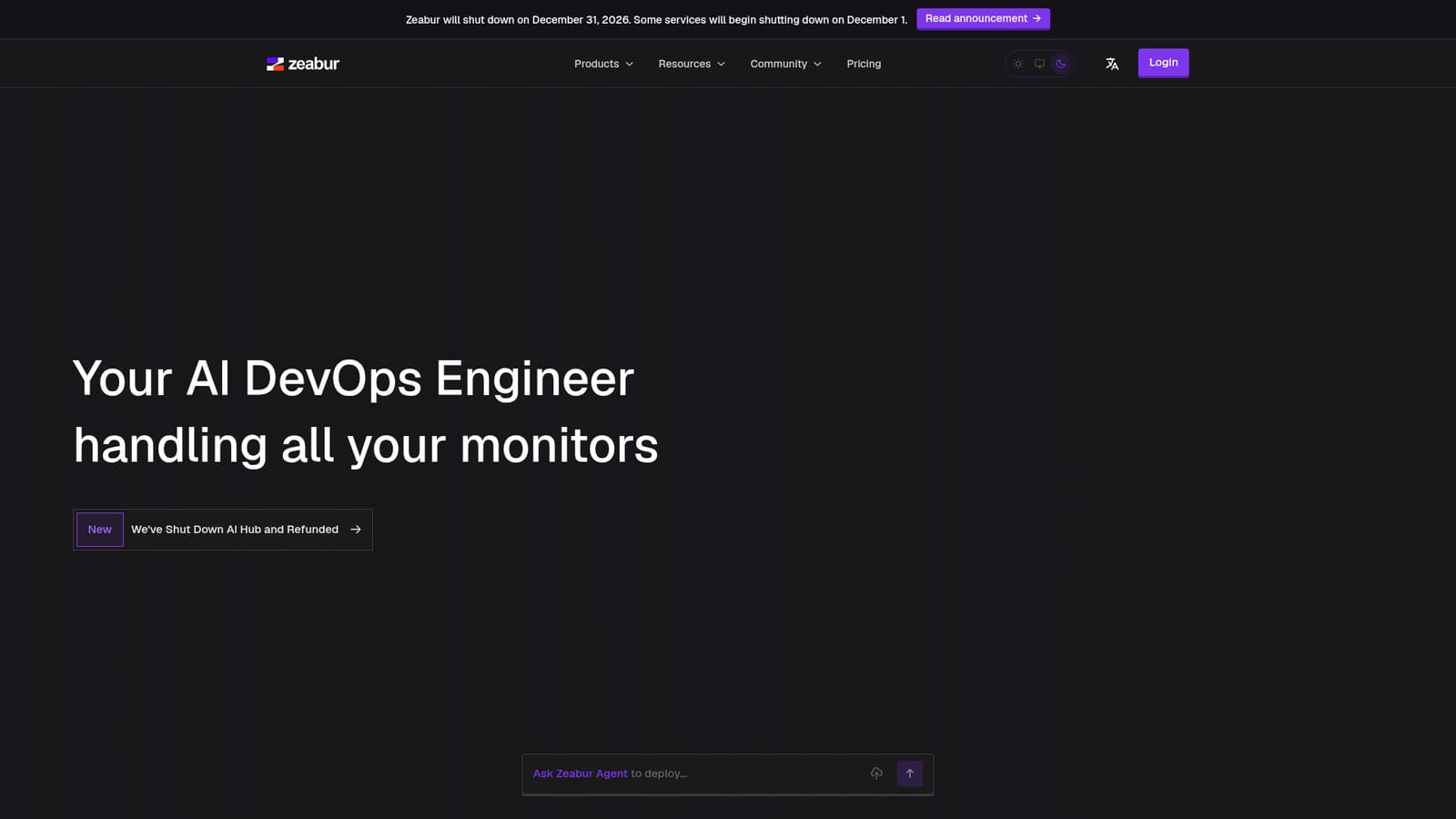
Screenshot of Zeabur, AI DevOps agent that ships your code and rents your servers

What is Zeabur?

Zeabur is an AI-driven hosting platform: an agent detects your framework after a push, deploys the service, rents servers across providers and configures domains, DNS and email. Ready-made templates cover databases, chatbots and workflow tools. Note that Zeabur has announced it shuts down on December 31, 2026.

Zeabur is a hosting platform built around an agent that takes over the infrastructure work that normally follows a git push. The pitch is narrow and practical: developers write the code, and the Zeabur Agent handles the rest of the path to a running service. After a push, the agent inspects the repository, works out which language and framework it is looking at, and deploys it without a hand-written Dockerfile or pipeline file. The homepage frames the whole product as an AI DevOps engineer rather than a dashboard you configure by hand. Beyond plain deploys, the platform bundles the surrounding pieces a small team usually assembles separately. Servers and clusters can be provisioned in a chosen region and provider for dedicated compute. Domains and DNS sit in the same place, with automatic SSL and one-click records. A built-in email service covers transactional and marketing sending on usage-based pricing, and SMTP credentials can be wired into a service automatically. Templates fill in the rest: one-click installs for LobeChat, Supabase, Dify, PostgreSQL, MySQL, Redis, n8n, WordPress, Uptime-Kuma and similar open source tools. The distinguishing feature is Skills, which turns natural language into infrastructure actions. A prompt such as a request for a cheap VPS with two cores and four gigabytes is answered by comparing providers, quoting the options and renting the machine once confirmed. The same mechanism deploys local projects, installs templates and configures email, so routine ops tasks move from a console to a conversation. The practical audience is solo builders and small teams who want managed hosting without learning a cloud console, plus developers deploying AI chatbots, Discord bots, databases and workflow tools from the template catalogue. One fact should shape any evaluation. Zeabur has announced that the service shuts down on December 31, 2026, with some services beginning to wind down on December 1. The site also notes that AI Hub has been shut down and refunded. Against alternatives such as Render, Railway or Fly.io, Zeabur's differentiator was the agent-first workflow and the breadth of bundled infrastructure; that differentiator now has a hard expiry date attached to it. Predictable, fixed plans are marketed as the answer to surprise cloud bills, and users can also publish their own templates and earn from them.

How do you use Zeabur?

  1. 1Sign in and open a project
    Create an account and start a project from the Zeabur dashboard. This is the workspace where services, servers and domains for one application are grouped together.
    Zeabur — Sign in and open a project
  2. 2Pick a template or connect your own repository
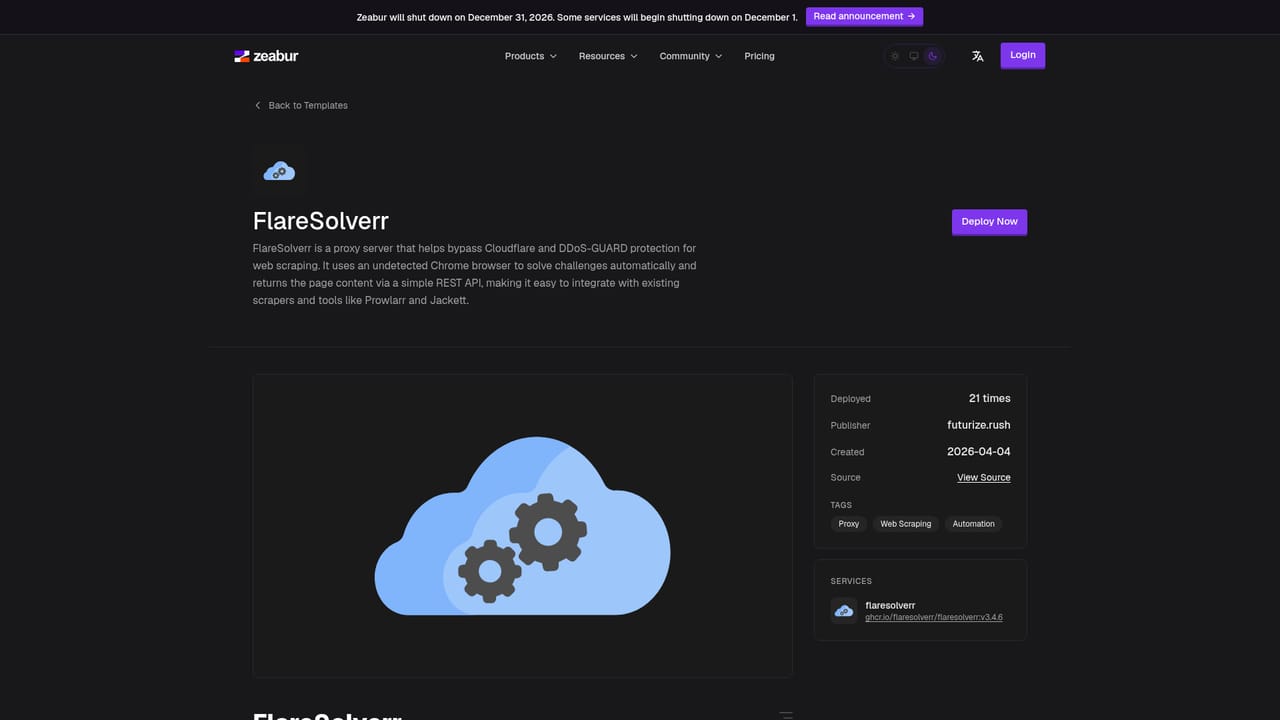
    Browse the template catalogue for a ready-to-run tool such as PostgreSQL, n8n or Supabase, or point Zeabur at your local project or git repository for an agent-driven deploy.
    Zeabur — Pick a template or connect your own repository
  3. 3Let the agent detect and deploy
    After the push, the agent inspects the code, identifies the language and framework, and builds the service. Watch the build and deploy stages in the project view.
  4. 4Rent a server when you need dedicated compute
    Use a Skills prompt to describe your spec, for example cores and memory, and the agent compares providers such as AWS, Hetzner and Linode with prices before renting.
    Zeabur — Rent a server when you need dedicated compute
  5. 5Attach a domain and turn on email
    Add a domain, create DNS records with automatic SSL, and enable the email service so transactional messages send with SMTP credentials configured for the service.
  6. 6Review plans and template earnings
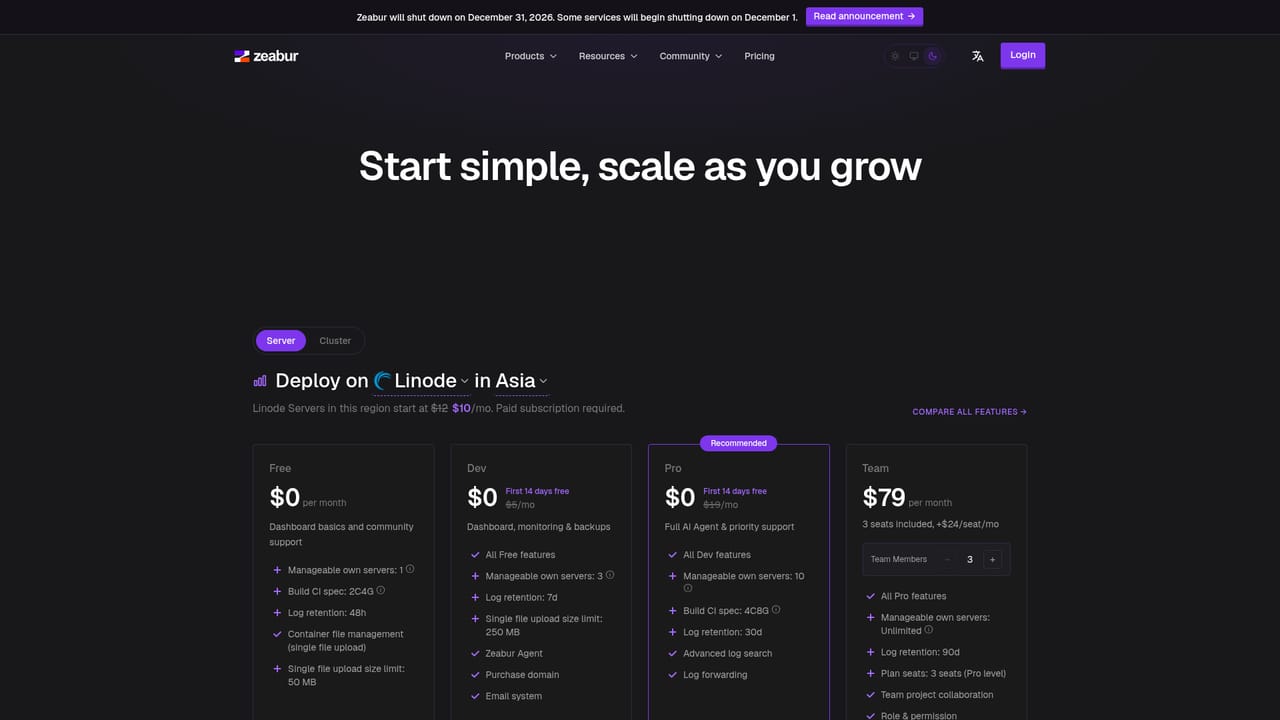
    Check the pricing page for fixed plans and the reward documentation if you plan to publish templates and earn from other users deploying them.
    Zeabur — Review plans and template earnings

Pros and cons

Pros

  • Agent deploys a project straight from a push after detecting language and framework, removing most pipeline setupAI
  • Skills let you rent servers, deploy and configure email through plain-language prompts instead of a consoleAI
  • Domains, DNS with automatic SSL, email service and compute are bundled in one place rather than scatteredAI
  • Template catalogue covers widely used open source tools such as Supabase, PostgreSQL, Redis, n8n and WordPressAI
  • Fixed plans are positioned against unpredictable cloud bills, making spend easier to forecastAI

Cons

  • The platform has announced a shutdown on December 31, 2026, with some services winding down from December 1, which makes it unsuitable for long-lived production systemsAI
  • AI Hub was discontinued and refunded, showing that parts of the product line can be withdrawn without much noticeAI
  • The agent handles routine deploys and provisioning well, but unusual architectures, custom networking or compliance requirements will still need manual workAI
  • Pricing detail is thin on the homepage; specific plan limits and overage rules require checking the pricing page before committingAI
  • Server rental spans third-party providers, so support and billing questions may cross vendor boundariesAI

How much does Zeabur cost?

Pricing

Zeabur markets predictable, fixed plans with transparent costs and no surprise bills, and lists usage-based pricing for its email service. Concrete plan tiers, included resources and overage rules are not stated on the homepage, so the pricing page is the place to confirm current numbers.

Learn more

Integrations

The homepage names AWS, Hetzner and Linode as server providers available for rental, and lists templates for LobeChat, WordPress, Supabase, Dify, RSSHub, Uptime-Kuma, PostgreSQL, n8n, MySQL, SillyTavern, Redis, Halo, Memos, AFFiNE and Umami.

Learn more

Features

An AI agent that detects language and framework after a push and deploys the service; Skills that turn natural language into infrastructure actions such as renting servers, deploying projects and setting up email; servers and clusters in chosen regions; domains and DNS with automatic SSL; a built-in email service; and a template library covering databases, chatbots, monitoring and workflow tools.

Learn more

Frequently asked questions about Zeabur

  • How much does Zeabur cost?
    Zeabur markets predictable, fixed plans with transparent costs and no surprise bills, and lists usage-based pricing for its email service. Concrete plan tiers, included resources and overage rules are not stated on the homepage, so the pricing page is the place to confirm current numbers.
  • How do you use Zeabur?
    The walkthrough on this page covers 6 steps: 1. Sign in and open a project 2. Pick a template or connect your own repository 3. Let the agent detect and deploy 4. Rent a server when you need dedicated compute 5. Attach a domain and turn on email 6. Review plans and template earnings.
  • What platforms does Zeabur support?
    Zeabur is available on Web App.
  • What does Zeabur integrate with?
    The homepage names AWS, Hetzner and Linode as server providers available for rental, and lists templates for LobeChat, WordPress, Supabase, Dify, RSSHub, Uptime-Kuma, PostgreSQL, n8n, MySQL, SillyTavern, Redis, Halo, Memos, AFFiNE and Umami.
  • What are the limitations of Zeabur?
    The platform has announced a shutdown on December 31, 2026, with some services winding down from December 1, which makes it unsuitable for long-lived production systems. AI Hub was discontinued and refunded, showing that parts of the product line can be withdrawn without much notice. The agent handles routine deploys and provisioning well, but unusual architectures, custom networking or compliance requirements will still need manual work.

Status

StatusActive
Views0
Outbound clicks0
Added10/21/2026

Platforms

Web App

Pricing

FreemiumSubscription