Free trial
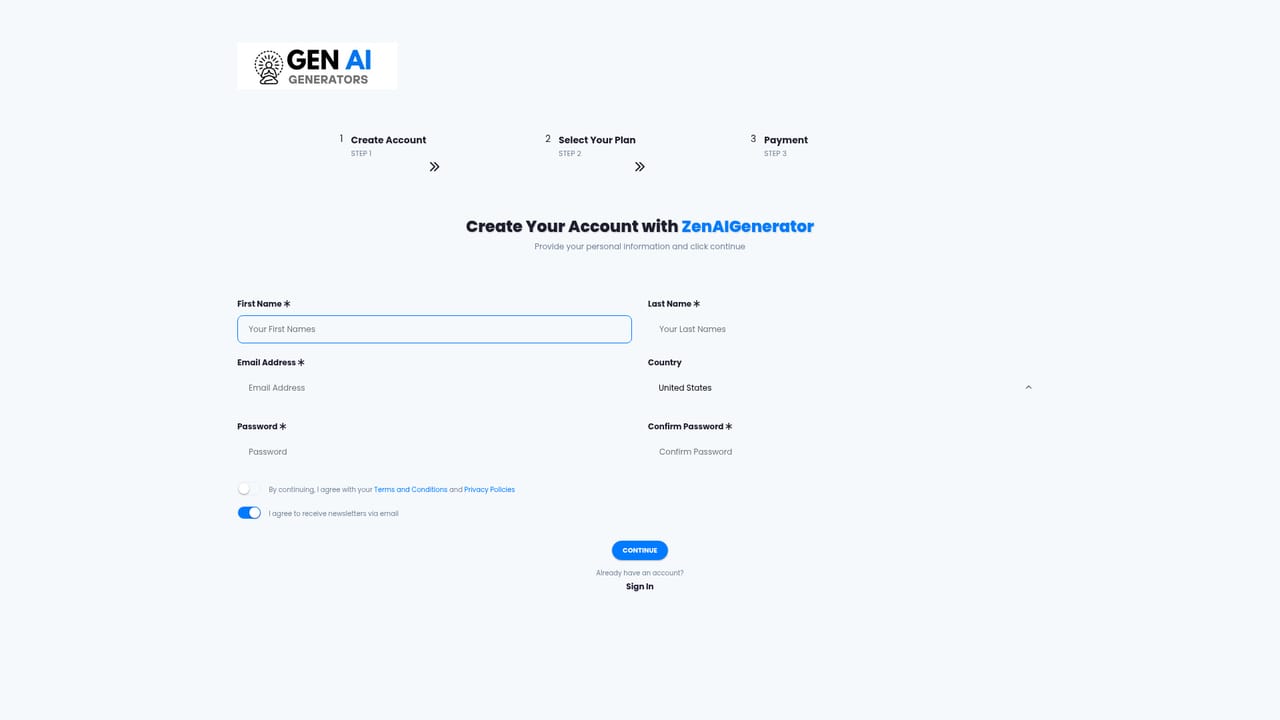
The homepage invites users to start creating for free with no credit card required, so the product can be tested before any payment.
Learn moreOne workspace for AI text, images, voiceovers and code
Own Zen AI Generator? Verify ownership to get a dofollow link

Zen AI Generator is a content tool. Zen AI Generator combines 70+ writing templates, AI image creation, voiceover synthesis, audio transcription and code generation in one dashboard, with team management, project organization and usage analytics for content teams.
Zen AI Generator is a multi-purpose content workspace that bundles text writing, image creation, voiceover synthesis, speech to text transcription and code generation behind a single account. The homepage positions it as an "Ultimate AI Creator" rather than a single-purpose writer, and the template library backs that up: ads, blog posts, ecommerce listings, emails, marketing copy, social media posts, video scripts, website copy and a catch-all category of extras such as song lyrics and app notifications. The writing side is organized around more than 70 templates. Each one asks for a specific input rather than a blank prompt, so a blog title tool, an AIDA framework generator, an Amazon product description writer and a Google Ads headline builder all behave differently. Text tools cover article generation, rewriting, paragraph expansion, summarizing, tone changes and grammar checks. Beyond text, the platform generates images from prompts, converts typed scripts into voiced audio, transcribes uploaded audio files in multiple languages with English translation, and produces code in Python, Flutter, PHP, JavaScript and Ruby from natural language descriptions. The intended user is a solo creator, marketer or small team that would otherwise juggle several subscriptions. Team management, project organization and usage analytics suggest the product wants to sit inside an agency or content team workflow rather than serve as a one-off novelty. The stated process is deliberately simple: pick a tool, describe the topic in detail, and let the model produce a draft in seconds. The honest framing is that Zen AI Generator competes on breadth and convenience, not on being the strongest model in any single category. It is a reasonable fit for people who want a broad template menu and a shared workspace, and a weaker fit for specialists who need deep control over one medium.
The homepage invites users to start creating for free with no credit card required, so the product can be tested before any payment.
Learn moreText generation through 70+ templates for blogs, ads, ecommerce, emails, marketing and social media, plus AI image creation, voiceover synthesis, audio transcription with translation, code generation in several languages, and workspace features for team management, project organization and usage analytics.
 AI Angels400+ customizable AI girlfriends for NSFW chat, voice calls, and roleplay
 Candy AIExperience the future of companionship with AI friends who chat, role-play, and connect with you on a human level.
 ourdream.aiA vast AI roleplay platform with millions of characters for chat, images, video and voiceAI Angels400+ customizable AI girlfriends for NSFW chat, voice calls, and roleplayCandy AIExperience the future of companionship with AI friends who chat, role-play, and connect with you on a human level.ourdream.aiA vast AI roleplay platform with millions of characters for chat, images, video and voice


