ZenMux

One gateway, 100+ AI models, with insurance when output falls short

Advanced API
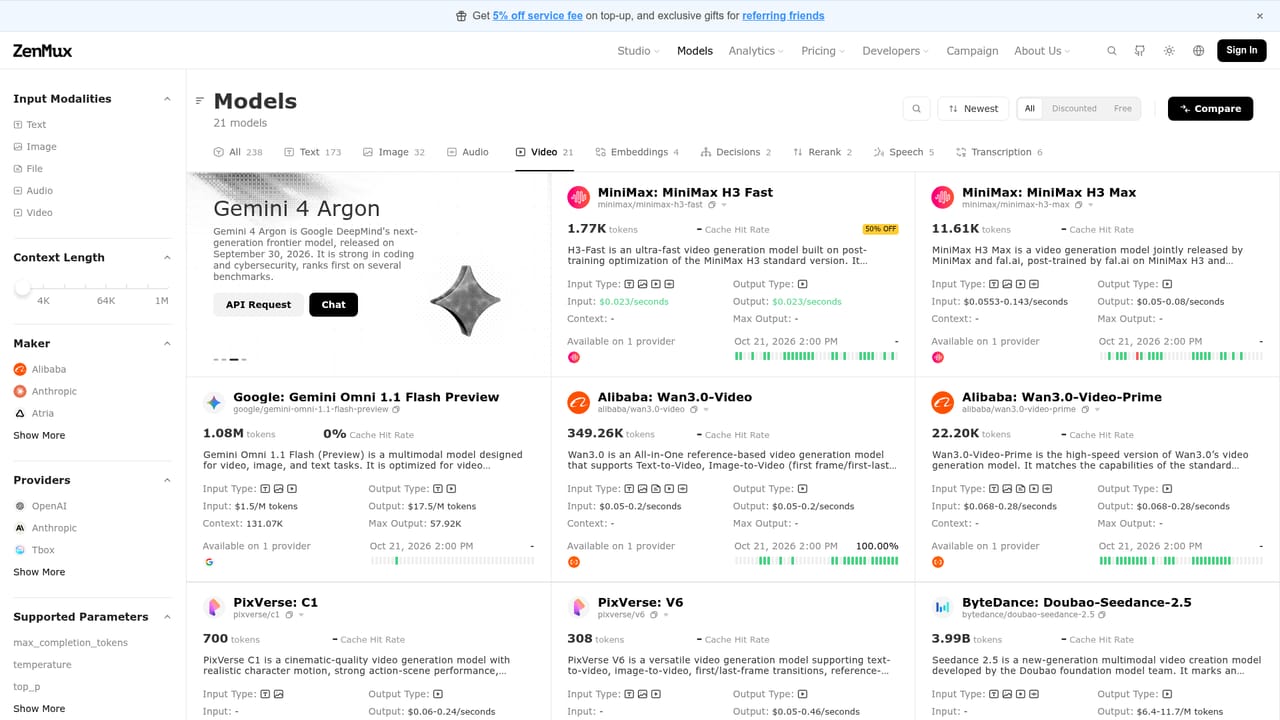
Screenshot of ZenMux, One gateway, 100+ AI models, with insurance when output falls short

What is ZenMux?

ZenMux is an API finder tool. A managed gateway to 100+ models from OpenAI, Anthropic, Google, DeepSeek and others, with OpenAI, Anthropic and Vertex compatible APIs, automatic model routing, provider failover, spend analytics, and an insurance scheme that compensates for bad or slow outputs.

ZenMux is a model gateway that puts more than 100 AI models behind a single account, a single API key, and a unified interface. Instead of maintaining separate credentials and billing relationships with each vendor, teams route requests through ZenMux and reach models from OpenAI, Anthropic, Google, DeepSeek, xAI, Qwen, MiniMax, Moonshot AI, Z.ai, Baidu, Volcengine and Kuaishou. The company states that traffic is sourced only from official providers or authorized cloud partners, so you are not calling proxied or degraded copies of a model. The platform is built primarily for developers and product teams shipping AI features. API calls are compatible with the OpenAI, Anthropic and Google Vertex AI protocols, which means existing SDK code often needs only a base URL change. A browser chat interface covers conversational use, image generation and video generation for people who do not want to write code. Two operational features stand out. Model Auto Routing (ZenMux Auto) inspects each prompt and picks the model that should deliver the best quality at the lowest cost, learning from task patterns and historical performance. Multi-provider failover keeps backup channels and capacity reserves for every model, and requests are served through Cloudflare's edge network to reduce latency. The distinctive piece is AI Model Insurance. When a response is hallucinated, unusually slow, or limited by low throughput, ZenMux says it compensates the account automatically rather than only logging the incident. Compensated cases are anonymized and returned as bad-case data that customers can use to improve their own products. Multi-dimensional dashboards track every request, token and cent, and a public analytics page discloses aggregate tokens processed and compensation paid since launch. ZenMux sits in the router and aggregation layer rather than the model layer. Compared with going direct to each vendor, it trades some depth of vendor-specific tooling for consolidated billing, cross-model comparison and resilience. Compared with self-hosted gateways, it shifts operational work to a managed service but adds a dependency on a third party in the request path.

How do you use ZenMux?

  1. 1Review the available models
    Open the models page to see which providers and model families are offered, and note the models you plan to call directly versus through auto routing.
    ZenMux — Review the available models
  2. 2Create an account and API key
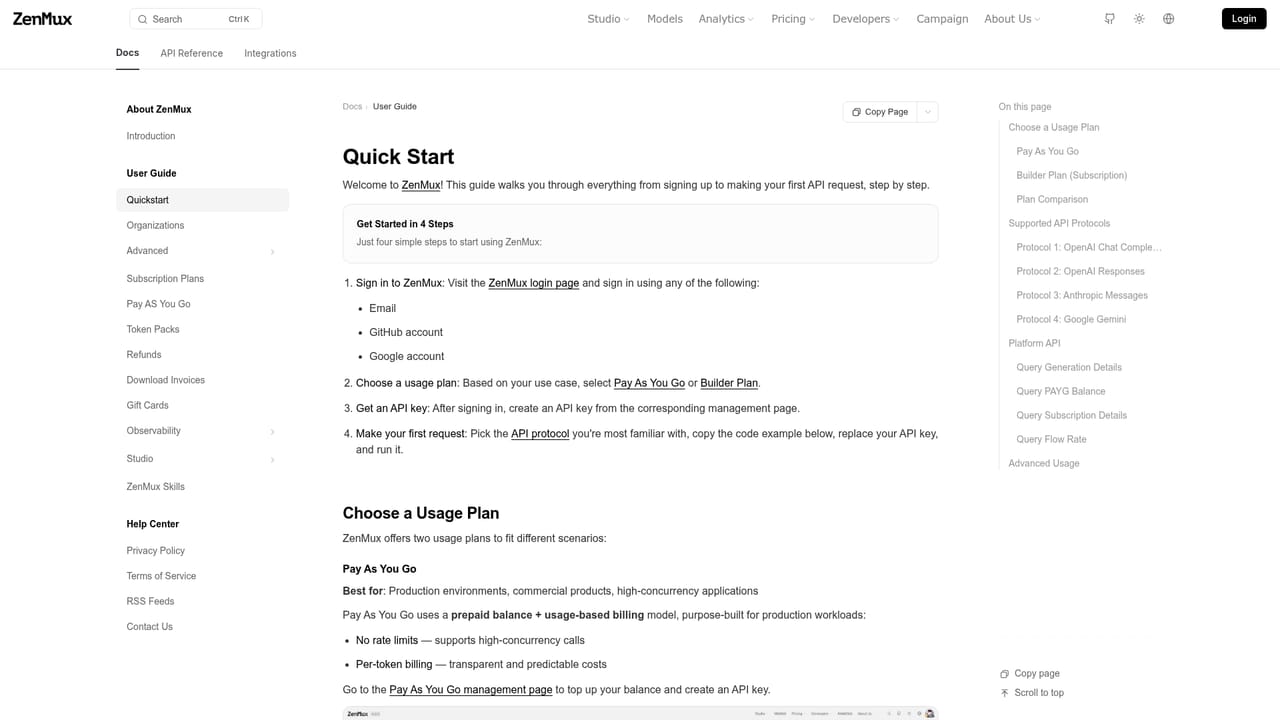
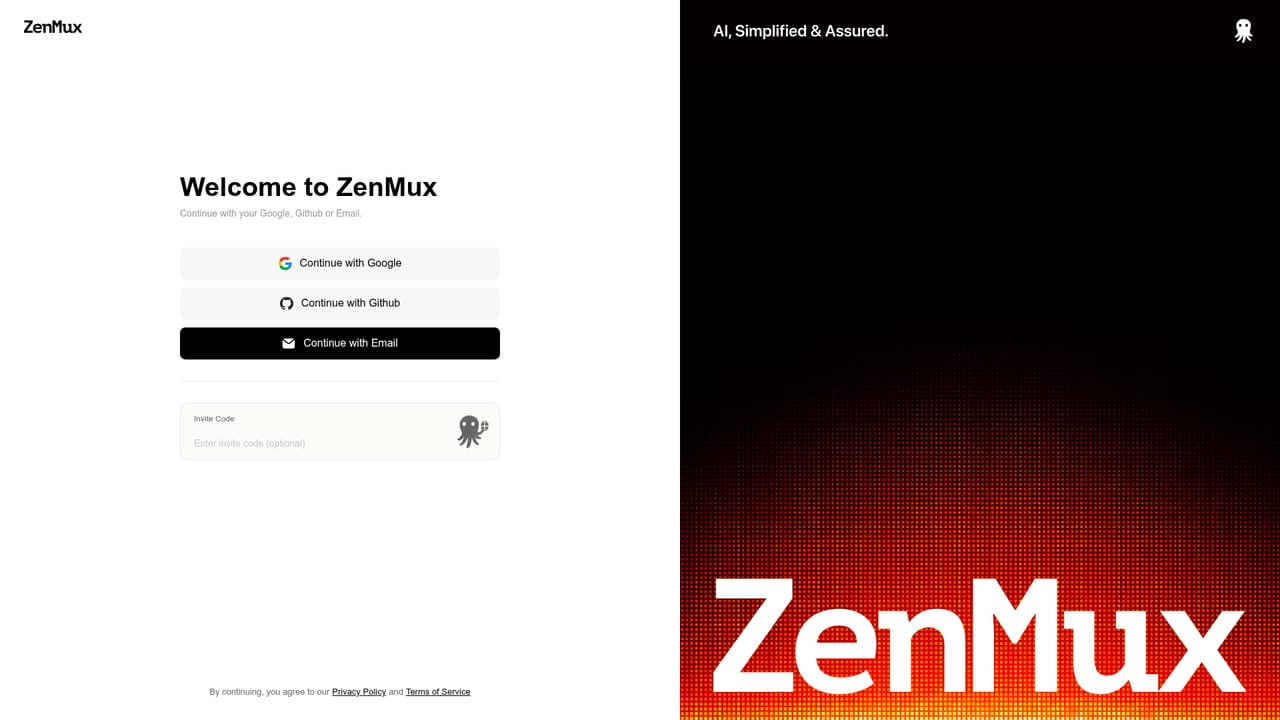
    Sign in to ZenMux and generate an API key from the developer area. The key is used for both API calls and the hosted chat interface.
  3. 3Point your SDK at the gateway
    Follow the quickstart to set your base URL and swap in the ZenMux key. Existing OpenAI, Anthropic or Vertex AI client code generally works with minimal edits.
    ZenMux — Point your SDK at the gateway
  4. 4Configure provider routing
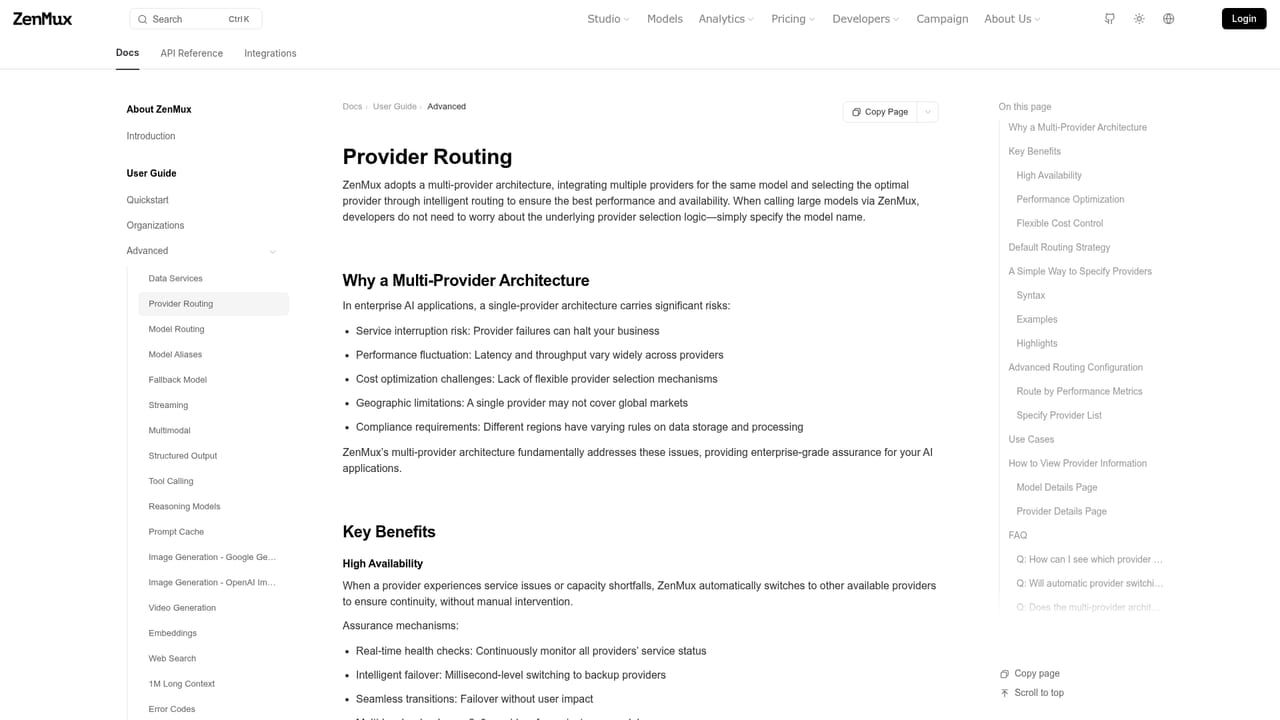
    Read the routing guide to enable failover and, if useful, ZenMux Auto so prompts are matched to the best quality and price combination.
    ZenMux — Configure provider routing
  5. 5Compare models in the browser
    Use the hosted chat to test prompts against several models before committing a model choice to production code.
    ZenMux — Compare models in the browser
  6. 6Track spend and compensation
    Check the analytics dashboards for token usage, cost per request and any insurance compensation credited to the account.

Pros and cons

Pros

  • Single account and API key replace separate vendor contracts and billingAI
  • Official provider sourcing is stated explicitly, so calls are not routed to proxiesAI
  • Protocol compatibility with OpenAI, Anthropic and Vertex AI lowers switching effortAI
  • Automatic failover across provider channels protects applications from rate limits and outagesAI
  • Insurance compensation for hallucinated, slow or low-throughput responses is unusual among gatewaysAI

Cons

  • Insurance terms, claim criteria and compensation amounts are not quantified on the homepage, so the payout value is hard to assess before signing upAI
  • Adding a gateway to the request path introduces one more dependency and failure point between your code and the model vendorAI
  • Auto Routing hands model selection to the platform, which reduces fine-grained control for teams that tune prompts per modelAI
  • Long-term cost depends on gateway service fees and routing decisions rather than raw vendor list prices aloneAI
  • Public model catalogue and pricing vary by provider, so budgets need rechecking as the lineup changesAI

How much does ZenMux cost?

Pricing

Pay as you go. The homepage promotes a 5% discount on service fees for top-ups and referral gifts, and describes pricing through a dedicated pay-as-you-go page and documented pricing rules. Specific per-model token rates are not listed on the homepage.

Learn more

Support

A contact page is published under the docs, alongside quickstart documentation and a changelog for platform updates.

Learn more

Integrations

Official model access from OpenAI, Anthropic, Google, DeepSeek, xAI, MiniMax, Moonshot AI, Z.ai, Qwen, Baidu, Volcengine and Kuaishou, usable with OpenAI, Anthropic and Vertex AI SDKs and agent skills.

Learn more

Features

Unified API for 100+ models with OpenAI, Anthropic and Vertex AI protocol compatibility, a chat interface for text, image and video, ZenMux Auto routing that selects models by quality and cost, multi-provider failover with global edge acceleration, AI Model Insurance with compensation for bad outputs, dashboards for tokens and cost, and public platform analytics.

Learn more

Frequently asked questions about ZenMux

  • How much does ZenMux cost?
    Pay as you go. The homepage promotes a 5% discount on service fees for top-ups and referral gifts, and describes pricing through a dedicated pay-as-you-go page and documented pricing rules. Specific per-model token rates are not listed on the homepage.
  • Does ZenMux have an API?
    Yes, ZenMux offers an API.
  • How do you use ZenMux?
    The walkthrough on this page covers 6 steps: 1. Review the available models 2. Create an account and API key 3. Point your SDK at the gateway 4. Configure provider routing 5. Compare models in the browser 6. Track spend and compensation.
  • What platforms does ZenMux support?
    ZenMux is available on Web App.
  • What does ZenMux integrate with?
    Official model access from OpenAI, Anthropic, Google, DeepSeek, xAI, MiniMax, Moonshot AI, Z.ai, Qwen, Baidu, Volcengine and Kuaishou, usable with OpenAI, Anthropic and Vertex AI SDKs and agent skills.
  • What are the limitations of ZenMux?
    Insurance terms, claim criteria and compensation amounts are not quantified on the homepage, so the payout value is hard to assess before signing up. Adding a gateway to the request path introduces one more dependency and failure point between your code and the model vendor. Auto Routing hands model selection to the platform, which reduces fine-grained control for teams that tune prompts per model.

Status

StatusActive
Views0
Outbound clicks0
Added10/21/2026

Platforms

Web App

Pricing

FreemiumPaid