Zoice

Turns a photo, a script and a voice into a talking AI avatar video in minutes.

Beginner API
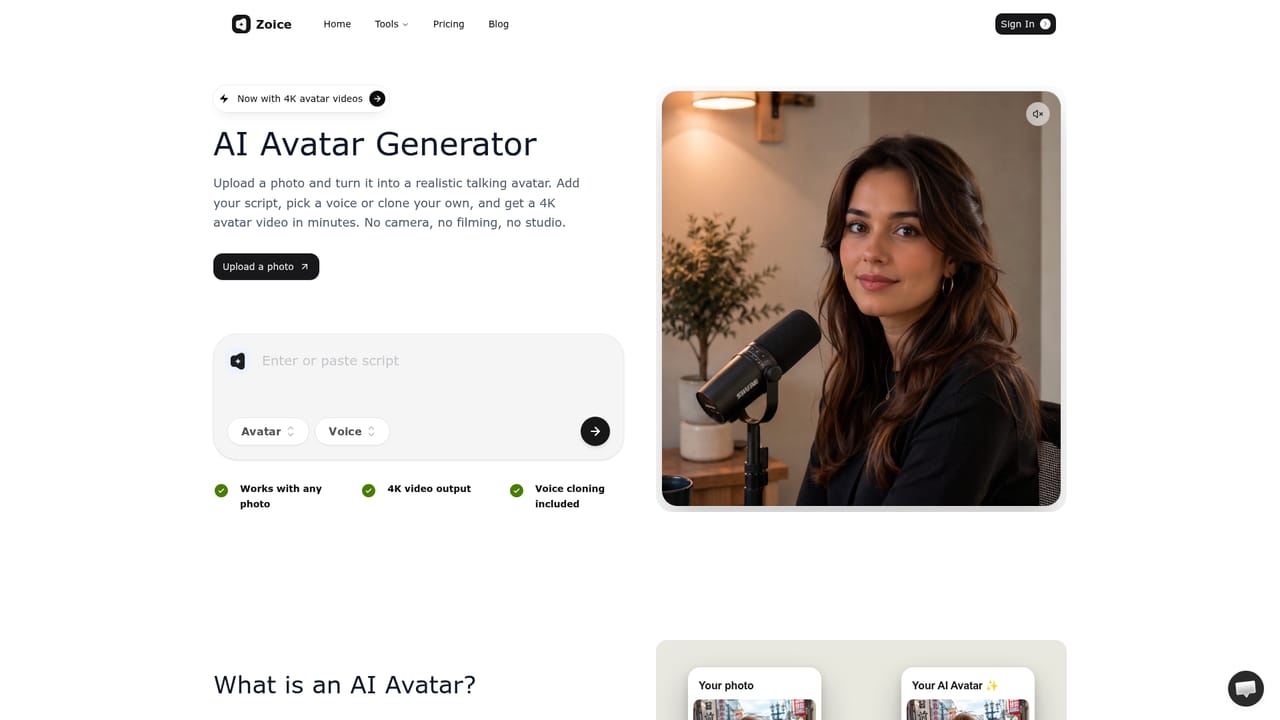
Screenshot of Zoice, Turns a photo, a script and a voice into a talking AI avatar video in minutes

What is Zoice?

Zoice is an avatar tool that turns a photo, a script and a voice into a talking AI avatar video in minutes. Zoice converts a photo, script and voice into a realistic AI talking avatar video, and bundles AI image and video generation under one subscription with credit-based usage.

Zoice is an AI avatar and video generation platform built around its in-house Zoice Avatar X model. The core workflow lets a user upload a photo (or pick from a public character library), attach a voice (recorded, uploaded, or cloned from a trained voice profile), write or paste a script, and generate a talking avatar video in resolutions up to 4K. Beyond avatar videos, the platform bundles AI image generation (text-to-image and image-to-image across multiple models) and AI video generation with effects and frame-based inputs, positioning itself as a broader creative suite rather than a single-purpose tool. The product targets content creators, marketers, and social media teams who need talking-head style video without filming equipment, actors, or studio time. Use cases implied by the site's own guides, YouTube avatars, Instagram content, and general social media video, suggest a focus on short-form and explainer-style content rather than long-form production. Voice cloning through trained voice profiles is gated by plan tier, with higher tiers unlocking more simultaneous voice profiles. In practice, a user signs into the web app, builds or selects a character, attaches audio or a cloned voice, defines the action the avatar performs, and renders the output at a chosen resolution and aspect ratio. Credits govern generation volume, and an active paid subscription is required before credits can be purchased, which ties usage directly to plan tier rather than pay-as-you-go access alone. Among avatar and talking-photo tools, Zoice differentiates itself by combining avatar video, standalone AI image generation, and AI video generation in one subscription rather than requiring separate tools for each. It sits alongside alternatives like ElevenLabs, Yepic AI, Kapwing, and Vidnoz, competing primarily on claimed video and voice fidelity rather than on price, since its paid tiers sit above several freemium competitors once avatar video features are unlocked.

How do you use Zoice?

  1. 1Create an account
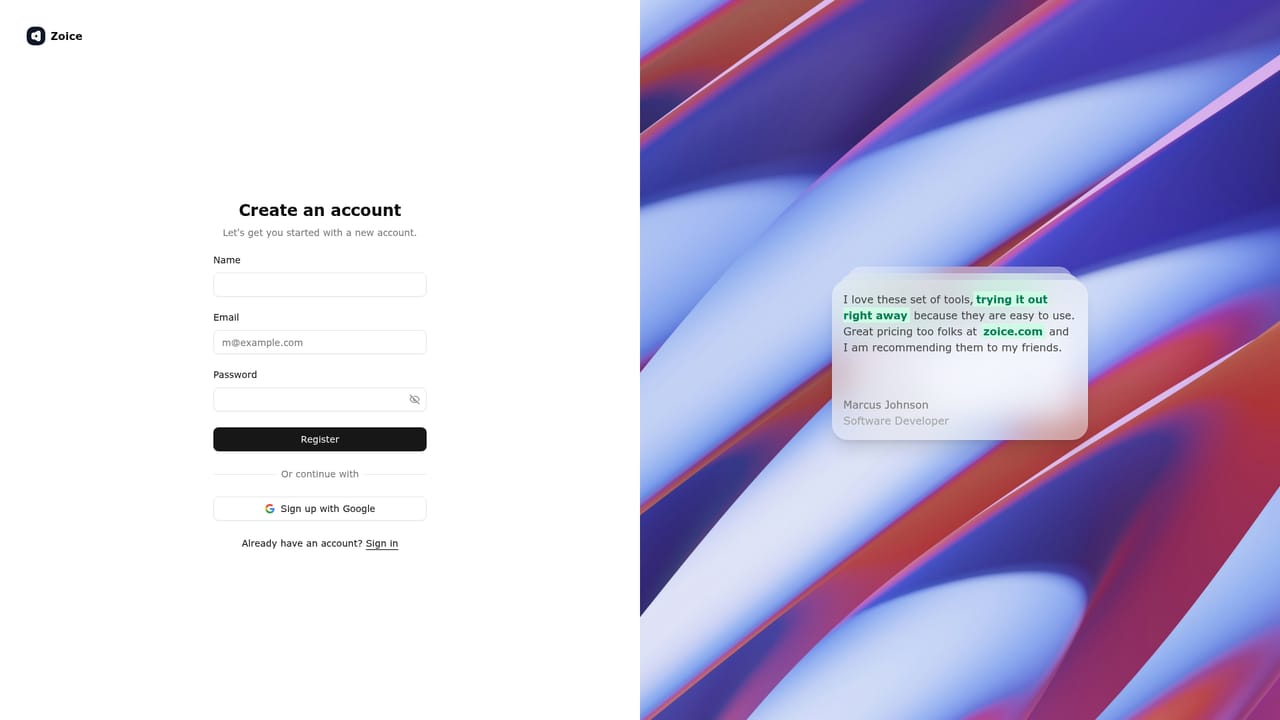
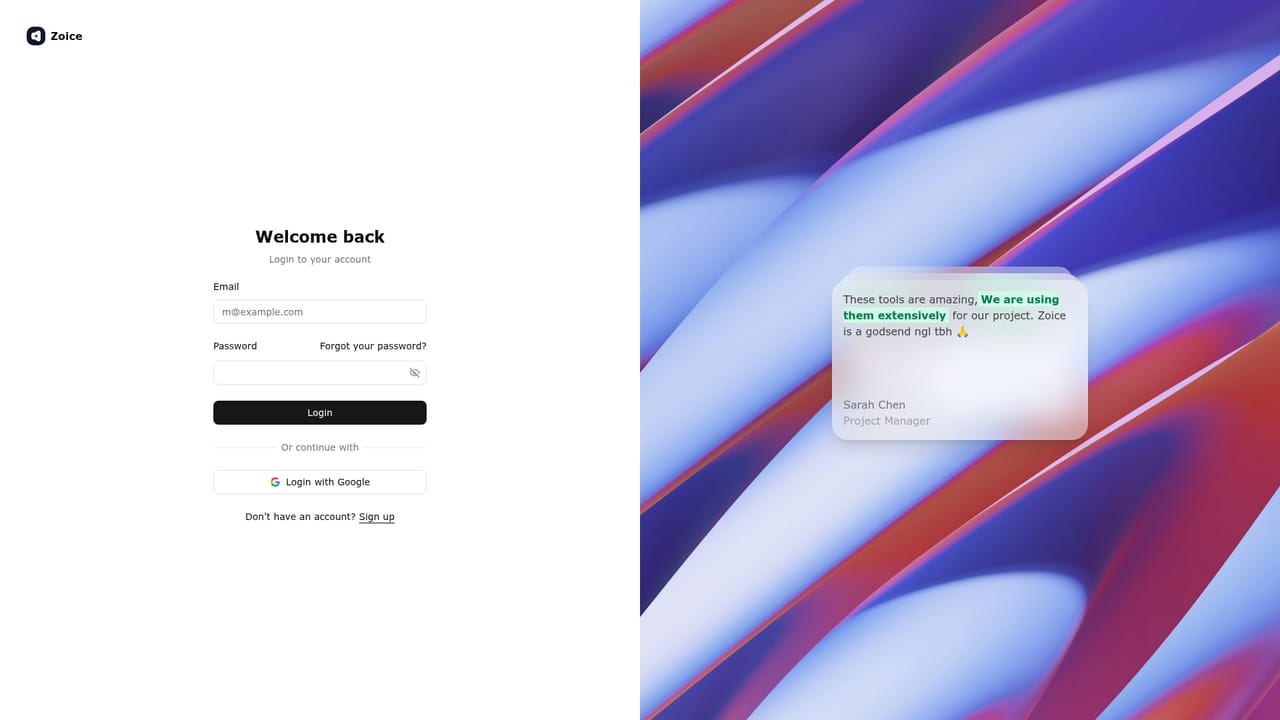
    Register for a free Zoice account to access the web app and the free daily credit allowance.
    Zoice — Create an account
  2. 2Choose or build an avatar character
    Select a character from the public library or build a custom one, which can later be paired with your own photo for a personal avatar.
    Zoice — Choose or build an avatar character
  3. 3Add or clone a voice
    Record audio directly, upload a voice file, or train a voice profile so the avatar speaks in a cloned voice generated from your script.
  4. 4Write the script and define the action
    Enter the script the avatar should speak and specify what the avatar should do on screen during the video.
  5. 5Generate and export the video
    Pick a resolution up to 4K and an aspect ratio, then render the talking avatar video for download or use in content.
    Zoice — Generate and export the video
  6. 6Upgrade for more credits or voice profiles
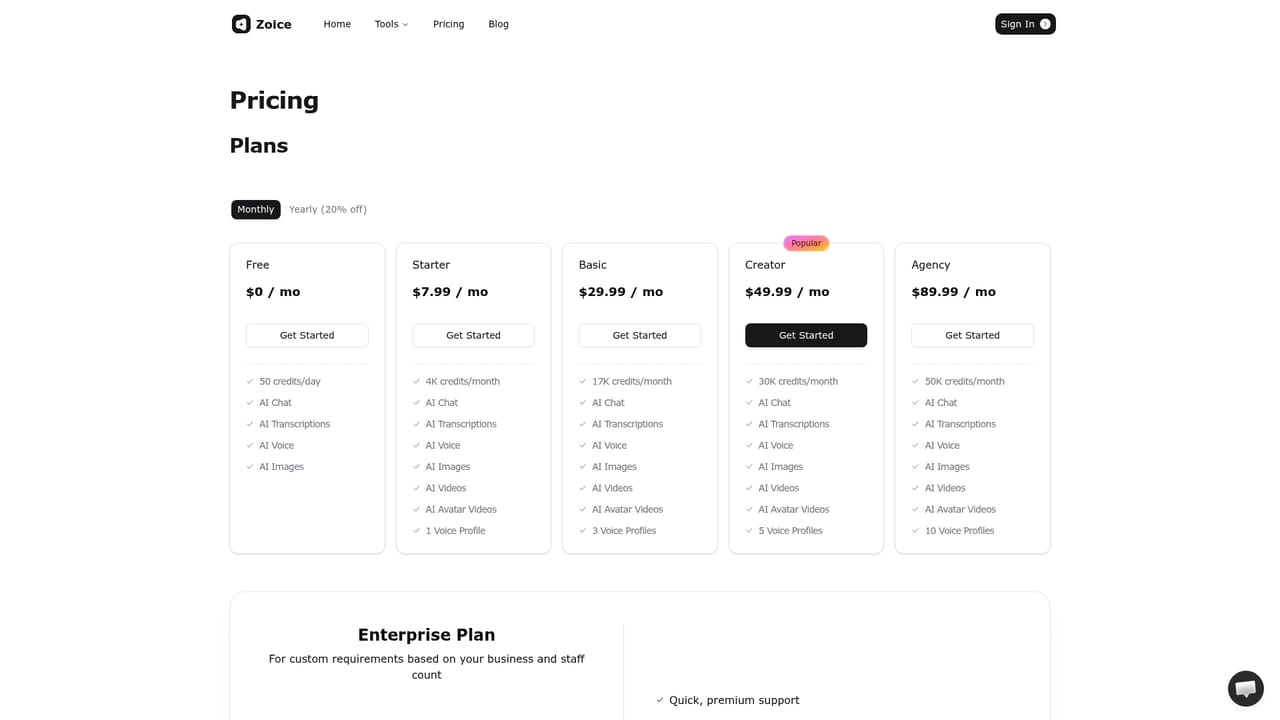
    Compare subscription tiers to unlock more monthly credits, additional voice profiles, and avatar video access.
    Zoice — Upgrade for more credits or voice profiles

Pros and cons

Pros

  • Combines avatar video, AI image generation and AI video generation in a single platformAI
  • Supports both uploaded audio and trained voice cloning for avatar speechAI
  • Offers 4K output and multiple aspect ratios for avatar and image generationAI
  • Free plan available without a credit card for testing core AI chat, voice and image featuresAI

Cons

  • Avatar video and voice cloning features are locked behind paid tiers, not included in the free planAI
  • Credits require an active paid subscription before they can be purchased, limiting flexible pay-as-you-go useAI
  • Homepage does not disclose which third-party apps or platforms Zoice integrates withAI
  • Pricing tiers jump significantly between Starter and Basic, which may be steep for casual usersAI
  • No mobile apps are mentioned, limiting use to the web appAI

How much does Zoice cost?

Pricing

Free plan offers 50 credits/day with AI chat, transcription, voice and images. Paid monthly plans range from Starter ($7.99) to Agency ($89.99), adding AI video and avatar video generation, more monthly credits, and more voice profiles; Enterprise is custom-priced.

Learn more

Support

General inquiries are handled through a contact page; Enterprise plans are described as including quick, premium support with multi-staff access.

Learn more

Integrations

The homepage references a Zoice API (via a linked developer subdomain) but does not list specific third-party app or platform integrations.

Learn more

Features

AI avatar video generation from a photo, script and cloned or uploaded voice, plus separate AI image and AI video generators with multiple models, text-to-image and image-to-image inputs, up to 4K resolution, and various aspect ratios and effects.

Learn more

Frequently asked questions about Zoice

  • How much does Zoice cost?
    Free plan offers 50 credits/day with AI chat, transcription, voice and images. Paid monthly plans range from Starter ($7.99) to Agency ($89.99), adding AI video and avatar video generation, more monthly credits, and more voice profiles; Enterprise is custom-priced.
  • Does Zoice have an API?
    Yes, Zoice offers an API.
  • How do you use Zoice?
    The walkthrough on this page covers 6 steps: 1. Create an account 2. Choose or build an avatar character 3. Add or clone a voice 4. Write the script and define the action 5. Generate and export the video 6. Upgrade for more credits or voice profiles.
  • What platforms does Zoice support?
    Zoice is available on Web App.
  • What does Zoice integrate with?
    The homepage references a Zoice API (via a linked developer subdomain) but does not list specific third-party app or platform integrations.
  • What are the limitations of Zoice?
    Avatar video and voice cloning features are locked behind paid tiers, not included in the free plan. Credits require an active paid subscription before they can be purchased, limiting flexible pay-as-you-go use. Homepage does not disclose which third-party apps or platforms Zoice integrates with.

Status

StatusActive
Views0
Outbound clicks0
Added10/17/2026

Platforms

Web App

Pricing

FreemiumSubscription