1Password

Access security platform for people, AI agents and machines

Advanced
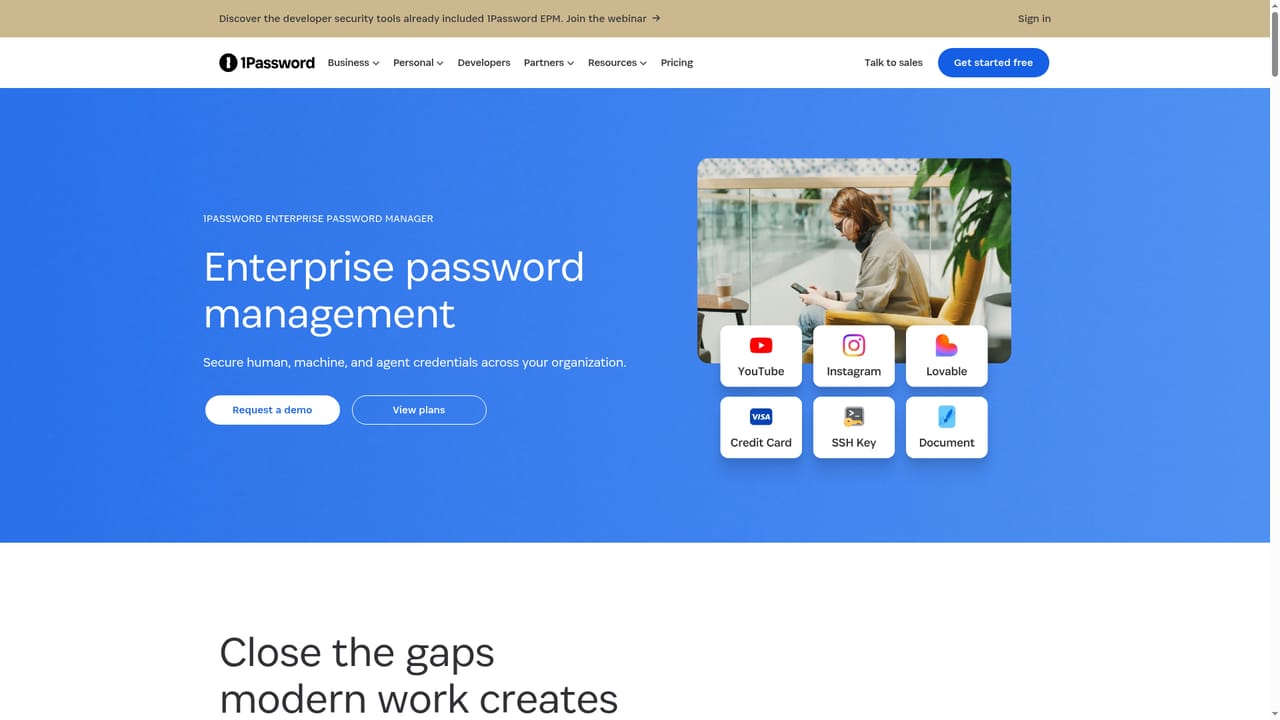
Screenshot of 1Password, Access security platform for people, AI agents and machines

What is 1Password?

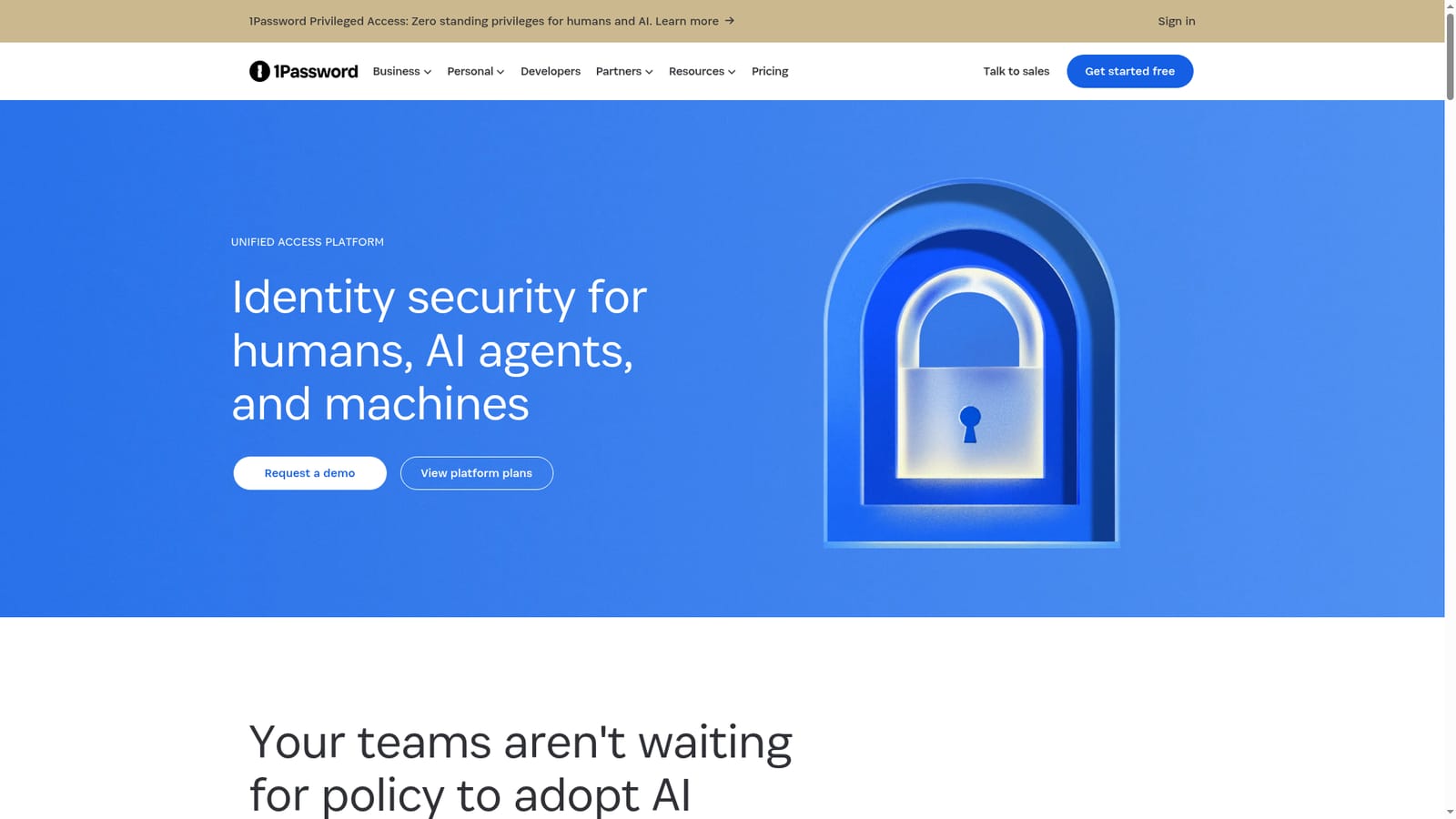
1Password is a productivity tool. 1Password Unified Access combines password management, SaaS discovery, credential brokering, device trust and privileged access to help security teams discover, secure and audit access for humans, AI agents and machines.

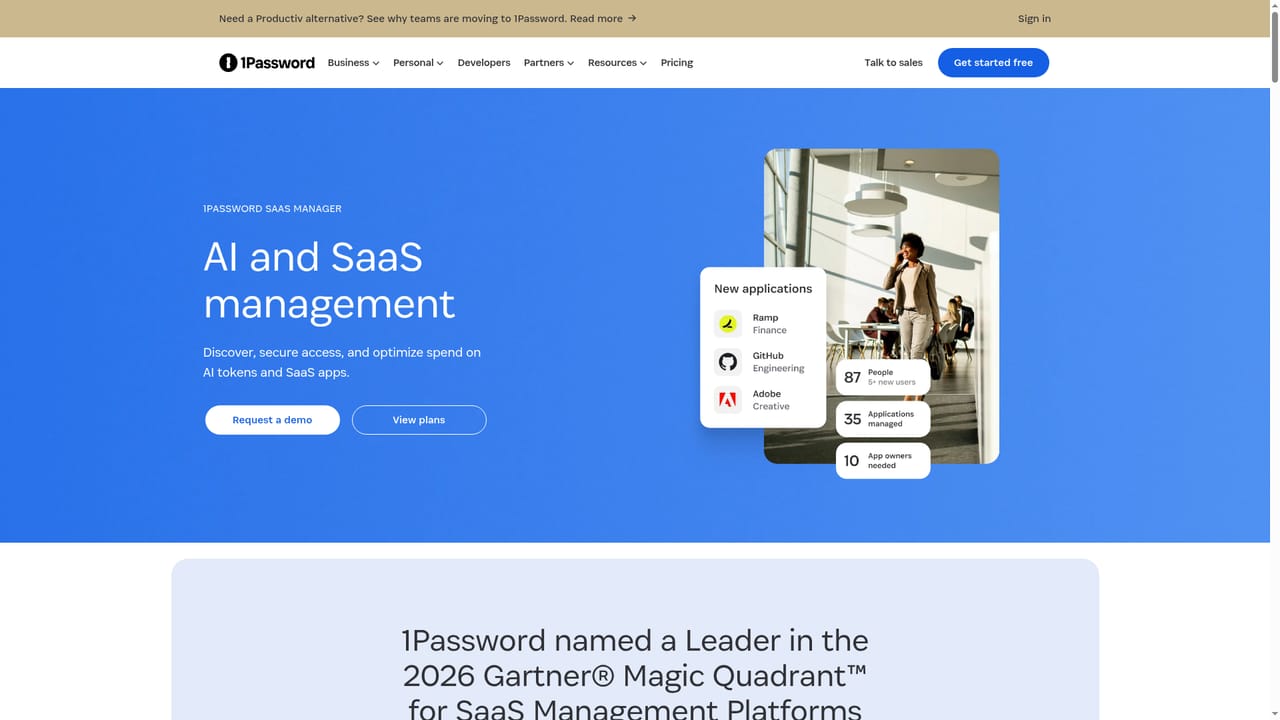
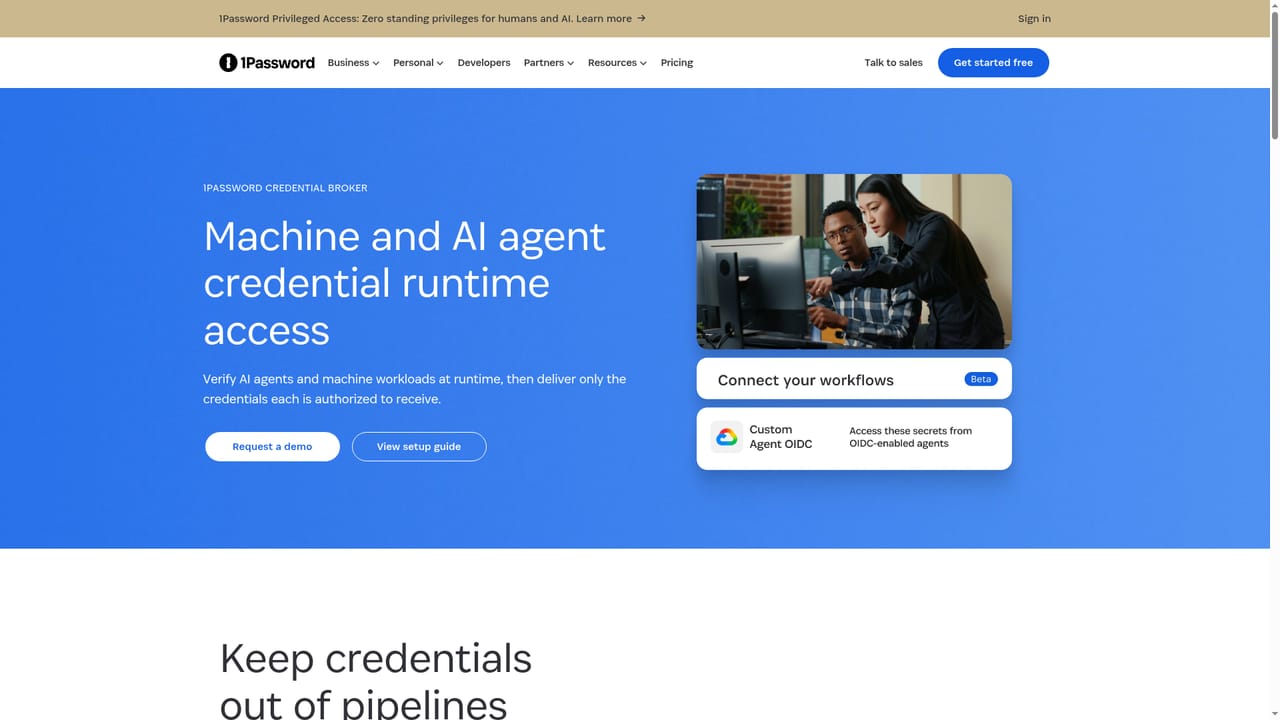
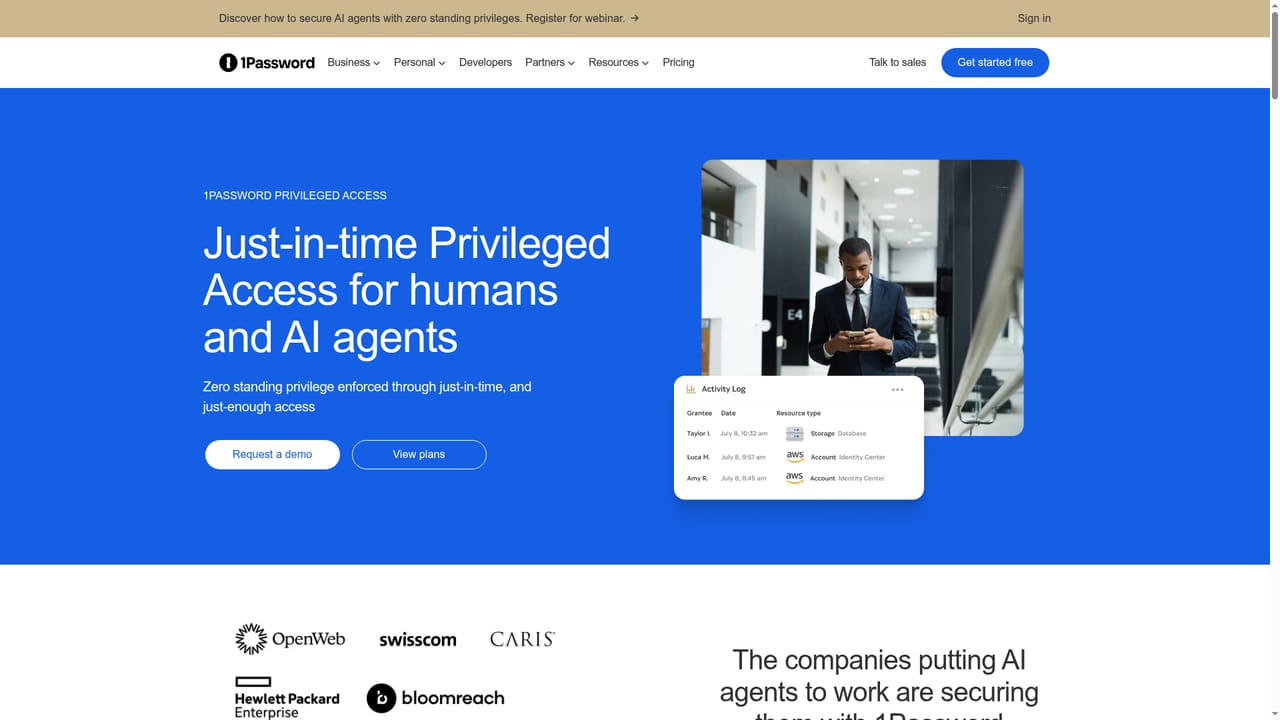
1Password Unified Access is an identity security platform aimed at security and IT teams that need to see and control who, or what, can reach company systems. It treats three kinds of identity as one problem: human employees, AI agents and machine workloads. The pitch is that AI adoption is moving faster than policy, with unsanctioned tools in browsers, plaintext credentials in scripts and local files, and agents holding access that nobody scoped or revoked. The platform bundles five products. Enterprise Password Manager is the credential foundation and vaults every credential type in one encrypted system of record. SaaS Manager discovers SaaS apps and shadow AI usage in the browser and tracks spend on AI tokens. Credential Broker verifies agents and workloads at runtime and hands each one only the credentials it is authorized to receive, scoped per job. Device Trust surfaces what runs on endpoints and enforces access based on device health. Privileged Access grants just-in-time, task-scoped rights to cloud and hybrid infrastructure and removes them automatically afterward, aiming at zero standing privilege. In practice, teams use it in three stages: discover unmanaged AI tools and unsecured credentials, secure access through vaulting and governance, then audit it. Unified audit logs attribute each action to the identity that used a credential, when, and under whose authority, including the human who delegated access to an agent. Privileged Access creates rights in the target system's native policy language rather than proxying sessions, which is how it differs from traditional PAM tools. Adoption does not require buying everything. Most organizations start with Enterprise Password Manager and add products where their largest gap sits, such as SaaS Manager for shadow AI or Privileged Access for cloud infrastructure. The platform suits mid-size and large organizations with security staff, and it competes with standalone PAM, secrets management and SaaS management tools by offering them under one vendor. Pricing and a demo are handled through the enterprise plans and sales pages.
How do you use 1Password?

  1. 1Map your biggest access gap
    Review the five products and decide where visibility or governance is weakest, such as shadow AI, plaintext secrets or standing cloud access.
    1Password — Map your biggest access gap
  2. 2Start with Enterprise Password Manager
    Vault human, machine and agent credentials in one encrypted system of record. It is the foundation the other products build on.
    1Password — Start with Enterprise Password Manager
  3. 3Add SaaS Manager for AI visibility
    Discover SaaS apps and unsanctioned AI tools used in the browser, and track AI token and app spend.
    1Password — Add SaaS Manager for AI visibility
  4. 4Broker credentials to agents and pipelines
    Use Credential Broker to deliver scoped credentials to AI agents, automation and CI/CD at runtime instead of storing long-lived secrets.
    1Password — Broker credentials to agents and pipelines
  5. 5Enforce just-in-time privileged access
    Configure Privileged Access so humans and agents request task-scoped access that is approved and removed when the work ends.
    1Password — Enforce just-in-time privileged access
  6. 6Request a demo or review plans
    Talk to sales about rollout order, or compare the enterprise plans.

Pros and cons

Pros

  • Covers humans, AI agents and machine workloads under one access model and one audit trailAI
  • Credential Broker scopes vault access per job, limiting exposure to a single credentialAI
  • Modular: teams can start with Enterprise Password Manager and add products as gaps appearAI
  • Just-in-time privileged access removes rights automatically, avoiding standing roles and session proxiesAI
  • Surfaces shadow AI tools, unvaulted secrets and AI spend broken down by team, user and modelAI

Cons

  • Built for security and IT teams, so individuals and small teams get little from the platform pagesAI
  • Pricing is not stated on the page and depends on enterprise plans or a sales conversationAI
  • Full coverage needs several separate products, which adds up in cost and rollout effortAI
  • Agent intent-versus-behavior checks are described only at a high level, with no technical detail to evaluateAI

How much does 1Password cost?

Pricing

Pricing is not listed on the platform page. Plans are published on the enterprise pricing page, and the platform can be adopted one product at a time rather than purchased in full upfront.

Learn more

Support

A demo can be requested through the sales contact page. The page does not describe support channels or documentation.

Learn more

Integrations

The page shows connections for GitHub Actions and custom agent OIDC in Credential Broker, and covers CI/CD pipelines, cloud infrastructure, databases and Kubernetes environments. A full integration list is not given.

Learn more

Features

Enterprise Password Manager, SaaS Manager, Credential Broker, Device Trust and Privileged Access. Capabilities include AI discovery, AI consumption control, unsecured credential discovery, just-in-time access, runtime credential brokering and unified audit logs.

Learn more

Frequently asked questions about 1Password

  • How much does 1Password cost?
    Pricing is not listed on the platform page. Plans are published on the enterprise pricing page, and the platform can be adopted one product at a time rather than purchased in full upfront.
  • How do you use 1Password?
    The walkthrough on this page covers 6 steps: 1. Map your biggest access gap 2. Start with Enterprise Password Manager 3. Add SaaS Manager for AI visibility 4. Broker credentials to agents and pipelines 5. Enforce just-in-time privileged access 6. Request a demo or review plans.
  • What platforms does 1Password support?
    1Password is available on Web App.
  • What does 1Password integrate with?
    The page shows connections for GitHub Actions and custom agent OIDC in Credential Broker, and covers CI/CD pipelines, cloud infrastructure, databases and Kubernetes environments. A full integration list is not given.
  • What are the limitations of 1Password?
    Built for security and IT teams, so individuals and small teams get little from the platform pages. Pricing is not stated on the page and depends on enterprise plans or a sales conversation. Full coverage needs several separate products, which adds up in cost and rollout effort.

Status

StatusActive
Views0
Outbound clicks0
Added10/18/2026

Platforms

Web App

Pricing

Subscription

Categories