Pricing
The homepage says Rene is free to start with no credit card required. Details of paid plans or usage limits are not given.
Learn moreA personal AI assistant you text, built for shared plans

Rene is a messaging-first personal AI assistant that triages email, manages calendars, browses the web, builds sites and slides, and coordinates plans with other people's assistants. Free to start.
Rene is a personal AI assistant that lives in the messaging apps people already use. Instead of opening a dedicated dashboard, a user texts Rene through Messages, Telegram or WhatsApp and asks for things in plain language. The product is pitched as a "multiplayer" assistant, meaning it is meant to work with other people and with their own assistants, not only for one person in isolation. In practice, Rene covers two broad areas. The first is admin work across connected accounts: it triages email and drafts replies in Gmail or Outlook, spots calendar conflicts and moves meetings, prepares Slack updates, turns Notion notes into next steps, files Linear issues and prioritizes GitHub reviews. It can also pull in health context from services such as Apple Health and WHOOP. The second area is creation and browsing: Rene can search the web and act on a site (for example checking a restaurant's availability and booking a table after confirmation), build a website with a gallery, and produce slides and images that share the same colors and visuals. The multiplayer idea shows up when plans involve other people. One example on the homepage has Rene coordinating with a friend's Rene to find a free evening and suggest a menu that respects a dietary dislike. Rene also keeps small personal details, such as a relative's birthday and interests, and uses them to suggest gifts. Rene is aimed at busy professionals, founders and anyone whose day is split across inbox, calendar and chat tools, and who would rather delegate than switch apps. It does not claim to replace existing apps; it sits on top of them. Privacy claims include no sale of data, no use of shared content for model training, and delegated access to email and calendar so passwords are never seen or stored. Among alternatives, it competes with chat assistants and workflow automation tools, with a distinct emphasis on messaging-first access and assistant-to-assistant coordination.
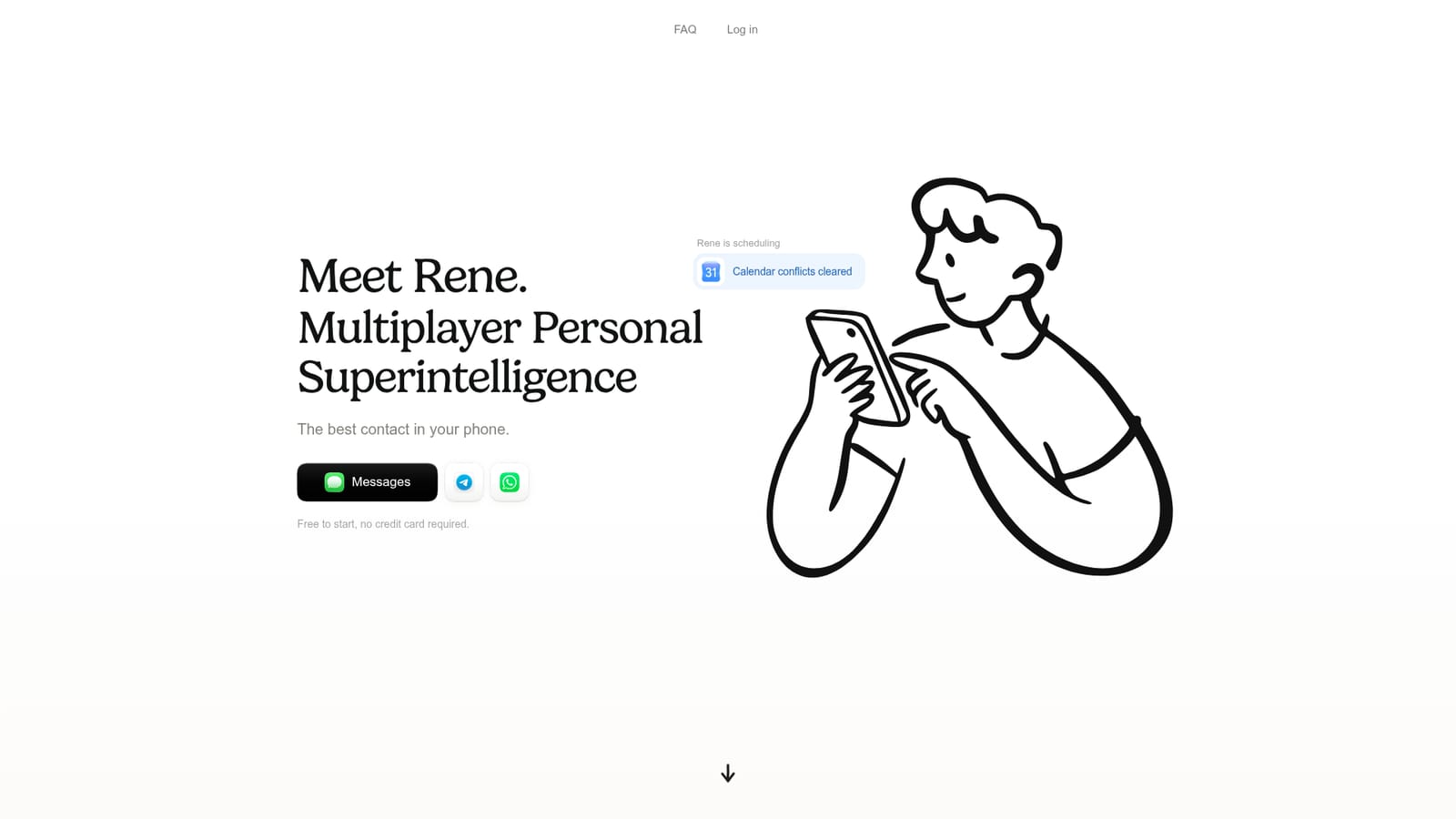
The homepage says Rene is free to start with no credit card required. Details of paid plans or usage limits are not given.
Learn moreShown integrations include Gmail, Outlook, Google Calendar, Slack, Notion, Linear, GitHub, Apple Health and WHOOP. Rene is reached through Messages, Telegram and WhatsApp.
Email triage and reply drafting, calendar conflict handling, Slack updates, Notion notes to next steps, Linear issue filing, GitHub review prioritization, web browsing and booking, website, slide and image creation, assistant-to-assistant planning, and remembered personal details.


