Pricing
The harness is free with your own provider key or a local model and needs no account. An optional hosted plan bills model usage in credits; no credit prices are listed on the homepage.
Learn moreLocal-first agent harness that works with any AI model provider

OHarness is a transparent, local-first agent harness with no model lock-in. It switches between Anthropic, OpenAI, Gemini, DeepSeek and local runtimes mid-session, with tools, MCP, hooks and permissions kept inspectable across CLI, browser and desktop.
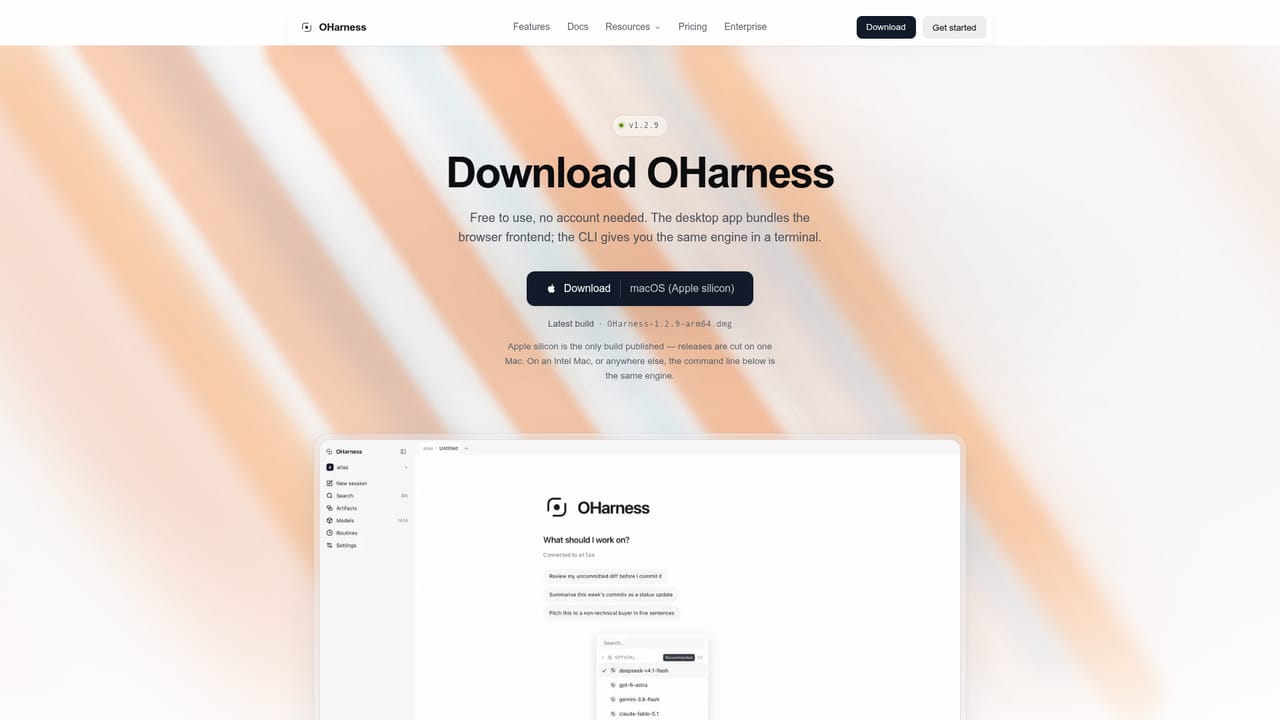
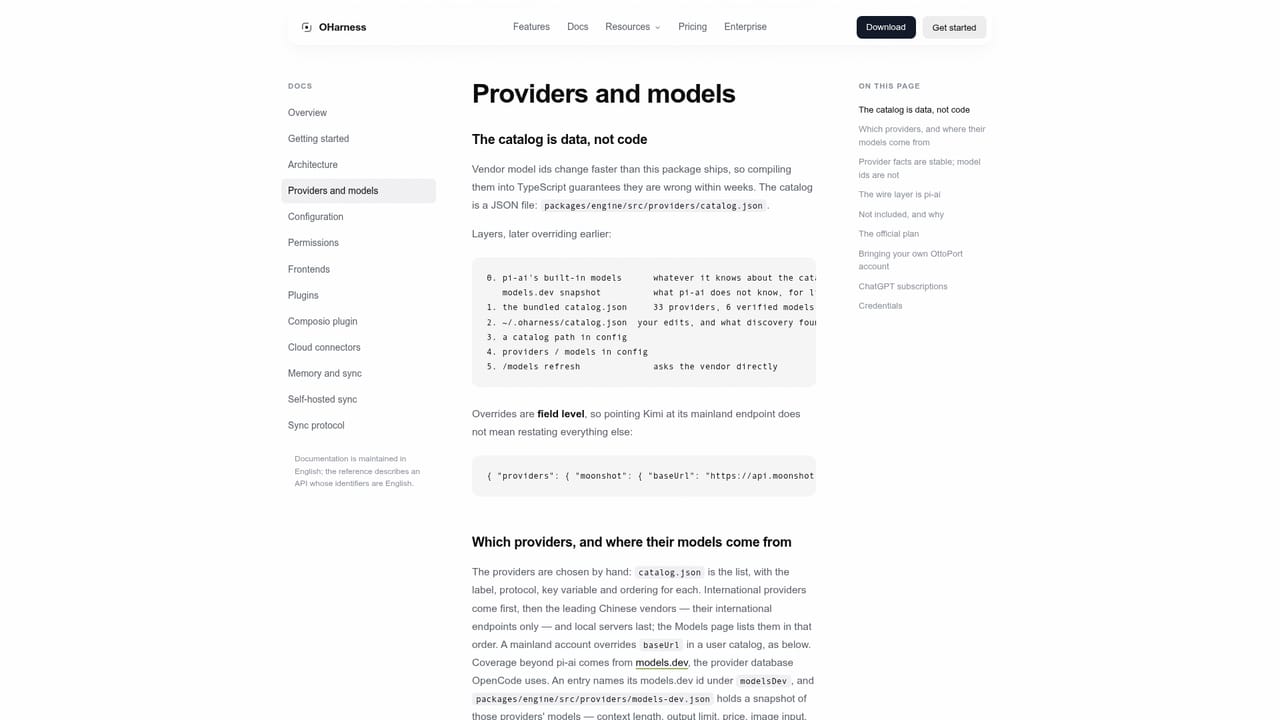
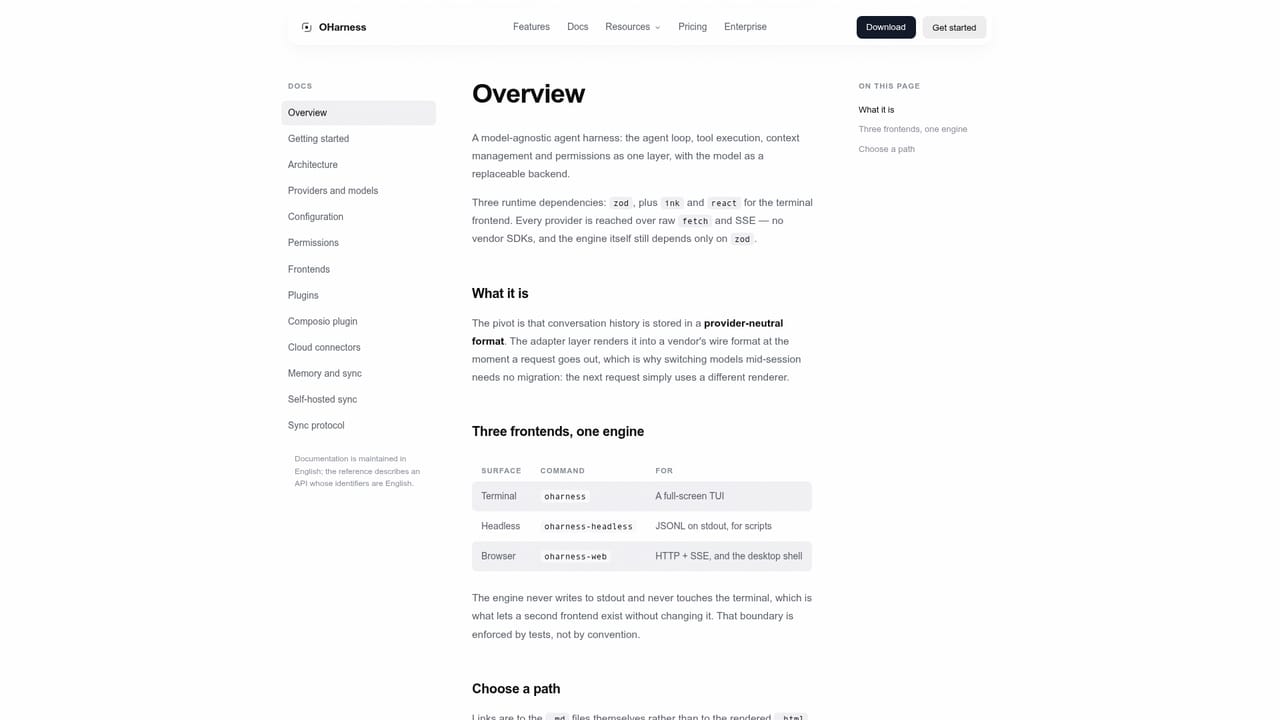
OHarness is an agent harness: the layer that runs the agent loop, tool calls, permissions, memory and task history around a language model. Its central design choice is that the model is a replaceable backend. Anthropic, OpenAI, Google Gemini and DeepSeek are supported natively, along with Ollama, LM Studio, vLLM and any OpenAI-compatible endpoint, and the homepage counts 34 providers in total. The /model command changes the model during a session, while provider-neutral history, tool results, permissions, memory and artifacts stay with the harness instead of being converted. The project is aimed at developers and teams who want to see what an agent is doing instead of trusting opaque autonomy. Sessions, memory, artifacts, audit records and credentials are kept as readable files on the user's own machine. While work runs, tool calls, file changes, permissions, usage and cost can be inspected. Tools are defined with zod, which generates JSON Schema and validates arguments. A built-in MCP client covers stdio and Streamable HTTP without an MCP SDK. Permissions follow a deny-beats-allow model with five modes, and scheduled runs use an injected prompt so they never wait on a person. Subagents work in isolated contexts and return conclusions rather than full transcripts. In practice, OHarness installs as an npm CLI (`npm install -g oharness`) that runs on macOS, Linux and Windows with Node 22.6 or newer. A browser frontend and a desktop app drive the same engine, so one session can be continued across terminal, browser and desktop. The desktop build is currently published for macOS on Apple silicon. Using a personal provider key or a local model needs no account, and requests go directly from the machine to the chosen provider. An optional hosted plan routes traffic through a metering gateway and bills model usage in credits. Among alternatives, the homepage positions OHarness against Claude Code: a similar architecture of agent loop, tools, permissions, MCP and subagents, but with provider choice and extra frontends. The npm packages are MIT licensed, though the source repository is private and open sourcing has no announced date.
The harness is free with your own provider key or a local model and needs no account. An optional hosted plan bills model usage in credits; no credit prices are listed on the homepage.
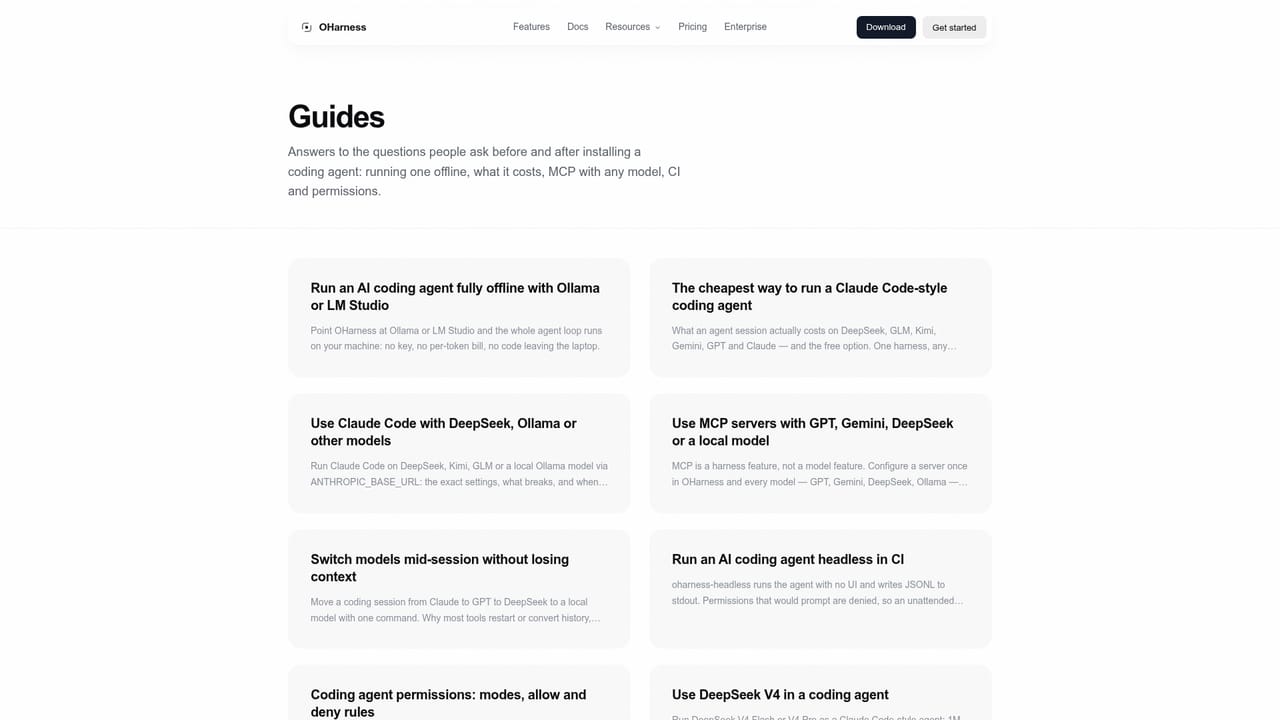
Learn moreDocumentation and guides are published on the site, with a common-questions section on the homepage. No dedicated support channel is described.
Learn moreWorks with Anthropic, OpenAI, Google Gemini, DeepSeek, Kimi, GLM, Qwen and OpenRouter, plus Ollama, LM Studio, vLLM and any OpenAI-compatible endpoint. MCP servers connect over stdio or Streamable HTTP.
Learn moreNative support for 34 providers including Anthropic, OpenAI, Gemini and local runtimes; zod-defined tool calling; built-in MCP client; safe-point context compaction with resumable sessions; five permission modes; parallel subagents; CLI, browser and desktop frontends.
Learn more


