Free trial
A free trial is offered through the signup page, and a separate demo booking route exists for teams that want a guided evaluation before committing.
Learn moreAnswer engine that automates RFPs, DDQs and security questionnaires

1up is a sales answer engine that connects company knowledge sources, then automates RFP, DDQ and security questionnaire responses through a generator, browser extension, Answer Hub and Slack or Teams chat.
1up is an answer engine aimed at sales, presales and bid teams who spend their days answering customer questions about products, pricing, compliance and security. Rather than drafting replies from scratch, the platform builds a searchable knowledge base from the company's own trusted sources and uses it to generate accurate responses. The core promise is speed on repetitive paperwork: RFPs, DDQs and security questionnaires that normally eat hours of a solutions engineer's week can be moved through automation instead of manual copy and paste from old response libraries. In practice the product spans several surfaces. A questionnaire generator produces draft answers grounded in the connected sources, a browser extension auto-fills web-based portals that sales teams encounter during procurement, and an Answer Hub gives buyers a self-service way to look up answers on their own. For internal use, 1up connects to Slack or Teams so reps can ask questions in a company channel and get contextually relevant replies without interrupting a subject matter expert. Corrections feed back into the system, so accuracy is meant to improve as the team keeps working. The tool fits organizations with a real presales function: SaaS companies with long security reviews, vendors handling large enterprise RFPs, and teams that currently decline opportunities because nobody has capacity to fill out the forms. Customers cited on the site report higher questionnaire completion rates and response times cut by days, which points to the intended return. It competes with generic AI assistants and dedicated proposal management platforms; 1up's differentiator is the sales-specific source grounding and the range of delivery channels rather than one writing interface. Because 1up was built by former cybersecurity engineers, security posture is part of the pitch: SOC 2 Type 2, ISO 27001 and GDPR are advertised, with encryption at rest and in transit. The company reports more than two million answers generated and roughly 100,000 hours saved for sales teams. Pricing is not published on the homepage, so buyers should expect to talk to sales or start the free trial to get numbers.
A free trial is offered through the signup page, and a separate demo booking route exists for teams that want a guided evaluation before committing.
Learn moreA dedicated support page is linked in the site footer, alongside security documentation on a separate trust portal and a demo library for guided walkthroughs.
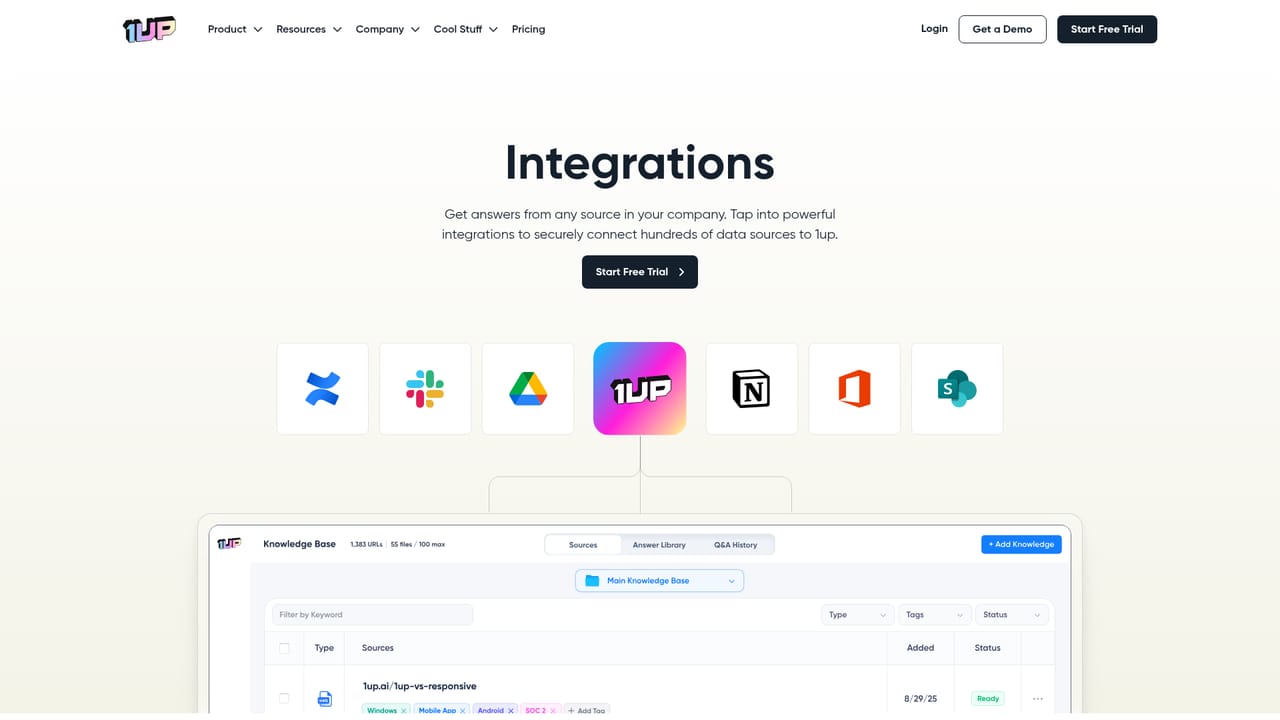
Learn moreThe site lists connections to Confluence, Slack, Google Drive, Notion, Microsoft Office and SharePoint, with a broader integrations page describing hundreds of data sources.
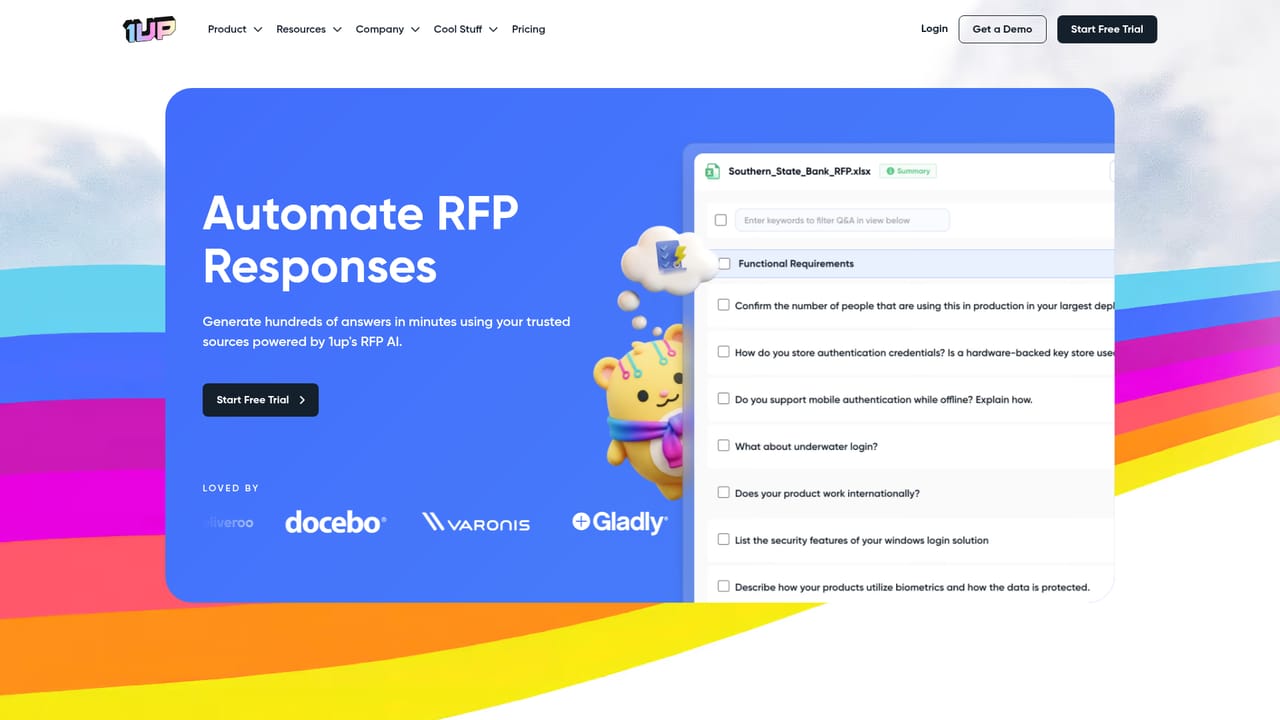
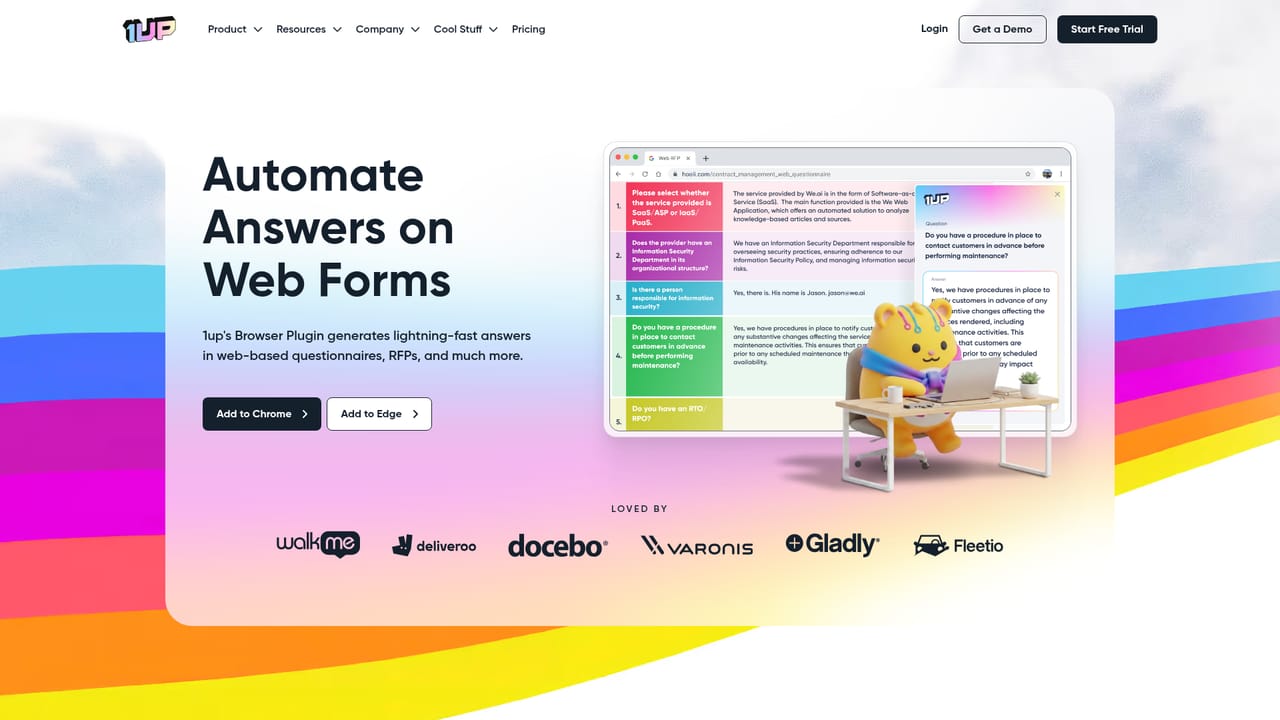
Learn moreCore capabilities include RFP, DDQ and security questionnaire automation, a browser extension that auto-fills web portals, an Answer Hub for customer self-service, and question answering inside Slack or Teams. Responses are generated from connected knowledge sources and improve as users correct them.
Learn more AI Angels400+ customizable AI girlfriends for NSFW chat, voice calls, and roleplay
 Candy AIExperience the future of companionship with AI friends who chat, role-play, and connect with you on a human level.
 ourdream.aiA vast AI roleplay platform with millions of characters for chat, images, video and voiceAI Angels400+ customizable AI girlfriends for NSFW chat, voice calls, and roleplayCandy AIExperience the future of companionship with AI friends who chat, role-play, and connect with you on a human level.ourdream.aiA vast AI roleplay platform with millions of characters for chat, images, video and voice


