4149

Adaptive AI that works beside you, not over you

Beginner
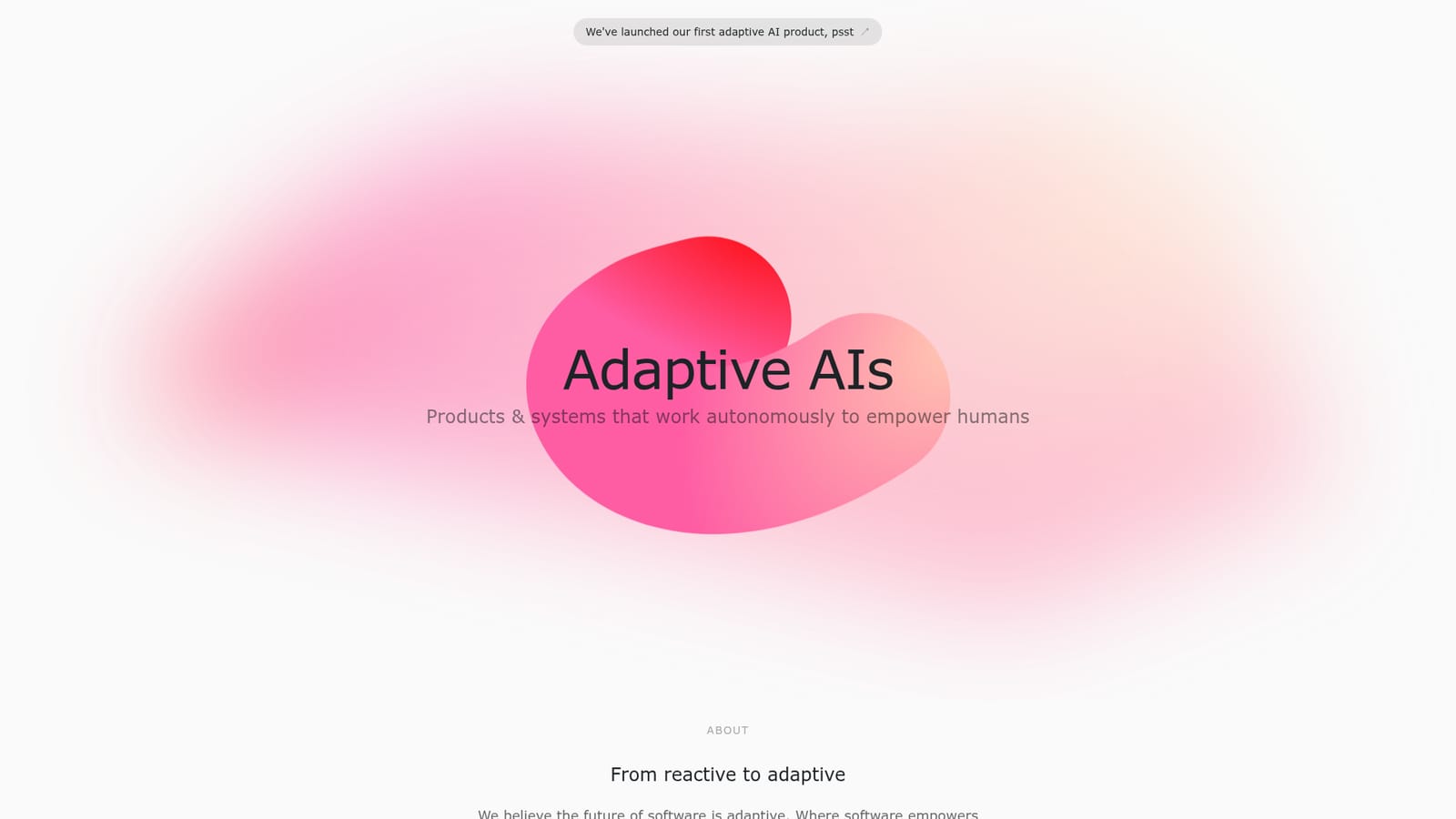
Screenshot of 4149, Adaptive AI that works beside you, not over you

What is 4149?

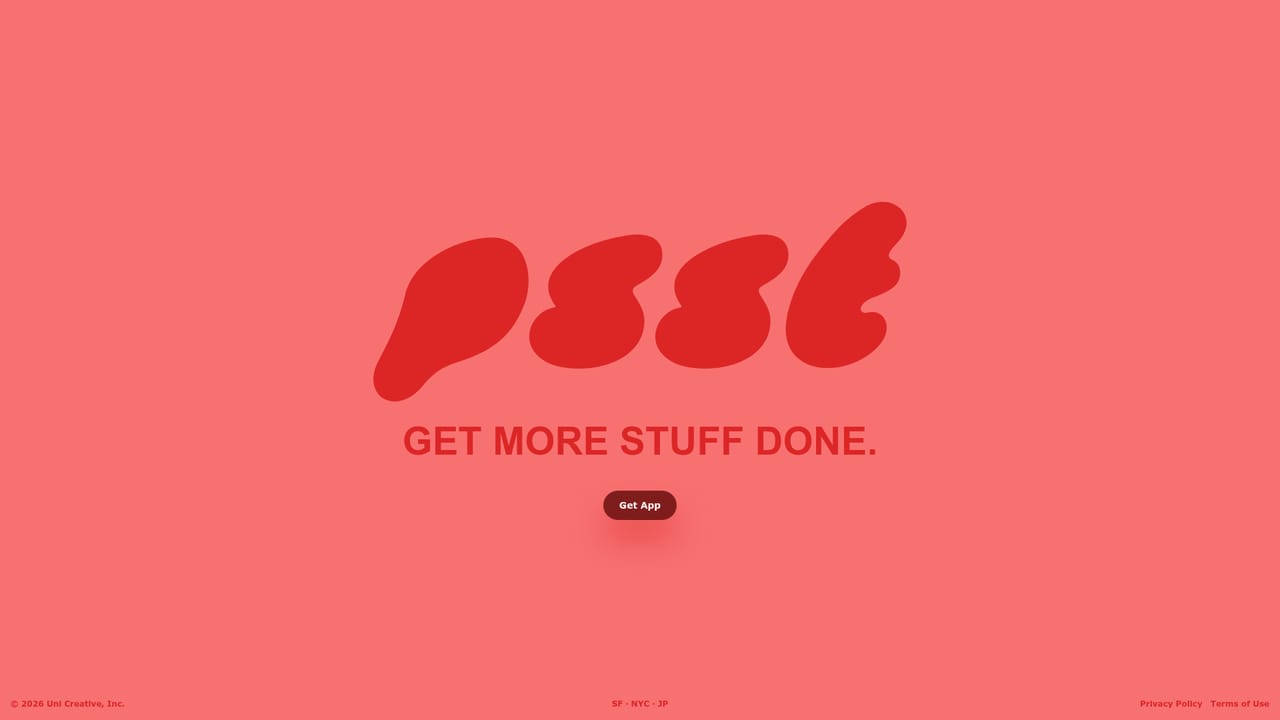
4149 is a studio building adaptive AI products that work ambiently beside the user instead of replacing them. Its first release is psst, a separate app linked from the site. The homepage sets out the design philosophy but leaves feature, pricing and platform detail to the product itself.

4149 is a software studio building what it calls adaptive AIs: products designed to work alongside a person rather than take over the task. The company's stated target is the shift from reactive software, which waits for a click and then answers with a badge or a reminder, to ambient software that quietly absorbs part of the workload and keeps the user pointed at their own goals. The team argues that modern tools were sold as a way to connect people and get more done, while the actual result has been more noise, more isolation and more missed deadlines. The studio's first shipped product is psst, which the homepage describes as an adaptive AI product and links to as a separate, tryable application. The homepage does not publish feature lists, model details or workflow documentation for psst, so the concrete behaviour of the product is best judged inside psst itself. What 4149 does commit to publicly is a design position: their tools should not replace the human or complete the work on their behalf. Instead they should reduce cognitive overhead, clear incidental work off the plate and guide the user toward the outcome they already chose. The framing suits knowledge workers and small teams who feel buried by notification-driven software and who want assistance that stays in the background. It is a deliberate contrast with the crowded field of prompt-first chat assistants and all-in-one productivity suites, most of which expect the user to open a window, describe a task and supervise the output. 4149 positions its products as running autonomously in the periphery, which means the evaluation question is different too: not how good the generated text is, but whether the assistance is quiet enough and accurate enough to leave running. The site is a studio page rather than a conventional product site. It carries a short manifesto signed by the three founders, Adrian Vatchinsky, Stephen Lang and Greg Pass, and a single obvious entry point into psst. Buyers should expect to assess the company on its first product and on how transparently it documents that product, since the public material to date is mostly philosophy and a launch pointer.

How do you use 4149?

  1. 1Read the studio's positioning first
    Spend a few minutes on the 4149 homepage to understand the adaptive AI thesis: assistance that works beside the user rather than doing the task for them. This framing shapes what psst is trying to do and what it deliberately avoids.
    4149 — Read the studio's positioning first
  2. 2Open psst from the homepage link
    The homepage links to psst as the studio's first adaptive AI product. Follow that link to reach the actual application, since the homepage itself is mostly a manifesto.
  3. 3Start with psst directly
    Use the dedicated psst site as the working entry point for the product. Signing up and setting up an account happens there rather than on the studio page.
    4149 — Start with psst directly
  4. 4Judge it on a real week of work
    Because the product is pitched as ambient rather than prompt-driven, evaluate it by leaving it running against your normal workload and checking whether it reduces interruptions or adds to them.
  5. 5Check cost and availability inside the product
    The studio site publishes no pricing or platform list, so confirm the current plan, any trial terms and which devices are supported after you reach psst.

Pros and cons

Pros

  • Clear, opinionated design philosophy about ambient assistance rather than chat-first promptingAI
  • Founders are named and linked, so the team behind the studio is easy to verifyAI
  • A working entry point into the first product, psst, is linked directly from the homepageAI
  • The stated goal of reducing notification noise addresses a real complaint about modern productivity softwareAI
  • Positioning is distinct from the crowded field of general purpose chat assistantsAI

Cons

  • The homepage carries almost no product detail: no feature list, no screenshots and no workflow examples for psstAI
  • No pricing information is published anywhere on the site, so cost has to be discovered inside the productAI
  • Platform availability and any integrations are not stated on the homepageAI
  • With one launched product, there is little track record to judge reliability or longevityAI
  • Claims about autonomous, ambient assistance are not backed by published benchmarks or demonstrationsAI

How much does 4149 cost?

Features

The homepage describes a class of adaptive AI products that work autonomously beside the user, keeping them focused and clearing incidental work, rather than replacing them. The first such product is psst, linked as a separate application. No feature breakdown, model details or capability list for psst is published on the studio site.

Frequently asked questions about 4149

  • How do you use 4149?
    The walkthrough on this page covers 5 steps: 1. Read the studio's positioning first 2. Open psst from the homepage link 3. Start with psst directly 4. Judge it on a real week of work 5. Check cost and availability inside the product.
  • What platforms does 4149 support?
    4149 is available on Web App.
  • What are the limitations of 4149?
    The homepage carries almost no product detail: no feature list, no screenshots and no workflow examples for psst. No pricing information is published anywhere on the site, so cost has to be discovered inside the product. Platform availability and any integrations are not stated on the homepage.

Status

StatusActive
Views0
Outbound clicks0
Added10/21/2026

Platforms

Web App

Pricing

Free