Pricing
Paid subscription, with a free tier for professional and small teams plus a separate enterprise offering. The homepage does not publish prices or plan tiers.
Learn moreOne subscription, 100+ AI models, and agents that finish the work for you

Abacus is an AI spreadsheet generator tool. Abacus.AI puts 100+ chat models plus autonomous agents in one subscription. Its data analysis agents convert raw spreadsheets and datasets into trends, charts and business insights, and can build reports, decks and apps around the results.
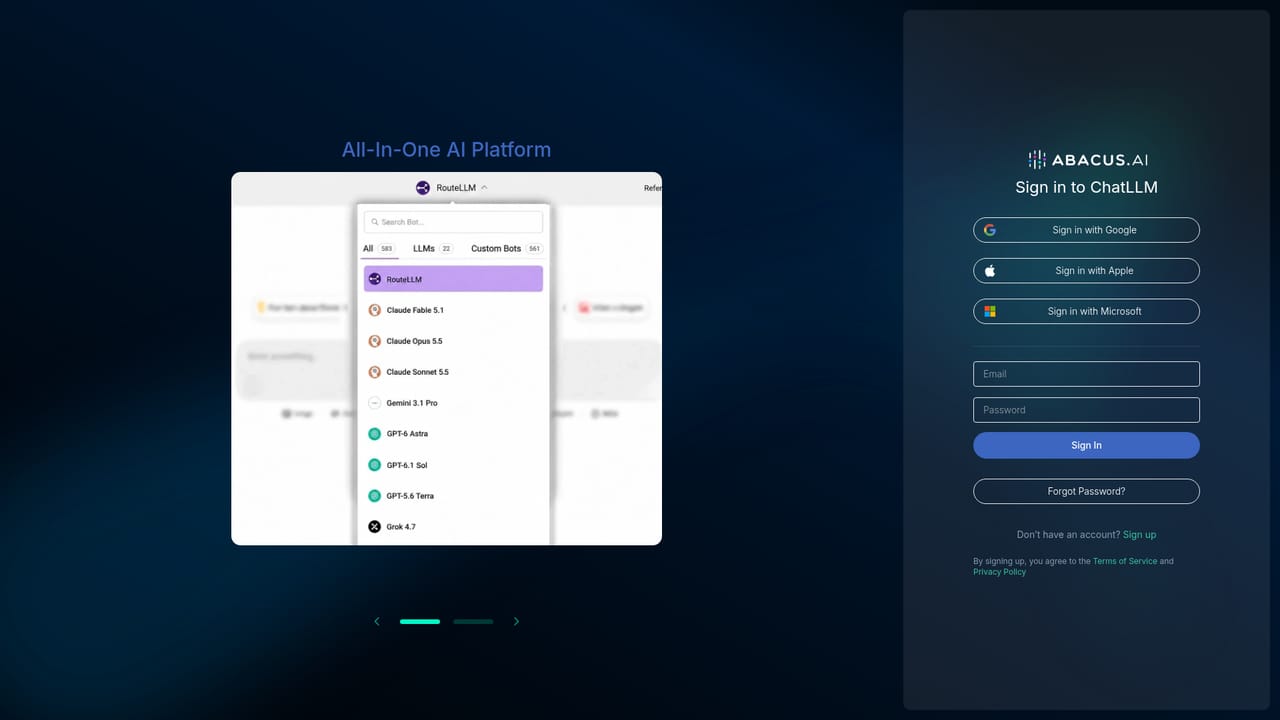
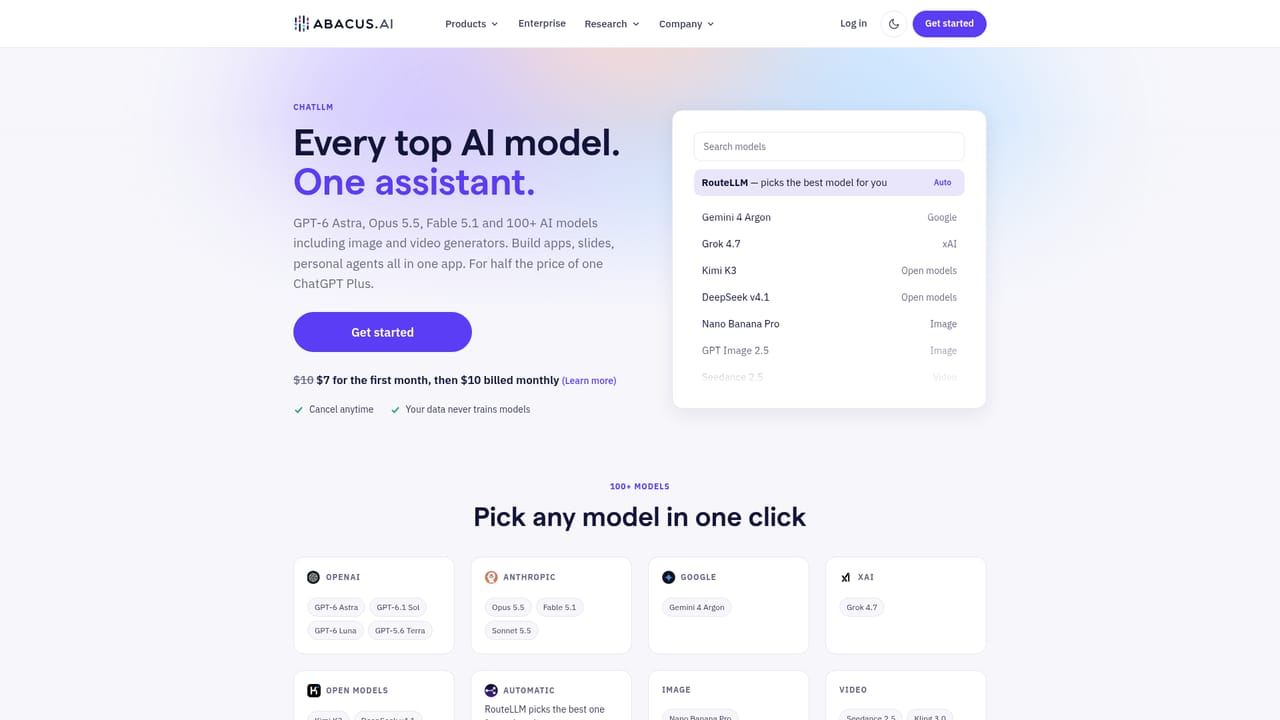
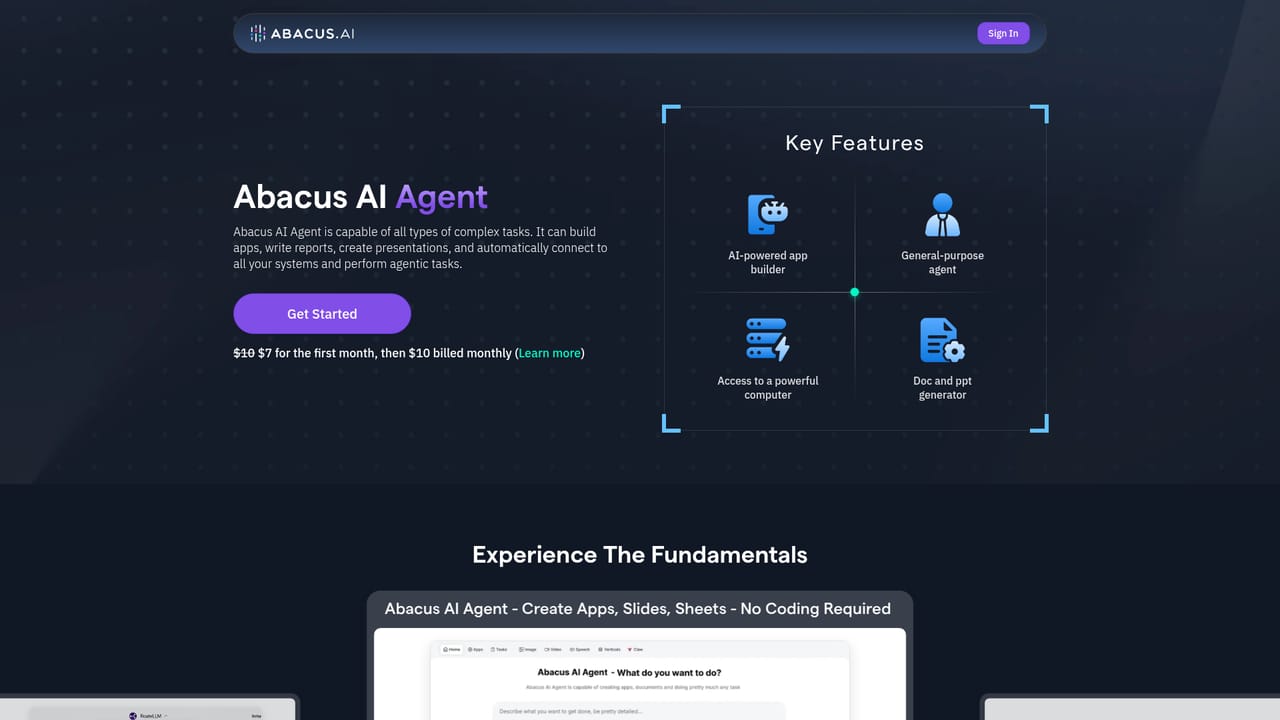
Abacus.AI is a multi-model AI platform that bundles more than 100 chat models (including GPT, Claude, Gemini and open-weight families) into a single assistant, then layers autonomous agents on top for work that goes beyond conversation. The core product, ChatLLM, presents chat mode with a model picker, an agent mode for delegated tasks, and company knowledge so answers can be grounded in internal material. Rather than committing to one vendor's model, a team picks whichever model suits a task and keeps everything in one workspace. The agent layer is where the data analysis story sits. Abacus AI Agent, described on the company site as a way to hand off a task and receive a finished app, deck or report, is marketed through concrete examples: an AI Data Analyst that turns complex datasets into visual trends and business insights, a Revenue Analytics Pro that runs automated Excel analysis to surface revenue patterns, and parallelised equity research that screens S&P 500 companies and assembles a diversified portfolio. Agents can also build the artefacts themselves, from web and mobile apps to investor-ready decks and reports. Practically, a user signs in through the web app, chooses chat or agent mode, and either converses with a chosen model or assigns a larger goal. The agent works through the steps, can call tools and browse, and returns output such as a dashboard, spreadsheet analysis or slide deck. Data-focused users bring their own files or connect a dataset; the agent handles exploration and charting while the user reviews findings. Abacus.AI sits between a single-model chatbot subscription and a build-your-own analytics stack. It competes with the top-tier plans of individual model providers by aggregating them, and with BI and notebook tools by wrapping analysis in a conversational agent. Enterprise buyers get additional layers: generative AI infrastructure, structured ML and discrete optimisation, plus on-premises or cloud deployment and a separate desktop client, always-on supercomputer and self-improving agent products.
Paid subscription, with a free tier for professional and small teams plus a separate enterprise offering. The homepage does not publish prices or plan tiers.
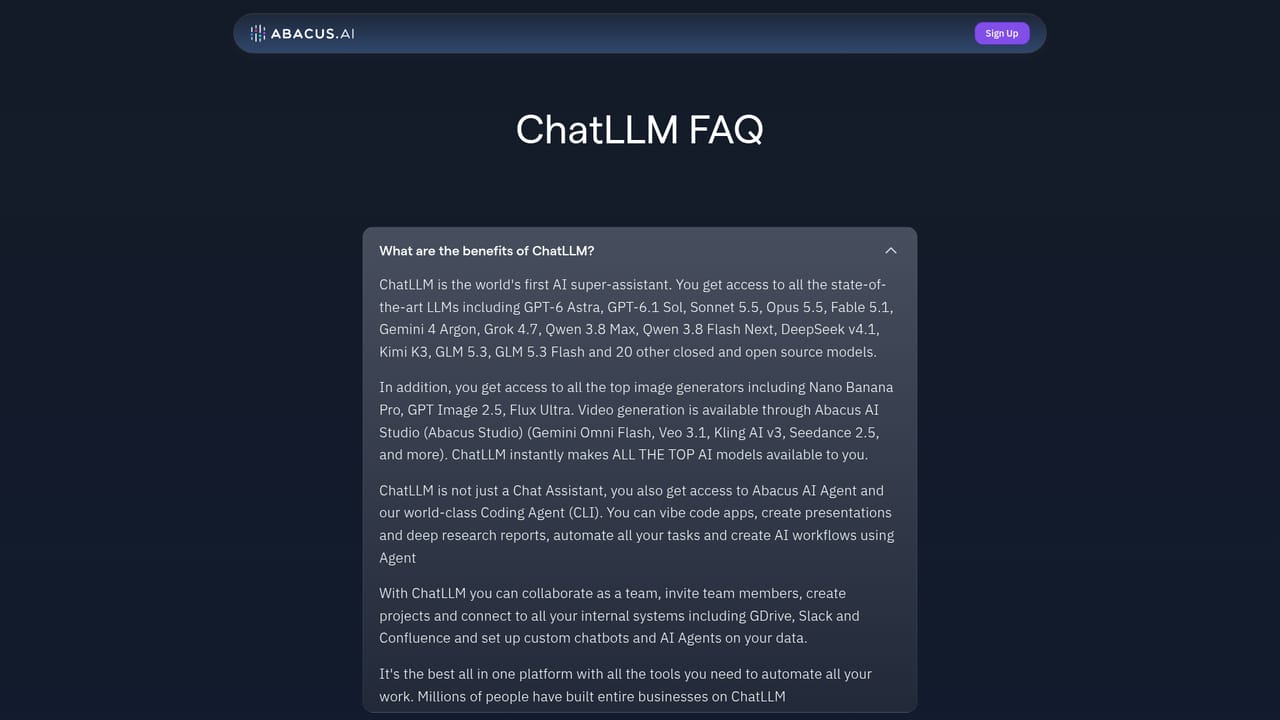
Learn moreA ChatLLM FAQ and a sales contact path exist on the site. No dedicated help centre or support SLA is described.
Learn moreStripe payments, LinkedIn outreach and browser use are shown in the published agent examples. No formal integrations directory is listed.
Learn moreChat with 100+ models (GPT, Claude, Gemini, Grok and more), agent mode for delegated tasks, company knowledge grounding, app and API building, PowerPoint generation, browser use, code work, video and audio generation, data analysis, trading agents, research and chatbots, plus self-improving agents and an always-on supercomputer.
Learn more AI Angels400+ customizable AI girlfriends for NSFW chat, voice calls, and roleplay
 Candy AIExperience the future of companionship with AI friends who chat, role-play, and connect with you on a human level.
 ourdream.aiA vast AI roleplay platform with millions of characters for chat, images, video and voiceAI Angels400+ customizable AI girlfriends for NSFW chat, voice calls, and roleplayCandy AIExperience the future of companionship with AI friends who chat, role-play, and connect with you on a human level.ourdream.aiA vast AI roleplay platform with millions of characters for chat, images, video and voice


