Free trial
Every plan includes a 7-day free trial started from the signup page, with no payment details specified on the homepage.
Learn moreOne dashboard to plan, schedule and publish across 13 social platforms

AdaptlyPost is a social media scheduler that publishes to 13 platforms from one dashboard, with a visual calendar, a post queue, cross-account analytics, AI captions and image generation, RSS auto-posting, and API, MCP, CLI and OpenClaw access for agent-driven posting.
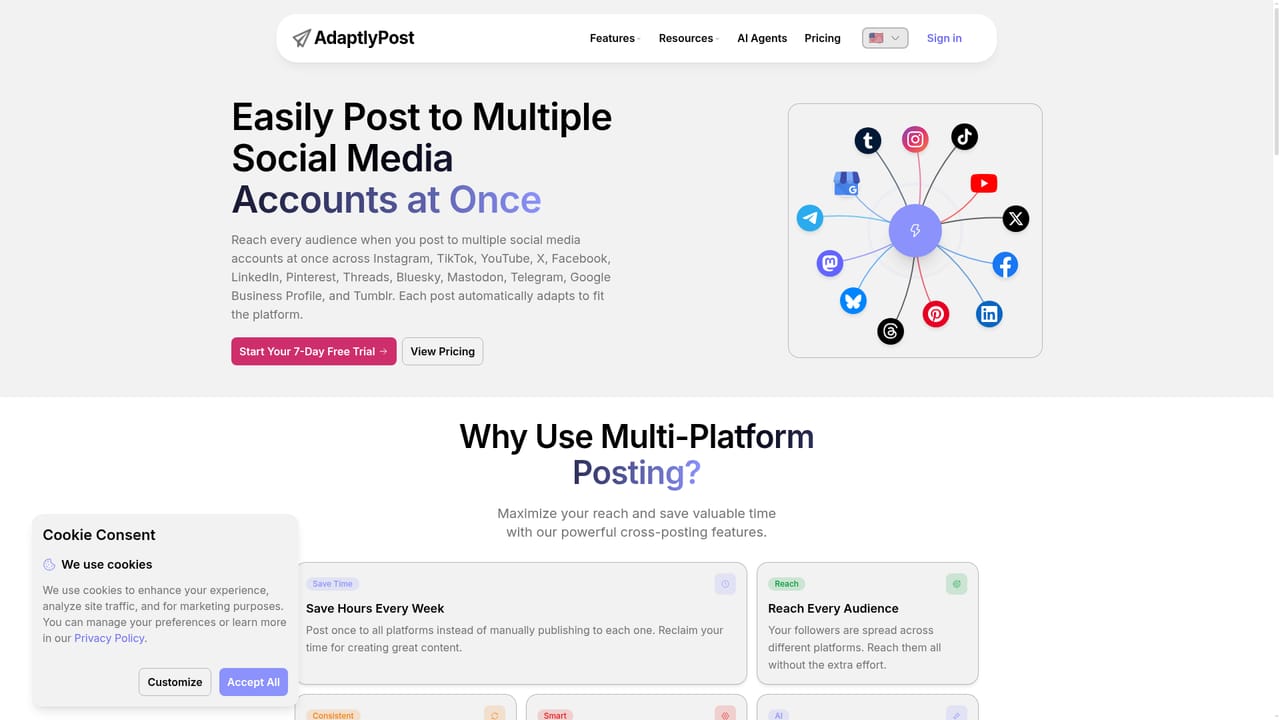
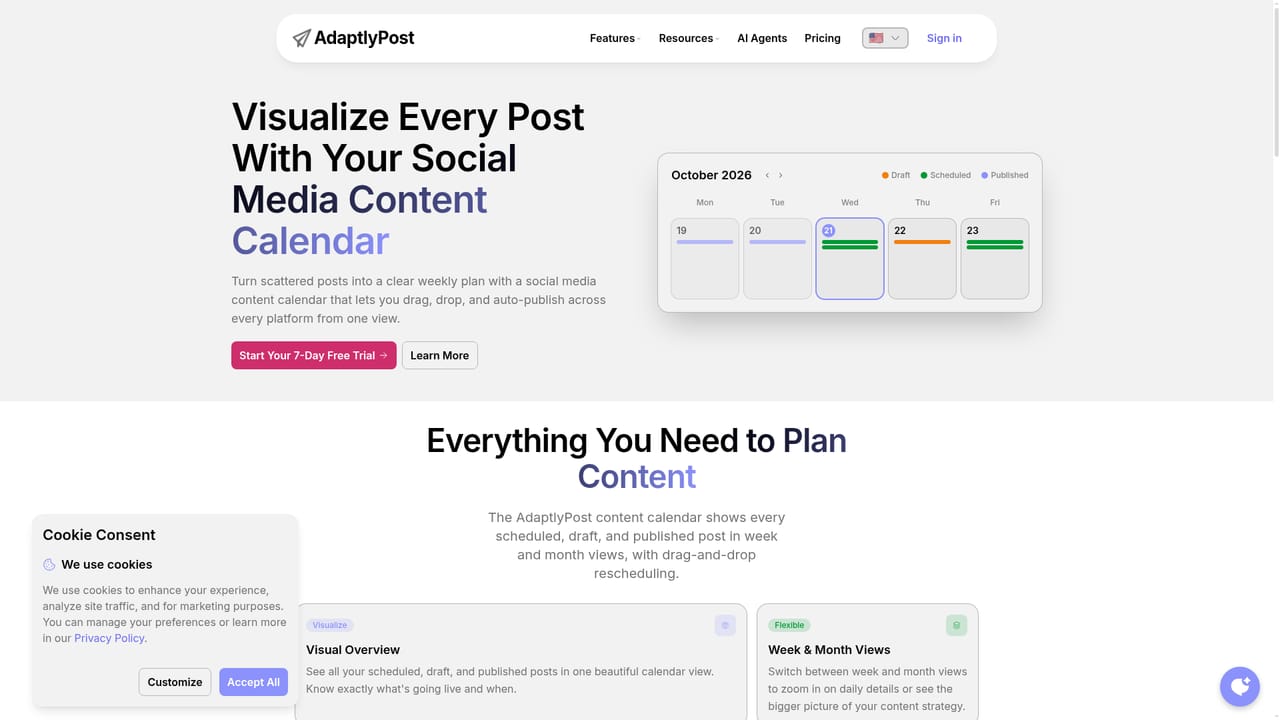
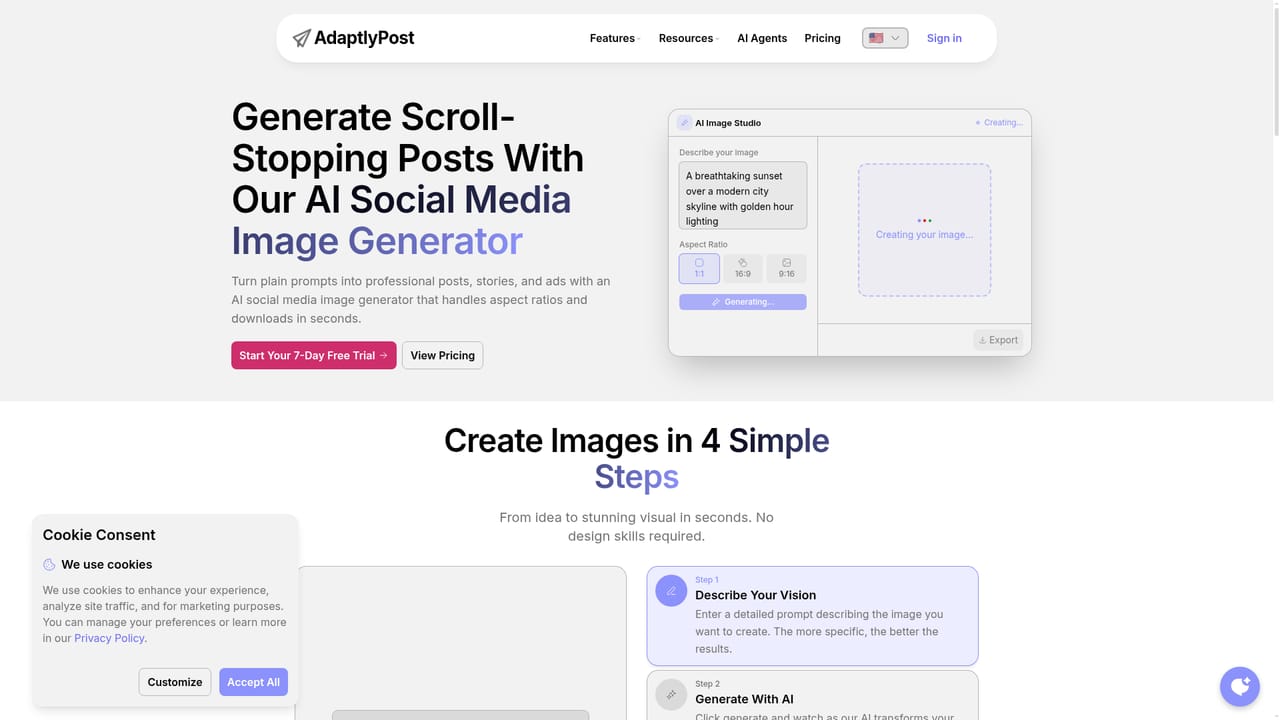
AdaptlyPost is a social media scheduler built around a single dashboard for planning, queueing and publishing content across 13 networks, including Instagram, TikTok, YouTube, X, Facebook, LinkedIn, Pinterest, Threads, Bluesky, Mastodon, Telegram, Google Business Profile and Tumblr. A post composed once is adapted per platform, so the same piece of content goes out to every connected account without being rewritten by hand for each network. The product covers the full publishing loop. A visual content calendar shows drafts, scheduled items and published posts by day, and a post queue keeps everything in order so posting slots stay filled. An analytics view tracks views, likes, shares and engagement for every connected account in one place. AI features sit alongside the scheduler: a caption copilot writes and rewrites captions per platform and adds hashtags from a single prompt, and an AI image studio generates visuals for posts. RSS auto-posting turns new blog articles into drafts, scheduled posts or immediate sends. The most distinctive angle is automation for people who work from agents and terminals. AdaptlyPost exposes an API, MCP, CLI and an OpenClaw skill, so an AI agent can create, generate and schedule posts through natural language commands. Agencies get a shareable connect link that lets a client authorize their own social accounts without dashboard access. Browser extensions, a Direct Connector, a Direct Plugin and a Zapier integration cover setups that need to reach outside the main app. It fits solo creators, marketers, small businesses and agencies that want managed scheduling with AI assistance, and it competes with Postiz, Later, ContentStudio, Hypefury and similar tools. Plans scale by connected accounts, workspaces, team members and monthly AI credits, from a single user up to custom white-label deployments. Anyone who prefers a free, self-hosted setup may prefer Postiz, but teams that want the hosted product plus automation hooks will find the AI and API layers the reason to pick it up.
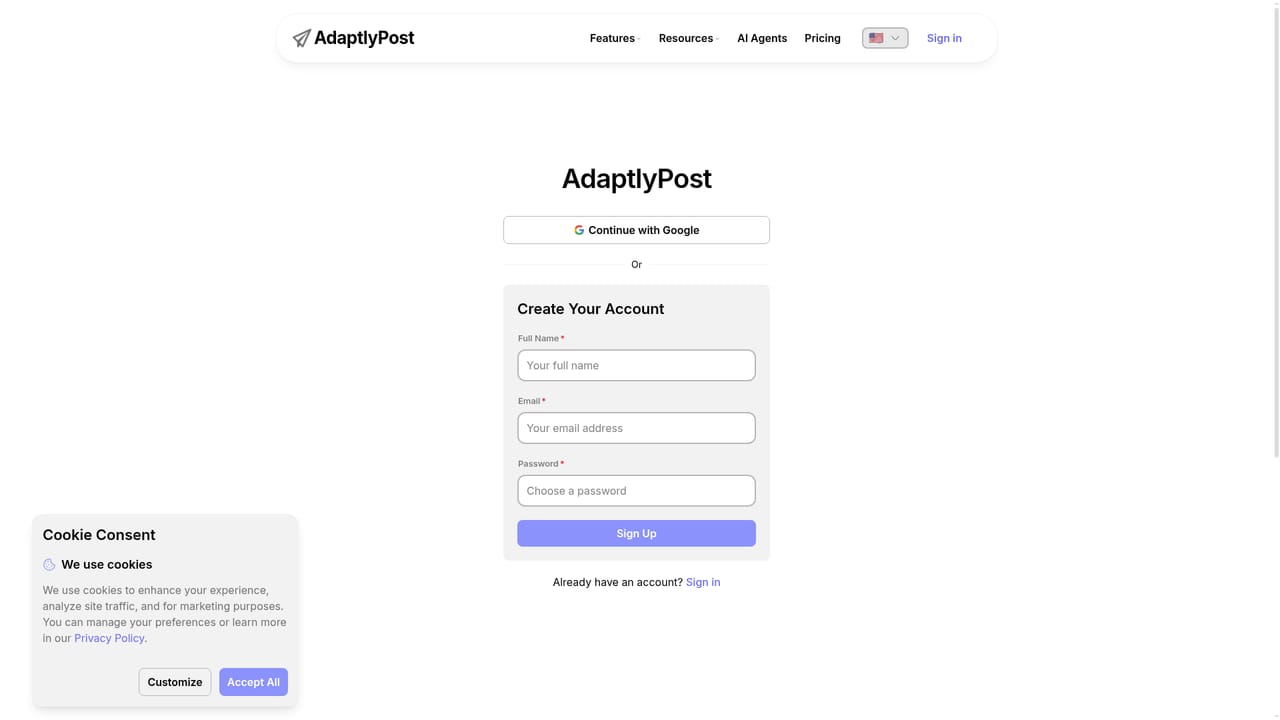
Every plan includes a 7-day free trial started from the signup page, with no payment details specified on the homepage.
Learn morePaid tiers are Creator at $19 per month (30 accounts, 1 workspace, 150 AI credits), Pro at $39 (60 accounts, 3 workspaces, 3 team members, 400 credits), Enterprise at $89 (100 accounts, 10 workspaces, 10 team members, 1000 credits) and a Custom white-label plan. Yearly billing is offered with a stated 17% saving, and all plans include unlimited scheduled posts.
Learn moreSupport is handled by email at contact@adaptlypost.com, with a live chat widget on the site and a public review page for customer feedback.
Publishing reaches Instagram, TikTok, YouTube, X, Facebook, LinkedIn, Pinterest, Threads, Bluesky, Mastodon, Telegram, Google Business Profile and Tumblr. Automation runs through API, MCP, CLI, OpenClaw, Zapier, RSS feeds and browser extensions.
Learn moreCore features include multi-platform publishing with per-network adaptation, a visual content calendar, a post queue, cross-account analytics, an AI caption writer with hashtag suggestions, an AI image studio, RSS to social posting, an API, MCP, CLI and OpenClaw skill, a shareable client connect link, browser extensions, a Direct Connector, a Direct Plugin, Zapier integration, and support for image, video and carousel posts.
Learn more AI Angels400+ customizable AI girlfriends for NSFW chat, voice calls, and roleplay
 Candy AIExperience the future of companionship with AI friends who chat, role-play, and connect with you on a human level.
 ourdream.aiA vast AI roleplay platform with millions of characters for chat, images, video and voiceAI Angels400+ customizable AI girlfriends for NSFW chat, voice calls, and roleplayCandy AIExperience the future of companionship with AI friends who chat, role-play, and connect with you on a human level.ourdream.aiA vast AI roleplay platform with millions of characters for chat, images, video and voice