Free trial
Every new user gets 100 free credits on sign-up, described as enough to generate one complete professional ad using Sora, Veo or Kling, then preview and edit it in the browser.
Learn moreChat your way from product idea to platform-ready video ad.

Advivi is a direct chat AI tool that chats your way from product idea to platform-ready video ad.
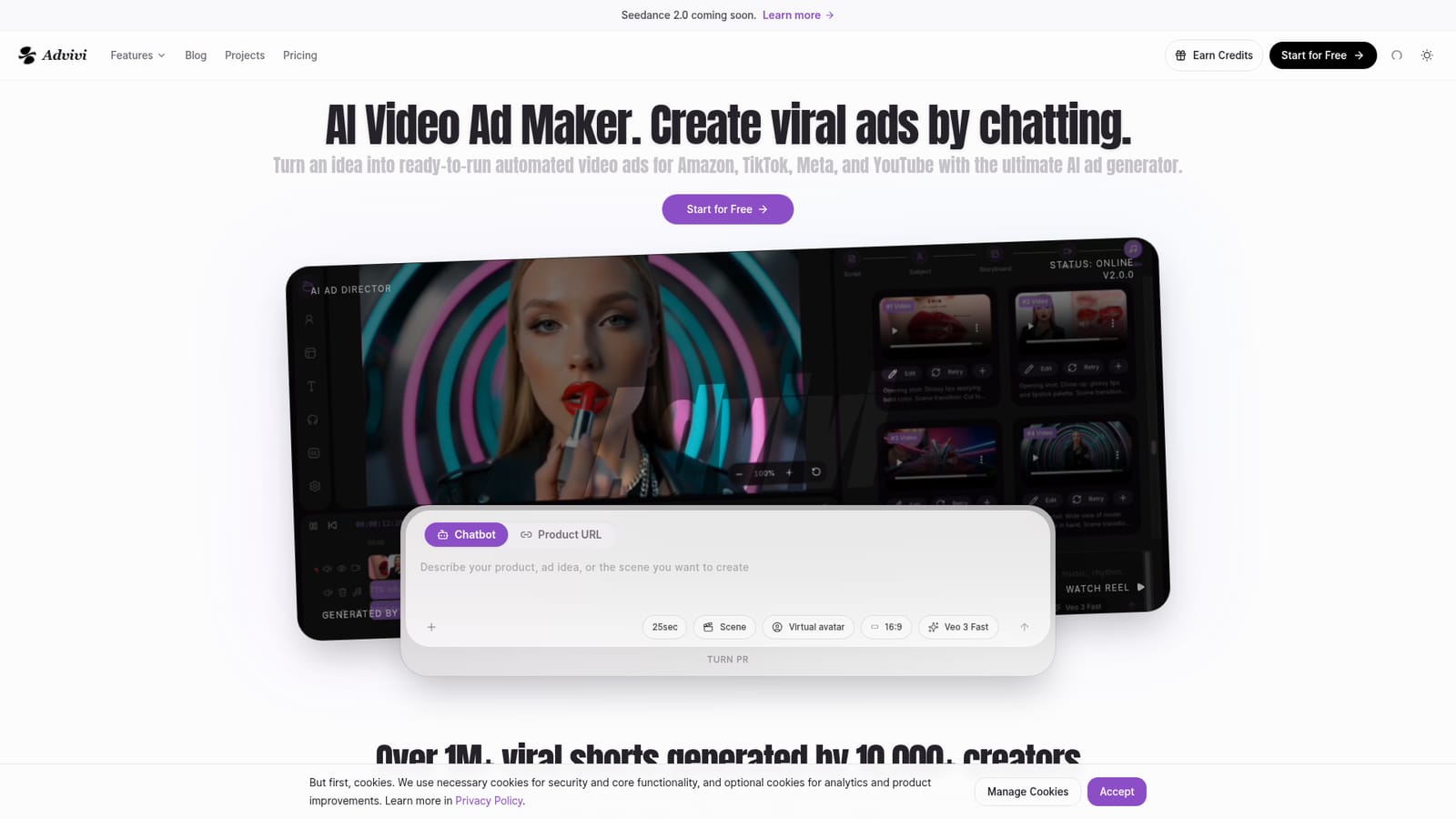
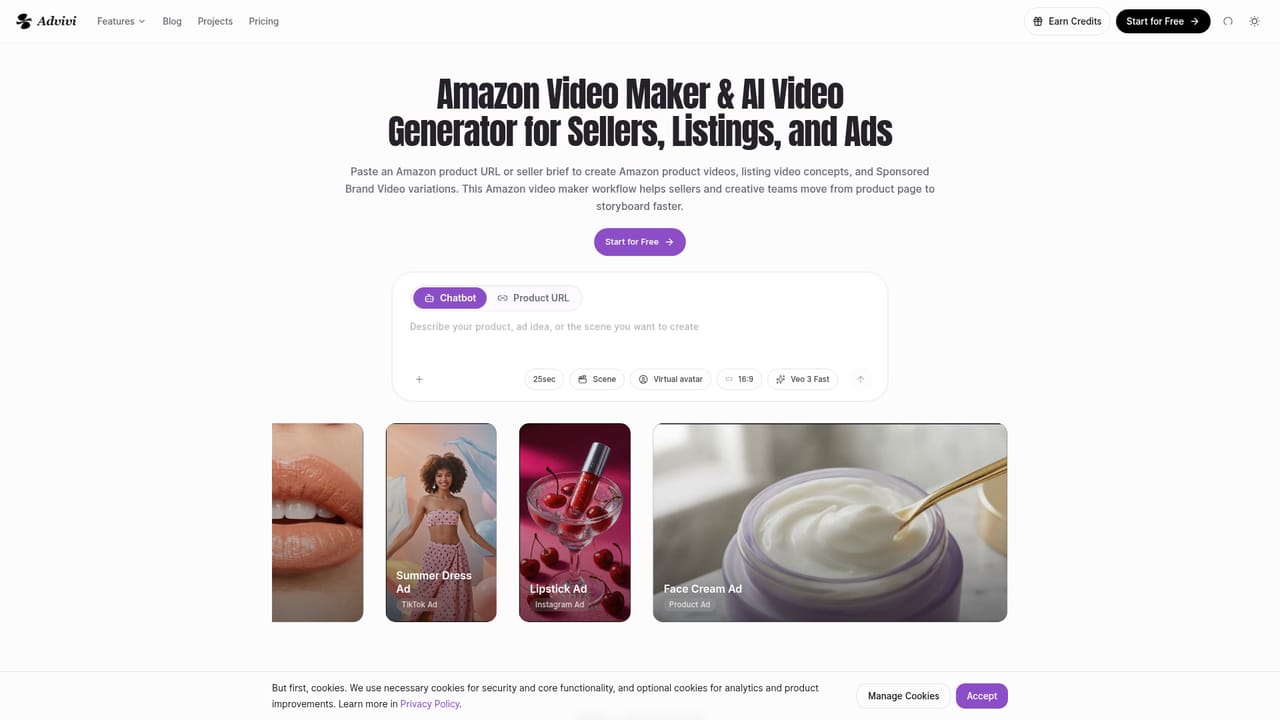
Advivi is a web-based AI ad agent that turns a product image and a plain-language idea into a finished short video ad. The chat interface doubles as a creative director: it guides the storyboard, picks a video model for each scene, and assembles footage, captions and edits without the user writing a script. The stated goal is a 30-second ad in about five minutes. The defining feature is multi-model access. Advivi routes scenes through Sora, Veo, Kling and Nano Banana, so a single project can mix engines depending on the shot. Output is tuned for the platforms its audience sells on: Amazon listing and Sponsored Brand Video concepts, TikTok hook-first variants, Shopify storefront clips and Meta paid-social placements. Amazon sellers can start from a product URL rather than raw footage, which removes the usual asset-gathering step. In practice the workflow runs in four stages. Upload a product image and describe the concept in chat, preview the generated draft in the browser, then use the built-in timeline to rewrite text hooks, swap music or adjust clip timing. Export and publish. Editing inside the product means a weak scene can be repaired without regenerating the whole ad. The tool targets ecommerce sellers, performance marketers and freelance ad creators who need volume for creative testing rather than cinematic one-offs. It sits closer to an ad production pipeline than to general text-to-video tools: the emphasis is on variants, hooks and fast iteration. Buyers should note that generation consumes credits and works in the browser only.
Every new user gets 100 free credits on sign-up, described as enough to generate one complete professional ad using Sora, Veo or Kling, then preview and edit it in the browser.
Learn morePricing is credit-based. Generating ads with premium engines such as Sora or Kling uses credits, and new users receive 100 free credits at sign-up, enough for one full ad. Specific plan prices and credit packs are not listed on the homepage.
Learn moreSupport is available by email at support@advivi.ai, as listed in the FAQ section of the homepage.
Chat-based AI ad agent that builds storyboards and footage from a product image and brief, multi-model generation across Sora, Veo, Kling and Nano Banana, platform-specific workflows for Amazon, TikTok, Shopify and Meta, an in-browser timeline editor for hooks, music and timing, and export ready for TikTok, Meta, YouTube and offline standards.
Learn more AI Angels400+ customizable AI girlfriends for NSFW chat, voice calls, and roleplay
 Candy AIExperience the future of companionship with AI friends who chat, role-play, and connect with you on a human level.
 ourdream.aiA vast AI roleplay platform with millions of characters for chat, images, video and voiceAI Angels400+ customizable AI girlfriends for NSFW chat, voice calls, and roleplayCandy AIExperience the future of companionship with AI friends who chat, role-play, and connect with you on a human level.ourdream.aiA vast AI roleplay platform with millions of characters for chat, images, video and voice