Free trial
Every AFFiNE Cloud user gets 10 free trial experiences with AFFiNE AI before purchasing, with no charge for those runs.
Learn moreAI writing, drawing and slides inside a local-first notes workspace

AFFiNE AI is the assistant built into AFFiNE docs and whiteboards, handling rewriting, summarizing, image and mind map generation, and beta slide creation. It requires an AFFiNE Cloud sign-in, offers 10 free trial uses and costs $8.9 per month billed annually.
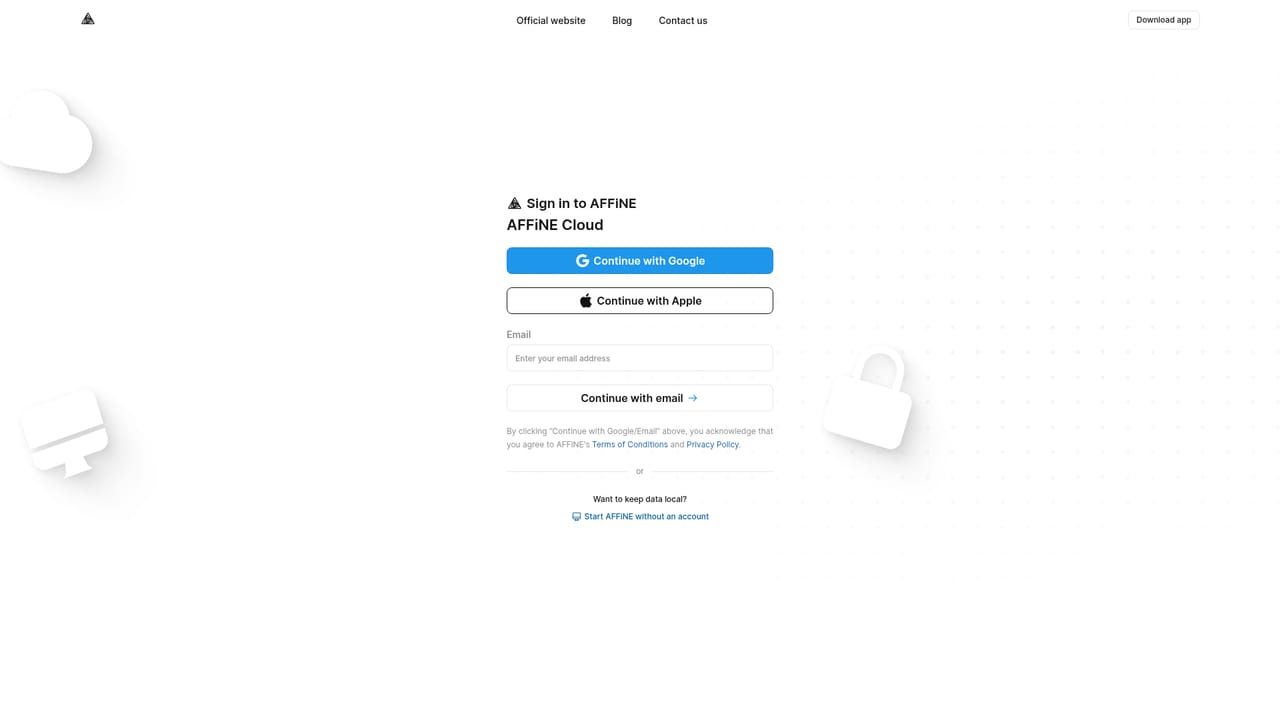
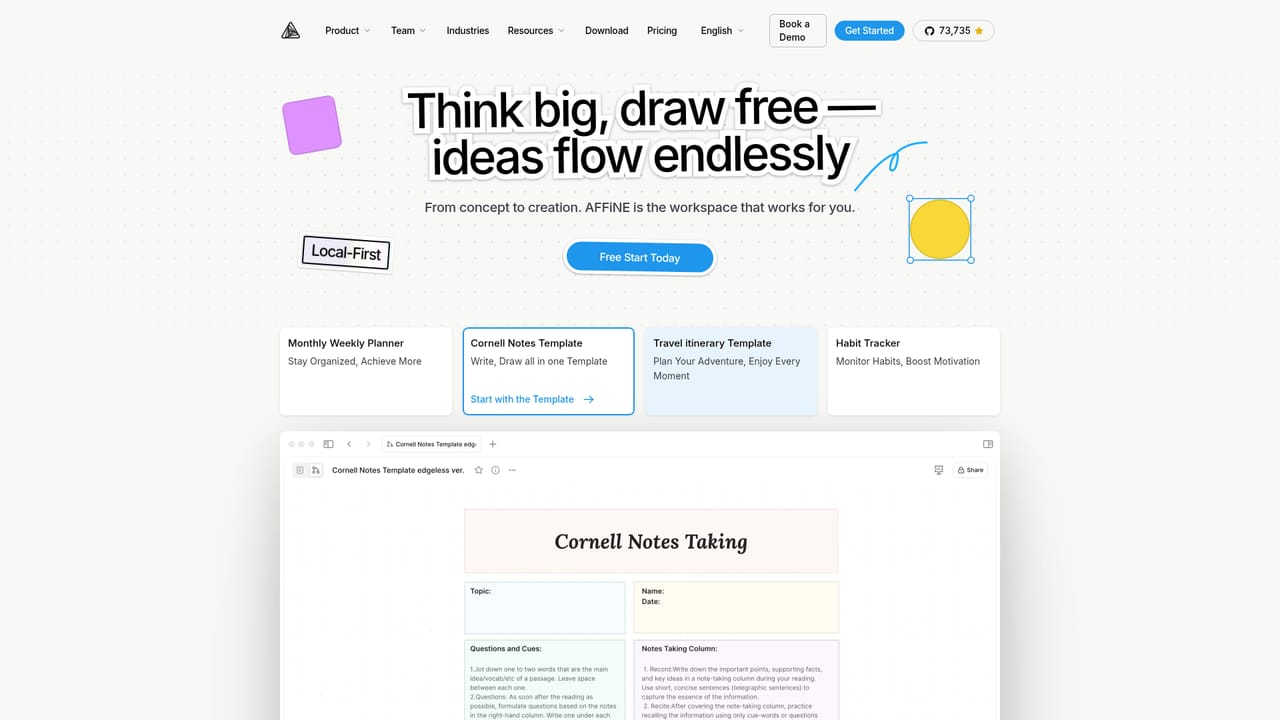
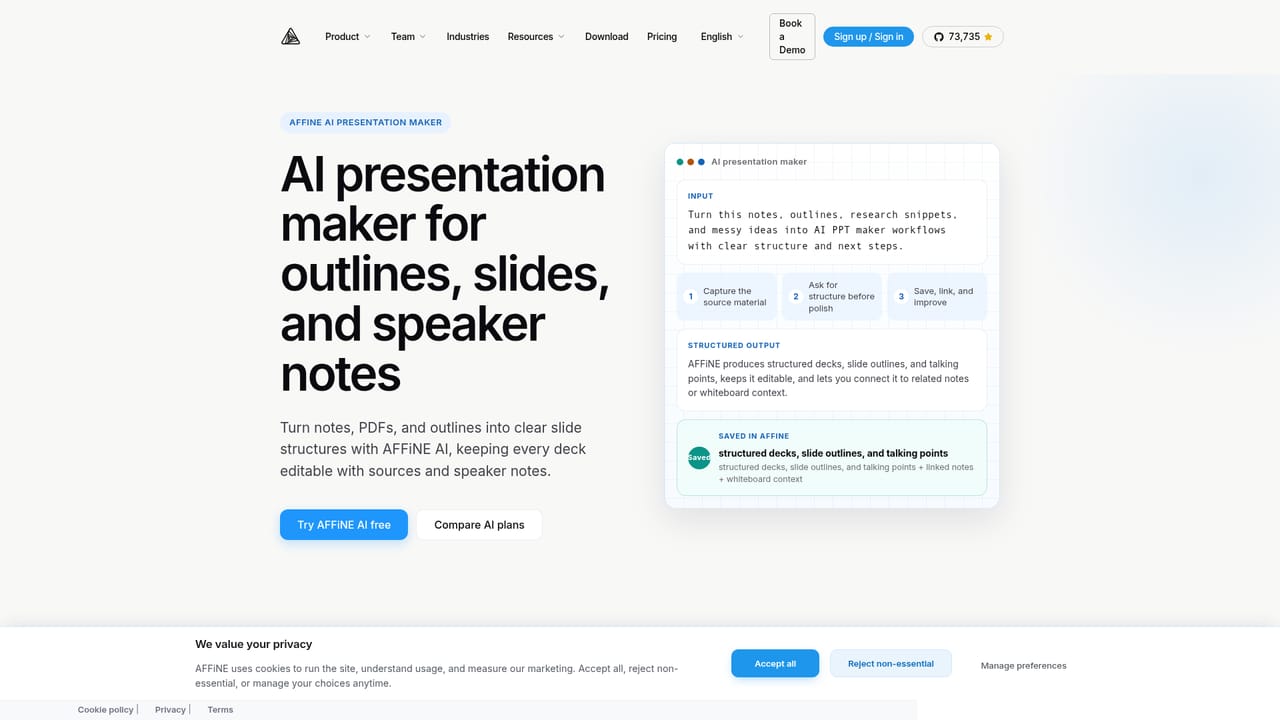
AFFiNE AI is the assistant layer built into AFFiNE, a workspace that combines documents (Page Mode) and a freeform whiteboard (Edgeless Mode). Rather than living in a separate chat tab, the assistant sits inside the page you are already editing. Select text or blocks in a document and the format toolbar offers an Ask AI action; on the whiteboard you right-click a selection or use the Elements menu. A chat entry also sits in the sidebar of any open doc, so questions and generated output land next to the notes they relate to. The feature set follows the shape of the workspace. In documents the assistant rewrites for tone, fixes spelling and grammar, continues a draft, summarizes content and pulls out action items. On the canvas it generates images from a prompt and converts outlines into mind maps. A beta presentation mode turns a prompt or outline into slides. The same engine powers question answering over your material, and AFFiNE markets it for narrower jobs too: step-by-step math help, PDF summarization, video transcript summarization, research briefs and an AI second brain that links notes, tasks and ideas. It suits students, writers, researchers and small teams who already keep notes in AFFiNE or are weighing it against Notion and similar tools. The differentiator is locality in the broader product (AFFiNE is open source and promotes local-first storage), but the AI itself is the exception: it runs through AFFiNE Cloud, so signing in is required and local-only use is not yet possible. Since version 0.27 you can bring your own API key, and support for Gemma is described as planned. Privacy-wise, AFFiNE states that only the related content is sent to third-party AI vendors when you invoke the assistant. Practical fit depends on how much you value consolidation. If your work already moves between a doc, a whiteboard and a slide deck, having generation in the same canvas cuts app switching. If you mainly want a standalone writing or image tool, the AI here is competent rather than specialist, and the beta presentation and image features are the least settled parts.
Every AFFiNE Cloud user gets 10 free trial experiences with AFFiNE AI before purchasing, with no charge for those runs.
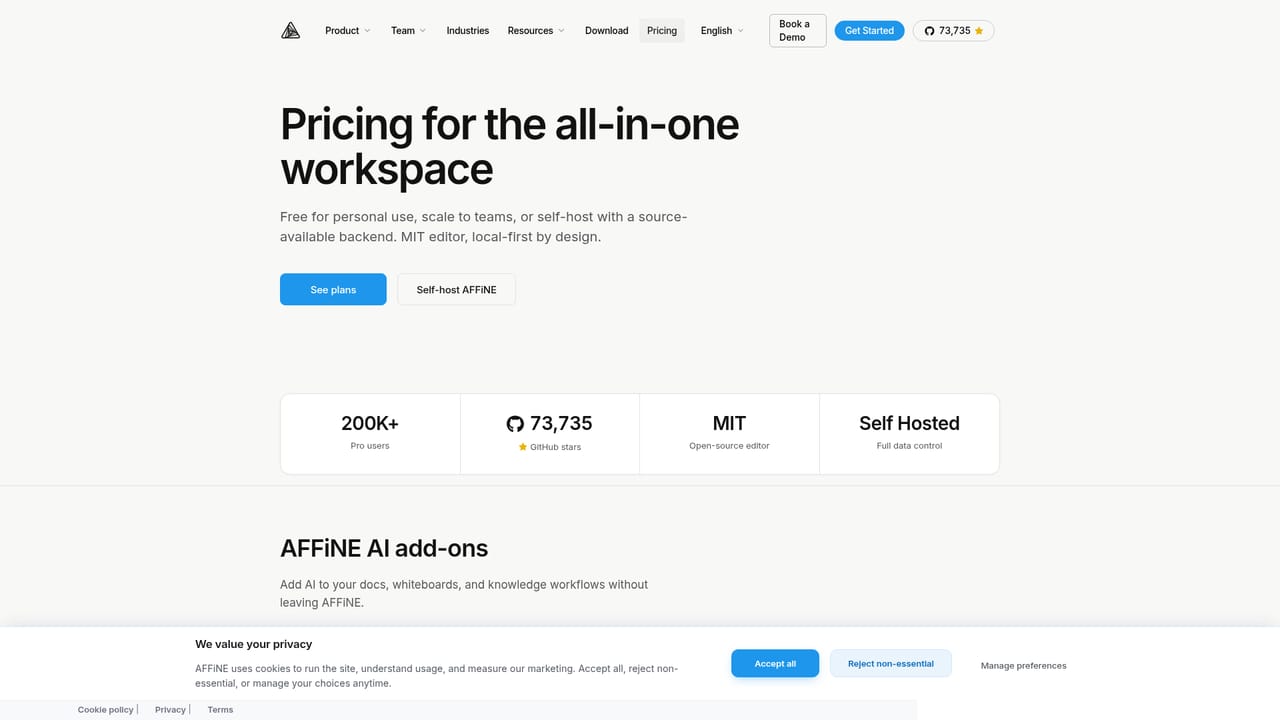
Learn moreAFFiNE AI is priced at $8.9 per month billed annually, purchased through an AFFiNE Cloud subscription alongside the workspace plans. The page states that buyers get unlimited usage during the early launch period, with limits to be adjusted later.
Learn moreHelp is available through the documentation site, a Discord community of 7k+ users, a community program and an enterprise contact route for deployment and licensing questions.
Learn moreAFFiNE AI sits inside AFFiNE docs and whiteboards and relies on third-party AI vendors behind the scenes. A bring-your-own-API-key option arrived in version 0.27, and an MCP server page is published for connecting external tooling.
Learn moreInside documents: chat Q&A, tone and grammar rewriting, translation, draft continuation, summaries and action item extraction. On the whiteboard: image generation from prompts and outline-to-mind-map conversion. A beta mode builds presentations from a prompt or outline. AFFiNE also positions the assistant for math help, PDF and video transcript summarization, research briefs and personal knowledge linking.
 AI Angels400+ customizable AI girlfriends for NSFW chat, voice calls, and roleplay
 Candy AIExperience the future of companionship with AI friends who chat, role-play, and connect with you on a human level.
 ourdream.aiA vast AI roleplay platform with millions of characters for chat, images, video and voiceAI Angels400+ customizable AI girlfriends for NSFW chat, voice calls, and roleplayCandy AIExperience the future of companionship with AI friends who chat, role-play, and connect with you on a human level.ourdream.aiA vast AI roleplay platform with millions of characters for chat, images, video and voice


