AgentDock

Turn an event brief into a full party plan: timeline, menu, budget and shopping list

Beginner
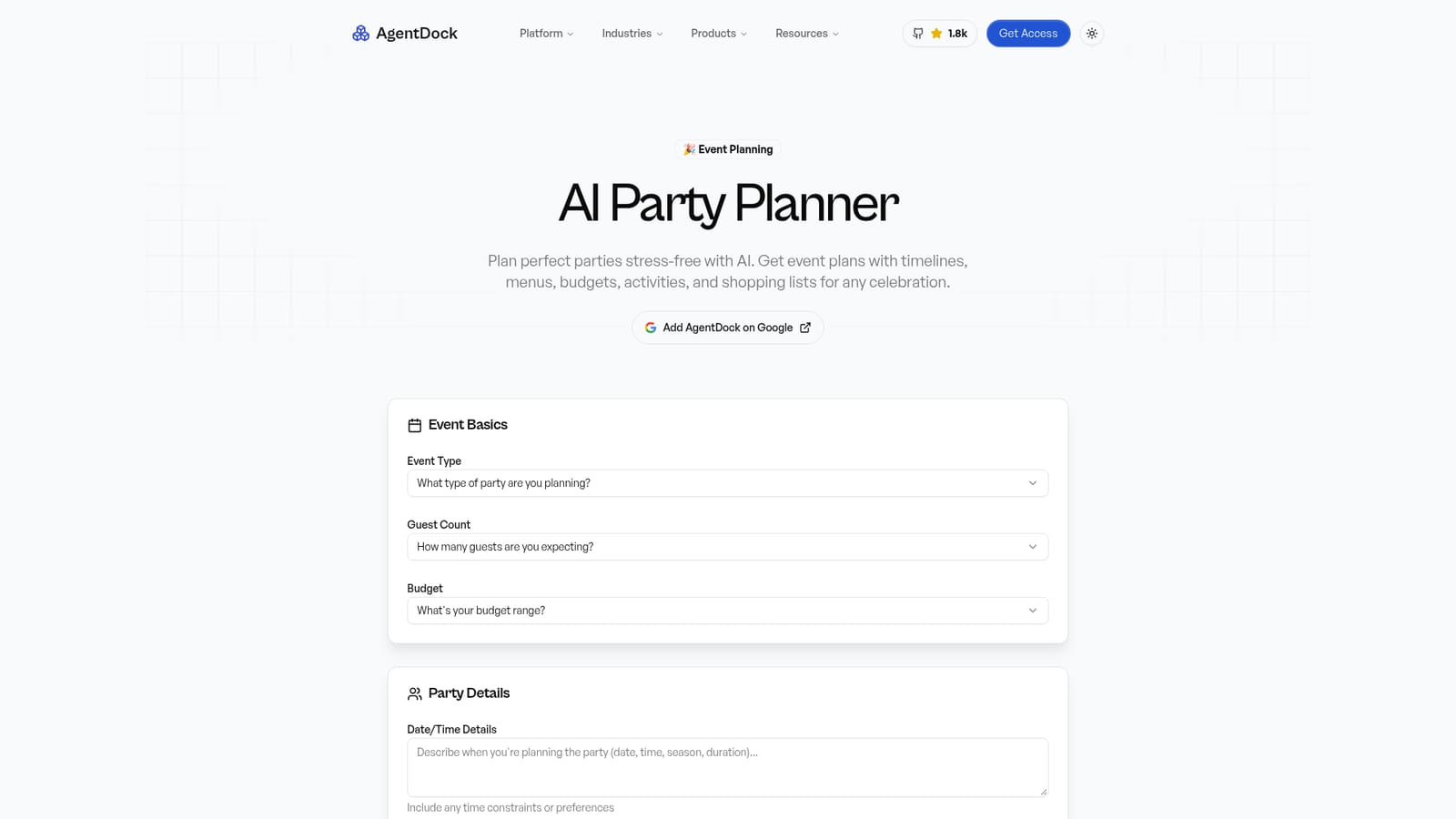
Screenshot of AgentDock, Turn an event brief into a full party plan: timeline, menu, budget and shopping list

What is AgentDock?

AgentDock is an AI task generator tool that turns an event brief into a full party plan: timeline, menu, budget and shopping list. A form-based party planning assistant from AgentDock that takes event type, guest count, budget, location, ages, dietary needs and hosting style, then generates a plan with timeline, menu, budget breakdown and shopping list.

AgentDock's AI Party Planner is a form-driven assistant that turns a short event brief into a structured plan covering the timeline, menu, budget and shopping list. It sits inside AgentDock, a platform for building personal AI assistants, and this party tool is one of its ready-made configurations rather than a standalone product. The target user is a host, not an event professional: someone planning a birthday, dinner party, BBQ, game night, kids party, themed gathering or casual get-together who wants a plan drafted in minutes instead of building one from scratch. In practice the tool works through a single intake form. You pick the event type from a fixed list, choose a guest band (from 2-6 up to 30+), select a budget range starting at $50-100, then add date and time constraints, an indoor, outdoor or mixed location, the age range of guests and any dietary restrictions. A second block captures planning priorities such as food and drinks, entertainment, decorations, music, games, invitations, party favors and logistics, plus your hosting style, ranging from DIY everything to mostly purchased or catered. You submit the form and receive a generated plan. The output is meant to be practical rather than decorative. The page describes timelines broken into tasks with deadlines, food quantity estimates based on event industry standards adjusted for party type and guest demographics, budget allocation advice that separates where to save from where to splurge, inclusive menu suggestions for vegan, gluten-free and allergy needs, and backup plans for outdoor events and unexpected guests. A FAQ section also claims support for last-minute planning via store-bought shortcuts and delegation strategies. The planner competes less with dedicated event software and more with a general chatbot prompt, and its edge is the guided intake, which forces the details a vague prompt would leave out. The main caveat is that it is a waitlist-era product inside AgentDock; the page invites early access rather than promising an instant free run, and the party tool itself carries no published pricing.

How do you use AgentDock?

  1. 1Open the AI Party Planner
    Load the party planner page on AgentDock. The planning form sits at the top, split into event basics, party details and planning preferences.
    AgentDock — Open the AI Party Planner
  2. 2Fill in the event basics
    Choose the event type from the list, then set the guest count band, the budget range and any date or time constraints you are working with.
  3. 3Add party details and restrictions
    Specify indoor, outdoor or mixed location, the age range of guests and any dietary restrictions so the menu reflects who is actually coming.
  4. 4Set priorities and hosting style
    Tick the areas you care about (food, entertainment, decorations, music, games, invitations, favors, logistics) and pick a hosting style from DIY to fully catered.
  5. 5Generate and review the plan
    Submit the form and read the returned plan, checking the timeline, quantities and budget split against your own knowledge of the guest list before committing.
  6. 6Reuse prompts for follow-up work
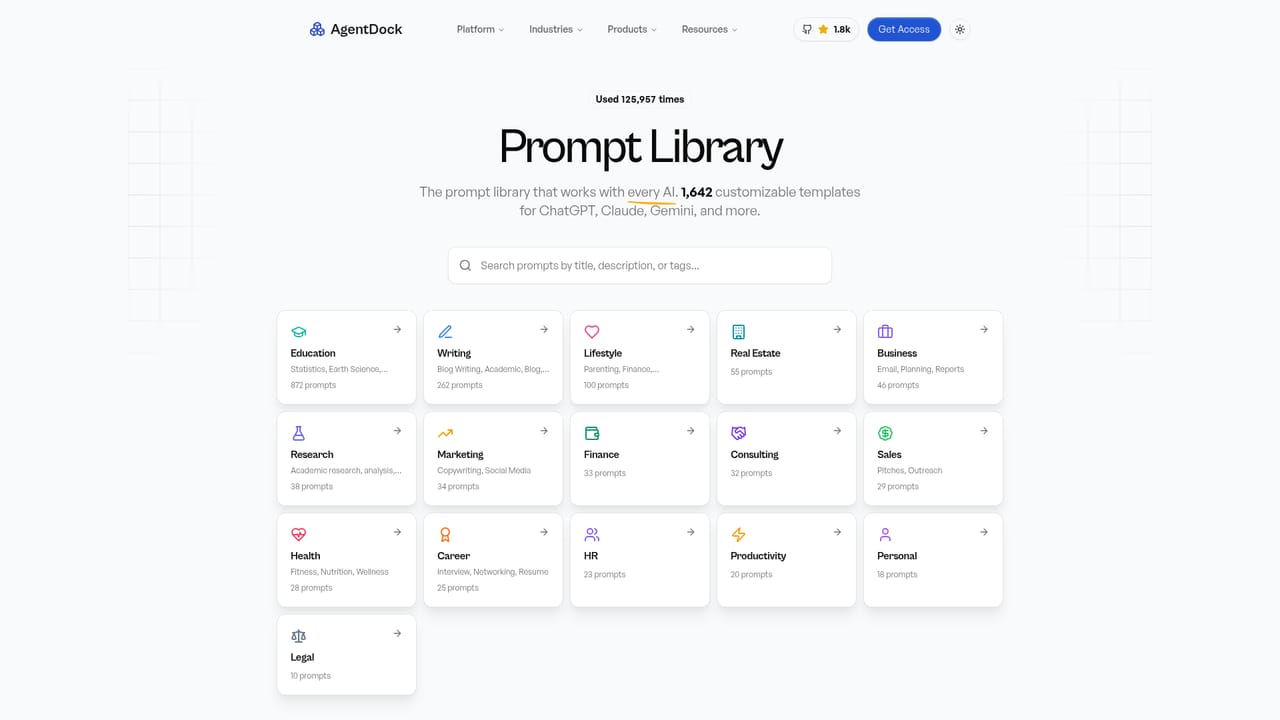
    Browse the AgentDock prompt library for related writing and planning prompts if you want to reuse or adapt the assistant's output.
    AgentDock — Reuse prompts for follow-up work

Pros and cons

Pros

  • Guided intake form captures guest count, budget band, ages, diet and hosting style, so the plan is not built on guessworkAI
  • Output covers the whole event: timeline, food quantities, budget allocation, activities, music and cleanupAI
  • Dietary and age-range fields push the generated menu toward inclusive options for vegan, gluten-free and allergy needsAI
  • Handles outdoor logistics with weather contingencies and rain-or-shine alternativesAI
  • Priorities checklist lets a host weight food, decor, games or invitations instead of receiving a generic planAI

Cons

  • The party planner is a configuration inside AgentDock and the page asks visitors to join a waitlist, so immediate access is not guaranteedAI
  • No pricing is published for the planner or the platform, which makes budgeting for the tool itself impossibleAI
  • Guest count and budget are fixed bands ($50-100 up to $500+), so very large events or unusual budgets fit awkwardlyAI
  • Accuracy of food quantity and cost estimates is unverified; the page makes claims without showing sample outputAI
  • No integrations listed, so plans cannot be pushed into calendars, shopping carts or guest-list toolsAI

How much does AgentDock cost?

Features

Intake form for event type, guest count band, budget range, date and time constraints, indoor or outdoor location, guest age range, dietary restrictions, planning priorities and hosting style. Generated plans cover task timelines with deadlines, food quantity estimates, budget allocation with save-versus-splurge guidance, inclusive menus, theme and activity ideas, playlist suggestions, party games, outdoor weather contingencies and cleanup strategy.

Frequently asked questions about AgentDock

  • How do you use AgentDock?
    The walkthrough on this page covers 6 steps: 1. Open the AI Party Planner 2. Fill in the event basics 3. Add party details and restrictions 4. Set priorities and hosting style 5. Generate and review the plan 6. Reuse prompts for follow-up work.
  • What platforms does AgentDock support?
    AgentDock is available on Web App.
  • What are the limitations of AgentDock?
    The party planner is a configuration inside AgentDock and the page asks visitors to join a waitlist, so immediate access is not guaranteed. No pricing is published for the planner or the platform, which makes budgeting for the tool itself impossible. Guest count and budget are fixed bands ($50-100 up to $500+), so very large events or unusual budgets fit awkwardly.

Status

StatusActive
Views0
Outbound clicks0
Added10/21/2026

Platforms

Web App

Pricing

Free