Free trial
A free tier with 200 credits is offered for solo builders and internal teams, described as free to start. No time-limited trial terms are stated on the homepage.
Learn moreBuild, evaluate, deploy and observe AI agent workforces in one lifecycle platform

AgentX is an AI chat bot tool that builds evaluate, deploy and observe AI agent workforces in one lifecycle platform. An enterprise platform spanning the whole AI agent lifecycle: multi-agent workflow building, pre-deploy evaluation with CI/CD gating, one-click deployment to API, Slack, web widget, email or voice, and framework-agnostic tracing with 24/7 runtime evaluation.
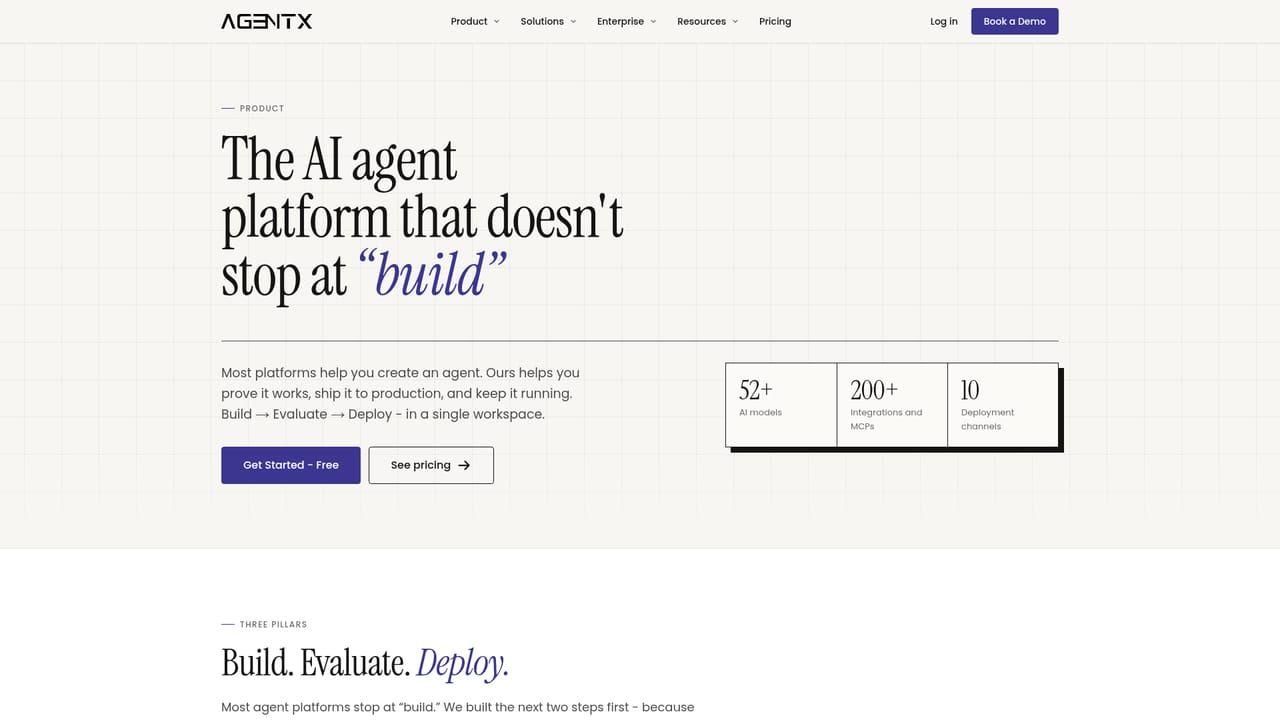
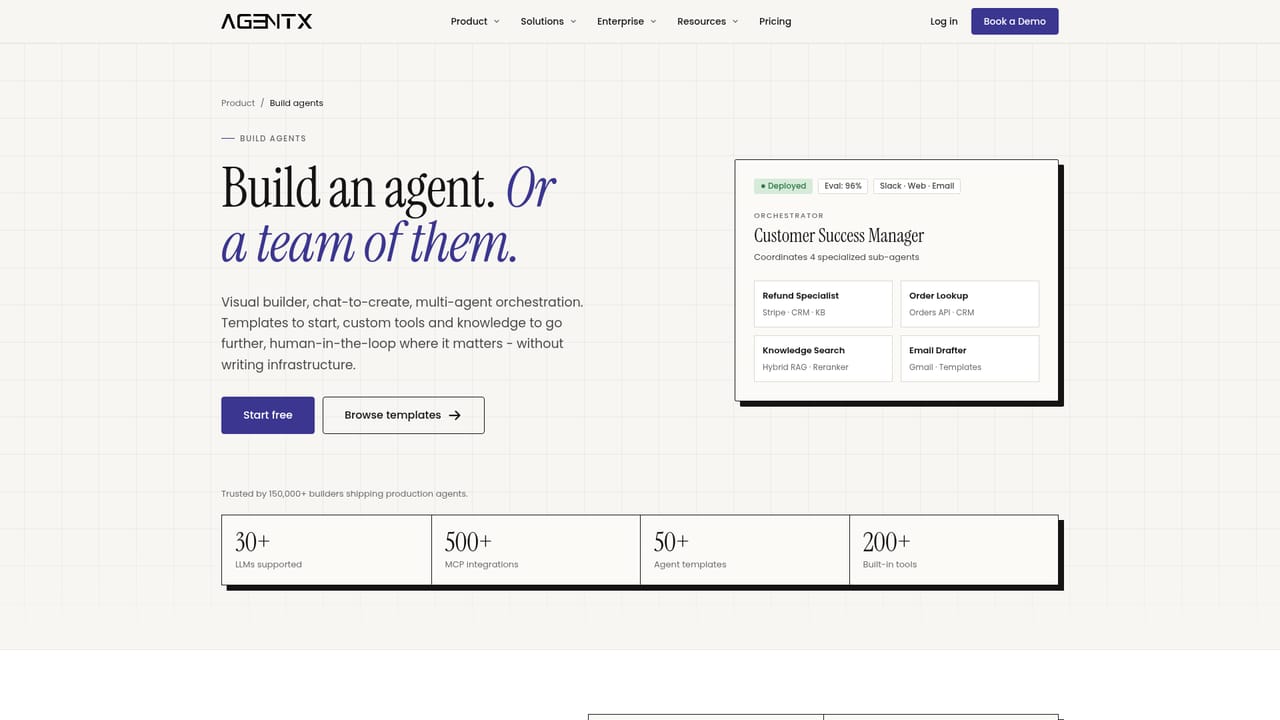
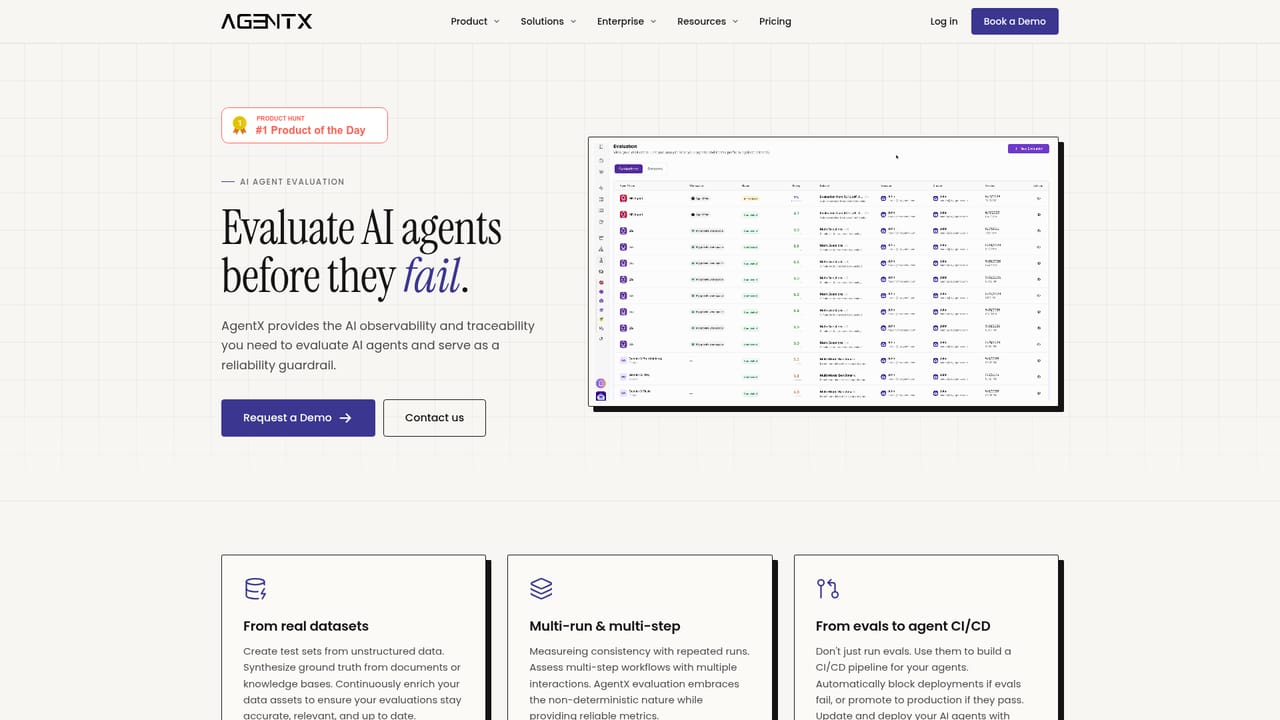
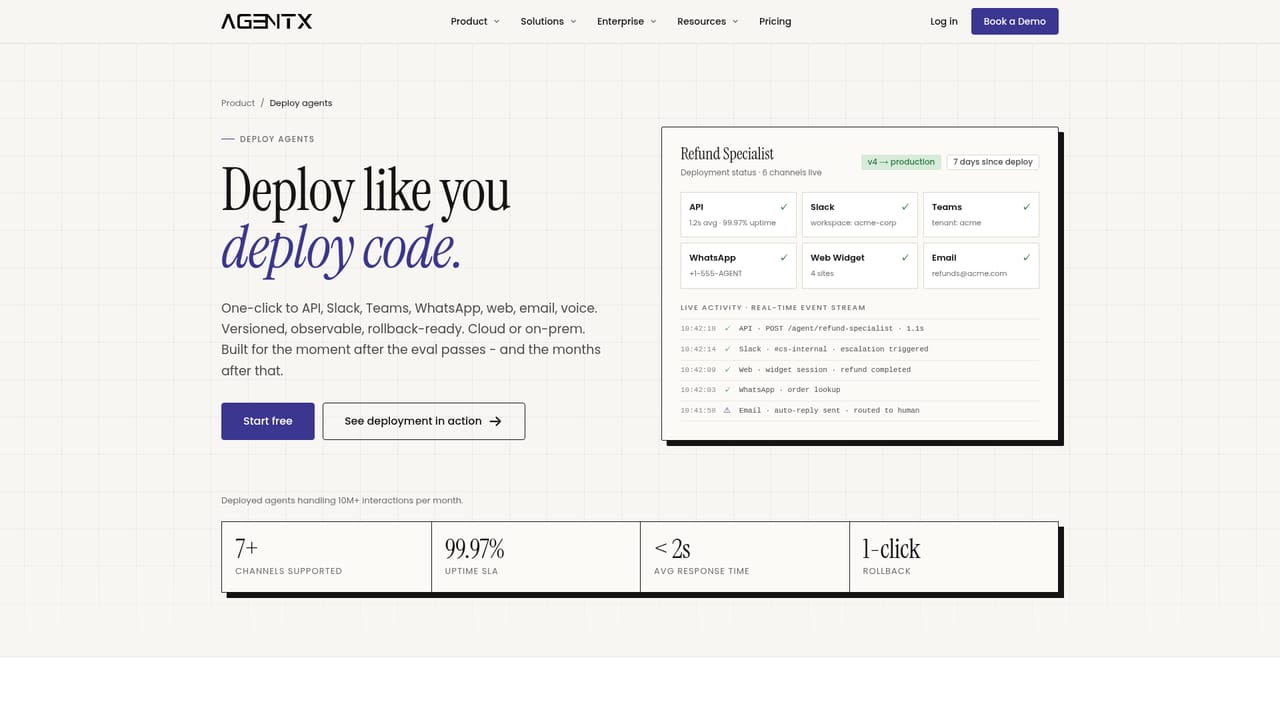
AgentX is an enterprise platform for the full AI agent lifecycle: building multi-agent workflows, evaluating them against test sets, deploying them to production channels, and observing them in real time. The pitch is deliberately narrower than general no-code bot builders. It targets teams that have moved past demos and need evidence that an agent actually works before it touches customers. Building happens in a drag-and-drop canvas. An orchestrator agent sits above a workforce of member agents, each with its own role, instructions, model, memory and tools. Workflows support branching logic and human handoff, and teams can bring their own model or use the models AgentX provides. From there the platform adds the steps most builders skip. Test sets can be synthesized from your documents, knowledge bases and historical conversations, then curated. Each version runs against those sets with multi-run scoring, so consistency rather than a single lucky run decides the score, and a CI/CD gate blocks or promotes a deploy based on thresholds you set. Deployment is one click to an API, Slack, a web widget, email or voice, with versioning and one-click rollback, in the cloud or on-prem. Observability is framework-agnostic: instrument LangChain, CrewAI, OpenAI Agents SDK, Anthropic or Google ADK once, and every run streams into a single trace pipeline that captures prompts, model calls, tool calls, retrieved documents, hand-offs, timing and cost. Runtime evaluations score live traffic using LLM-as-judge around the clock and alert on prompt drift, dataset drift, rising hallucinations, broken tool calls and latency or cost spikes. This puts AgentX closer to an agent operations layer than to a simple chatbot product. Solo builders and internal teams can start on the free tier and move to a paid production plan; agencies and service teams get white-label deployment and dedicated client workspaces. It also overlaps with observability tools and evaluation frameworks, though AgentX bundles build, eval, deploy and trace in one place, which is convenient for teams that would rather not stitch three vendors together.
A free tier with 200 credits is offered for solo builders and internal teams, described as free to start. No time-limited trial terms are stated on the homepage.
Learn moreThree routes: a free tier with 200 credits and a Solo plan at $49/mo with no per-seat pricing; white-label plans at Professional $199 and Business $299/mo for agencies deploying under their own brand; and custom pricing scoped per process when AgentX builds and operates the workflow for you.
Learn morePriority support is listed on the Professional plan. Enterprise buyers can use a contact route for demos and scoping, and developer documentation covers instrumentation and platform setup.
Learn moreThe trace pipeline is compatible with LangChain, CrewAI, OpenAI Agents SDK, Anthropic and Google ADK, and any model can be brought or AgentX models used. Deployment channels include API, Slack, web widget, email and voice.
Learn moreDrag-and-drop multi-agent workflows with an orchestrator plus workforce agents, each with role, instructions, model, memory and tools. Evaluation covers synthesized test sets, multi-run scoring, a CI/CD gate and runtime LLM-as-judge monitoring. Deploy to API, Slack, web widget, email or voice with versioning and rollback. Traces from major frameworks stream into one pipeline with logs, cost, timing and drift alerts.
Learn more AI Angels400+ customizable AI girlfriends for NSFW chat, voice calls, and roleplay
 Candy AIExperience the future of companionship with AI friends who chat, role-play, and connect with you on a human level.
 ourdream.aiA vast AI roleplay platform with millions of characters for chat, images, video and voiceAI Angels400+ customizable AI girlfriends for NSFW chat, voice calls, and roleplayCandy AIExperience the future of companionship with AI friends who chat, role-play, and connect with you on a human level.ourdream.aiA vast AI roleplay platform with millions of characters for chat, images, video and voice


