What image morpher tools do
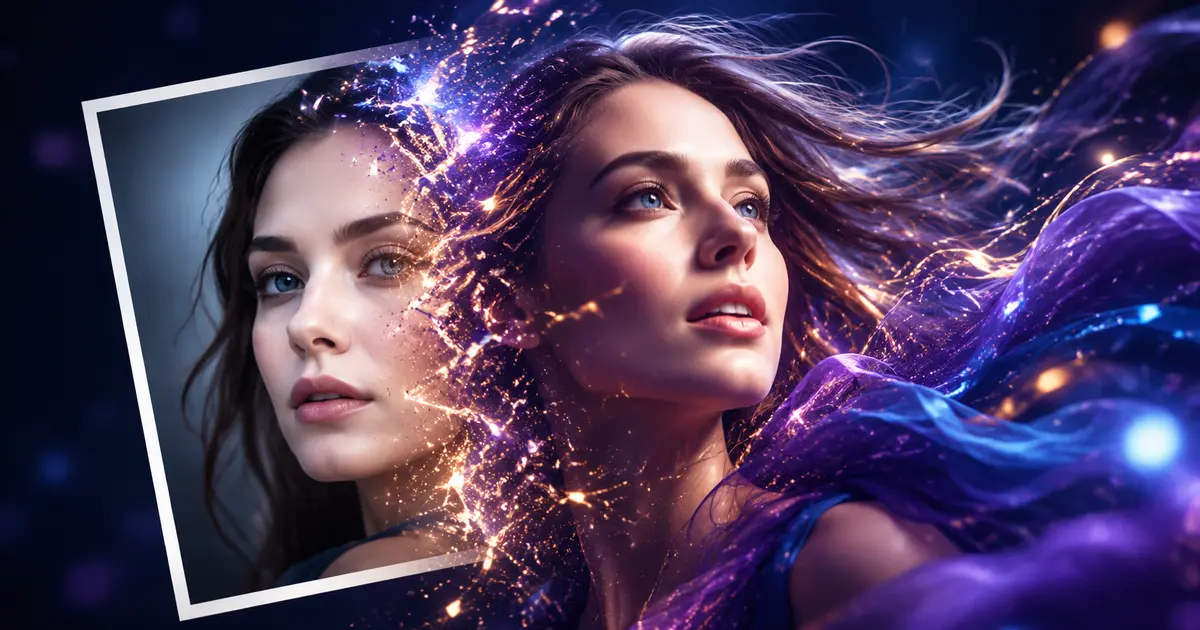
An image morpher takes two or more source images and blends them into one new picture, either by sliding between them, merging their content or pushing one image toward the look of another. Some tools morph faces and bodies, others morph whole scenes from a text or image prompt. They replace manual layer blending in a photo editor and the slow back and forth of masking two images by hand. The audience is broad: hobbyists testing an ai morph for fun, designers blocking out a concept, and couples or creators who want a merged portrait without learning a full editing suite.
How to choose one
Start with what you are morphing. For faces and people, look at whether the tool accepts two portraits directly. For image to image morphing, check whether the tool takes an existing photo plus a prompt or a reference, rather than generating from nothing. Consider the model lineup: a browser tool that bundles several models saves installing anything, while a single purpose model may give tighter results on one task. Check whether a free tier exists if you want a free image morph before paying, and whether sign in is required. Output resolution and export format matter if the result will be printed or animated. Finally, match the interface to your patience: simple two image sliders suit quick tests, while multi input models reward people who understand prompts.
Notable tools
Multiple Angles turns one photo into front, side and back views using 3D camera sliders, which helps when you need a subject from more than one angle for a morph.
Imgtoimgai.io is a browser based image to image AI that gathers several models in one place, useful for comparing morph directions without separate accounts.
Couple Prompt merges two portraits into polished, realistic AI couple photos, a direct fit for people morphing two people into one frame.
lunalisa is a browser based AI image studio with free no sign in generation, handy for a first free image morph test before committing.
LeiaPix Converter transforms images from 2D to 3D instantly, a different kind of morph that adds depth rather than blending two pictures.
Image Mixer is a Stable Diffusion image variations model that accepts multiple CLIP image embeddings as inputs, aimed at users who want to combine several visual references in one generation.
Common questions
What is an ai morph?
An ai morph is a picture made by an AI model that blends or transitions between two or more source images, or shifts one image toward a target look. Instead of manual blending, the model interprets both inputs and produces a new single result. Tools here range from face and couple mergers to image to image generators with multiple models.
How does image morphing work in these tools?
Most rely on image embeddings: the model reads each source image as a numeric representation, mixes them, then renders a new picture. Others work as sliders between two views or as 2D to 3D conversion. The practical result is the same: you supply pictures, choose a direction, and get a blended output.
What should I expect from an ai image morpher?
Expect fast results and some trial and error. Portrait mergers suit faces best, while image to image tools handle scenes and styles. Quality depends on source resolution and how similar the inputs are. Try a free tier first to judge whether the morph matches your intent.
When to look elsewhere
If your goal is swapping a single face onto another person rather than blending whole images, the Face Swap category is a closer fit. For retouching, upscaling or repairing an existing photo without merging it, see Image Enhancer.