AI Baby Dance

Turn one baby photo into a dancing video with preset templates

Beginner
Screenshot of AI Baby Dance, Turn one baby photo into a dancing video with preset templates

What is AI Baby Dance?

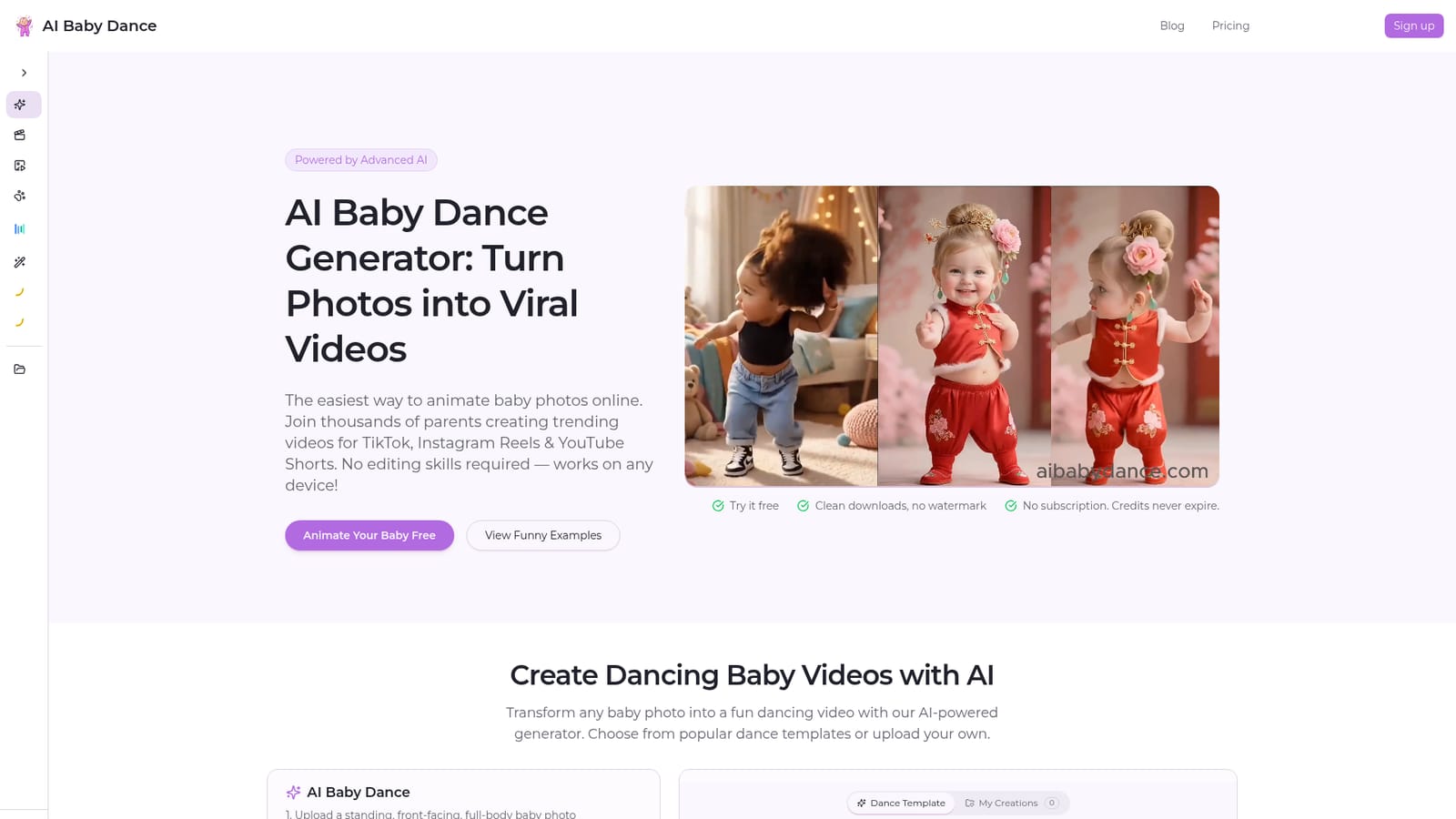
AI Baby Dance is a fun tool that turns one baby photo into a dancing video with preset templates. AI Baby Dance is a web tool that animates one baby photo into a dancing video using trending templates. It sells one-time credit packs with no subscription, offers free signup credits, and exports clean videos for TikTok, Reels and Shorts.

AI Baby Dance is a browser-based video generator that animates a single baby photo into a short dancing clip. The user uploads a standing, front-facing, full-body picture, selects a dance template, and the service renders a video that keeps the child's face recognizable. The output is aimed at social posting on TikTok, Instagram Reels and YouTube Shorts, though the same clips work for family group chats, birthday messages, holiday greetings, pregnancy or baby announcements and gift videos. The workflow is deliberately short. A photo (JPG, PNG or WebP, up to 10MB) goes in, then a template is picked from a library of trending moves with names such as Cute Wiggle, Starter Groove and Joyful Bounce, each with a visible running time. Users can also upload their own dance video as the motion source. Generation spends credits when it starts, and failed generations are refunded. Downloads are described as clean, without a watermark. The site states that uploaded photos are used only for generation and are not kept permanently, which matters for a product built around images of infants. Monetization is based on one-time credit packs rather than a subscription. Credits do not expire, new accounts receive free credits, and the packs include commercial use, private storage for creations, official templates and access to an image editor and Pro models. A free preview mode lets visitors browse templates before signing in. The site also splits the workflow into related tools. A general dance video generator covers adults and creators, a pet version handles dogs and cats, a Kling-based baby dance page targets users who want stronger motion consistency, and a Dance Image Editor repairs cropped, seated or blurry photos before animation. Compared with broad video generators or full editors, this is a narrow, template-driven product: less control, but very little learning curve for parents who want a quick result from one picture.
How do you use AI Baby Dance?

  1. 1Prepare a suitable baby photo
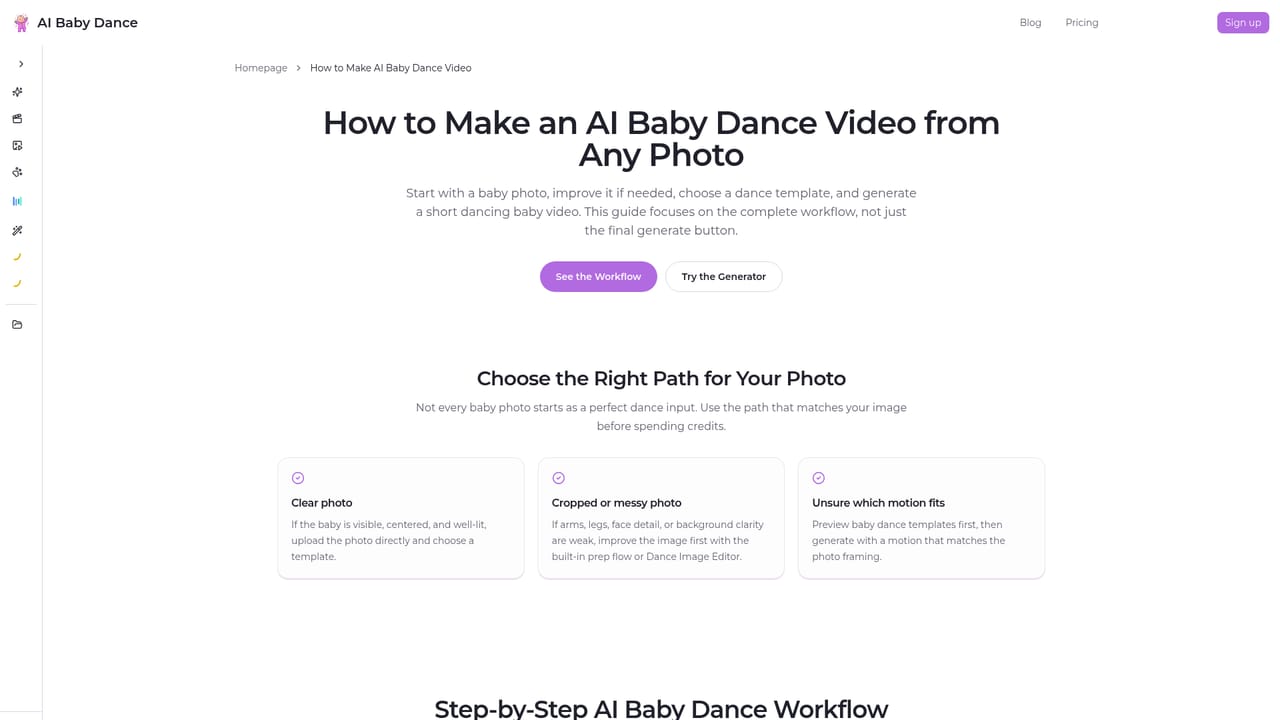
    Pick a clear, well-lit, standing, front-facing, full-body photo with a simple background. JPG, PNG or WebP up to 10MB is accepted.
    AI Baby Dance — Prepare a suitable baby photo
  2. 2Upload the photo
    Use the upload box in the generator on the homepage, or try one of the built-in example images first to see how it behaves.
    AI Baby Dance — Upload the photo
  3. 3Choose a dance template
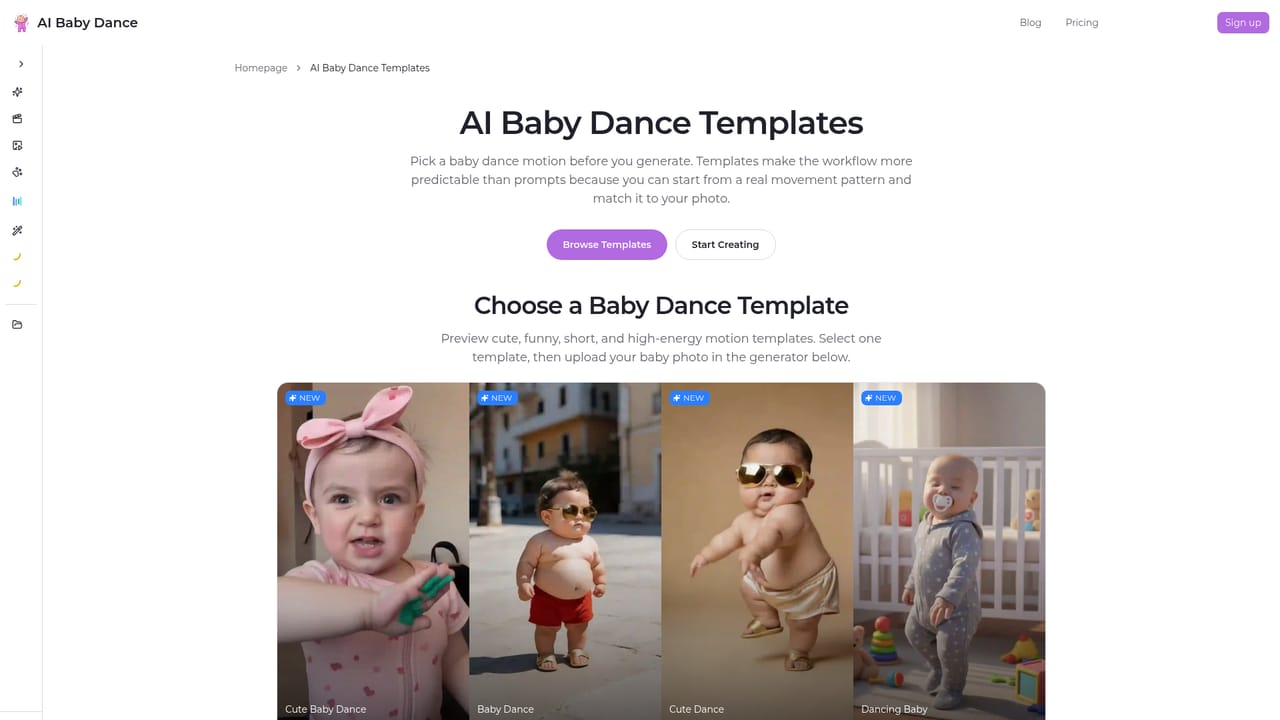
    Browse the template library, check the clip length shown on each card, and select a style such as Starter Groove or Cute Wiggle. Your own dance video can be uploaded instead.
    AI Baby Dance — Choose a dance template
  4. 4Sign in and generate
    Sign in, then start generation. Credits are used when the render begins and are refunded if it fails.
  5. 5Fix tricky photos if needed
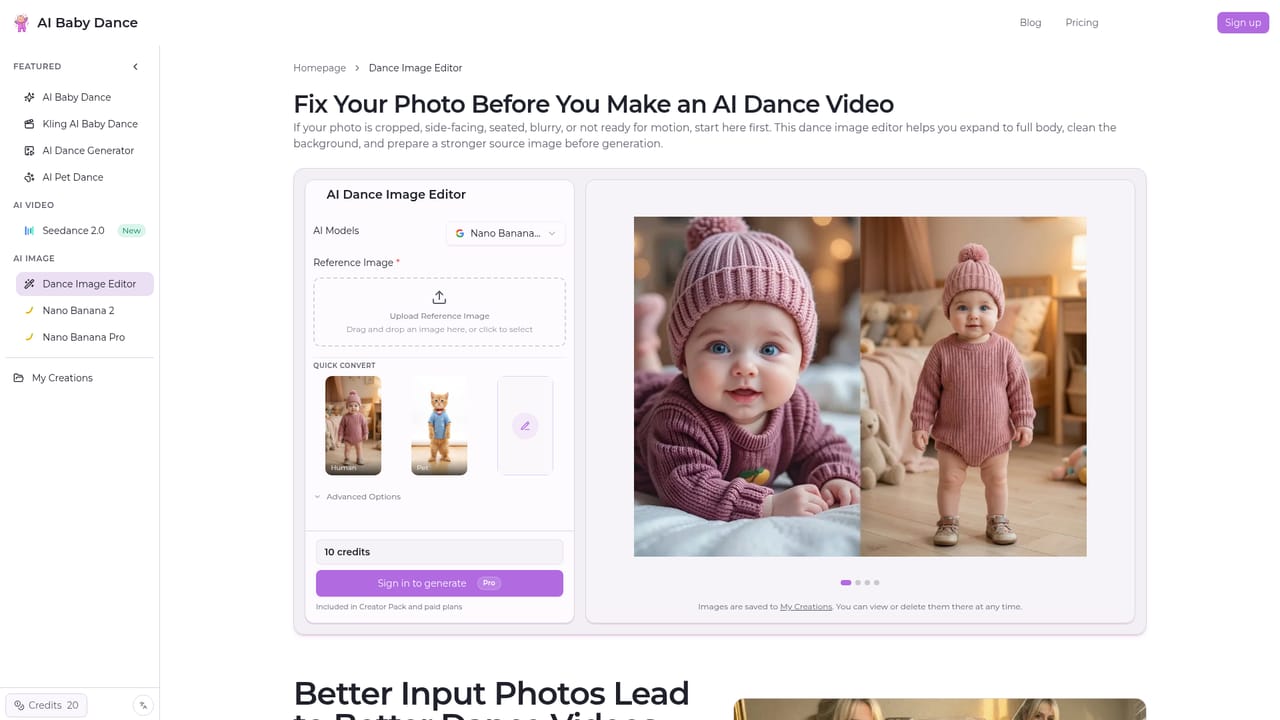
    If the photo is cropped, seated or blurry, run it through the Dance Image Editor first to expand and clean it before animating.
    AI Baby Dance — Fix tricky photos if needed
  6. 6Download and share
    Download the clean video and post it to TikTok, Instagram Reels or YouTube Shorts, or send it to family.

Pros and cons

Pros

  • Very short workflow: one photo and one template produce a finished dance clipAI
  • One-time credit packs with no subscription, and purchased credits never expireAI
  • Failed generations are refunded, so credits are not lost on bad rendersAI
  • Clean downloads without a watermark, with commercial use listed in every packAI
  • Related tools for pets, general dance videos and photo repair extend the core useAI

Cons

  • Works best only with standing, front-facing, full-body photos, so many casual snapshots need fixing firstAI
  • The Dance Image Editor that repairs unsuitable photos is limited to Creator Pack and paid plansAI
  • Narrow template-driven scope offers little creative control compared with general video generatorsAI
  • Result quality can vary, and the site's own FAQ acknowledges outputs that look weird or blurryAI
  • Video count per pack is given as approximate (the 'up to ~' figures), so real cost per clip is uncertainAI

How much does AI Baby Dance cost?

Free trial

New accounts get free credits on signup with no credit card required, and a free preview mode lets visitors try templates before generating.

Learn more

Pricing

One-time credit packs, no subscription: Starter $9.90 for 300 credits (up to ~15 videos), Popular $24.90 for 1000 (~50), Creator $49.90 for 2400 (~120), Studio $99.90 for 5200 (~260). Credits never expire and commercial use is included.

Learn more

Support

Payment issues are handled by email at support@aibabydance.com, and a refund policy page and step-by-step guide are published on the site.

Learn more

Features

Photo-to-dance video generation, a growing library of trending dance templates, custom dance video upload, face preservation, clean downloads without watermark, private storage, a Dance Image Editor, Pro models, and separate pet, general dance and Kling baby dance workflows.

Learn more

Frequently asked questions about AI Baby Dance

  • How much does AI Baby Dance cost?
    One-time credit packs, no subscription: Starter $9.90 for 300 credits (up to ~15 videos), Popular $24.90 for 1000 (~50), Creator $49.90 for 2400 (~120), Studio $99.90 for 5200 (~260). Credits never expire and commercial use is included.
  • Does AI Baby Dance offer a free trial?
    New accounts get free credits on signup with no credit card required, and a free preview mode lets visitors try templates before generating.
  • How do you use AI Baby Dance?
    The walkthrough on this page covers 6 steps: 1. Prepare a suitable baby photo 2. Upload the photo 3. Choose a dance template 4. Sign in and generate 5. Fix tricky photos if needed 6. Download and share.
  • What platforms does AI Baby Dance support?
    AI Baby Dance is available on Web App.
  • What are the limitations of AI Baby Dance?
    Works best only with standing, front-facing, full-body photos, so many casual snapshots need fixing first. The Dance Image Editor that repairs unsuitable photos is limited to Creator Pack and paid plans. Narrow template-driven scope offers little creative control compared with general video generators.

Status

StatusActive
Views0
Outbound clicks0
Added10/18/2026

Platforms

Web App

Pricing

PaidFree Trial