Free trial
One free caricature in any of the eight styles, delivered as a watermarked preview.
Learn moreTurn a single photo into an exaggerated caricature in eight art styles
Own GPT Caricature? Verify ownership to get a dofollow link

GPT Caricature is a fun tool that turns a single photo into an exaggerated caricature in eight art styles. GPT Caricature is a web tool that turns one photo into an exaggerated caricature.
GPT Caricature is a browser-based generator that converts an ordinary photo into an exaggerated caricature. The output keeps the subject recognizable while pushing the features that make a face distinct: an oversized head, a smaller body, bigger eyes and a wider smile. The site draws a clear line between this and a cartoon filter, which mostly smooths and recolors a picture, and tunes its results toward the exaggerated look. The workflow involves no prompt writing. A user uploads a clear, front-facing photo of one person in JPG, PNG or WebP, then chooses one of eight styles: Cartoon, Anime, Oil Painting, Pop Art, Sketch, Watercolor, 3D Render or Pixel Art. An exaggeration slider runs from subtle through classic and big head up to extreme and over the top, and the output can be square, portrait or landscape. An optional short text field adds a job, hobby or prop, such as a nurse with a giant stethoscope or a runner at a finish line, so the picture reflects the person and not only the face. Leaving it blank produces a clean portrait on a simple background. Example photos (headshot, group, pet, full body) are offered for trying the tool without uploading anything. The audience is casual: people who want a profile picture, a phone wallpaper, a greeting card or a gift idea, rather than illustrators who need layered files or fine control. Generation happens in the browser, including from a phone camera roll, and nothing needs to be installed. Results arrive in about a minute or two according to the site. Pricing is credit based rather than subscription based. The first caricature is free as a watermarked preview, and a one-time pack removes the watermark and adds more images, with credits that do not expire. Among alternatives, it sits between general image generators that need careful prompting and mobile avatar apps that lean on recurring plans. Its narrow focus makes it fast to use, but it offers little beyond the caricature itself.
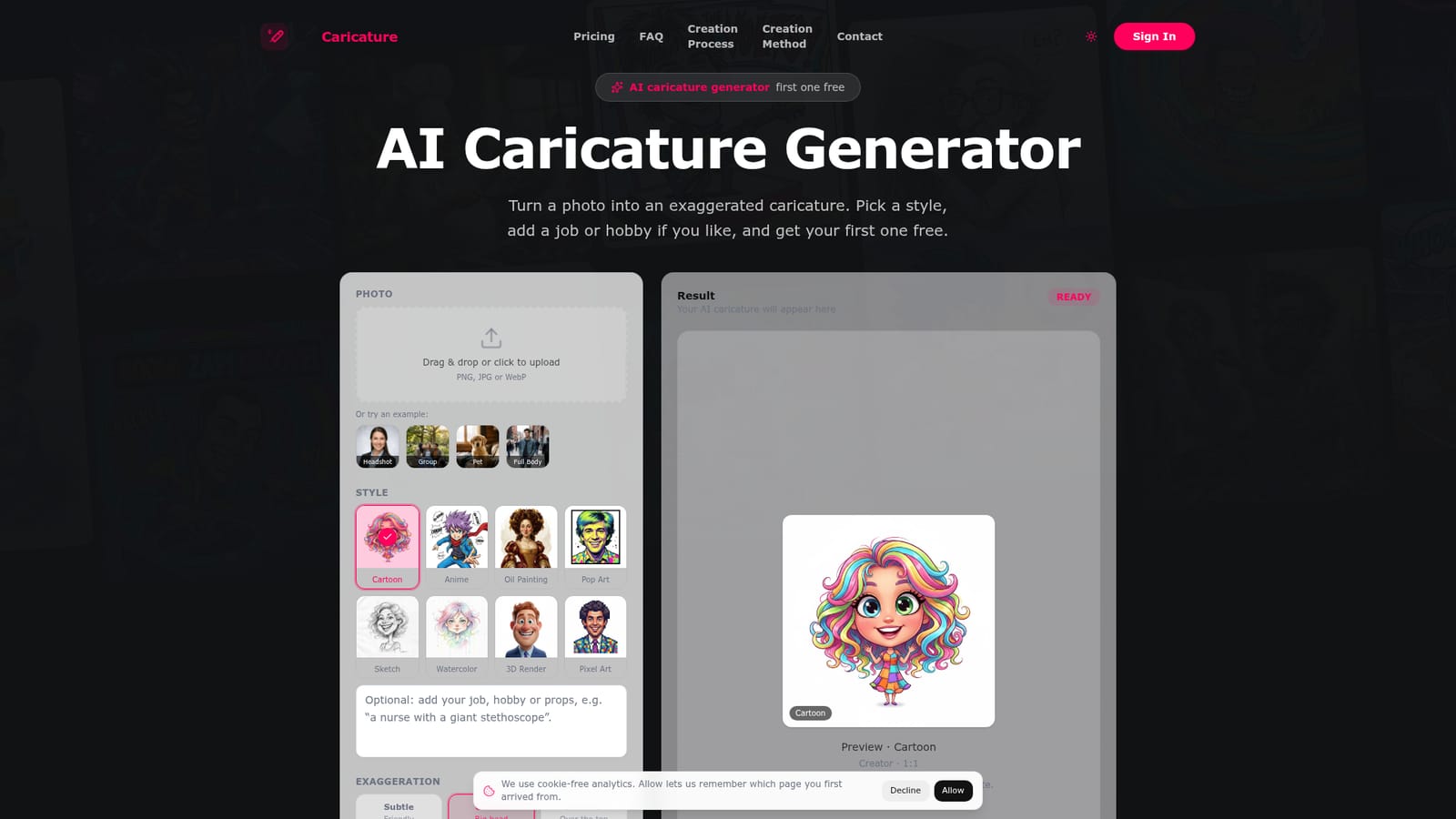
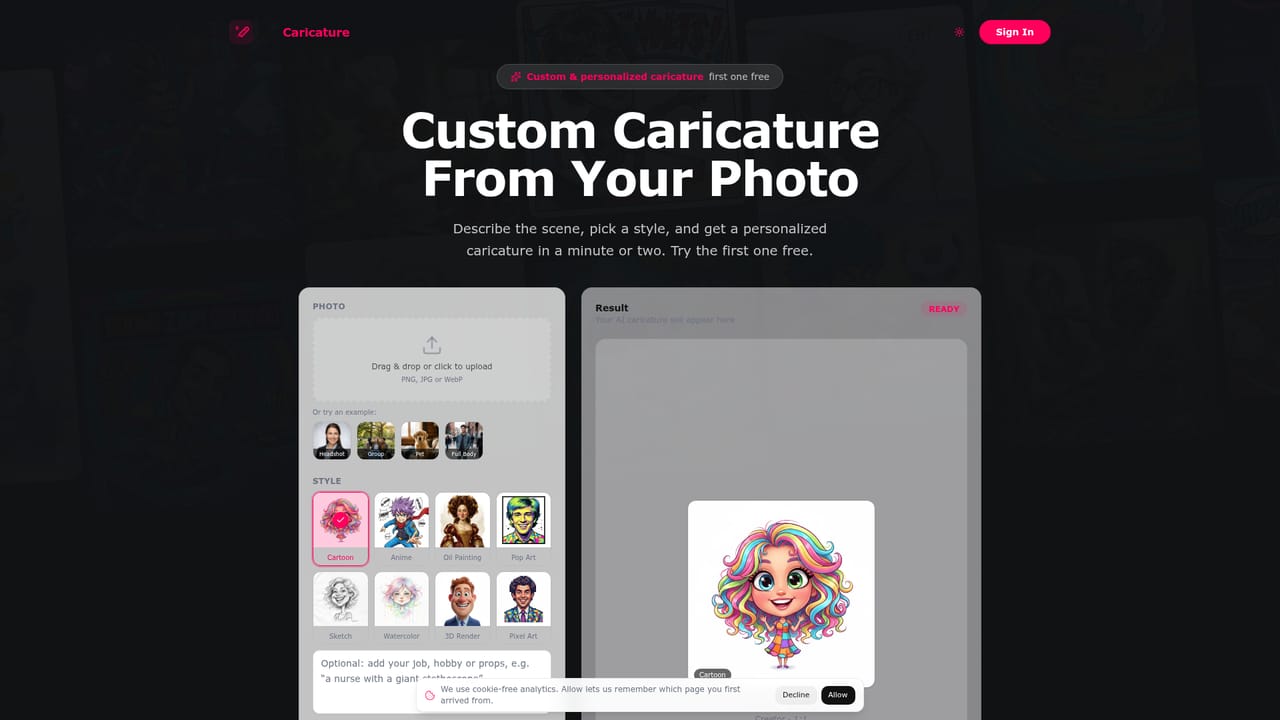
One free caricature in any of the eight styles, delivered as a watermarked preview.
Learn moreThe first caricature is free as a watermarked preview. A 3-Caricature Pack costs $2.99 as a one-time purchase with clean downloads and no watermark. No subscription or recurring charges, and credits never expire.
Learn morePhoto to caricature conversion with eight styles (Cartoon, Anime, Oil Painting, Pop Art, Sketch, Watercolor, 3D Render, Pixel Art), adjustable exaggeration, square, portrait and landscape formats, optional job or hobby scene text, and browser use on phones.
Learn more


