Bulin 47 AI

Put your photo into the viral Bulin 47 freestyle

Beginner
Screenshot of Bulin 47 AI, Put your photo into the viral Bulin 47 freestyle

What is Bulin 47 AI?

Bulin 47 AI is a web tool that places the person in one uploaded photo into the viral Bulin 47 freestyle clip, keeping Kevin Wai, the crowd and the original sound. It outputs a 15 or 30 second vertical MP4 with no prompts or editing.

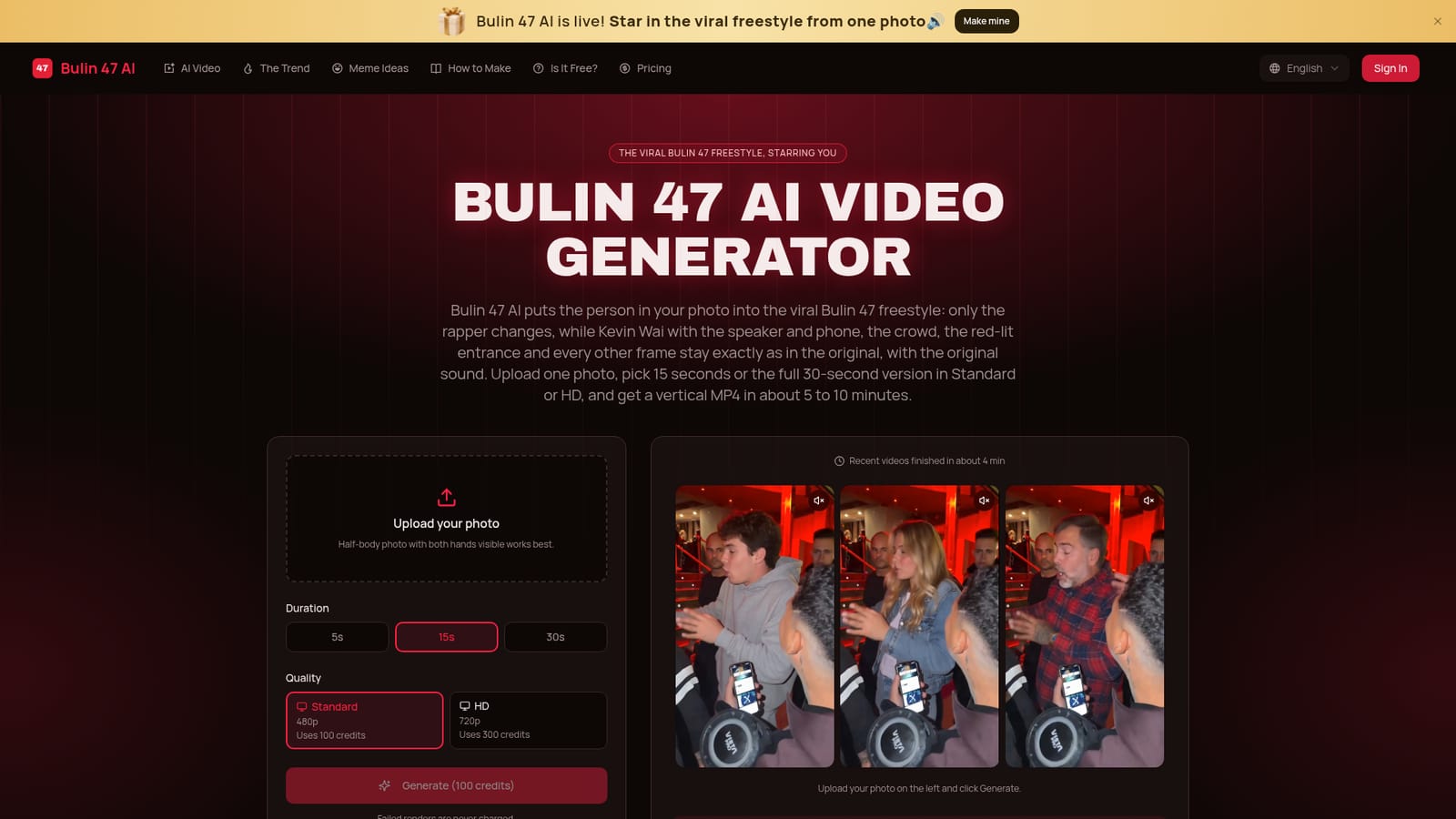
Bulin 47 AI is a browser-based video generator built around a single meme: the October 2026 freestyle in which dembow artist Bulin 47 raps outside a venue in Spain while creator Kevin Wai films on a phone. The tool swaps the rapper for whoever appears in an uploaded photo. Everything else in the scene stays as filmed, including Kevin with his speaker, the crowd, the red-lit entrance, the handheld camera and the original audio. In practice the workflow has no prompt, timeline or model choice. A user uploads one photo, ideally a half-body shot with both hands visible, since hands and wrists are copied from the picture too. Next come a length (15 or 30 seconds) and a quality tier (Standard 480p or HD 720p). The cost is shown before generating, with a Standard 15-second video using 100 credits and an HD one using 300. Rendering takes roughly five to ten minutes, and the finished vertical 9:16 MP4 is saved under My Tasks for download and posting to TikTok, Reels or Shorts. Renders that fail or are blocked by the content filter are not charged. The audience is casual social creators who want to join a trend quickly rather than video professionals. Compared with general platforms such as Higgsfield, Dreamina or Kling, which expect a reference clip, a photo and a written prompt, this removes nearly all setup in exchange for flexibility: it produces one scene only. CapCut templates are another route, though they usually overlay a face instead of replacing the whole body. Photos of celebrities and public figures are rejected, pets and cartoon characters give mixed results, and there is no free plan, so access comes through paid monthly or yearly video bundles.
How do you use Bulin 47 AI?

  1. 1Choose a suitable photo
    Pick a clear, well-lit photo of one person, ideally half-body with both hands visible. Avoid group shots, sunglasses and heavy filters, and use only your own photo or a friend's who agreed.
    Bulin 47 AI — Choose a suitable photo
  2. 2Upload it in the generator
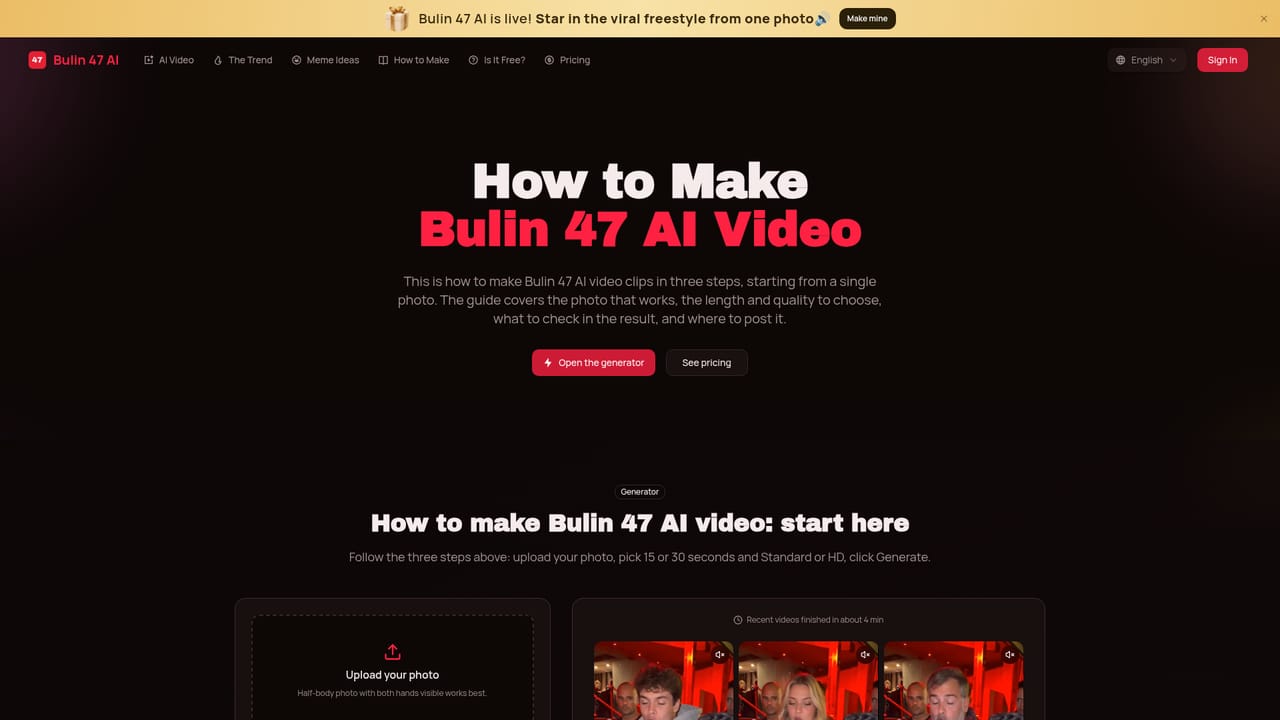
    Open the homepage and add the photo in the upload panel. The original clip and sound are already loaded, so nothing else needs to be supplied.
    Bulin 47 AI — Upload it in the generator
  3. 3Pick length and quality
    Select 15 or 30 seconds, then Standard (480p) for phones or HD (720p) for larger screens. The credit cost is displayed before generation starts.
  4. 4Select a plan and generate
    Choose a monthly or yearly video bundle if needed, then press Generate. Failed or filtered renders are not charged.
    Bulin 47 AI — Select a plan and generate
  5. 5Download and post the MP4
    After roughly 5 to 10 minutes, find the video under My Tasks, download the vertical MP4 with its original sound and post it to TikTok, Reels or Shorts.

Pros and cons

Pros

  • Needs only one photo: no prompt, reference clip, timeline or model settings to deal withAI
  • Replaces the whole rapper including hands, while the scene and original audio stay untouchedAI
  • Failed or filtered renders are never charged, so retrying with another photo costs nothing extraAI
  • Outputs a vertical 9:16 MP4 in 15 or 30 seconds, ready for TikTok, Reels and ShortsAI
  • Runs in any phone or desktop browser, with sample videos and a second-by-second breakdown shown before buyingAI

Cons

  • Single-purpose: it makes only the Bulin 47 freestyle and cannot produce any other sceneAI
  • No free plan, free trial or free credits, so the first video has to be paid forAI
  • Renders take about 5 to 10 minutes, sometimes longer at busy timesAI
  • HD costs three times the credits of Standard, and Standard is only 480pAI
  • Pets and cartoon characters give mixed results, and celebrity photos are rejected by the filterAI

How much does Bulin 47 AI cost?

Free trial

No free trial and no free credits. Sample videos and a second-by-second breakdown can be viewed before buying.

Learn more

Pricing

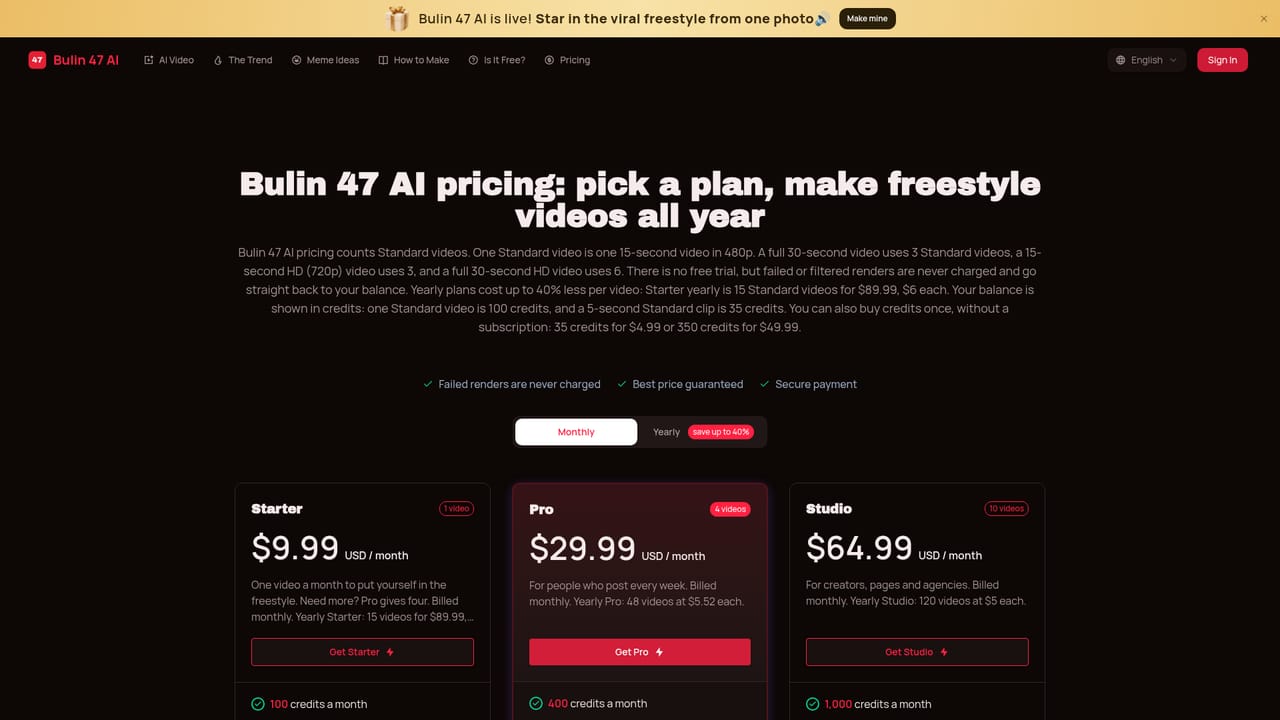
Paid video bundles: $9.99 for 1 video per month, $29.99 per month for 4 videos ($7.50 each), or $89.99 per year for 15 videos ($6 each). A Standard 15-second video uses 100 credits, HD uses 300. Failed renders are never charged.

Learn more

Features

One-photo full-body swap into the Bulin 47 freestyle, 15 or 30 second lengths, Standard 480p or HD 720p, original sound kept, vertical 9:16 MP4 output, no prompts or editing, and a content filter that rejects celebrity photos.

Learn more

Frequently asked questions about Bulin 47 AI

  • How much does Bulin 47 AI cost?
    Paid video bundles: $9.99 for 1 video per month, $29.99 per month for 4 videos ($7.50 each), or $89.99 per year for 15 videos ($6 each). A Standard 15-second video uses 100 credits, HD uses 300. Failed renders are never charged.
  • Does Bulin 47 AI offer a free trial?
    No free trial and no free credits. Sample videos and a second-by-second breakdown can be viewed before buying.
  • How do you use Bulin 47 AI?
    The walkthrough on this page covers 5 steps: 1. Choose a suitable photo 2. Upload it in the generator 3. Pick length and quality 4. Select a plan and generate 5. Download and post the MP4.
  • What platforms does Bulin 47 AI support?
    Bulin 47 AI is available on Web App.
  • What are the limitations of Bulin 47 AI?
    Single-purpose: it makes only the Bulin 47 freestyle and cannot produce any other scene. No free plan, free trial or free credits, so the first video has to be paid for. Renders take about 5 to 10 minutes, sometimes longer at busy times.

Status

StatusActive
Views0
Outbound clicks0
Added10/18/2026

Platforms

Web App

Pricing

PaidSubscription