Free trial
The homepage states the product is free to try with no credit card required, and invites users to start designing. No trial length or usage cap is given.
Learn morePrompt-driven UI, app screen and brand kit design with an editable canvas

AI Designer is an app creation tool. An AI design workspace for generating website UI, mobile app screens, logos, brand kits and campaign images from prompts, with an editable canvas and brand-context memory.
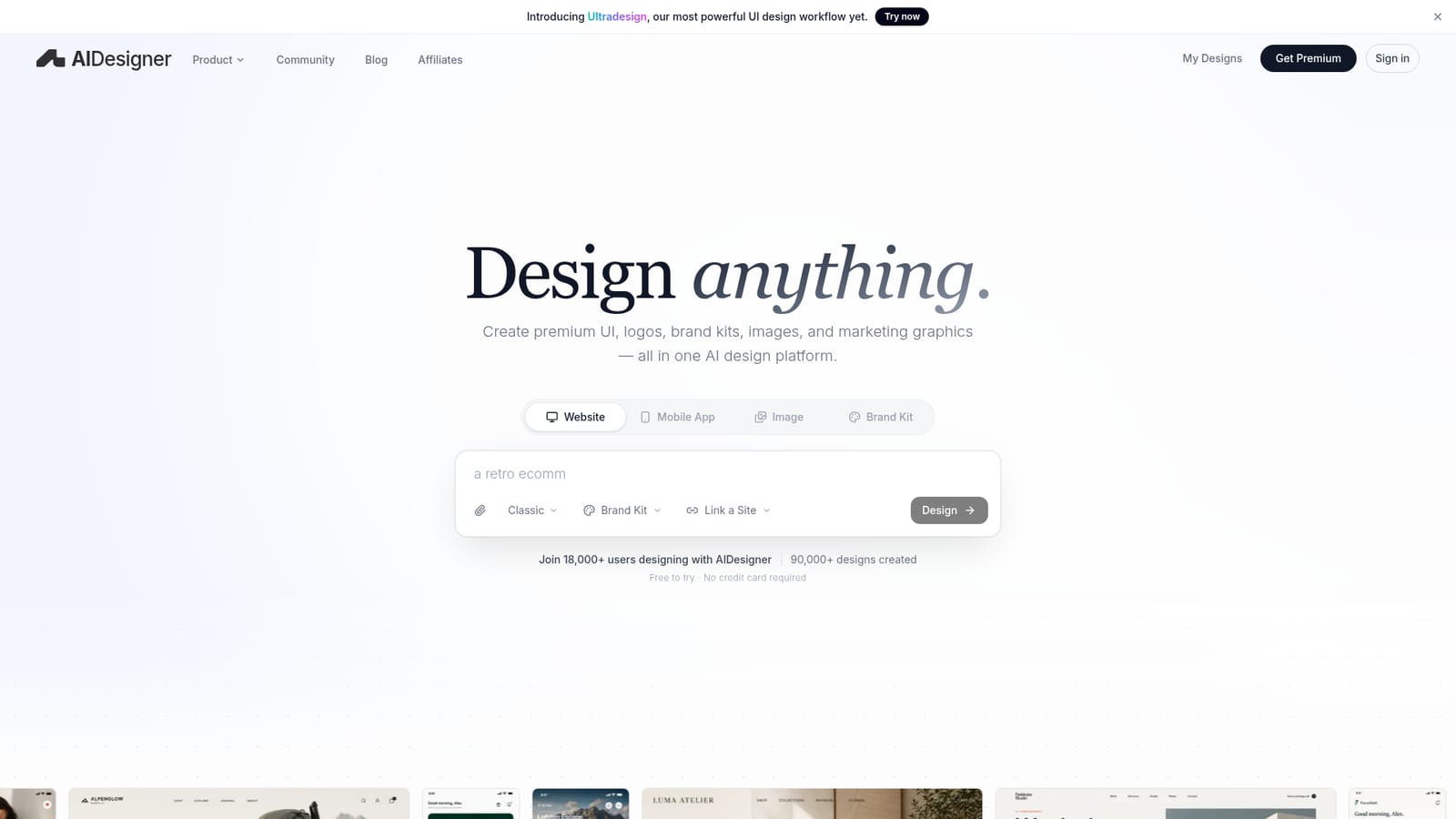
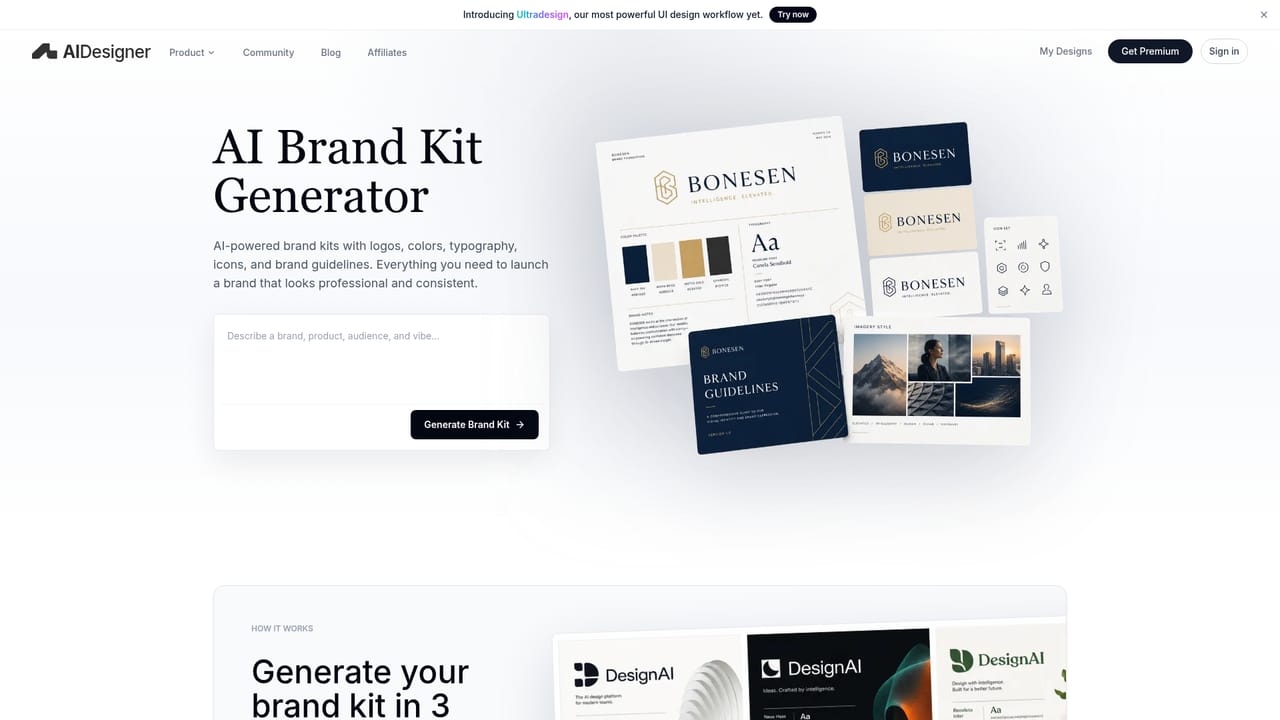
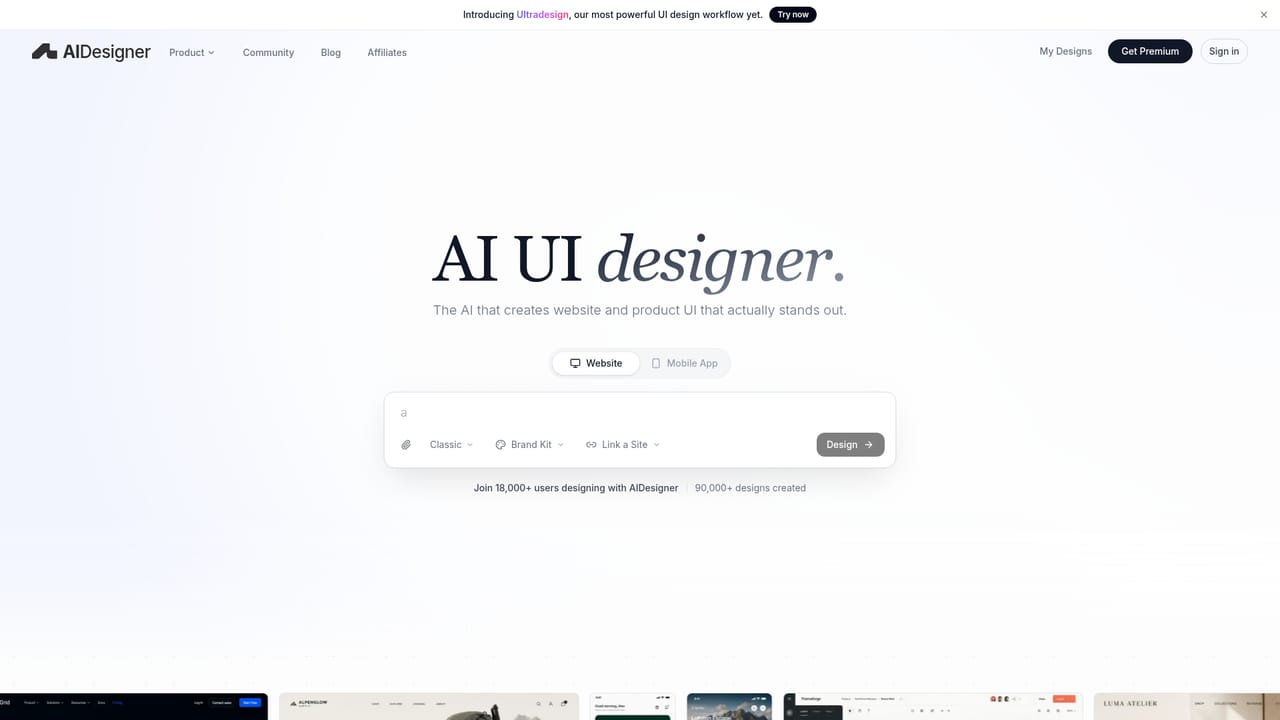
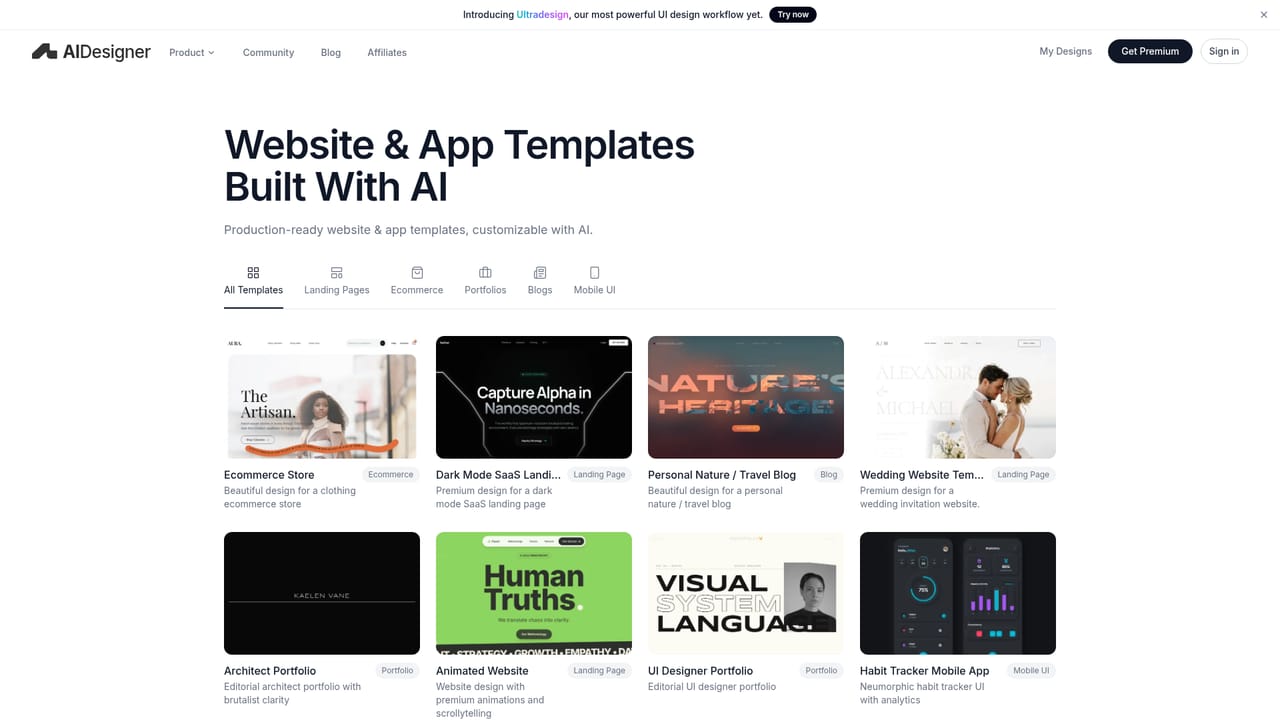
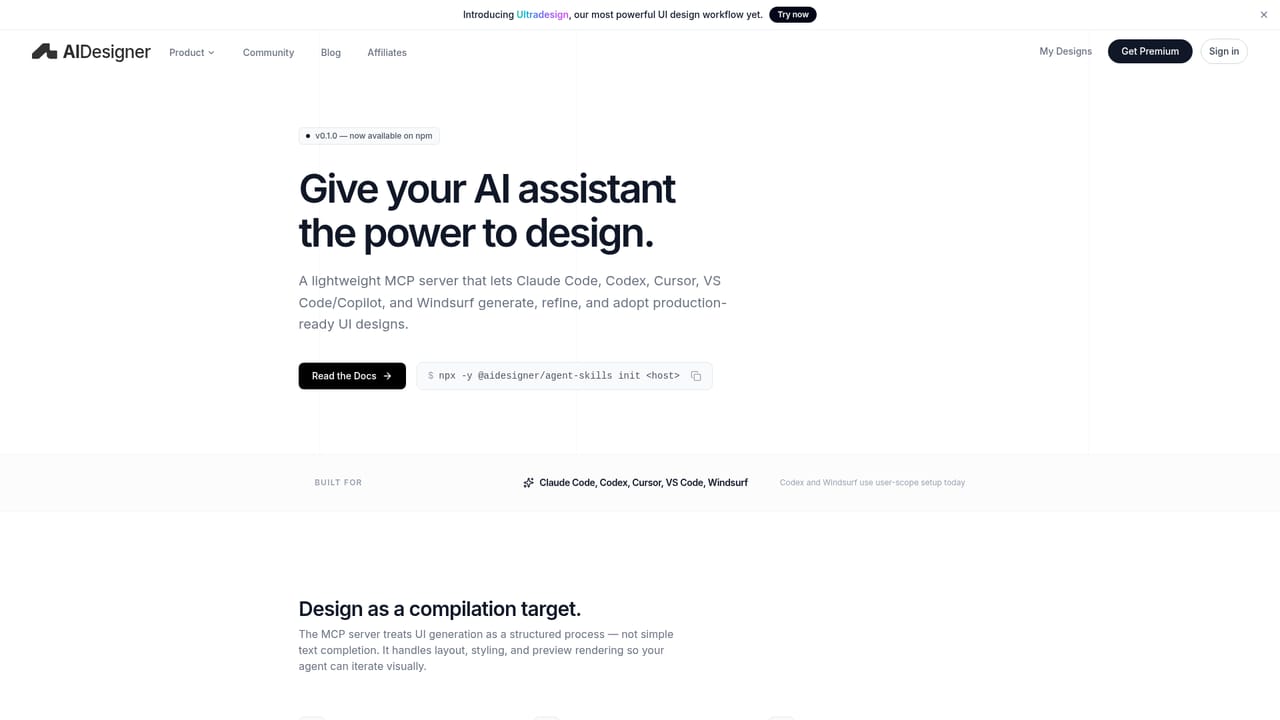
AIDesigner is a browser-based design platform that turns short text prompts into finished-looking interfaces and marketing assets. The scope runs across website UI (landing pages, SaaS dashboards, ecommerce pages, pricing screens), mobile app screens (onboarding flows, checkout, finance dashboards), and brand work such as logos, brand kits, ads and infographics. Rather than starting from an empty artboard, a user describes what they want and receives a laid-out design that can then be reshaped. The product is pitched at founders, product teams and independent creators who need presentable visuals quickly, and who may not have a designer on hand. Its stated differentiator is visual polish: the marketing copy claims the combination of strong design models with a curated creative process so output avoids the generic look common to prompt-to-image tools. Practically, that means a prompt produces composed sections with typography and spacing decisions already made, and the canvas then allows section edits, copy rewrites, image swaps and variation runs so a single design can be refined instead of regenerated from scratch. Brand memory is the other structural idea. A brand kit holds logos, colours, typography and reference assets, and the agent keeps them in context so later outputs stay visually connected to earlier ones. There is also an MCP route that lets coding agents read and create designs, which points at handoff between design and implementation rather than a dead-end export. Prebuilt templates cover ecommerce stores, SaaS landing pages, blogs, portfolios, wedding sites, animated scrollytelling pages and mobile UI such as a habit tracker, giving a starting point when a blank prompt is not useful. In a crowded field of AI UI generators, AIDesigner competes on breadth (web, mobile, brand, image in one account) and on iterating within an existing design rather than one-shot generation. It is not a replacement for a design system or a Figma workflow with real components, and teams needing pixel-precise specifications or developer handoff conventions should treat it as a concept and exploration layer that feeds those tools.
The homepage states the product is free to try with no credit card required, and invites users to start designing. No trial length or usage cap is given.
Learn moreAn MCP connection is documented so coding agents can read, create and build from designs. No other third-party integrations are described on the homepage.
Learn moreGenerates website UI (landing pages, SaaS dashboards, ecommerce and pricing pages), mobile app screens (onboarding, checkout, finance dashboards), and brand assets including logos, brand kits, ads and infographics. An editable canvas supports section edits, copy rewrites, image swaps and variations. Brand kits keep colours, logos and references in context, and an MCP connection exposes designs to coding agents. Templates span ecommerce, SaaS, blogs, portfolios, wedding sites and mobile UI.
Learn more AI Angels400+ customizable AI girlfriends for NSFW chat, voice calls, and roleplay
 Candy AIExperience the future of companionship with AI friends who chat, role-play, and connect with you on a human level.
 ourdream.aiA vast AI roleplay platform with millions of characters for chat, images, video and voiceAI Angels400+ customizable AI girlfriends for NSFW chat, voice calls, and roleplayCandy AIExperience the future of companionship with AI friends who chat, role-play, and connect with you on a human level.ourdream.aiA vast AI roleplay platform with millions of characters for chat, images, video and voice


