Umso

A stripped-back website builder that trades endless settings for speed.

Beginner
Screenshot of Umso, A stripped-back website builder that trades endless settings for speed

What is Umso?

Umso is a no-code website builder with a built-in generator, a deliberately minimal editor and single-click publishing. Forms, blog, analytics and multilingual support are included rather than sold separately, with a free homepage-only tier and paid plans for custom domains and larger sites.

Umso is a website builder aimed at founders, freelancers and small teams who need a clean site online quickly and do not want to fight a complex design tool. The product is deliberately pared back: the editor ships with fewer toggles, dials and settings than typical competitors, on the argument that fewer decisions mean faster finished work. A generator turns a short plan into a first draft, even for people who have never built a website before, and the draft is then refined in that simplified editor. Publishing happens with a single click, and the site is hosted by Umso. What separates Umso from page builders that sell themselves on infinite flexibility is that the supporting tools are baked into the subscription rather than bolted on through third-party services. Forms for collecting leads, a blog for publishing new content and analytics with no extra setup are all part of the same account. Multilingual content is available for sites that need to serve more than one language, a cookie banner option addresses European privacy expectations, and domains can be found, transferred or connected from inside the product. The pricing ladder is straightforward. A free tier is limited to a single homepage and carries Umso branding on a free subdomain, which makes it a sandbox rather than a production option. Basic suits landing pages with ten pages, a custom domain and simple forms. Pro unlocks unlimited pages, custom forms, advanced analytics, password protection, multilingual content and site export for projects that need to grow. The logical comparison is with heavier site builders such as Squarespace, which Umso's founder explicitly frames as too complicated for her own needs. Anyone who wants pixel-level control or a sprawling plugin ecosystem will find the restraint limiting. Anyone who wants a fast, good-looking site with the practical essentials included is the intended audience.

How do you use Umso?

  1. 1Create an account and open the generator
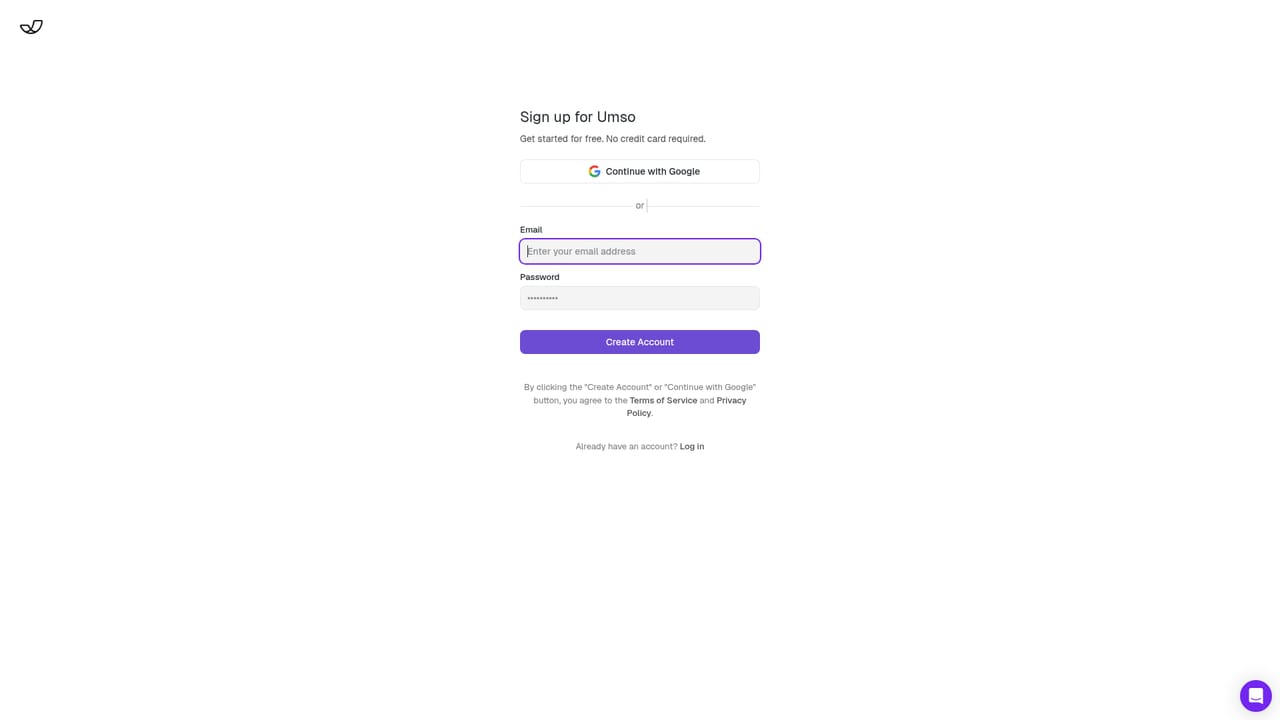
    Sign up, then start from the Plan step where the Generator asks for details about the site you want and returns a first draft.
    Umso — Create an account and open the generator
  2. 2Edit and design the draft
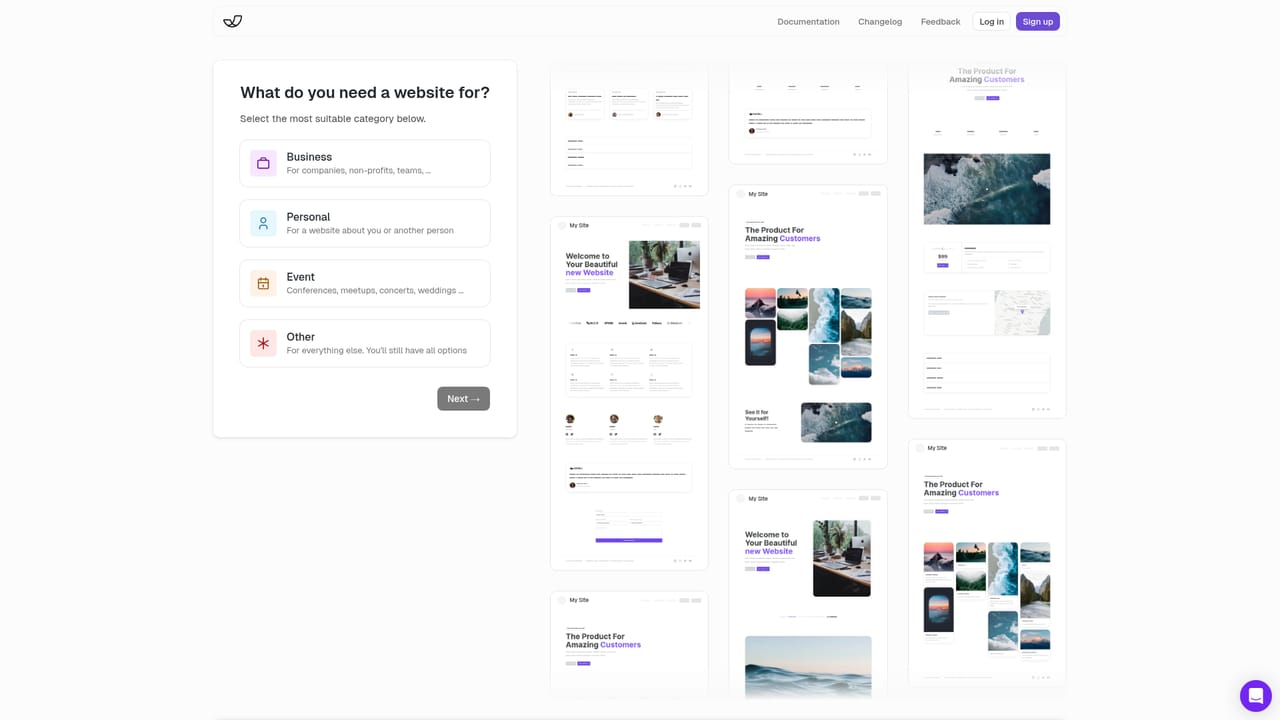
    Move into the editor to adjust text, images and sections. The settings are intentionally limited, so most changes are a couple of clicks.
    Umso — Edit and design the draft
  3. 3Connect a domain
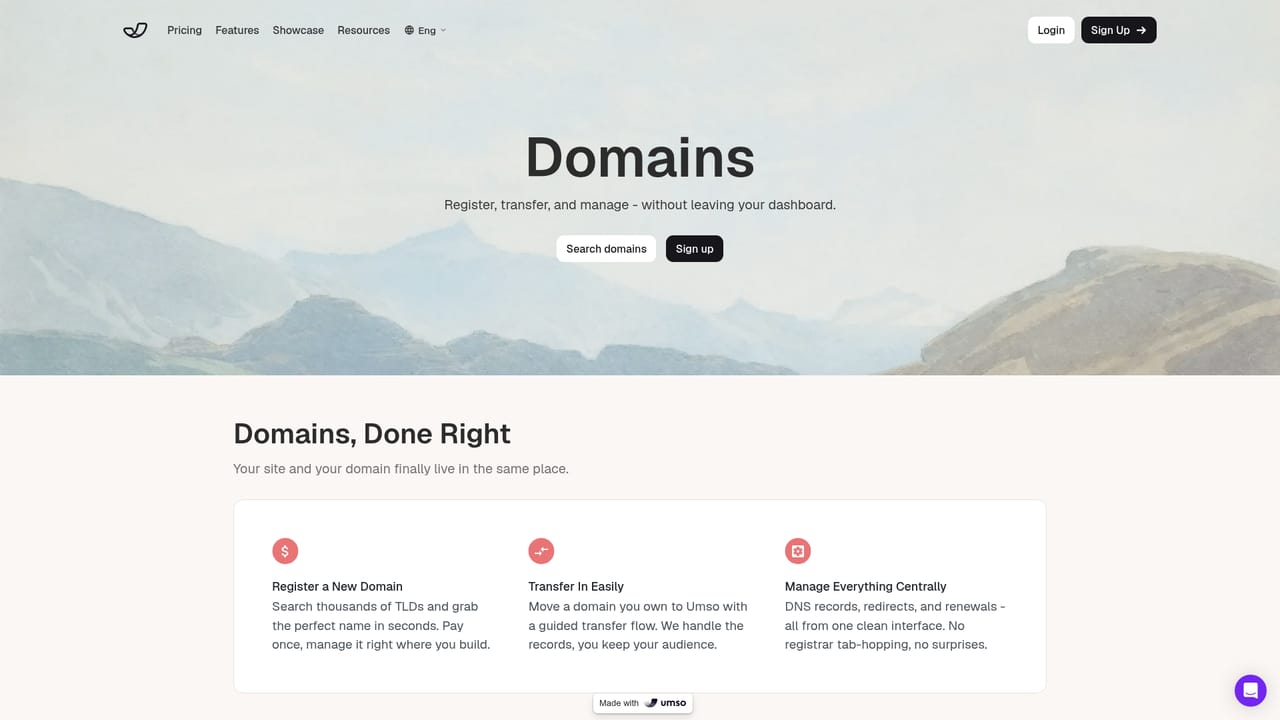
    Find a new domain, transfer one you own or point an existing domain at Umso so the site runs on your own address.
    Umso — Connect a domain
  4. 4Add a blog and forms
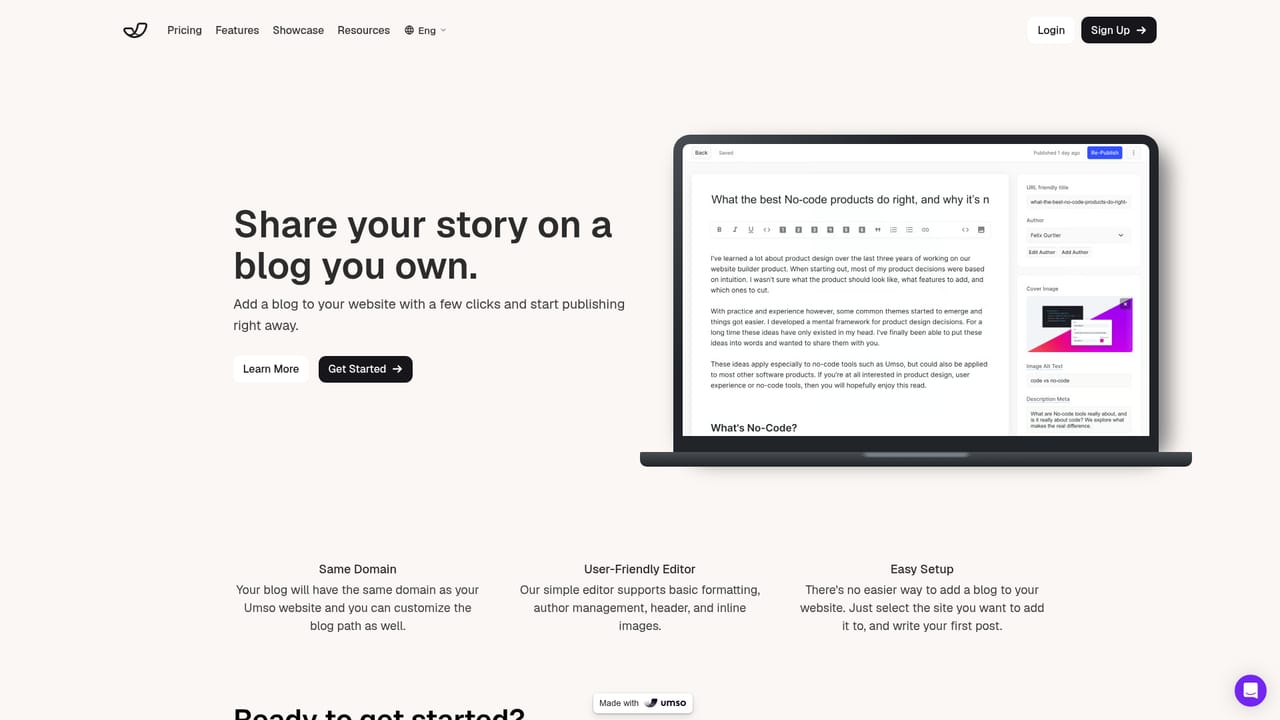
    Turn on the built-in blog to publish content and add forms to collect leads without wiring up third-party services.
    Umso — Add a blog and forms
  5. 5Check analytics and publish
    Review visitor data in the built-in analytics, then publish the site with a single click when everything reads correctly.

Pros and cons

Pros

  • Generator produces a usable first draft even for people with no web experienceAI
  • Editor limits options on purpose, so projects finish faster than in feature-heavy buildersAI
  • Forms, blog, analytics and multilingual content are included in the subscriptionAI
  • Plan structure is easy to read: landing pages on Basic, larger sites on ProAI
  • Cookie banner and domain connection handled inside the same accountAI

Cons

  • Free tier caps you at a homepage in Umso branding on a subdomain, so it cannot host a real siteAI
  • Page and form limits push most serious projects to the Pro tier eventuallyAI
  • The minimalist editor is a poor fit for anyone who wants granular control over layout and stylingAI
  • No API or external integration options are described, which limits connecting outside toolsAI
  • Site export only unlocks on the top plan, so leaving with your site requires the higher priceAI

How much does Umso cost?

Pricing

Free tier: $0, homepage only, Umso branding, free subdomain, basic analytics. Basic: $14 per site per month, or $7 billed yearly, with 10 pages, custom domain, custom code and basic forms. Pro: $25 per site per month, or $20 billed yearly, adding unlimited pages, custom forms, advanced analytics, passwords, multilingual content and site export.

Learn more

Support

Chat and email support are listed on the Free plan, and customer testimonials repeatedly single out the support team as a strength. No documentation portal or help centre is linked from the homepage.

Features

Built-in features cover the practical essentials: a generator that drafts a site from a short plan, a simplified editor, one-click publishing, blogs, custom forms for lead collection, analytics with no extra setup, multilingual content, cookie banners and domain search or connection. The emphasis is on fewer settings rather than deeper configuration.

Frequently asked questions about Umso

  • How much does Umso cost?
    Free tier: $0, homepage only, Umso branding, free subdomain, basic analytics. Basic: $14 per site per month, or $7 billed yearly, with 10 pages, custom domain, custom code and basic forms. Pro: $25 per site per month, or $20 billed yearly, adding unlimited pages, custom forms, advanced analytics, passwords, multilingual content and site export.
  • How do you use Umso?
    The walkthrough on this page covers 5 steps: 1. Create an account and open the generator 2. Edit and design the draft 3. Connect a domain 4. Add a blog and forms 5. Check analytics and publish.
  • What platforms does Umso support?
    Umso is available on Web App.
  • What are the limitations of Umso?
    Free tier caps you at a homepage in Umso branding on a subdomain, so it cannot host a real site. Page and form limits push most serious projects to the Pro tier eventually. The minimalist editor is a poor fit for anyone who wants granular control over layout and styling.

Status

StatusActive
Views0
Outbound clicks0
Added10/22/2026

Platforms

Web App

Pricing

FreeFreemiumSubscription