CodePup AI

Describe a website, get a tested multi-page build with payments and accounts.

Beginner
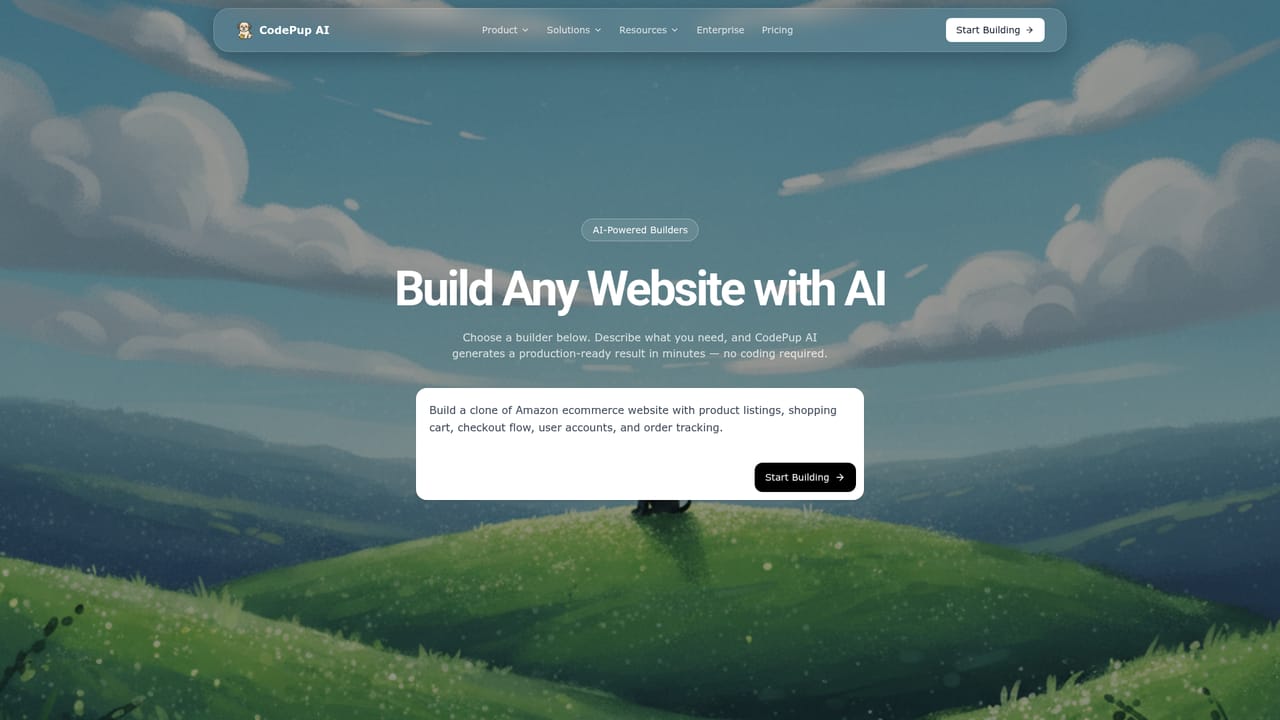
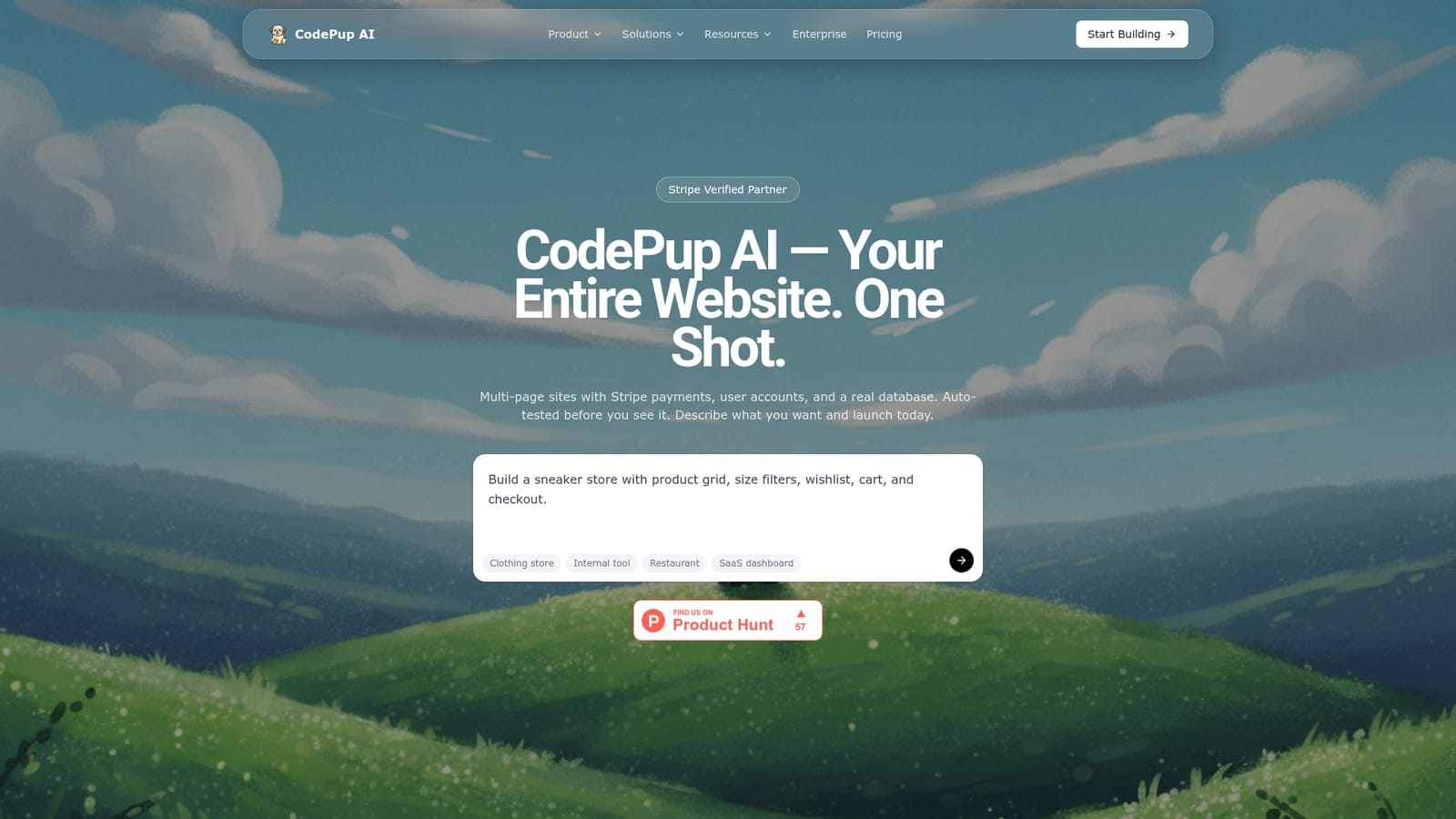
Screenshot of CodePup AI, Describe a website, get a tested multi-page build with payments and accounts

What is CodePup AI?

CodePup AI is an app creation tool. Prompt-based website builder that ships multi-page sites with Stripe payments, user accounts and a database, auto-tested before delivery. Category-specific builders cover ecommerce, dropshipping, internal tools and portfolios, with GitHub export and custom domains on all paid plans.

CodePup AI is a prompt-driven website builder that aims to deliver a finished site in a single generation pass, not a scaffold you finish by hand. You describe what you want, and the platform produces a multi-page website with Stripe payments, user accounts and a real database attached. The team positions the output as production-ready on day one, which is a claim worth testing against your own requirements before committing a project to it. The feature that separates CodePup from most prompt-to-app tools is its testing layer. Every build is put through unit, integration and end-to-end tests before it is shown to you, and those tests re-run whenever you edit or regenerate the site. In practice, that means the platform refuses to hand over flows that break silently, which is the usual failure mode of single-shot AI generation. Buyers should treat the testing as a quality gate, not a guarantee of feature completeness. Builders who already know their category can skip the blank prompt. Dedicated starting points cover ecommerce stores, dropshipping setups with supplier integrations, internal tools such as admin panels, dashboards and CRMs on your own data, and portfolio sites with case studies and contact forms. A community template gallery offers another route: pick an existing site, then customise it toward your brand. Every builder is pre-configured for its category, so the prompt you write lands on a sensible baseline. CodePup sits in the same conversation as Lovable, Bolt and Webflow, with a different centre of gravity. Payments, authentication and hosting are bundled rather than bolted on, credits are consumed per generation and modification, and code export to GitHub is available on every paid tier. That makes it a fit for founders validating a store, small teams needing an internal dashboard, and freelancers shipping portfolio sites without a developer. Anyone who needs fine-grained front-end control should check the export path early.

How do you use CodePup AI?

  1. 1Pick the builder that matches your project
    Start from the launch page and choose a category builder such as ecommerce, dropshipping, CRM or portfolio. Each one arrives pre-configured, so your prompt builds on a relevant baseline instead of an empty page.
    CodePup AI — Pick the builder that matches your project
  2. 2Or start from a community template
    Browse the template gallery on the homepage, open a site close to what you need and use it as the starting point. Customisation then happens through prompts rather than manual editing.
    CodePup AI — Or start from a community template
  3. 3Describe the site in a prompt
    Write out the pages, products or records, and the flows you need. Mention payments and user accounts explicitly if the category builder has not already assumed them.
  4. 4Review the tested build
    CodePup runs unit, integration and end-to-end tests before showing the result. Walk through the main flows yourself, since passing tests confirm the generated features work rather than that every requirement was understood.
  5. 5Iterate with follow-up prompts
    Request changes in plain language. Tests re-run after each edit, and each generation or modification draws down your monthly credit balance, so batch related changes together.
  6. 6Connect a domain and export the code
    Attach a custom domain from your plan settings and push the project to GitHub if you want to keep the source. Both are available on all paid tiers.

Pros and cons

Pros

  • Payments, user accounts and a database are generated together with the site rather than added laterAI
  • Unit, integration and end-to-end tests run on every build and again after editsAI
  • Category builders for ecommerce, dropshipping, CRM panels and portfolios reduce blank-page promptingAI
  • GitHub export and custom domains are included on every paid tier, so leaving is possibleAI
  • Stripe Verified Partner status gives reasonable confidence in the payment flowAI

Cons

  • Credits are consumed by both generation and modification, so heavy iteration spends the monthly allowance quicklyAI
  • Monthly pricing starts at $25 and the analytics and catalog features sit two tiers above itAI
  • No permanent free plan is listed on the homepage, only paid tiersAI
  • The testing guarantee is described by the vendor and is hard to audit without running your own checksAI
  • Single-shot generation may suit standard store and dashboard patterns better than unusual custom logicAI

How much does CodePup AI cost?

Pricing

Three monthly tiers: Starter at $25 for 100 credits, Premium at $50 for 220 credits and Pro at $200 for 1,100 credits. Yearly billing takes 20 percent off. Analytics and AI catalog management start at Premium; dedicated support is Pro only. Every tier includes generation, publishing, GitHub export, private projects, CodePup Cloud and a custom domain.

Learn more

Support

Dedicated support is listed only on the Pro plan at $200 per month. Lower tiers are not described as including a support channel on the homepage.

Integrations

Stripe is the stated payments partner and dropshipping builders are described as supplier ready. GitHub export is included on all paid tiers for taking code out of the platform.

Features

Prompt-based generation of complete multi-page websites with Stripe payments, user accounts and a real database. Automated unit, integration and end-to-end testing runs on every build and repeats after each edit. Category builders cover ecommerce, dropshipping, internal tools and portfolios, with a community template gallery. Also included: custom domains, private projects, GitHub code export, CodePup Cloud hosting, and analytics and AI catalog management from the Premium tier.

Learn more

Frequently asked questions about CodePup AI

  • How much does CodePup AI cost?
    Three monthly tiers: Starter at $25 for 100 credits, Premium at $50 for 220 credits and Pro at $200 for 1,100 credits. Yearly billing takes 20 percent off. Analytics and AI catalog management start at Premium; dedicated support is Pro only. Every tier includes generation, publishing, GitHub export, private projects, CodePup Cloud and a custom domain.
  • How do you use CodePup AI?
    The walkthrough on this page covers 6 steps: 1. Pick the builder that matches your project 2. Or start from a community template 3. Describe the site in a prompt 4. Review the tested build 5. Iterate with follow-up prompts 6. Connect a domain and export the code.
  • What platforms does CodePup AI support?
    CodePup AI is available on Web App.
  • What does CodePup AI integrate with?
    Stripe is the stated payments partner and dropshipping builders are described as supplier ready. GitHub export is included on all paid tiers for taking code out of the platform.
  • What are the limitations of CodePup AI?
    Credits are consumed by both generation and modification, so heavy iteration spends the monthly allowance quickly. Monthly pricing starts at $25 and the analytics and catalog features sit two tiers above it. No permanent free plan is listed on the homepage, only paid tiers.

Status

StatusActive
Views0
Outbound clicks0
Added10/22/2026

Platforms

Web App

Pricing

PaidSubscription