Zite

Prompt-built apps, workflows and databases for business teams

Intermediate API
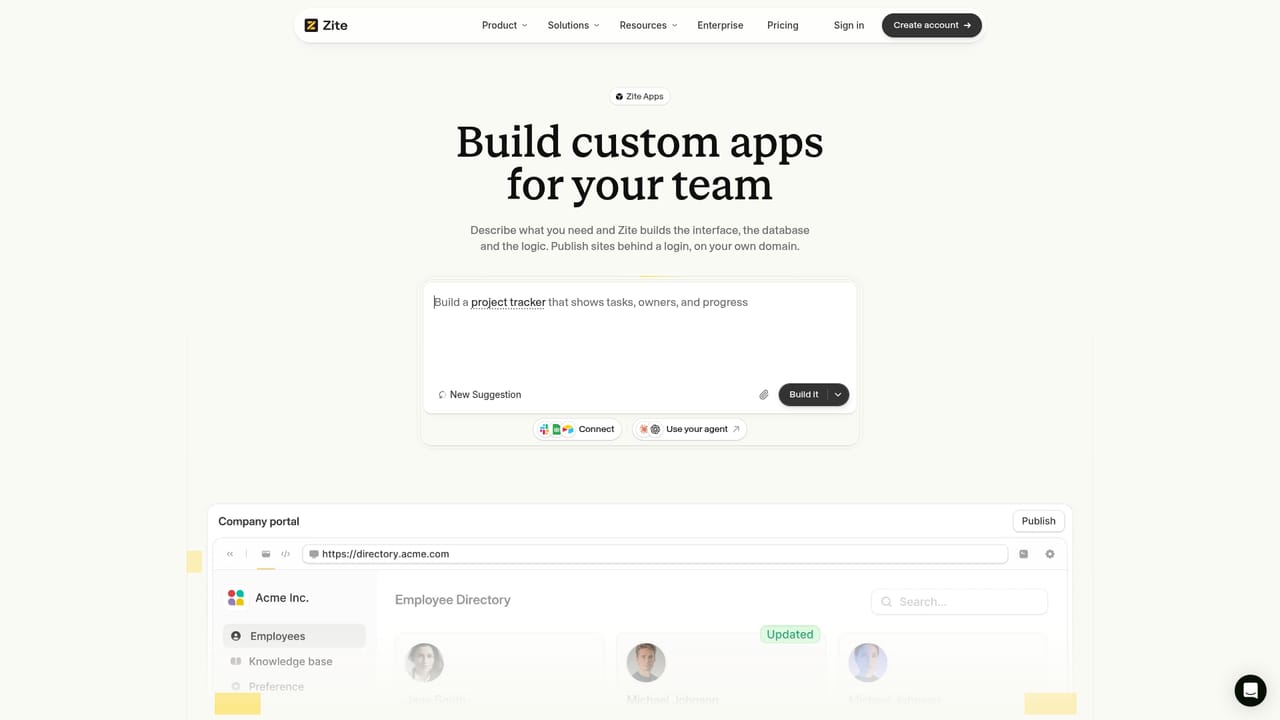
Screenshot of Zite, Prompt-built apps, workflows and databases for business teams

What is Zite?

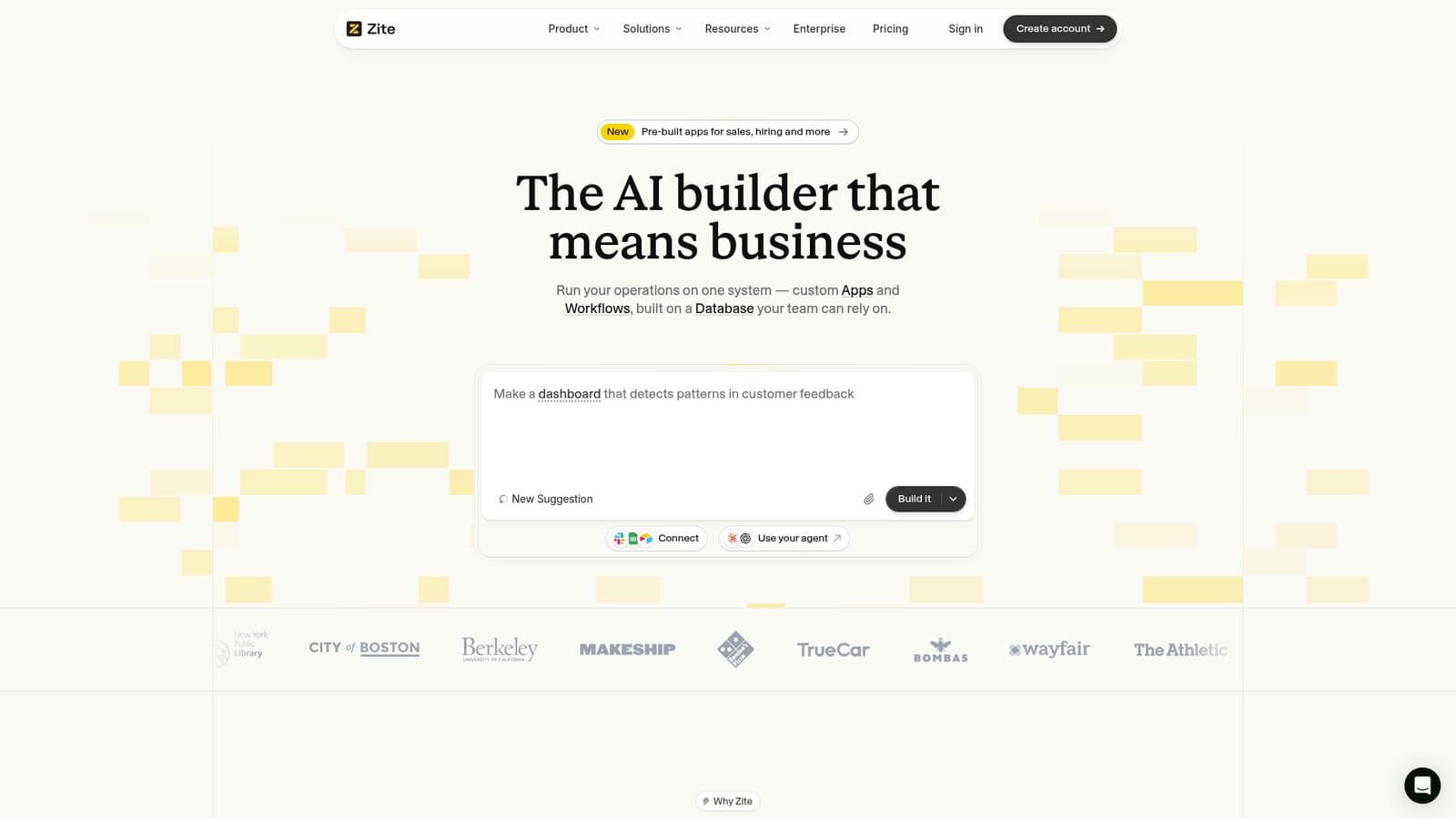
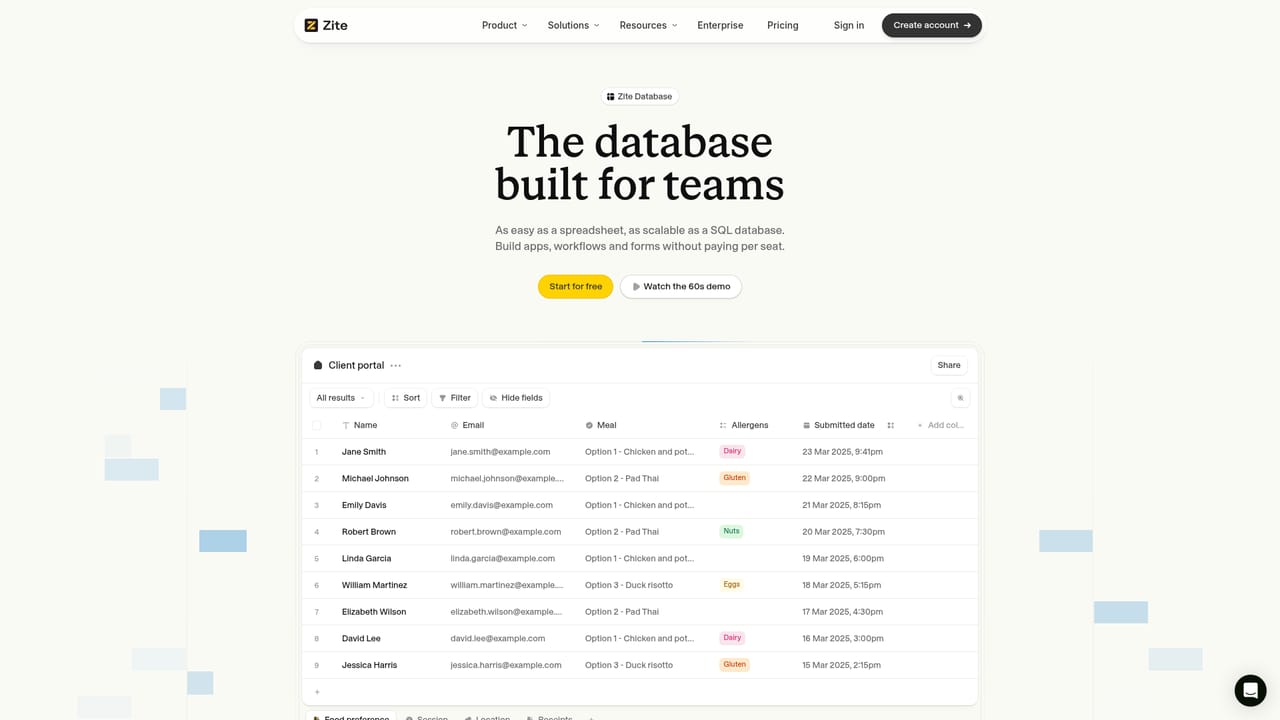
Zite is an AI builder for business software: describe an app, workflow, website or database and it scaffolds the system on a shared Postgres data layer with roles, portals and no per-seat fees.

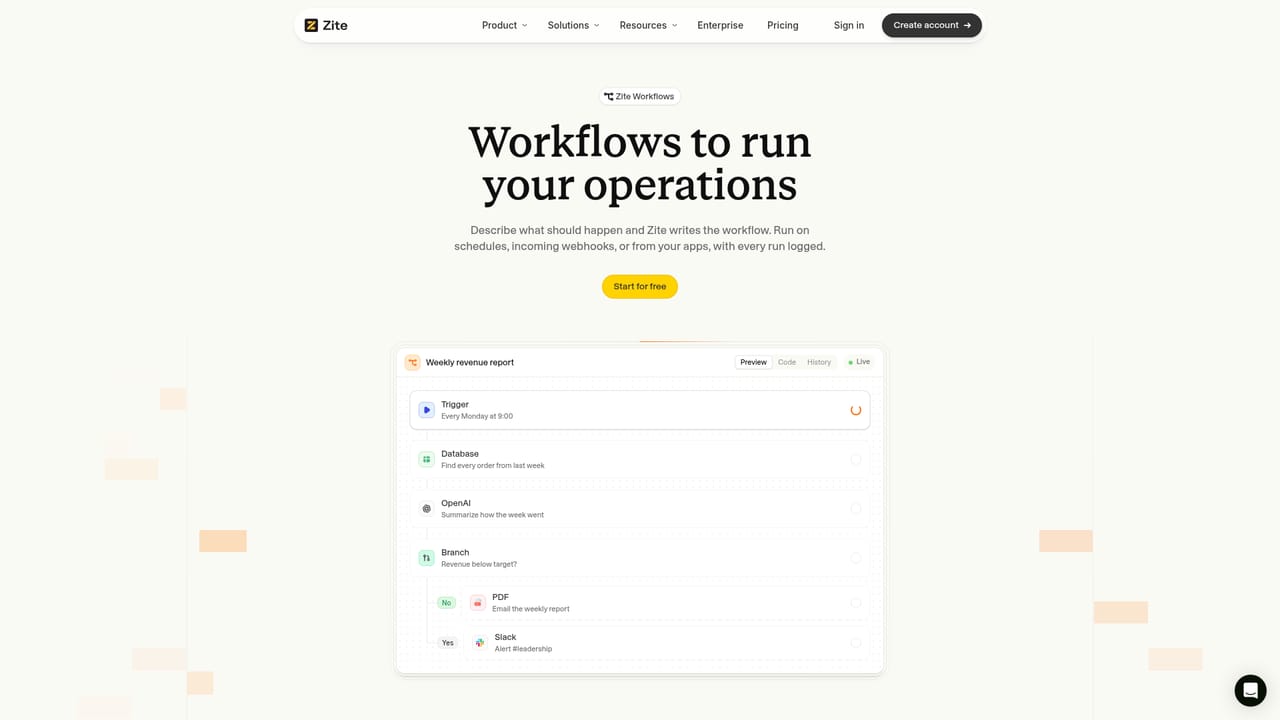
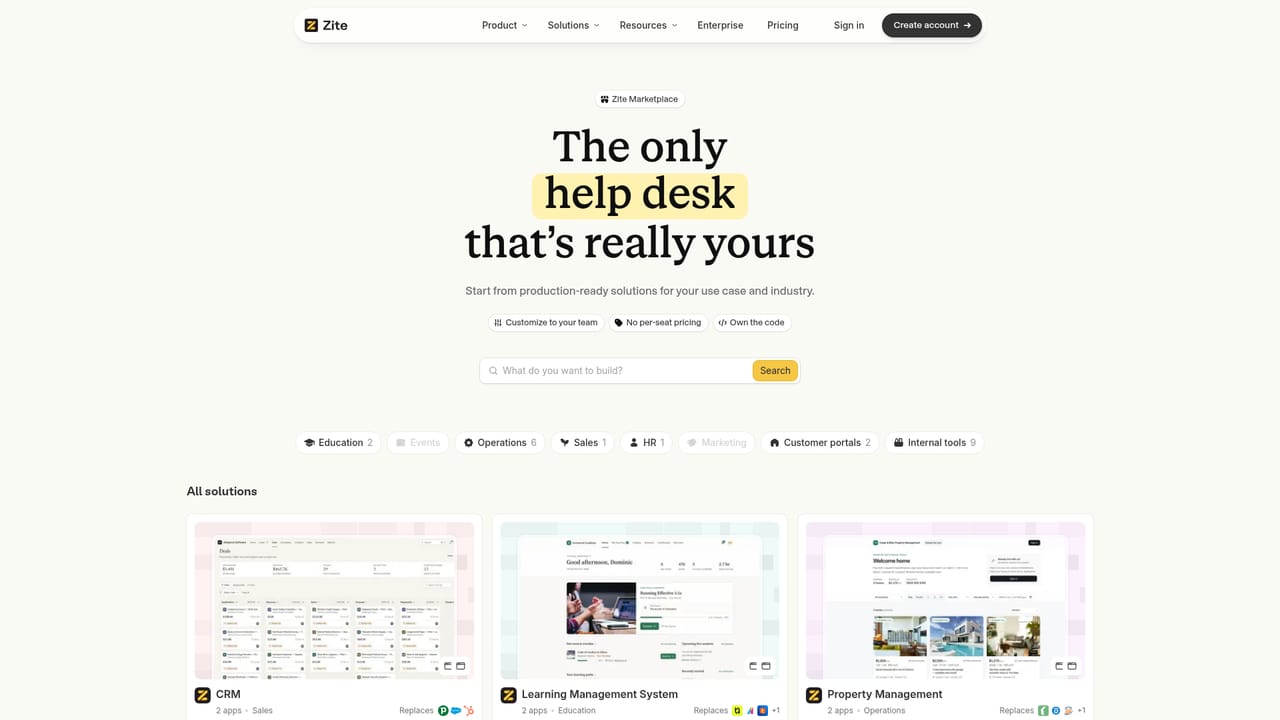
Zite positions itself as an AI builder for operational software rather than a toy app generator. The core idea is that a team describes what it needs in plain language, and the platform produces a working application, a workflow or a database table on top of a shared Postgres data layer. Apps, automations, public sites, portals and forms all sit on the same set of records, so a deal captured in a CRM view can trigger an invoice workflow and appear in a client portal without any data duplication. In practice the build flow is conversational. A prompt such as a booking site with customer details routed into a database produces an app scaffold, and follow-up sentences add tables or change the interface. Workflows are assembled from visible steps: a schedule trigger, a database lookup, an AI summarization call, a branch on a condition, then an email, a PDF or a Slack alert. Because the app layer is code-backed, changes can be requested in a sentence rather than dragged through a visual editor, and every layer (database, users, roles, workflow history, publishing) remains inspectable. Deployment splits into internal users and external visitors, and the marketing claims unlimited users and editors on every plan with no per-seat fees. The audience is operations, sales, HR and customer-facing teams inside organizations that would otherwise buy several SaaS subscriptions, plus the developers who support them. The marketplace shows this clearly: ready-made workspaces for CRM, learning management, property management, grant management and community hubs each ship as a shared database plus apps, and each lists the commercial products it is meant to replace. Zite also takes an unusual stance on model choice. Rather than selling credits, it exposes MCP so teams can build through Claude, ChatGPT, Cursor or another compatible agent. Compared with spreadsheet-database hybrids such as Airtable or heavyweight platforms such as Salesforce, the pitch is ownership and flexibility; compared with AI app builders such as Lovable or Replit, the distinction is the managed database, roles, audit logs and business controls sitting underneath the generated code.

How do you use Zite?

  1. 1Describe the system you need
    Open the builder and write a plain-language request for the app, site or internal tool you want, including where the data should land. Zite scaffolds the app and a connected database from that description.
    Zite — Describe the system you need
  2. 2Add tables and fields by sentence
    Refine the schema conversationally, for example asking for a table to track recent deals. Each request updates the database and the linked interface together.
    Zite — Add tables and fields by sentence
  3. 3Automate the recurring work
    Build a workflow with a trigger such as a weekly schedule, then chain database lookups, AI steps, conditional branches and outputs like email, PDF or Slack alerts. Check the run history to see how each pass executed.
    Zite — Automate the recurring work
  4. 4Start from a marketplace workspace
    If a ready-made system fits better than a blank build, copy a workspace such as CRM or grant management. It arrives as a shared database plus apps that you then customize.
    Zite — Start from a marketplace workspace
  5. 5Set roles and deploy to users
    Assign editors, admins, moderators and guests, then publish to an internal or external address. External portals and landing pages use the same underlying records.
    Zite — Set roles and deploy to users
  6. 6Connect your own agent
    Use the developer documentation to link Claude, ChatGPT, Cursor or another MCP client to your Zite apps and databases, so builds can run from the agent you already use.

Pros and cons

Pros

  • Apps, workflows, forms and public sites all share one Postgres database, so records stay consistent across every surfaceAI
  • Unlimited users and editors on every plan removes the per-seat maths that dominates tools like Airtable or SalesforceAI
  • Generated software is code-backed, so changes can be requested in plain language instead of rebuilt in a visual editorAI
  • MCP support lets teams build through Claude, ChatGPT or Cursor without buying platform creditsAI
  • The marketplace ships complete workspaces with a database and apps, giving a working starting point rather than an empty canvasAI

Cons

  • Pricing is communicated only as a $20 per month Pro reference point, with no clear breakdown of limits or what higher plans addAI
  • Business-critical workflows, approvals and audit logs mean an outage or export failure has operational consequences, and the homepage gives no SLA detailAI
  • Teams swapping out an established CRM or LMS inherit migration and retraining work that the marketplace pages do not addressAI
  • The build experience depends on a capable underlying agent or a well-written prompt, so vague requirements can produce plausible but wrong schemasAI
  • No mobile apps or desktop clients are described, leaving browser access as the only stated route into the systemAI

How much does Zite cost?

Pricing

The homepage references a Zite Pro plan at $20 per month and states that unlimited users and editors are included on every plan, with no per-user fees. A detailed plan comparison, storage limits and workflow quotas are not published in the source content.

Learn more

Integrations

An integrations page lists the apps Zite connects to, and MCP support lets external AI agents such as Claude, ChatGPT and Cursor work directly with Zite apps and databases. Specific connector names are not enumerated on the homepage.

Learn more

Features

Conversational building of apps, workflows, websites, portals and forms on a shared Postgres database that customers own and can export. Workflows support scheduled triggers, database queries, AI summarization, conditional branches and email, PDF or Slack outputs. Role management covers editors, admins, moderators and guests, with internal and external deployment. MCP connects external agents such as Claude, ChatGPT and Cursor to Zite projects.

Learn more

Frequently asked questions about Zite

  • How much does Zite cost?
    The homepage references a Zite Pro plan at $20 per month and states that unlimited users and editors are included on every plan, with no per-user fees. A detailed plan comparison, storage limits and workflow quotas are not published in the source content.
  • Does Zite have an API?
    Yes, Zite offers an API.
  • How do you use Zite?
    The walkthrough on this page covers 6 steps: 1. Describe the system you need 2. Add tables and fields by sentence 3. Automate the recurring work 4. Start from a marketplace workspace 5. Set roles and deploy to users 6. Connect your own agent.
  • What platforms does Zite support?
    Zite is available on Web App.
  • What does Zite integrate with?
    An integrations page lists the apps Zite connects to, and MCP support lets external AI agents such as Claude, ChatGPT and Cursor work directly with Zite apps and databases. Specific connector names are not enumerated on the homepage.
  • What are the limitations of Zite?
    Pricing is communicated only as a $20 per month Pro reference point, with no clear breakdown of limits or what higher plans add. Business-critical workflows, approvals and audit logs mean an outage or export failure has operational consequences, and the homepage gives no SLA detail. Teams swapping out an established CRM or LMS inherit migration and retraining work that the marketplace pages do not address.

Status

StatusActive
Views0
Outbound clicks0
Added10/22/2026

Platforms

Web App

Pricing

FreemiumSubscription