Free trial
Free AI checks are offered without an account, so a trial is effectively built in. No separate trial period or paid plan details appear on the page.
Learn moreSentence-level AI detection with a clarity score and no sign-up required
Own AI Detector by Getsolved? Verify ownership to get a dofollow link

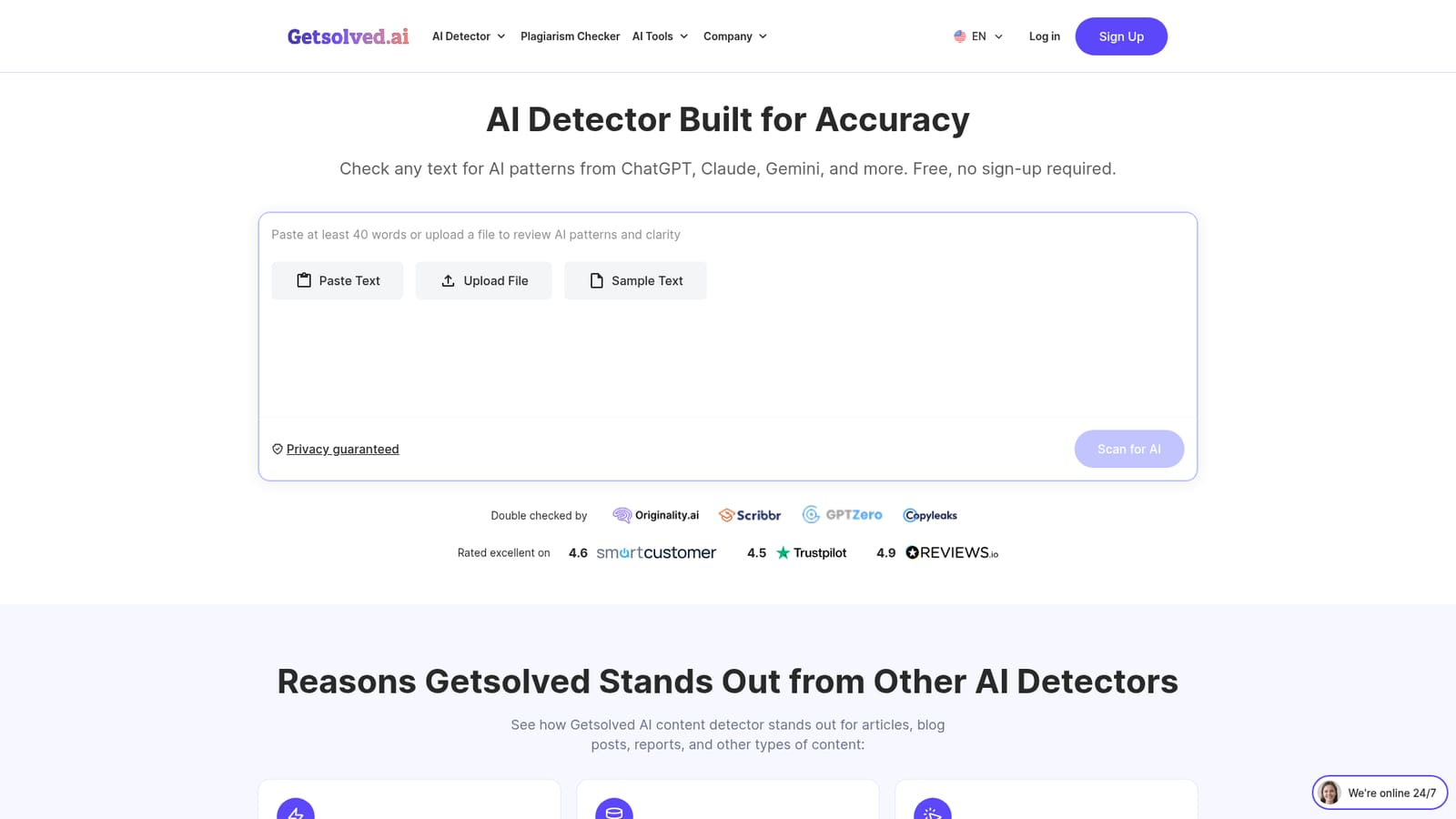
AI Detector by Getsolved is an AI checker tool. Getsolved's free AI Detector scans pasted text or uploaded documents for ChatGPT, Claude and Gemini writing patterns, returning a sentence-level breakdown, a clarity score and rewrite guidance. No sign-up needed; requests up to 10,000 words in 20+ languages.
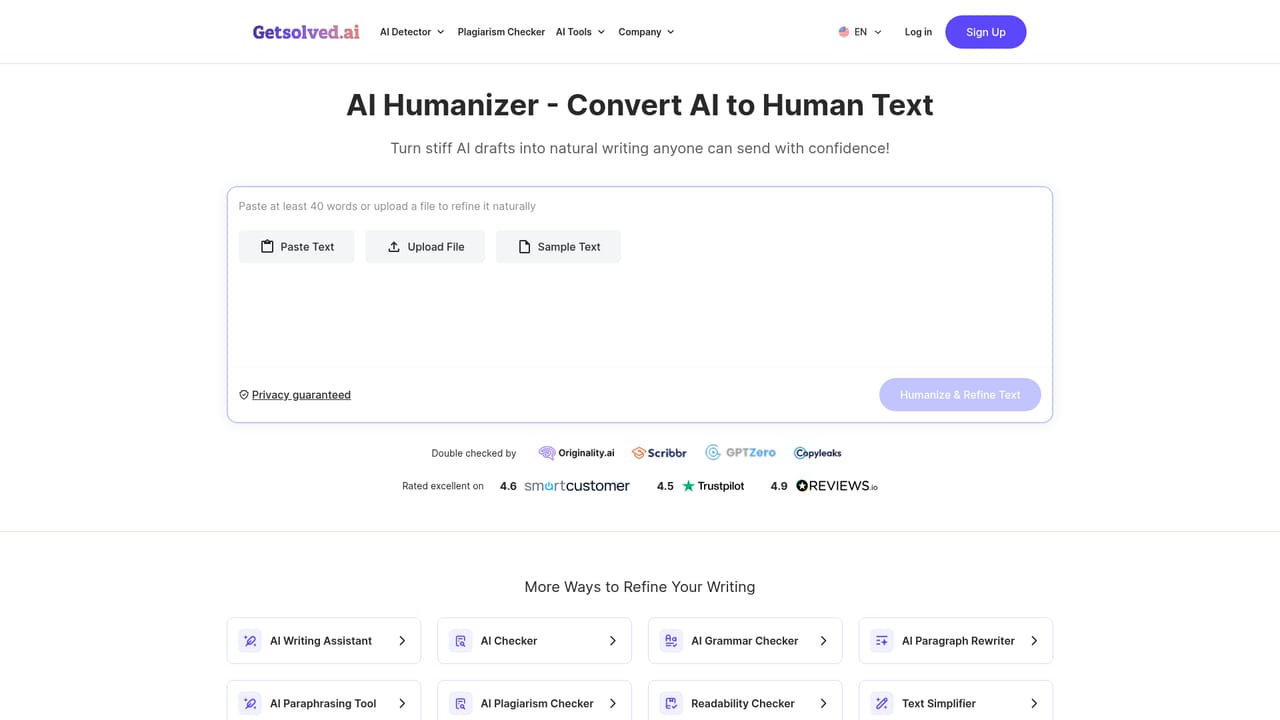
Getsolved's AI Detector is a browser-based checker that scans text for patterns typical of ChatGPT, Claude, Gemini and other major language models. Text can be pasted, uploaded as a PDF, DOCX, TXT or Google Docs file, or replaced with a built-in sample. No account is required to run a scan, and the site states that results appear in under 10 seconds. Individual requests are capped at 10,000 words, which covers anything from a single paragraph to a full draft. What separates it from bare percentage checkers is the reporting layer. Each scan returns an overall AI content figure alongside sentence-level feedback that names the phrases which read as artificial, mechanical or overly formal, plus a clarity score and a written explanation of why flagged passages were marked. Rewrite suggestions point at sections with inconsistent tone rather than asking for a full rewrite. Documents can be processed in more than 20 languages, which matters for editors handling multilingual submissions. The tool is aimed at people who must judge text rather than just score it: teachers doing a first pass over many submissions, editors and content managers reviewing drafts from multiple contributors, communications teams checking reports and proposals for credibility, and writers who want to catch mechanical phrasing before an editor does. Getsolved positions a flag as an invitation to edit, not a verdict, and keeps the reviewer in control of what changes. Getsolved also ships adjacent writing tools (AI Humanizer, Grammar Checker, Paraphrasing, Plagiarism Detector, Readability Checker, Hallucination Detector) on the same site, so the detector works best as one stage in a longer cleanup workflow. The vendor quotes a 98% accuracy rate with a false-positive rate below 0,2%, and states that uploads are never used to train models or shared with third parties.
Free AI checks are offered without an account, so a trial is effectively built in. No separate trial period or paid plan details appear on the page.
Learn moreThe site states that Getsolved offers free AI checks and that text can be reviewed without paying for each scan. No paid tiers or subscription prices for the detector are listed on the page.
Learn moreSentence-level AI feedback, detection across ChatGPT, Claude, Gemini and other models, a clarity score with explanations, rewrite suggestions for inconsistent sections, uploads in PDF, DOCX, TXT and Google Docs, support for documents up to 10,000 words, and analysis in more than 20 languages.
 AI Angels400+ customizable AI girlfriends for NSFW chat, voice calls, and roleplay
 Candy AIExperience the future of companionship with AI friends who chat, role-play, and connect with you on a human level.
 ourdream.aiA vast AI roleplay platform with millions of characters for chat, images, video and voiceAI Angels400+ customizable AI girlfriends for NSFW chat, voice calls, and roleplayCandy AIExperience the future of companionship with AI friends who chat, role-play, and connect with you on a human level.ourdream.aiA vast AI roleplay platform with millions of characters for chat, images, video and voice


