Pricing
The checker is free to use with no account, no card and no expiring trial. Hourly limits exist to prevent bulk use, and the site states a normal student will not hit them.
Learn moreThree checks in one pass: AI detection, essay grade and line level writing fixes
Own AI Essay Checker? Verify ownership to get a dofollow link

AI Essay Checker is an AI checker tool. A free, no sign up essay checker that combines AI detection, teacher style grading and underlined grammar, style and clarity fixes in a single pass. Accepts up to 4,000 words, stores nothing on a server, and keeps recent essays in the local browser only.
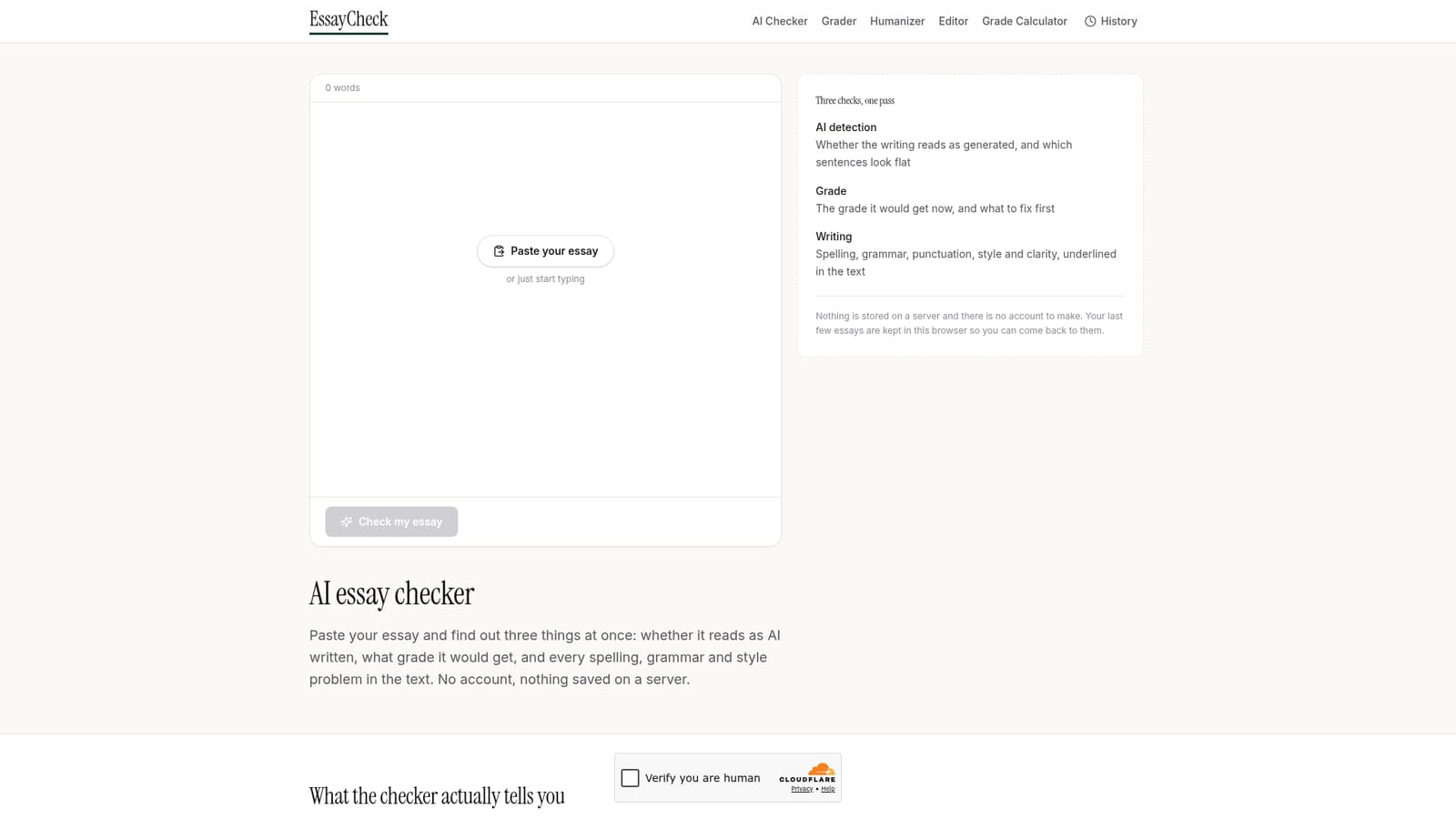
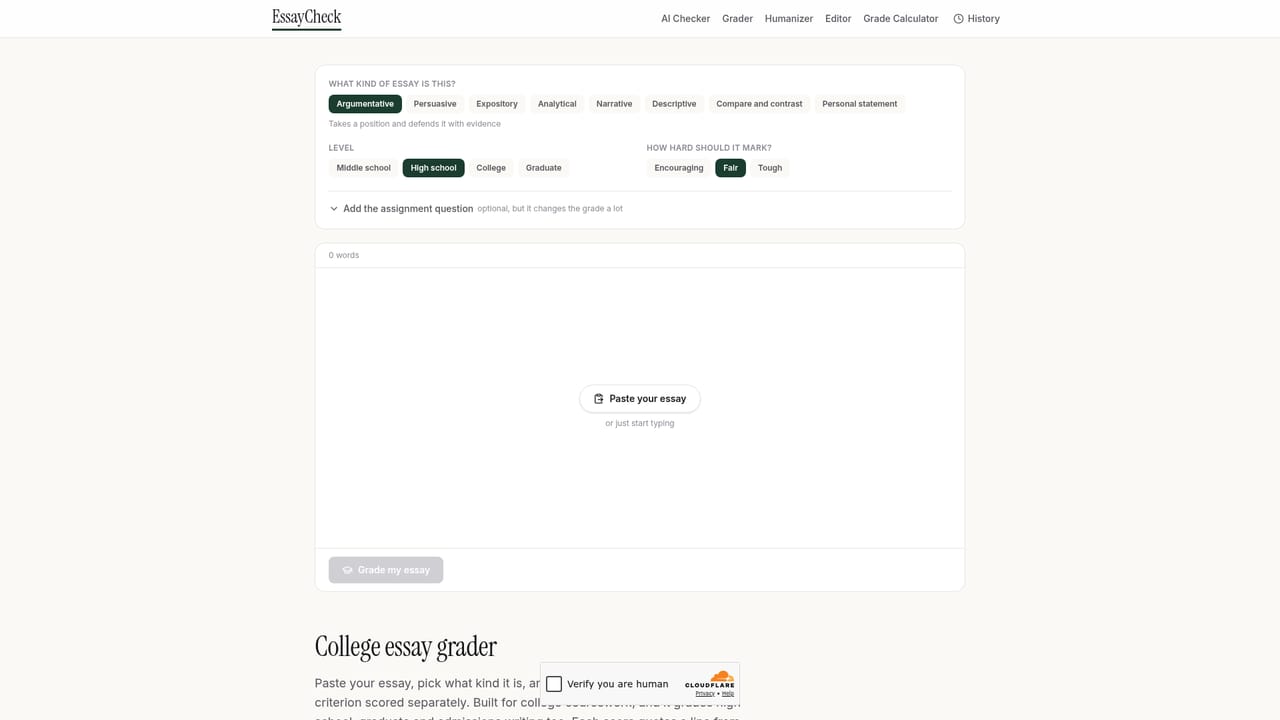
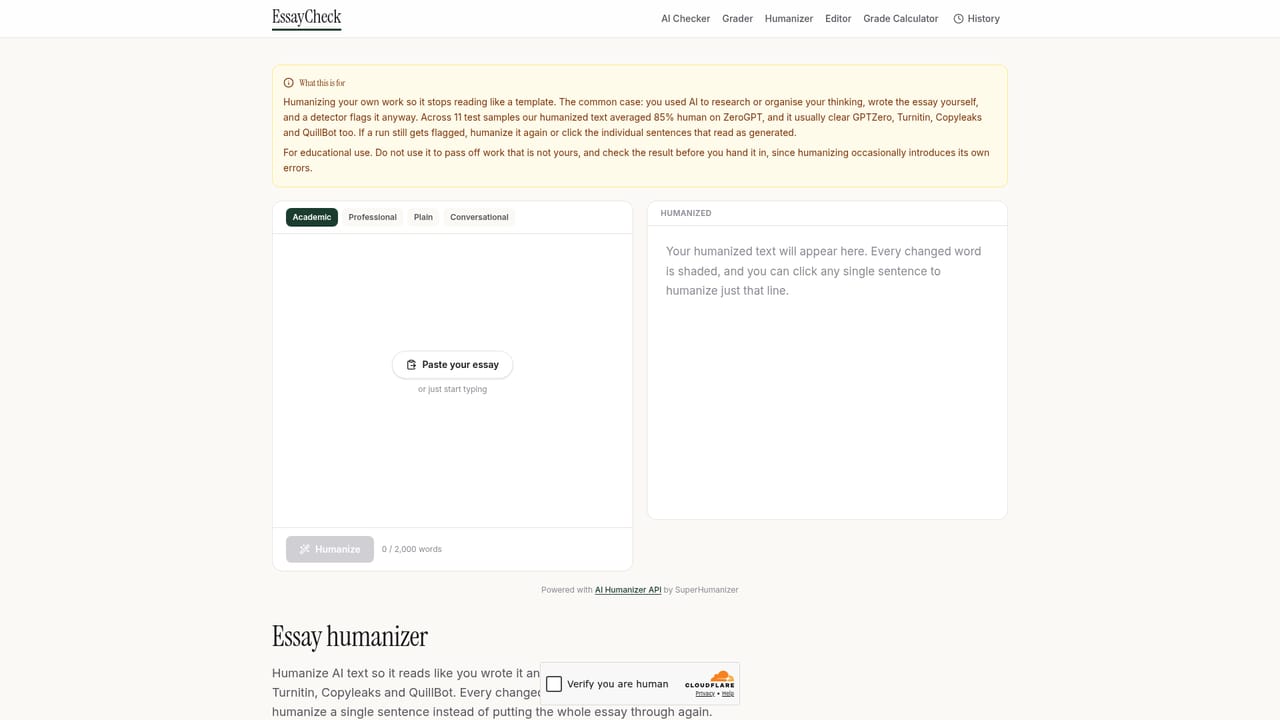
AI Essay Checker is a browser based tool that runs three separate analyses on a pasted essay at the same time. The first measures how closely the writing matches the statistical shape of generated text and returns a percentage, a plain explanation of what that number means, and the option to see which individual sentences pushed the score up. The second reads the essay the way a teacher would, scoring argument, evidence, structure and language, then naming the single change most likely to raise the result. The third underlines spelling, grammar, punctuation, style and clarity problems directly in the text, with the fix and the reasoning shown on click. The intended user is a student working on coursework or an application essay, though anyone producing long form prose under scrutiny will find the detector and writing checks useful. Second language writers are a particularly relevant audience: the site is candid that detectors reward unpredictable phrasing, which means careful, formal academic English can register as machine written even when it is entirely original. The tool addresses that openly rather than treating the score as proof. In practice the workflow is paste, check, then act on the result. Nothing is stored on a server, no account is created, and recent essays persist only in the local browser. The AI score requires at least 120 words to mean anything, grammar and grade checks work from roughly 50 words, and a single pass handles up to 4,000 words. Essays longer than that need to be run in sections. Hourly rate limits exist to stop bulk abuse, though the site states a typical student will not reach them. Against dedicated detectors it is broader and cheaper, since detection arrives bundled with grading and proofreading rather than as a standalone product. Against grammar checkers it covers more ground, particularly the structural feedback those tools omit. The honest caveat is that detector scores vary widely between vendors, and a clean result here does not predict what Turnitin or GPTZero will report.
The checker is free to use with no account, no card and no expiring trial. Hourly limits exist to prevent bulk use, and the site states a normal student will not hit them.
Learn moreThree checks per pass: an AI detection score with a breakdown of which sentences raised it, a teacher style grade across argument, evidence, structure and language, and underlined spelling, grammar, punctuation, style and clarity fixes with explanations. Handles up to 4,000 words per check.
 AI Angels400+ customizable AI girlfriends for NSFW chat, voice calls, and roleplay
 Candy AIExperience the future of companionship with AI friends who chat, role-play, and connect with you on a human level.
 ourdream.aiA vast AI roleplay platform with millions of characters for chat, images, video and voiceAI Angels400+ customizable AI girlfriends for NSFW chat, voice calls, and roleplayCandy AIExperience the future of companionship with AI friends who chat, role-play, and connect with you on a human level.ourdream.aiA vast AI roleplay platform with millions of characters for chat, images, video and voice


