Free trial
Free use is available without an account or payment card, and the site does not describe a separate time limited trial.
Learn moreTurn PDFs, notes, video and audio into study flashcards in seconds
Own AI Flashcard Generator? Verify ownership to get a dofollow link

AI Flashcard Generator is an exam preparation tool that turns PDFs, notes, video and audio into study flashcards in seconds. A browser based tool that reads PDFs, Word and PowerPoint files, images, YouTube links, audio and pasted text, then writes editable question and answer flashcards with Google Gemini.
AI Flashcard Generator is a browser based study tool that converts source material into question and answer flashcards automatically. You supply the raw content, whether that is a PDF or Word document, a PowerPoint deck, an image of handwritten notes, a YouTube link, an audio recording, or plain pasted text, and the tool reads the material and produces a deck of cards. Generation runs on Google Gemini according to the site, and documents up to 2 MB in PDF, DOC, DOCX, PPT, PPTX or TXT format are accepted on the upload screen. The design targets students and self directed learners who already have dense material and want to skip the manual card writing step. A 30 page PDF reportedly becomes a deck in under ten seconds, which makes the tool practical for exam revision, language vocabulary, and course reading you need to recall rather than reread. The homepage also states support for eight languages, so material in a non English language is within scope. In practice the workflow is short. You choose a source type, upload or paste, and let the generator produce cards. Every card stays editable after generation, so you can reword a question, delete a weak card, or add your own to round out a deck. Decks can then be shared with classmates through a link, which covers group study and collaborative deck building without a separate export step. It sits closest to the flashcard study apps that combine spaced repetition with card creation, but its emphasis is on the ingestion side: getting from a messy source file to a usable deck quickly, rather than on long term scheduling. The free tier needs no signup and no credit card, so the sensible way to judge it is to run one of your own lecture PDFs through it and inspect the card quality before committing. No native mobile apps are advertised on the homepage; the tool is described as working in any browser on any device. A separate text humanizing tool, TextToHuman, is linked from the site but is not part of the flashcard workflow.

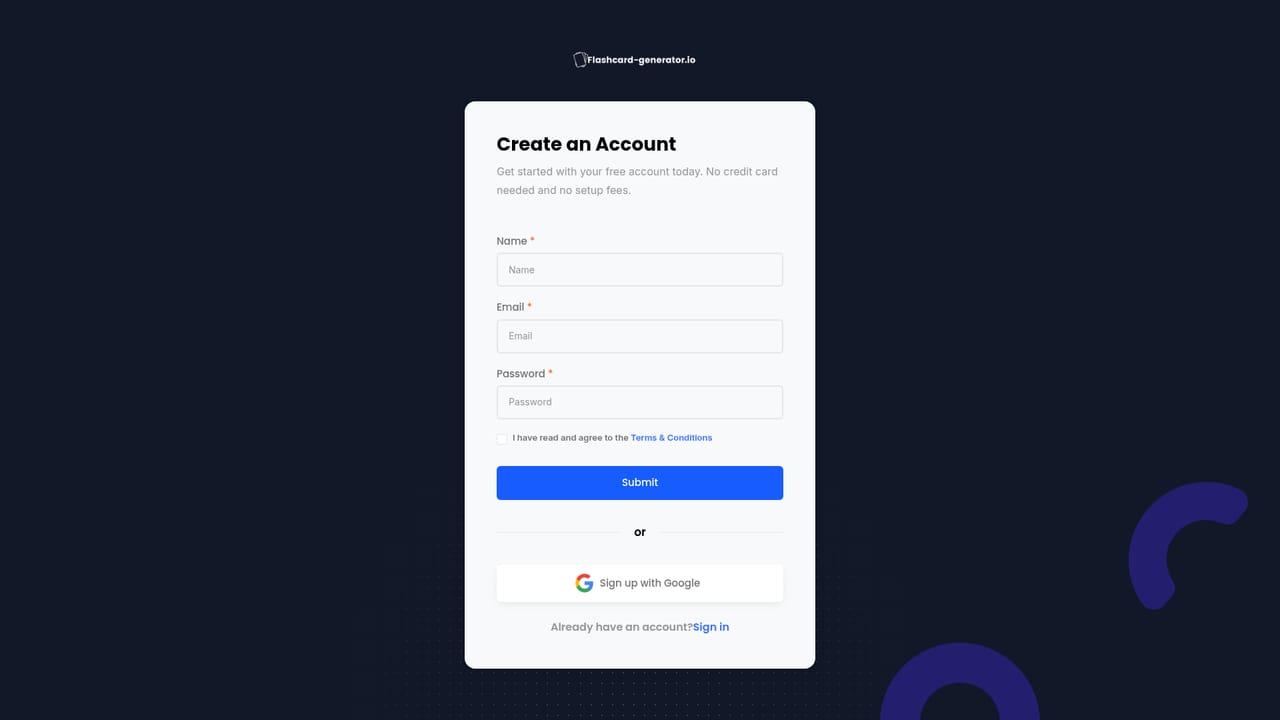
Free use is available without an account or payment card, and the site does not describe a separate time limited trial.
Learn moreThe homepage advertises free flashcard creation with no credit card required and no signup needed to start. Specific plan tiers, paid limits and quotas are not stated on the homepage, so the pricing page is the place to confirm what a paid subscription adds.
Learn moreA contact page and a support email address are listed on the site for questions and account help.
Learn moreYouTube links can be used as a content source. No other third party integrations or an API are described on the homepage.
Generates flashcards from PDFs, Word and PowerPoint files, text, images of handwritten notes, YouTube videos and audio, with a 2 MB document cap. Cards are editable after generation and decks can be shared by link. Generation runs on Google Gemini, eight languages are supported, and the tool works in any browser.
 AI Angels400+ customizable AI girlfriends for NSFW chat, voice calls, and roleplay
 Candy AIExperience the future of companionship with AI friends who chat, role-play, and connect with you on a human level.
 ourdream.aiA vast AI roleplay platform with millions of characters for chat, images, video and voiceAI Angels400+ customizable AI girlfriends for NSFW chat, voice calls, and roleplayCandy AIExperience the future of companionship with AI friends who chat, role-play, and connect with you on a human level.ourdream.aiA vast AI roleplay platform with millions of characters for chat, images, video and voice


