Free trial
The diagnostic test is free and generates a personalized study plan. The homepage asks whether payment is required to start and presents the diagnostic as the no cost entry point rather than a time limited trial.
Learn moreAI-driven Digital SAT prep with a diagnostic test, games and an AI tutor

LearnQ is an exam preparation tool. AI-powered Digital SAT preparation combining a free diagnostic test, personalized study plans, game-based practice, full length mocks and an AI tutor named Mia, with analytics dashboards and mock publishing tools for teachers and institutes.
LearnQ is an AI-assisted preparation platform built around the Digital SAT. Students begin with a diagnostic test that estimates their current score and turns the result into a personalized study plan. From there the platform combines a question bank, full length mock tests, game-based quizzes and a conversational tutor called Mia. The site reports more than 200,000 tests taken and over 73,000 doubts answered by the tutor, with users in more than 130 countries. Mia is the center of the student experience. Learners can open any question solution, review the errors they made, then work through similar practice items with instant tips. Mia also runs several explanatory modes so a topic can be walked through in an adventure-style format rather than a flat text block. Alongside the tutor, LearnQ plots a learning graph and analytics for mastery, time efficiency, accuracy and potential score gains, so practice decisions come from data rather than guesswork. Educators get a separate layer. Teachers and administrators can publish their own mock tests, schedule assessments, analyze student performance in real time and receive AI recommendations. Custom branding and business growth tooling are aimed at institutes that want to run LearnQ under their own identity. A coaching arm pairs live one-on-one and small group sessions from mentors who scored 1580 or higher with the adaptive practice platform. Positioning is narrow and deliberate: this is SAT-first, not a general study assistant. The site publishes head-to-head comparisons against Bluebook, Khan Academy, UWorld, Kaplan, Acely and others, which suggests the intended buyer is choosing between established prep routes. The free diagnostic is the natural entry point, and paid plans start at the price shown on the pricing page.
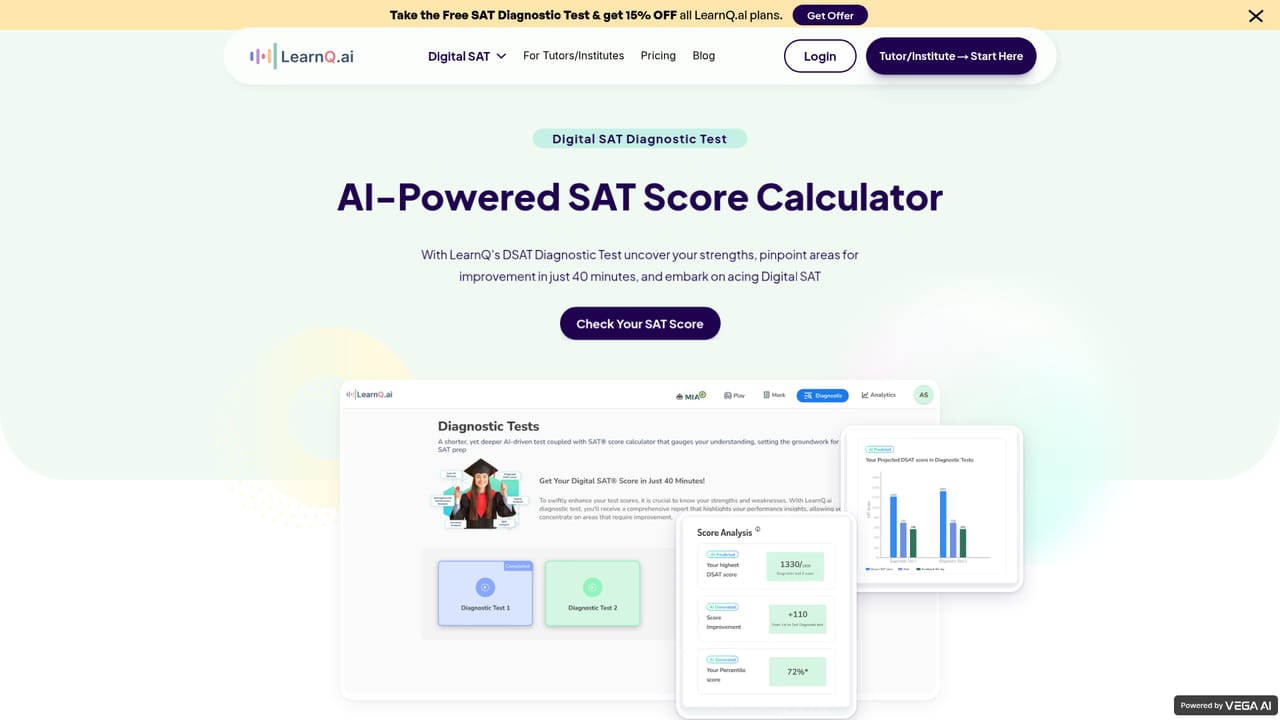
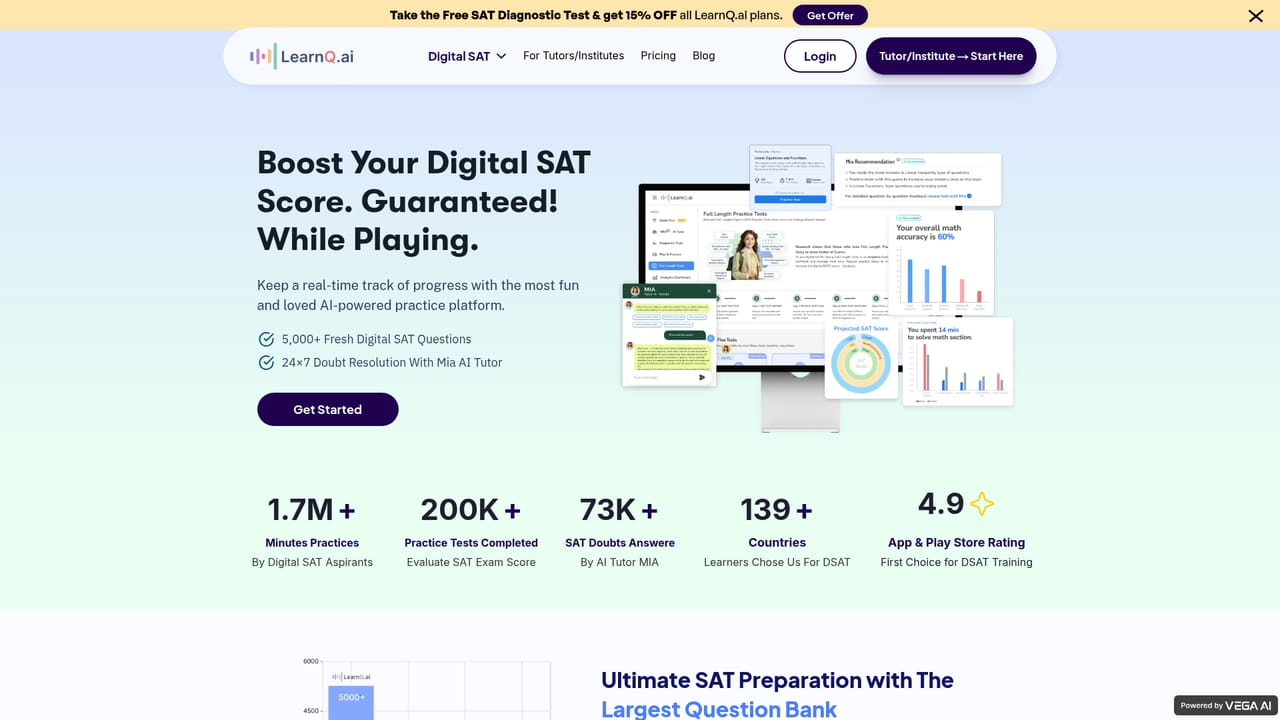
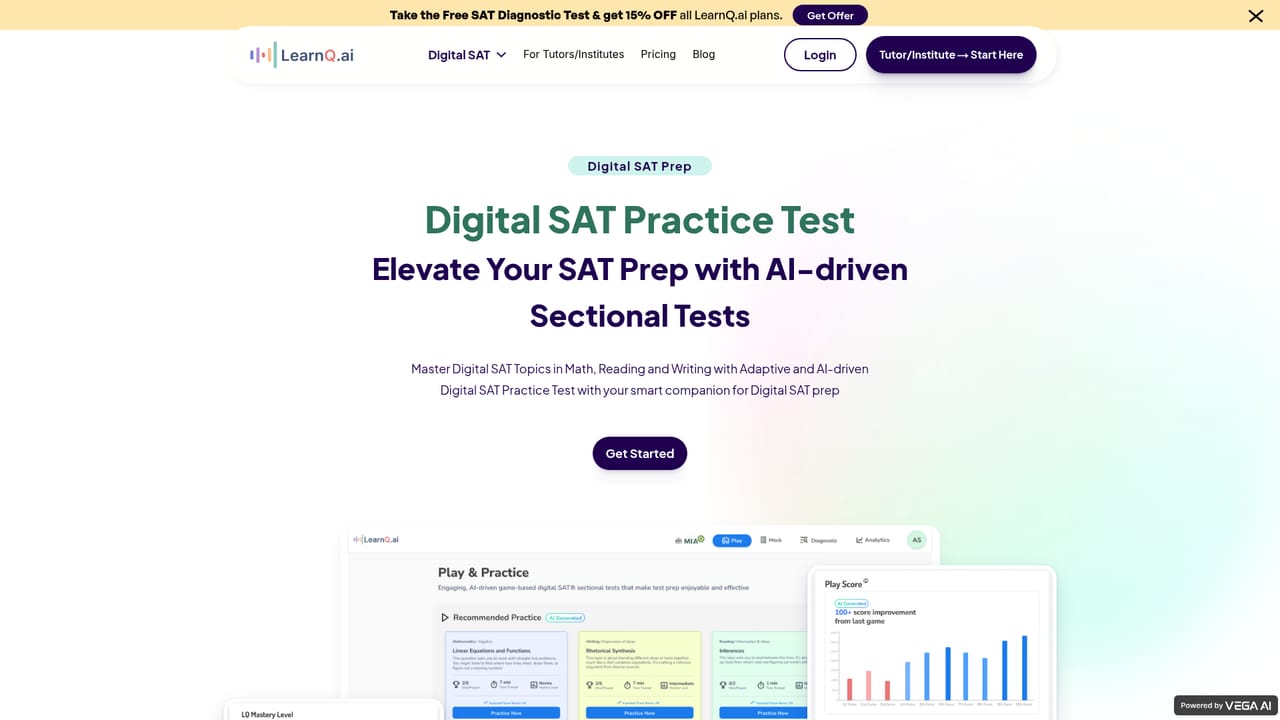
The diagnostic test is free and generates a personalized study plan. The homepage asks whether payment is required to start and presents the diagnostic as the no cost entry point rather than a time limited trial.
Learn morePlans start from $17 per month according to the homepage, with a separate pricing page for current tiers. The site also advertises 15% off all plans for visitors who take the free SAT diagnostic test. Exact inclusions per tier are not detailed on the homepage.
Learn moreSupport runs through a contact page and a Discord community where students connect with top SAT achievers. The site also publishes a wall of student testimonials and an FAQ section.
Learn moreDiagnostic test with a personalized study plan, game-based practice and quick quizzes, real-time analytics on mastery and accuracy, full length mock tests, the Mia AI tutor with multiple explanatory modes, plus educator tools for publishing mocks, scheduling tests and viewing performance insights.
Learn more AI Angels400+ customizable AI girlfriends for NSFW chat, voice calls, and roleplay
 Candy AIExperience the future of companionship with AI friends who chat, role-play, and connect with you on a human level.
 ourdream.aiA vast AI roleplay platform with millions of characters for chat, images, video and voiceAI Angels400+ customizable AI girlfriends for NSFW chat, voice calls, and roleplayCandy AIExperience the future of companionship with AI friends who chat, role-play, and connect with you on a human level.ourdream.aiA vast AI roleplay platform with millions of characters for chat, images, video and voice


