Free trial
The homepage invites students to sign up and start for free with just a name and email, so an unpaid entry point exists. The site does not state how long free access lasts or what it includes.
Learn moreAn AI tutor for homework help, practice tests and exam prep.

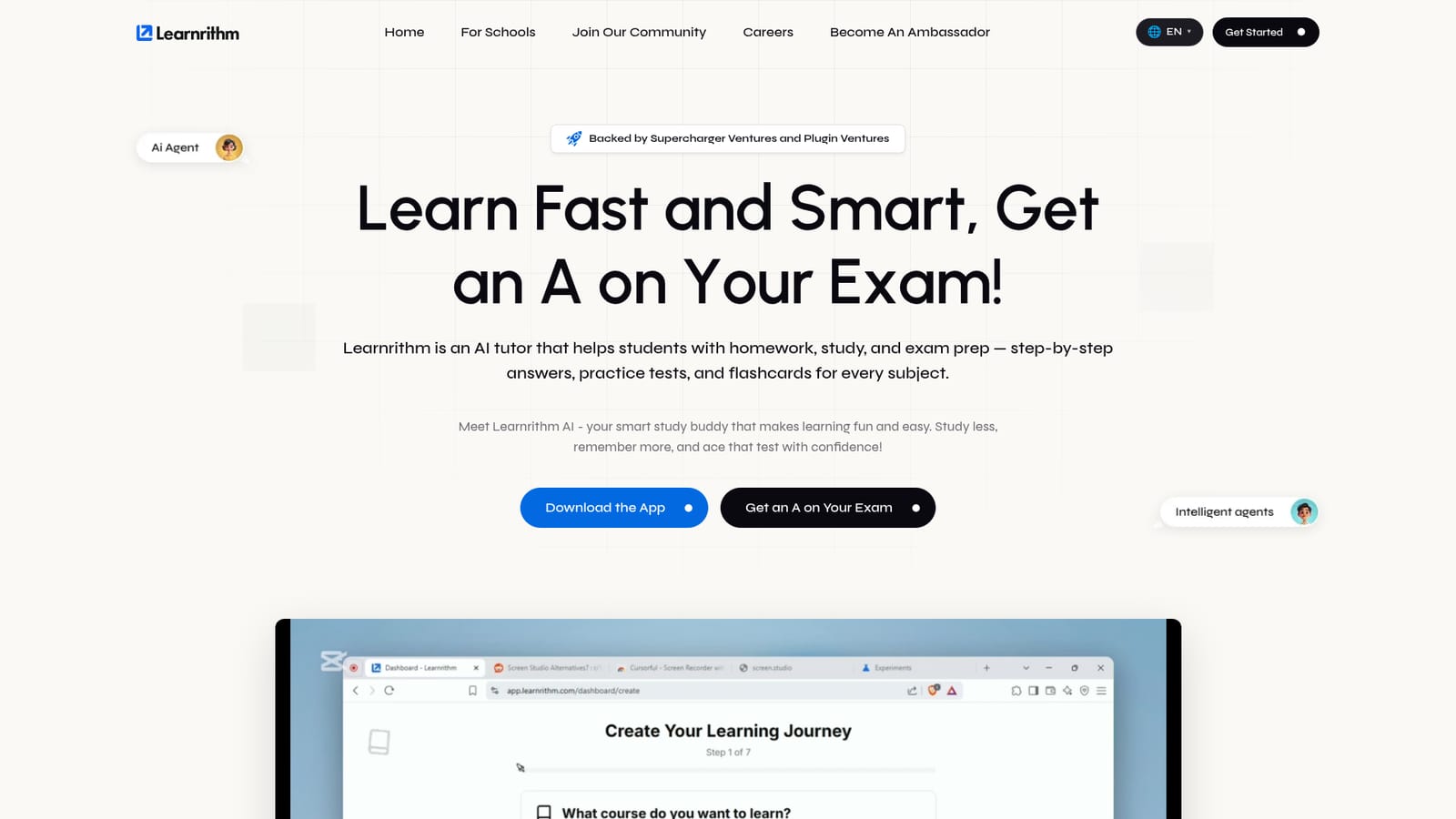
Learnrithm is an AI tutor for students, combining step-by-step homework explanations, generated practice quizzes and flashcards, a study plan maker, and exam prep for SAT, ACT and AP material. Signup is free and the whole tool runs through a web dashboard.
Learnrithm is an AI tutor built around the daily reality of schoolwork: homework that needs explaining, material that needs drilling, and exams that need preparing for. Students sign up with a name and email, choose a subject, and work with a set of named study helpers rather than a single open chat box. The product covers math, science, history and English according to the site, and positions itself as usable across any subject a student names. The tool splits study work into distinct functions. Quizzy generates practice tests and quizzes on a chosen topic, Flashy builds flashcards for recall practice, Teachy explains concepts and walks through answers step by step, and Checky reviews submitted work. A study plan maker produces schedules that adapt to the student's pace and tracks progress toward goals. Homework help is framed as explanation first rather than answer copying, which matters for students who need to defend their work in class. In practice a session is short and repeatable: pick a subject, ask a question or request a quiz, then revisit weak areas as the plan updates. The site claims adoption by more than 10,000 students across over 100 universities, with logos from Stanford, Princeton, Oxford, Imperial, Edinburgh and Bristol displayed as trust signals. That skews the marketing toward higher education, though the subject coverage and exam prep framing (SAT, ACT, AP) point at high schoolers too. Among AI study tools, Learnrithm sits closer to structured tutoring than to a general chatbot. The named helpers and plan tracking give it more shape than freeform prompting, and the free signup lowers the barrier. The tradeoff is a closed ecosystem: everything runs inside Learnrithm's own dashboard and app, and students who want to pipe content into their existing notes or learning tools will not find that here.
The homepage invites students to sign up and start for free with just a name and email, so an unpaid entry point exists. The site does not state how long free access lasts or what it includes.
Learn moreLogged-in users can open and track support tickets from the dashboard, and a contact page is available on the main site. No live chat or phone support is mentioned.
Learn moreCore features include an AI question generator and quizzes (Quizzy), flashcards (Flashy), step-by-step explanations (Teachy), work checking (Checky), a personalized study plan maker with progress tracking, unlimited practice tests, and exam prep aimed at SAT, ACT and AP material.
 AI Angels400+ customizable AI girlfriends for NSFW chat, voice calls, and roleplay
 Candy AIExperience the future of companionship with AI friends who chat, role-play, and connect with you on a human level.
 ourdream.aiA vast AI roleplay platform with millions of characters for chat, images, video and voiceAI Angels400+ customizable AI girlfriends for NSFW chat, voice calls, and roleplayCandy AIExperience the future of companionship with AI friends who chat, role-play, and connect with you on a human level.ourdream.aiA vast AI roleplay platform with millions of characters for chat, images, video and voice


