Free trial
The tool is presented as free to use without an app, with a daily cap of 20 generations. No separate trial period is described.
Learn morePreview new haircuts and colors on your own photo in the browser
Own AI Hairstyle Changer? Verify ownership to get a dofollow link

AI Hairstyle Changer is a fun tool. A free, browser-based virtual hair try-on. Upload a photo, choose a hairstyle and color from a template library, and get a preview you can download, with face-shape suggestions and related analysis pages.
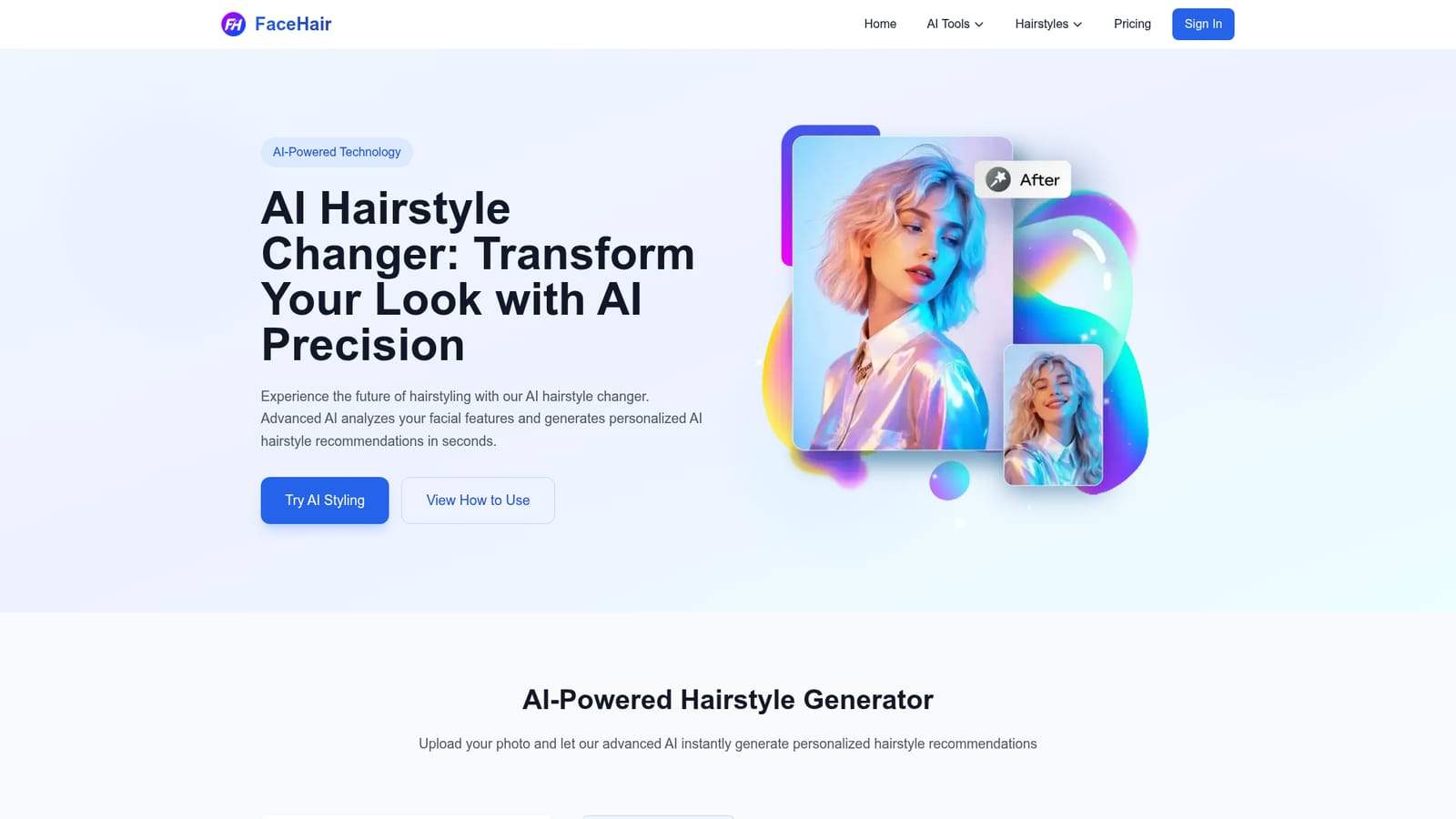
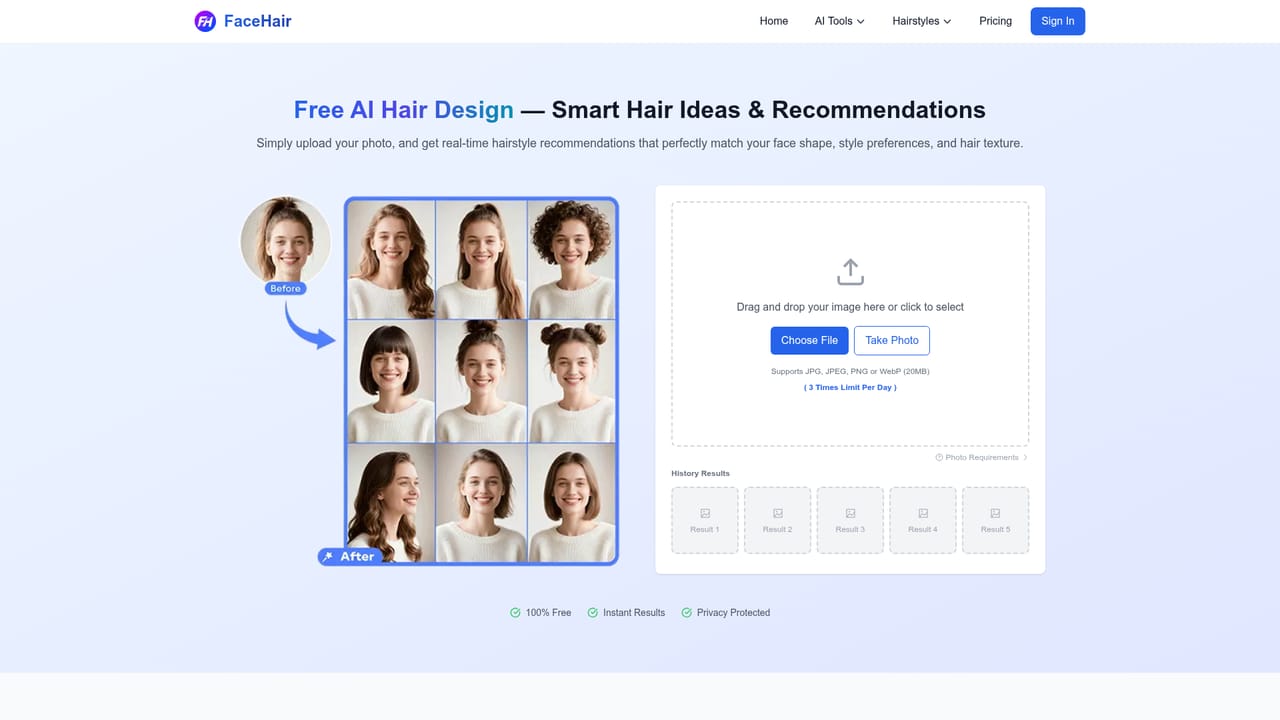
AI Hairstyle Changer, published under the FaceHair.ai name, is a browser-based virtual hair try-on. A visitor uploads a portrait, picks a hairstyle and color from a template library split into female and male sets, and the service generates an edited image showing that look on their own face. The results can be previewed on screen, downloaded and shared, and a history panel keeps recent outputs for comparison. The tool is aimed at ordinary consumers who want to test a cut before committing to it. The homepage points to occasions such as weddings, makeovers, events and salon preparation, where showing a stylist a concrete picture beats describing a style in words. A hair professional is quoted using it to shorten consultations, so it also suits stylists who want a quick visual aid for clients. No app installation is required, and the site frames the experience as free to start. In practice the flow is short. A photo is dragged in, chosen from the device or taken with the camera (JPG, JPEG, PNG or WebP up to 20MB), then a template is selected, such as long straight, curly, butterfly, layered, loose or bun for women. Generation takes seconds according to the site. The page states a limit of 20 generations per day, which matters for anyone planning to browse many styles in one sitting. Beyond the main changer, the site links to related pages: a facial analysis tool that detects a face and offers styling tips and beauty insights, an AI Hair Design page that suggests haircut ideas based on face shape, and a themed page for kingdom hairstyles. The library is described as holding more than 500 hairstyle options, with recommendations tied to face shape. Among alternatives, it sits with other virtual makeover and photo-editing tools, but its narrow focus on hair and the lack of any signup wall or download make it quick for a one-off experiment. Realism will depend on the quality of the source photo, and it is a preview aid rather than a substitute for a stylist's judgment.
The tool is presented as free to use without an app, with a daily cap of 20 generations. No separate trial period is described.
Learn moreThe homepage promotes the hair try-on as free with no cost to start and mentions a limit of 20 generations per day. Details of any paid tiers are not stated.
Learn morePhoto upload or camera capture, female and male hairstyle templates, hair color choice, quick generation, history of results, download and sharing, face-shape recommendations, facial analysis and an AI hair design page.
Learn more


